Organizations evaluating Consensus alternatives often look beyond surface-level online fax tools and focus on workflow continuity, compliance posture, and operational reliability. This guide examines healthcare-ready cloud fax platforms, including Healthcare Cloud Fax Solutions designed for secure document exchange and regulatory compliance, that organizations consider when moving away from Consensus Cloud Solutions or eFax, with a clear look at strengths, tradeoffs, and best-fit scenarios.
Why teams look for Consensus alternatives in 2026
Organizations reassess fax platforms not because fax disappears, but because operational expectations rise. Healthcare delivery now spans multiple locations, vendors, and care settings, and fax traffic follows that complexity. Teams that once relied on a centralized fax solution often discover friction when routing volumes increase, compliance oversight tightens, or integration demands grow.
By 2026, the industry will have shifted significantly toward Intelligent Faxing. Many teams are moving away from Consensus because they require built-in AI for data extraction, reducing the need for manual data entry into EHRs. Furthermore, rising subscription costs and legacy infrastructure lag in older Consensus modules have pushed IT leaders to seek more agile, API-first alternatives.
Common drivers behind the switch
| Operational pressure | Why does it trigger re-evaluation |
| Increased fax volume | High inbound traffic strains manual routing, leading to 15-20% higher administrative costs. |
| Multi-site growth | Centralized systems struggle with location-specific workflows. |
| Compliance audits | Limited audit visibility raises risk; OCR (Office for Civil Rights) audits now prioritize “access logs.” |
| Integration needs | Standalone fax tools slow clinical documentation flow. |
| Support expectations | Delays impact clinical teams; “Direct-to-EHR” is now the 2026 industry standard. |
After reviewing these factors, many organizations conclude that exploring Consensus alternatives is less about replacement and more about alignment with how care actually operates today.
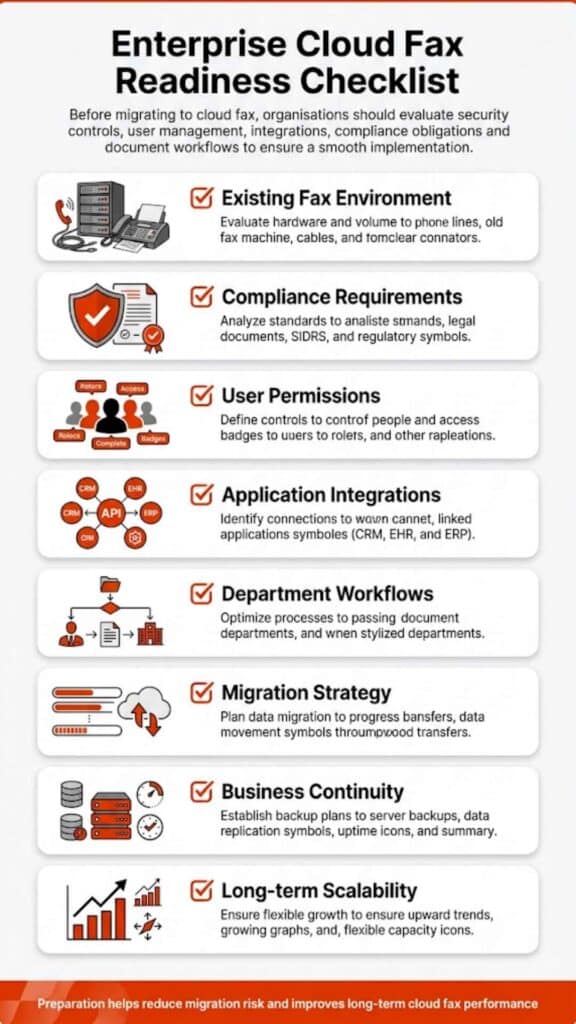
What to check before switching
Switching fax platforms in healthcare is rarely a technical decision alone. In 2026, the gold standard for security has moved beyond HIPAA to include HITRUST CSF certification and SOC 2 Type II compliance.
Before initiating a transition, teams typically assess whether a platform supports structured testing, phased deployment, and fallback options. Vendor transparency around uptime architecture, routing logic, and data retention policies also becomes critical, particularly for organizations handling protected health information across departments.
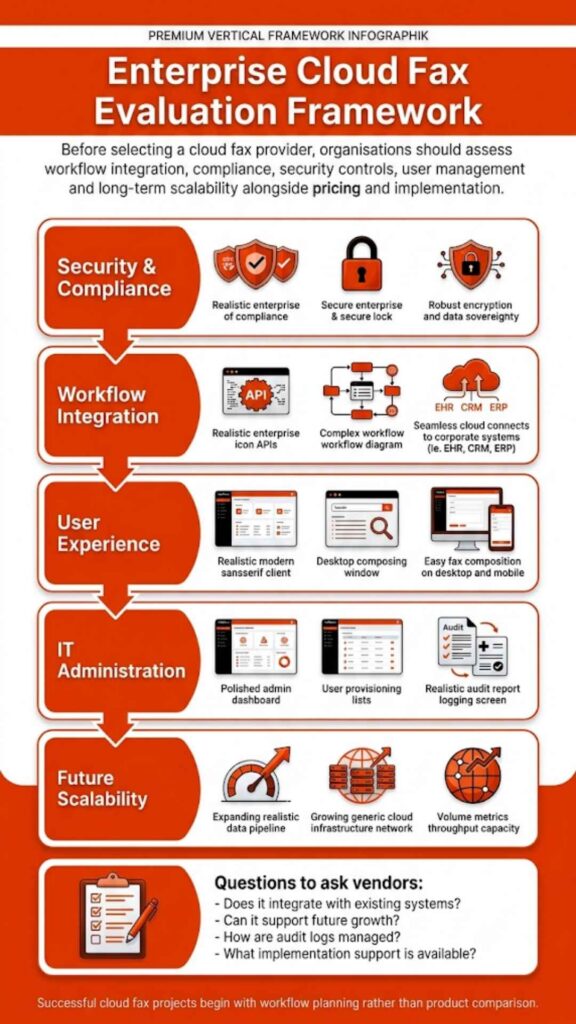
Key evaluation areas
| Evaluation area | Why it matters |
| Transmission security | Ensures protected data remains safeguarded end-to-end |
| Audit logging | Supports compliance reviews and incident investigations |
| Routing logic | Reduces misdirected or delayed clinical documents |
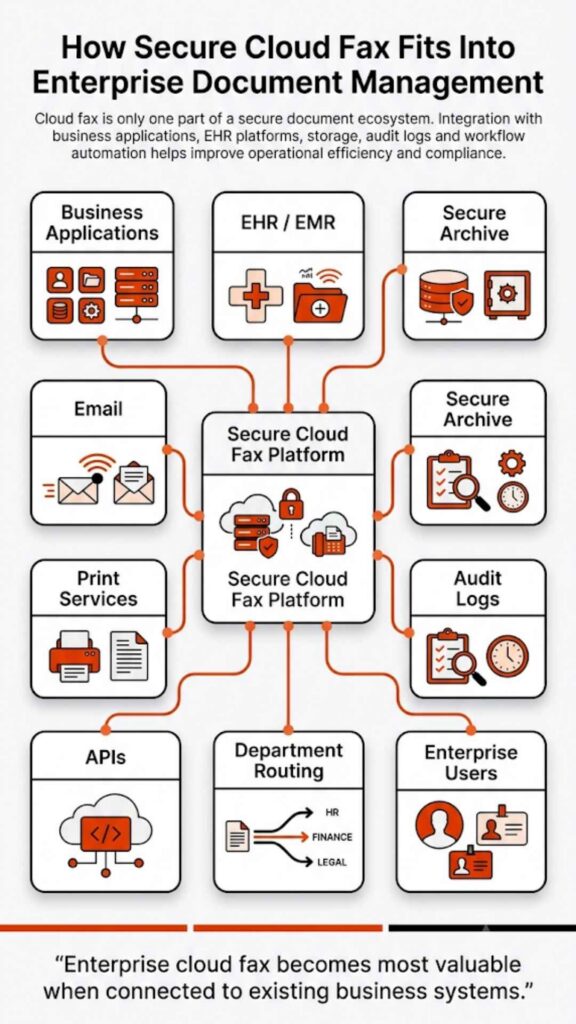
| Integration capability | Keeps fax aligned with EHR and billing systems |
| Deployment support | Minimizes disruption during migration |
Evaluating these elements early helps organizations avoid surprises after porting numbers or retiring legacy systems.
The selection criteria that matter for healthcare cloud fax
Healthcare cloud fax decisions rarely hinge on marketing claims. They rest on whether the platform offering aligns with clinical workflows, regulatory oversight, and long-term scalability.
Compliance and risk controls
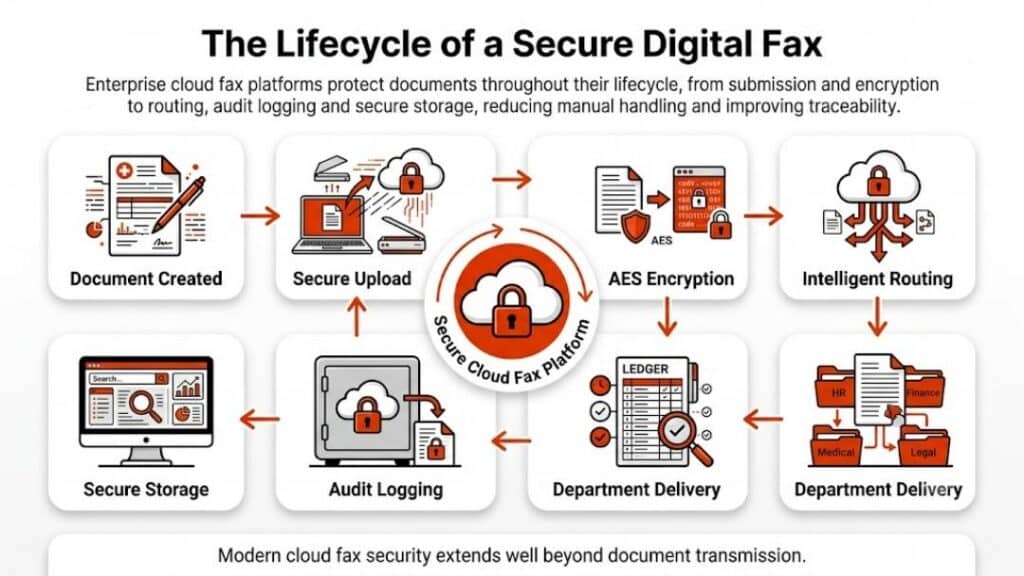
Healthcare faxing operates under a different risk model than general business communications. Regulatory scrutiny, breach notification requirements, and patient privacy obligations raise the stakes for every transmitted document. As a result, organizations rely on Healthcare Fax Solutions that provide not only encryption but also control mechanisms that limit access based on role, location, and function.
Risk controls also extend beyond technology. Clear administrative oversight, defined retention schedules, and traceable transmission histories help organizations respond confidently to audits or data inquiries. Solutions that embed these controls into daily operations reduce dependence on manual workarounds that often introduce compliance gaps.
EHR connectivity and workflow fit
Fax persists in healthcare because interoperability remains uneven across systems and organizations. While standards evolve, many referrals, authorizations, and diagnostic reports still arrive by fax. The challenge lies in ensuring those documents land where clinicians expect them, without manual sorting or scanning delays.
Effective EHR connectivity allows faxed documents to attach directly to patient records or designated queues. This alignment reduces downstream errors and shortens processing time. Platforms that treat fax as part of the clinical information flow, rather than a separate inbox, tend to fit more naturally into healthcare environments.
Admin, reporting, and routing at scale
As organizations grow, fax administration becomes a governance issue rather than a convenience task. Centralized reporting helps leadership understand volume trends, peak usage periods, and routing accuracy. These insights inform staffing decisions and workflow adjustments.
Advanced routing rules further reduce administrative burden by automatically directing inbound documents based on metadata such as sender, number, or document type. When combined with role-based access controls, these capabilities allow organizations to manage high-volume fax operations without constant oversight.
7 Best Consensus alternatives
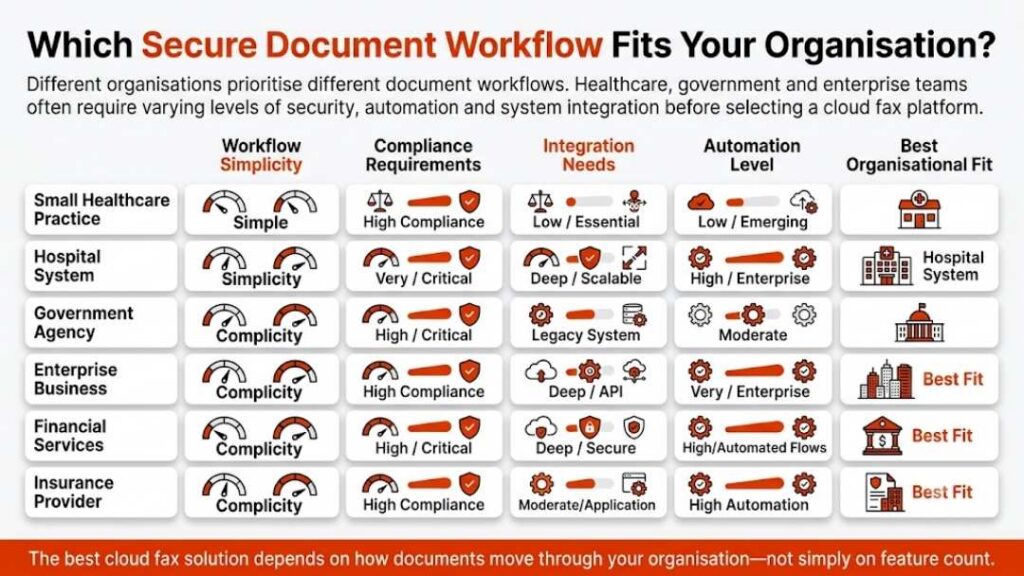
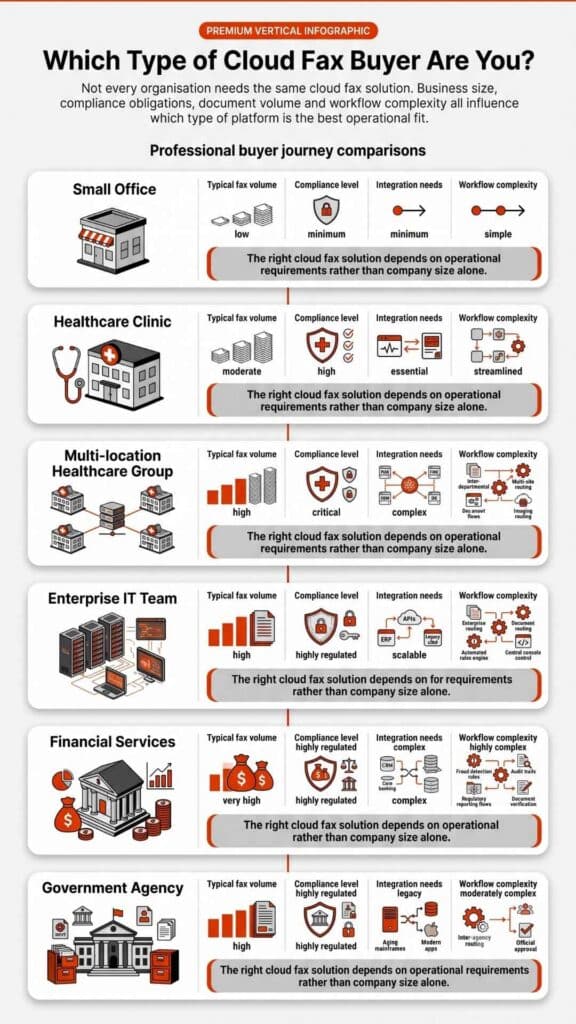
Before examining individual platforms, it helps to frame these Consensus alternatives within their intended use cases. Some tools emphasize enterprise breadth, others focus tightly on healthcare workflows, and a few balance usability with compliance needs. The following comparisons reflect how these platforms typically perform in real healthcare environments rather than idealized scenarios.
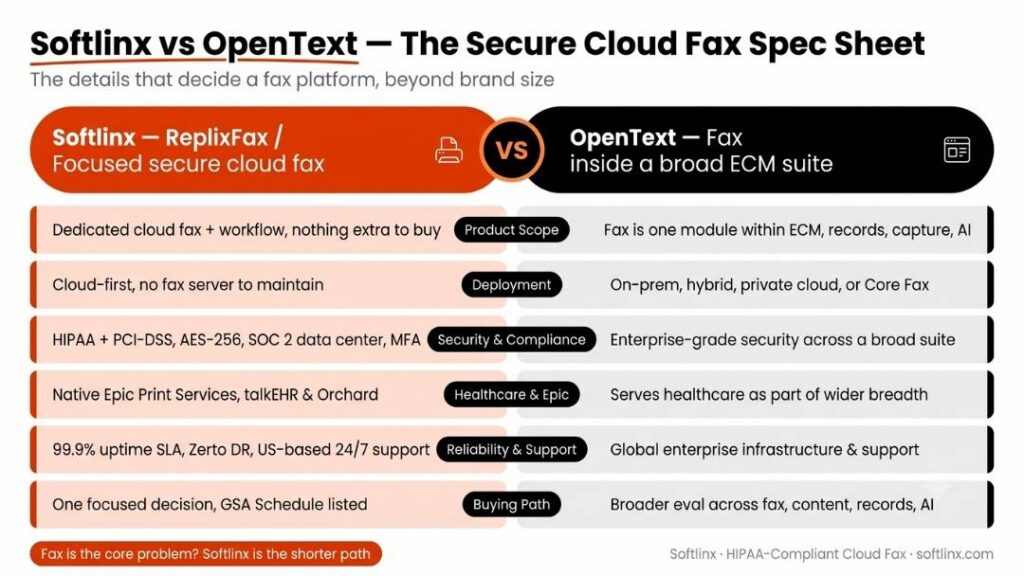
1. Softlinx ReplixFax
Softlinx offers ReplixFax as an enterprise-focused cloud fax solution designed for high-volume, regulated environments. Among Consensus alternatives, it stands out for healthcare alignment rather than generic online fax convenience.
Key features and platform offering ReplixFax support cloud fax delivery alongside email-based faxing and traditional fax server deployments. It integrates with clinical systems through structured interfaces, which simplifies document exchange inside complex environments. Many healthcare organizations connect ReplixFax directly to electronic systems using EHR connectivity workflows rather than relying on manual inbox management.
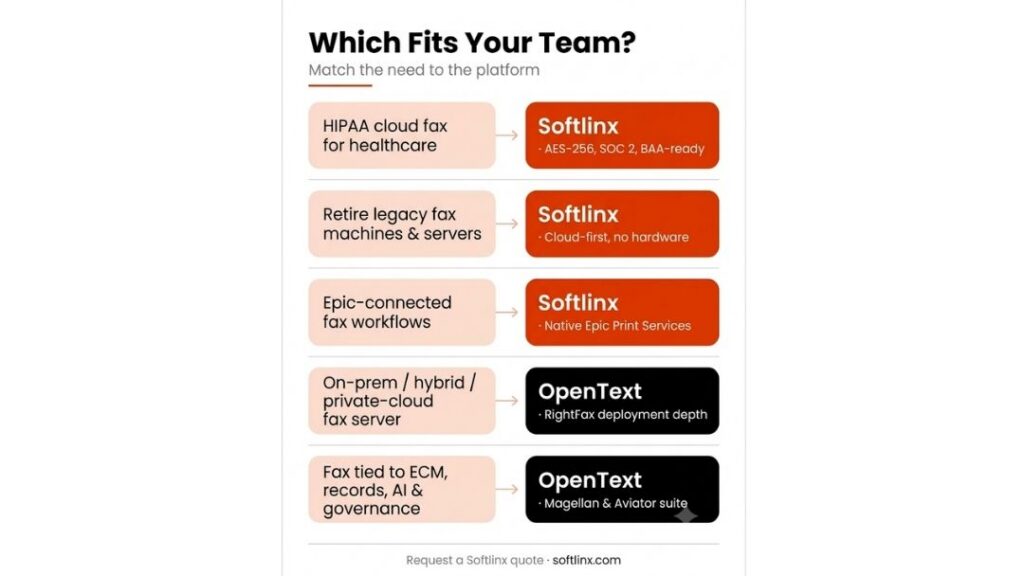
Best for hospitals, multi-location clinics, and healthcare networks that manage large inbound and outbound fax volumes and require consistency across departments.
Why teams choose this alternative: Organizations often select ReplixFax when they need cloud fax to behave like infrastructure rather than a lightweight tool. Support for enterprise fax server models, combined with HIPAA-aligned controls, makes it attractive for teams already managing regulated data flows. Its ability to scale across hospital cloud fax solutions and specialty practices without redesigning workflows adds long-term stability.
Pros and cons
| Strengths | Limitations |
| Strong healthcare focus and compliance posture | Enterprise setup may require IT coordination |
| Native integration with major EHRs | Not aimed at casual or consumer fax use |
| 99.9% uptime SLA and real-time disaster recovery | Learning curve for advanced routing |
| High-volume broadcast and automated folder faxing | Barcode triage requires a separate module |
2. OpenText Core Fax
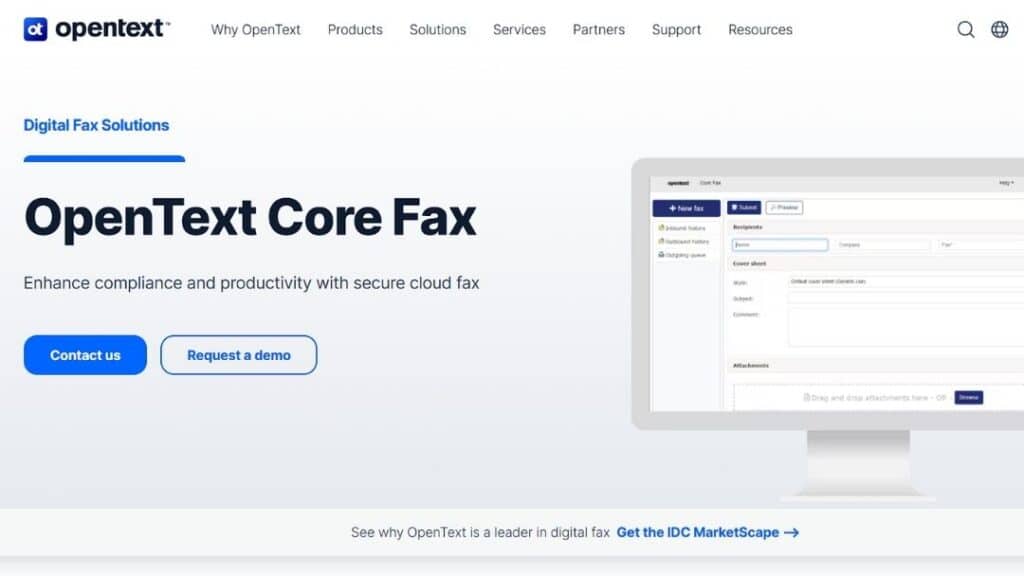
OpenText positions Core Fax as part of its broader enterprise information management ecosystem. It frequently appears in Consensus alternatives lists for organizations already invested in large-scale platforms, providing a direct upgrade path for those moving away from legacy XMedius or RightFax on-premises systems.
Key features and platform offering: Core Fax integrates with enterprise content systems and supports centralized administration. Its design favors organizations with mature IT governance and standardized workflows across business units.
Best for Large enterprises that want fax embedded into an existing OpenText ecosystem rather than operated as a standalone service.
Why teams choose this alternative: Buyers often view Core Fax as a safe choice when standardization matters more than flexibility. It suits environments where fax is one component of a broader document management strategy.
Pros and cons
| Strengths | Limitations |
| Deep enterprise integration options | Complexity may exceed smaller teams’ needs |
| Direct EHR integration (Epic, Cerner) | Less tailored to boutique or niche clinical workflows |
| AI-driven “Fax Aviator” extraction | Longer deployment cycles due to IT governance |
| Established vendor reputation | Often carries a higher price point than SaaS-only tools |
3. Documo mFax
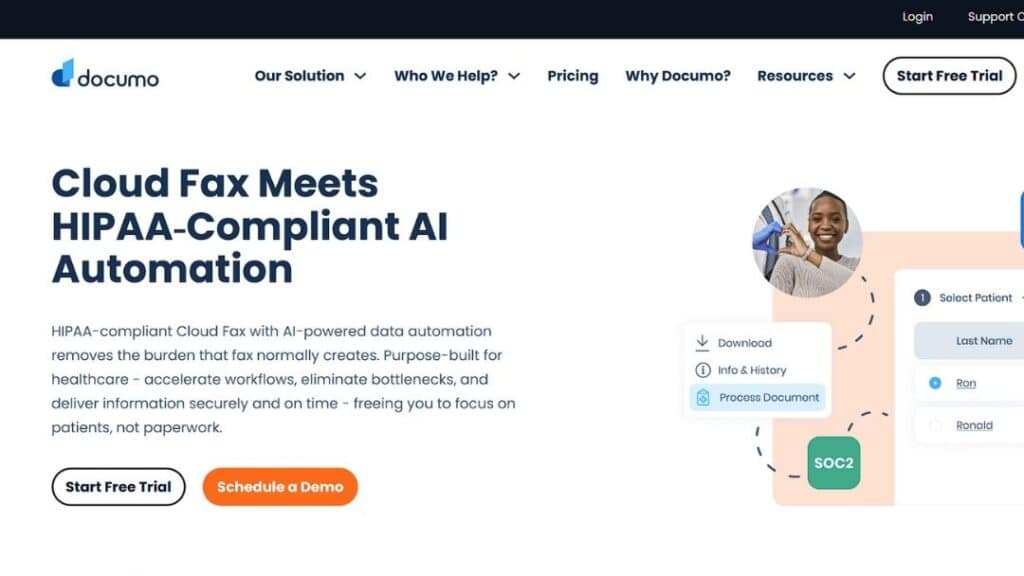
Documo offers mFax as a cloud-first fax service frequently associated with healthcare use cases. Among Consensus alternatives, it emphasizes simplicity with compliance awareness, operating as a unified platform that merged mSign and mDrive into a single document interoperability solution.
Key features and platform offering mFax support, cloud fax delivery, and integration with several clinical platforms. Its user interface prioritizes accessibility for clinical staff who interact with fax daily. The platform features a developer-friendly RESTful API and a Fax Machine Connector that allows clinics to bridge existing analog hardware with their secure cloud network.
Best for Mid-sized healthcare organizations seeking a balance between usability and compliance or teams requiring automated data extraction through Intelligent Document Processing (IDP).
Why teams choose this alternative: Organizations that want to reduce friction for front-line users often gravitate toward mFax. It focuses on usability without ignoring regulatory obligations.
Pros and cons
| Strengths | Limitations |
| User-friendly design | Less customization for complex routing |
| Healthcare-oriented messaging | Advanced enterprise controls may be limited |
| Cloud-native deployment | Scaling may require careful planning |
| Advanced AI-powered data classification and OCR | SSO (Single Sign-On) is restricted to higher-tier Enterprise plans |
4. Concord Cloud Fax
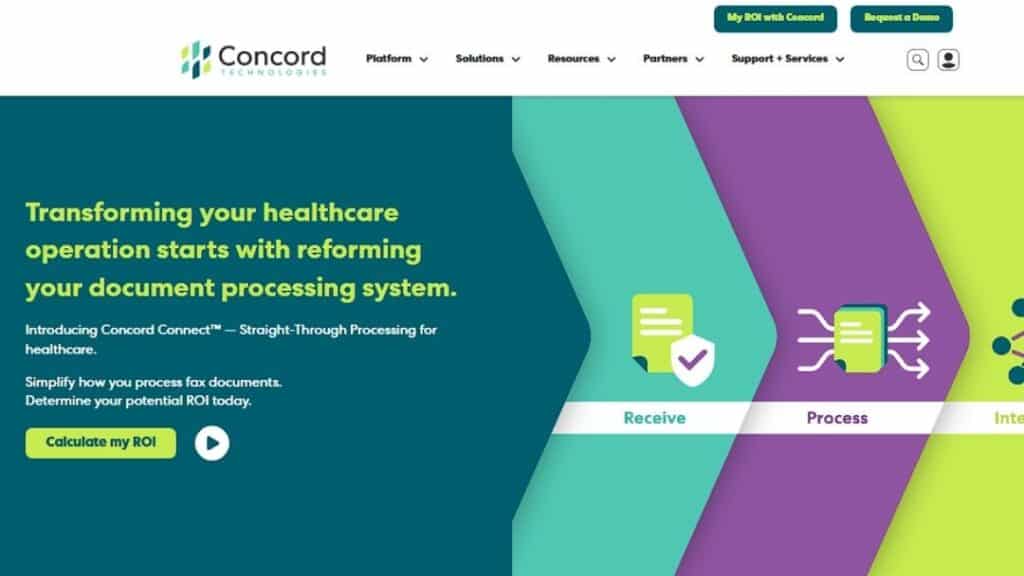
Concord Technologies delivers cloud fax services with a strong background in healthcare data interchange. It appears regularly in Consensus alternatives discussions tied to interoperability, processing over 4 billion pages of protected data annually.
Key features and platform offering: Concord emphasizes secure document exchange and structured routing. Its cloud fax tools integrate with clinical systems where interoperability matters more than speed alone. The platform utilizes “Practical AI” through Concord Connect to extract unstructured data from faxes, converting them into actionable clinical insights.
Best for Healthcare organizations focused on information exchange between disparate systems and teams looking to automate high-volume intake or referral processing.
Why teams choose this alternative: Concord appeals to teams that treat fax as part of a broader interoperability strategy rather than a standalone communication channel.
Pros and cons
| Strengths | Limitations |
| Interoperability experience | The interface may feel dated to some users |
| Healthcare-centric approach | Fewer general business features |
| Reliable routing controls | Narrower appeal outside healthcare |
| HITRUST and SOC 2 Type 2 certified | No-code integrations can be limited |
| Native Salesforce Health Cloud app | Requires 1,000+ page volume for Enterprise |
5. WestFax
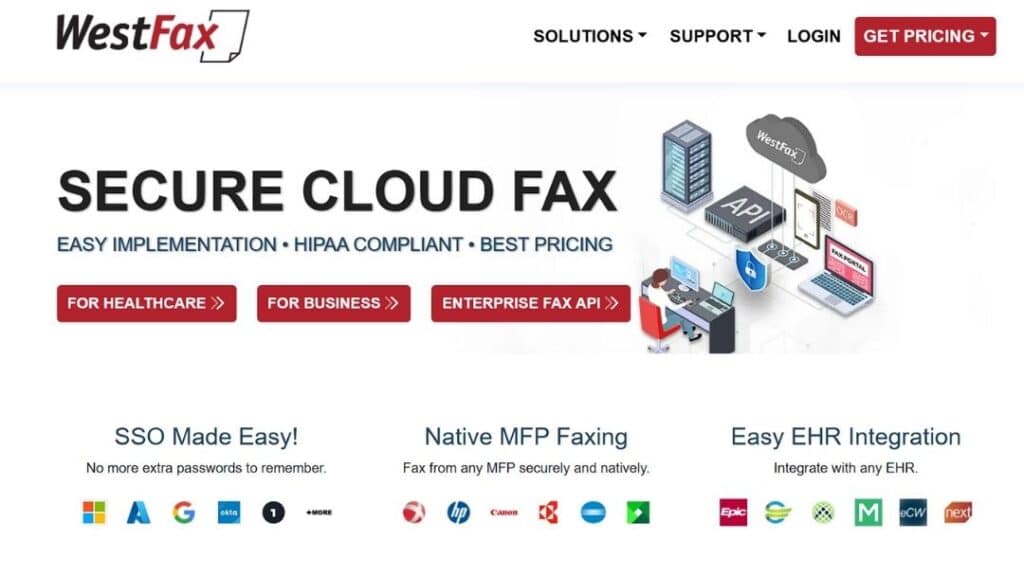
WestFax positions itself as a secure, SLA-backed fax provider for regulated industries. It commonly appears in directories comparing Consensus alternatives due to its 100% cloud-based architecture and 99.9% high-availability infrastructure.
Key features and platform offering: WestFax delivers cloud fax services with AES 256-bit encryption at rest and administrative oversight. Its focus stays on compliance and direct integration with Epic EHR. Unique features include a Print to Fax Windows driver and the WestFax Comprehend™ AI tool for intelligent document processing and classification.
Best for Organizations that need compliance-first faxing with the ability to sign a standard BAA (Business Associate Agreement) immediately upon signup.
Why teams choose this alternative: WestFax attracts buyers who prioritize security posture, evidenced by their SOC 2 Type II and PCI-DSS Level 1 certifications, and predictable operations. Teams often switch to avoid the per-seat licensing costs associated with legacy fax servers.
Pros and cons
| Strengths | Limitations |
| Native Epic EHR integration | Limited advanced workflow automation for non-healthcare sectors |
| Strong compliance focus (HIPAA/HITRUST) | Less flexible non-standard API customizations |
| Straightforward Unified Admin Portal | May feel restrictive for complex legacy on-prem routing |
6. Retarus Cloud Fax Solutions
Retarus offers cloud fax as part of a broader enterprise messaging portfolio. It often appears in analyst coverage and Consensus alternatives lists.
Key features and platform offering: Retarus emphasizes reliability and global reach. Its cloud fax platform supports high-volume transmission and centralized monitoring.
Best for Global enterprises with distributed operations and health systems requiring HITRUST e1 certified messaging environments.
Why teams choose this alternative: Organizations value Retarus for consistency and uptime across regions. In 2026, many migrate to Retarus for its Fax for Applications API, which boasts up to 30% higher throughput than standard cloud interfaces.
Pros and cons
| Strengths | Limitations |
| High reliability (99.9% uptime SLA) | Less healthcare-specific positioning than niche tools |
| HITRUST, HIPAA, and SOC 2 Type II | Integration may require custom API development |
| Intelligent Document Processing (OCR/AI) | The user interface may feel technical to clinical staff |
7. RingCentral Fax
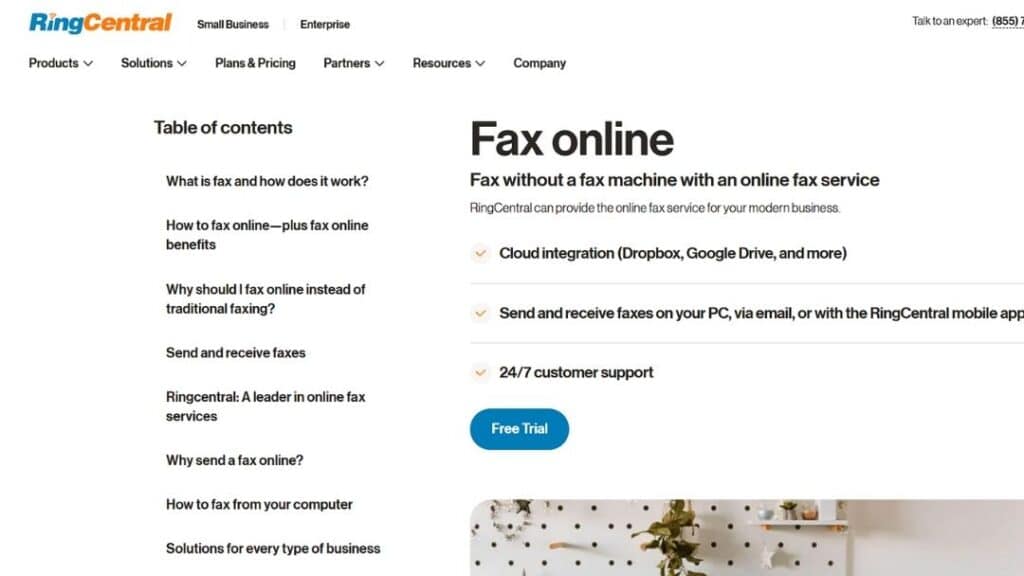
RingCentral includes fax within its broader communications suite. It appears in many general best online fax lists and some Consensus alternatives comparisons.
Key features and platform offering
RingCentral Fax integrates with voice and messaging services, offering a unified communications experience rather than a specialized fax platform. Key capabilities include Email-to-Fax, advanced scheduling, and the ability to broadcast a single fax to up to 50 recipients simultaneously. The platform also supports automated HIPAA-compliant data retention, where communications are limit ePHI exposure.
Best for organizations already invested in RingCentral for telephony and collaboration that require a mid-volume solution (up to 3,000 pages per month) without adding another vendor.
Why teams choose this alternative: Teams favor RingCentral Fax when consolidation matters more than specialized fax workflows. Its HITRUST CSF and SOC 2 Type II certifications provide the high-level security assurance required for clinical and financial data.
Pros and cons
| Strengths | Limitations |
| Unified communications ecosystem | Fax features are less specialized |
| Familiar interface | Limited healthcare workflow depth |
| Easy adoption for existing users | Compliance configuration requires care |
| Native integrations with Google Drive & Box | SSO and advanced security are locked behind the Ultra tier |
| Reliable 99.999% uptime SLA | Lacks deep EHR (Epic/Cerner) clinical routing |
Comparison snapshot: how Consensus alternatives differ
| Platform | Best fit | Healthcare workflow depth | Integration posture | Enterprise scalability |
| Softlinx ReplixFax | Hospitals, multi-site healthcare | High | Strong EHR alignment | High |
| OpenText Core Fax | Large enterprises | Moderate | Enterprise content systems | High |
| Documo mFax | Mid-sized healthcare | Moderate | Clinical systems | Moderate |
| Concord Cloud Fax | Interoperability-focused healthcare | High | Data exchange systems | Moderate |
| WestFax | Compliance-driven teams | Moderate | Limited | Moderate |
| Retarus | Global enterprises | Moderate | Messaging platforms | High |
| RingCentral Fax | UC-first organizations | Low | UC ecosystem | Moderate |
Migration realities when moving from Consensus
Migration planning often determines whether a transition succeeds quietly or creates operational disruption. Healthcare organizations commonly adopt parallel-run strategies, maintaining their existing fax service while validating routing accuracy and staff workflows on the new platform.
Number porting timelines, departmental training, and audit verification should occur before full cutover. Organizations that document workflows in advance and involve clinical stakeholders early tend to complete migrations with fewer interruptions and higher staff acceptance.
A clearer path forward for healthcare cloud fax decisions
Choosing among Consensus alternatives requires more than comparing feature lists. It requires understanding how fax supports patient care, regulatory obligations, and operational resilience. Platforms that integrate smoothly into healthcare workflows, offer strong compliance controls, and scale alongside organizational growth tend to deliver lasting value rather than short-term convenience.
For healthcare organizations evaluating cloud fax in 2026, the next step is practical evaluation. Structured demos, workflow testing, and scenario-based reviews reveal far more than marketing materials. Teams that approach the decision with clarity and discipline position themselves for smoother operations and stronger compliance outcomes over time.
To see how a healthcare-focused cloud fax platform handles real-world workflows, contact Softlinx and request a hands-on evaluation tailored to your environment.