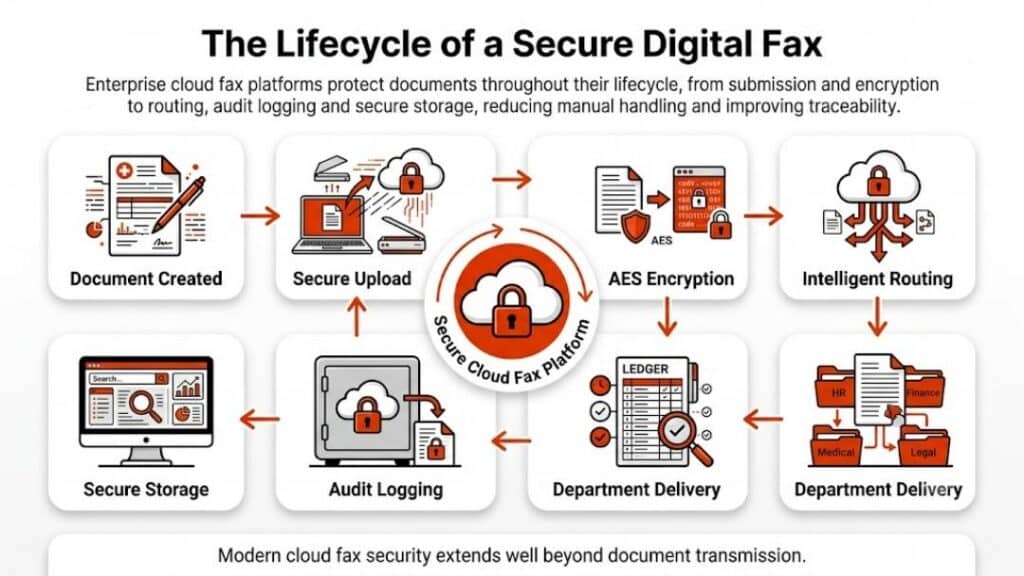
eFax still has name recognition, but many organizations now look elsewhere. This guide reviews practical eFax alternatives in 2026, comparing online fax services by reliability, compliance readiness, integrations, and real-world use cases. The focus stays on how each option works, where it fits best, and where limitations appear.
eFax alternatives that fit how faxing actually works today
The search for eFax alternatives usually starts with a single problem. Sometimes it’s the pricing structure. Sometimes it’s support. In regulated industries, it’s often compliance or workflow limits. Faxing may feel dated, yet it remains deeply embedded in healthcare, insurance, legal services, and government operations. The difference in 2026 lies in how faxing services operate behind the scenes.
An online fax service today is less about replacing a fax machine and more about enabling secure document exchange across email, cloud storage, and business systems. That shift explains why the market for eFax continues to expand.
What to look for in an online fax service in 2026
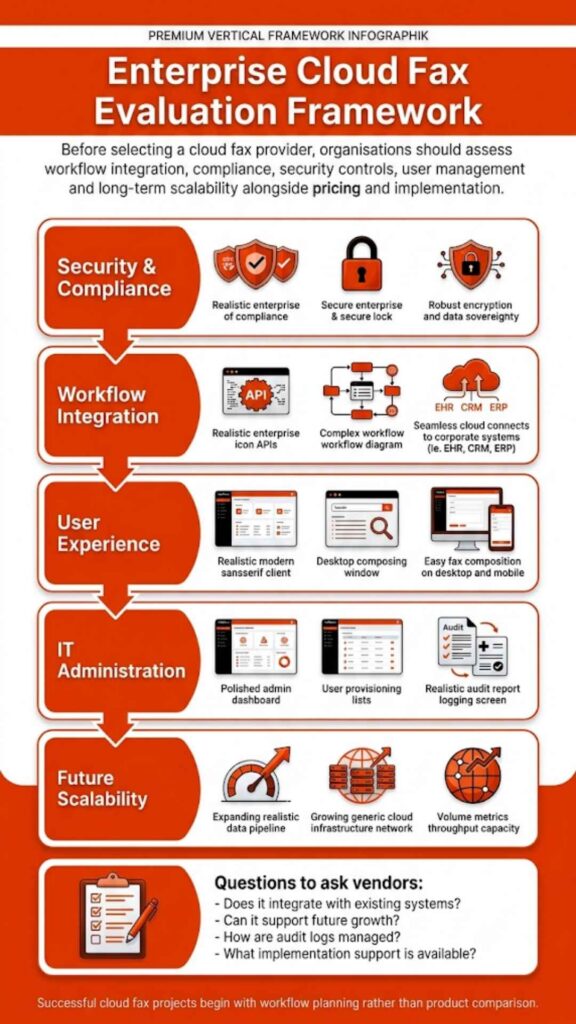
Choosing among eFax alternatives means looking beyond surface features. The real differentiator lies in how a platform behaves once it becomes part of daily operations.
A modern online fax service should support sending faxes and receiving them without friction, but it also needs to manage access, visibility, and reliability under pressure.
Evaluation criteria that matter now
| Capability | Why it matters in practice |
| Send and receive faxes digitally | Eliminates dependence on a fax machine |
| Fax from a computer | Enables remote and hybrid work |
| Cloud storage integration | Keeps records accessible and traceable |
| Role-based access | Limits the exposure of sensitive documents |
| Delivery reporting | Confirms successful fax transmission |
| Automation options | Reduces manual routing and handling |
| Customer support availability | Resolves failures before workflows stall |
| HIPAA-aware design | Essential for healthcare and regulated data |
Once these factors are clear, it becomes easier to separate basic fax tools from platforms designed for long-term operational use.
Best eFax alternatives in 2026
The following are the best eFax alternatives.
1. Softlinx ReplixFax
Best for: Healthcare organizations and enterprises with complex fax workflows
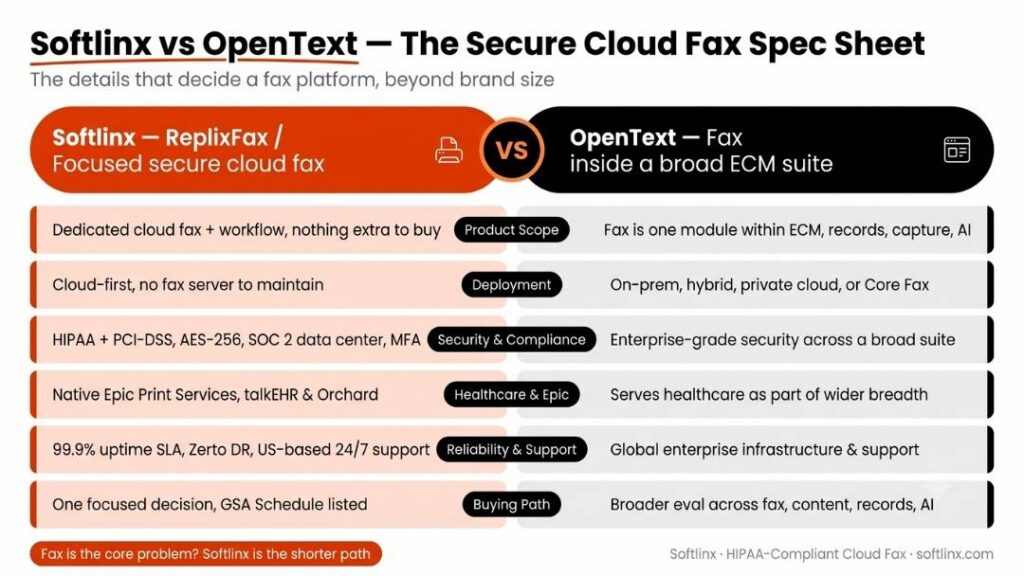
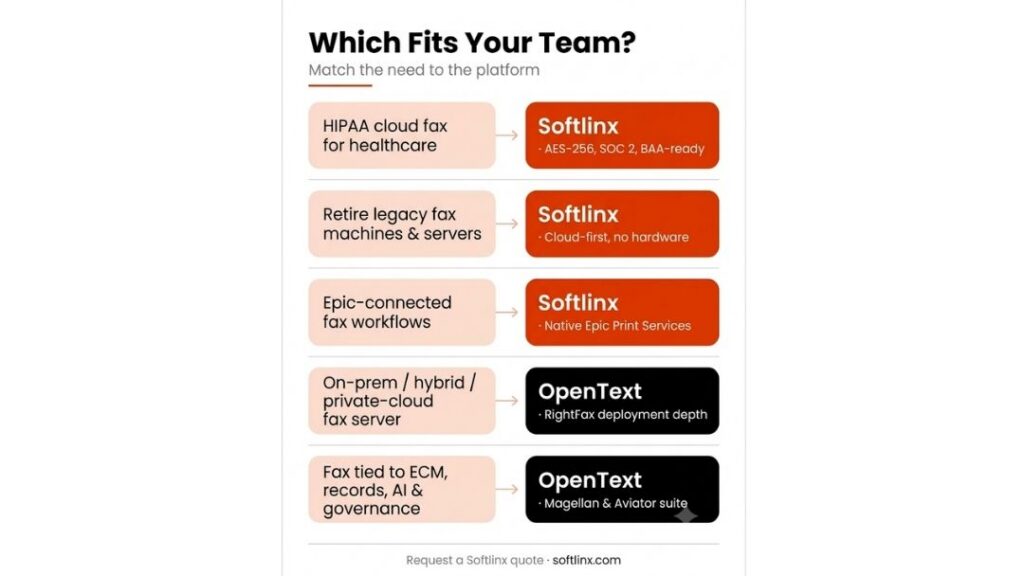
Faxing is treated as operational infrastructure rather than a convenience add-on with Softlinx ReplixFax. That distinction matters once fax becomes a core communication channel instead of an occasional task.
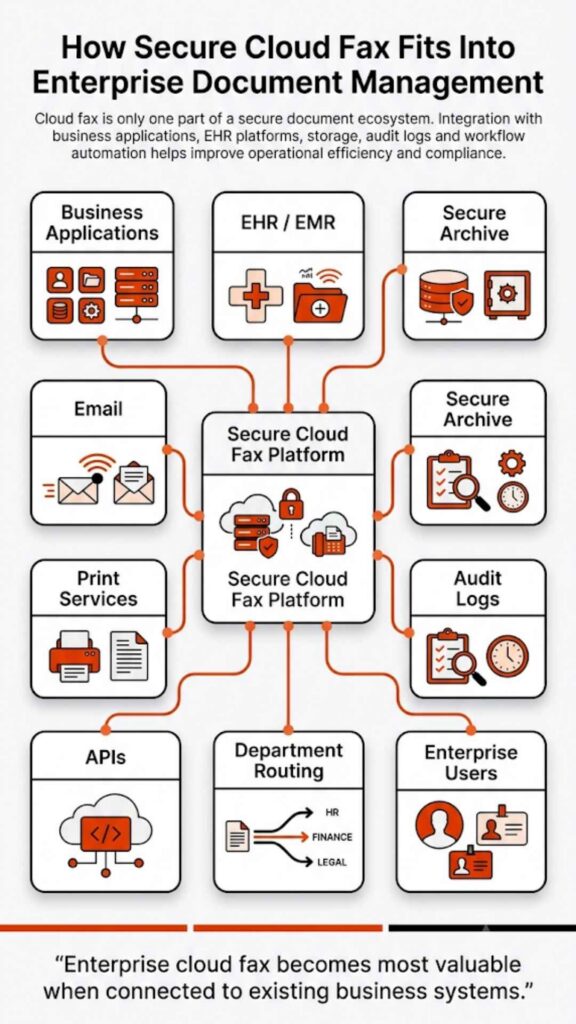
The platform supports structured routing, centralized administration, and high-volume handling, making it a practical choice for hospitals, clinics, and multi-location medical groups. Organizations evaluating enterprise-grade cloud fax solutions often prioritize consistency and visibility, both of which ReplixFax emphasizes.
Why does it beat eFax?
ReplixFax goes beyond basic online faxing by focusing on control. Where eFax centers on individual users, Softlinx supports organizational governance. That difference shows up in routing automation, audit readiness, and the ability to align fax workflows with broader clinical or operational systems.
Pros and cons
| Aspect | Strength | Consideration |
| Workflow depth | Advanced routing and automation | Requires planning during onboarding |
| Compliance posture | Designed for regulated environments | More than casual users need |
| Scalability | Handles high fax volumes reliably | Enterprise focus over simplicity |
| Support model | U.S.-based, enterprise-oriented | Not a consumer self-serve tool |
2. Fax.Plus
Best for: Small teams that want simplicity
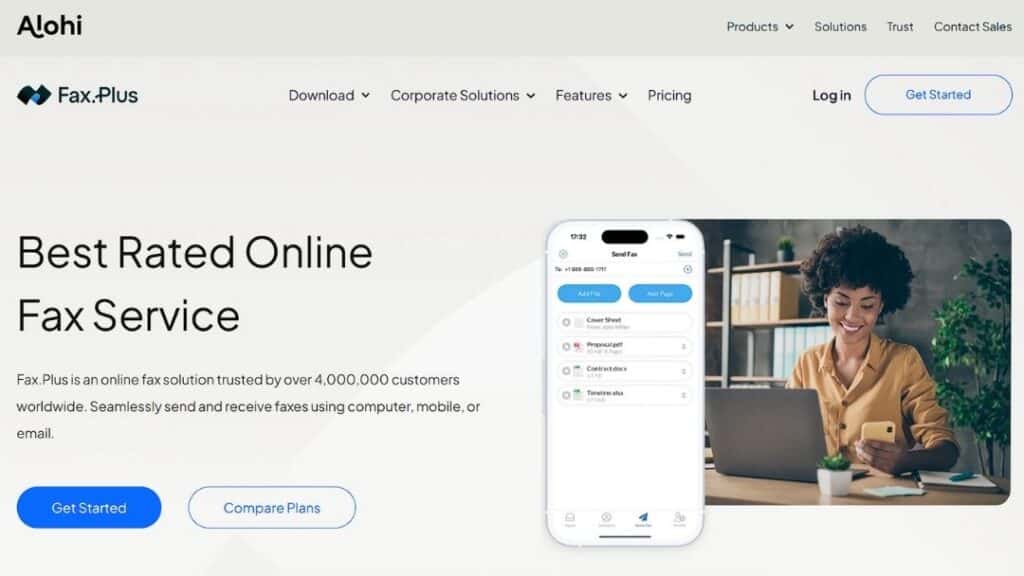
Fax.Plus appeals to organizations that want to fax from a computer without heavy configuration. It supports common cloud storage connections and offers a clean interface that reduces training time.
Why does it beat eFax?
Fax.Plus often feels more transparent in day-to-day use. Teams frustrated by rigid plans or unclear limits sometimes prefer its straightforward setup and modern interface.
Pros and cons
| Aspect | Strength | Consideration |
| Ease of use | Quick setup and intuitive UI | Limited advanced automation |
| Integrations | Supports common cloud tools | Fewer enterprise controls |
| Flexibility | Works well for small teams | Not built for high-volume needs |
3. iFax
Best for: Mobile-first professionals

iFax focuses on accessibility. Sending faxes from phones, tablets, or laptops feels seamless, which suits consultants and remote professionals.
Why does it beat eFax?
For users who prioritize mobility, iFax offers more flexibility across devices than traditional eFax.
Pros and cons
| Aspect | Strength | Consideration |
| Mobility | Strong mobile app experience | Limited admin oversight |
| Convenience | Fast faxing from anywhere | Less suited for regulated workflows |
| Usability | Minimal learning curve | Shallow reporting depth |
4. RingCentral Fax
Best for: Businesses using unified communications
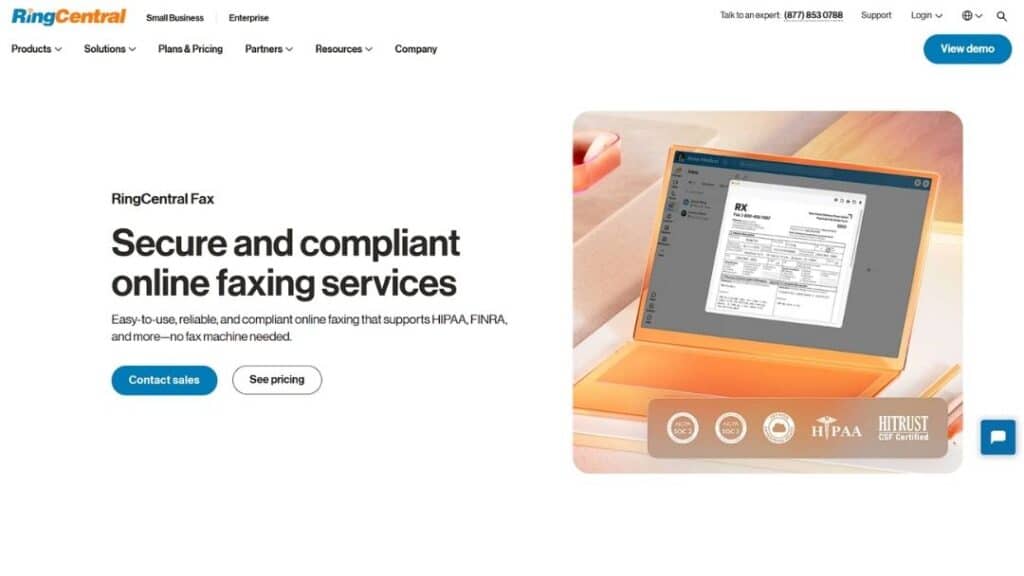
RingCentral Fax works best as part of a broader communications ecosystem. Teams already using RingCentral for voice and messaging benefit from consolidation.
Why does it beat eFax?
Bundling fax with other communication tools reduces vendor sprawl and simplifies billing for some organizations.
Pros and cons
| Aspect | Strength | Consideration |
| Integration | Unified platform experience | Fax features are not deeply specialized |
| Scalability | Works well for growing teams | Less control than dedicated fax tools |
| Support | Established enterprise support | Higher cost for fax-only users |
5. MyFax
Best for: Traditional small businesses
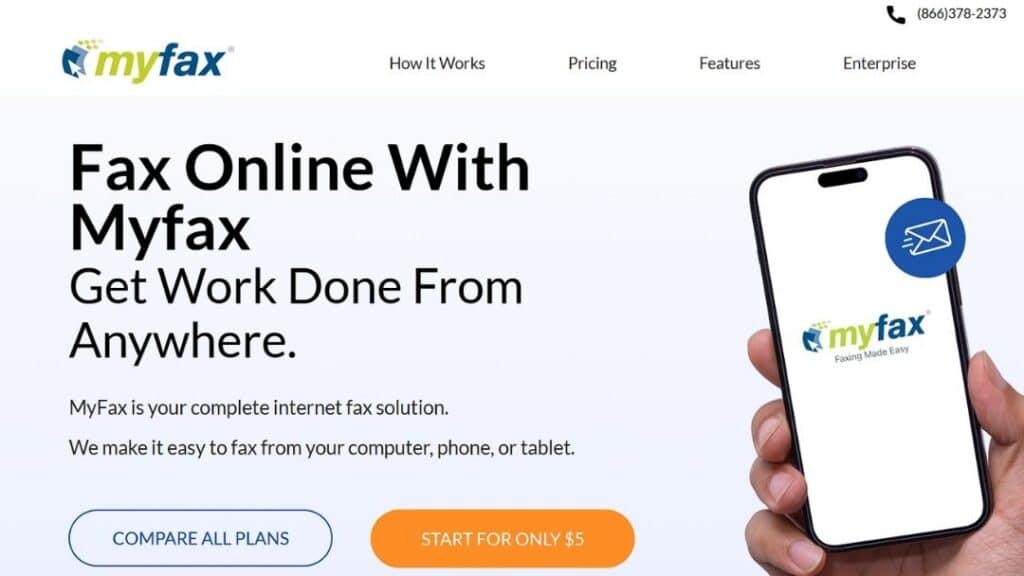
MyFax feels familiar to long-time fax users. Email-to-fax workflows mimic legacy processes, easing transition away from physical machines.
Why does it beat eFax?
Some users find MyFax more predictable for straightforward faxing without feature overload.
Pros and cons
| Aspect | Strength | Consideration |
| Familiarity | Simple, traditional workflows | Limited integrations |
| Reliability | Stable basic fax delivery | Minimal automation |
| Adoption | Easy for legacy users | Not future-facing |
6. CocoFax
Best for: Entry-level and trial users
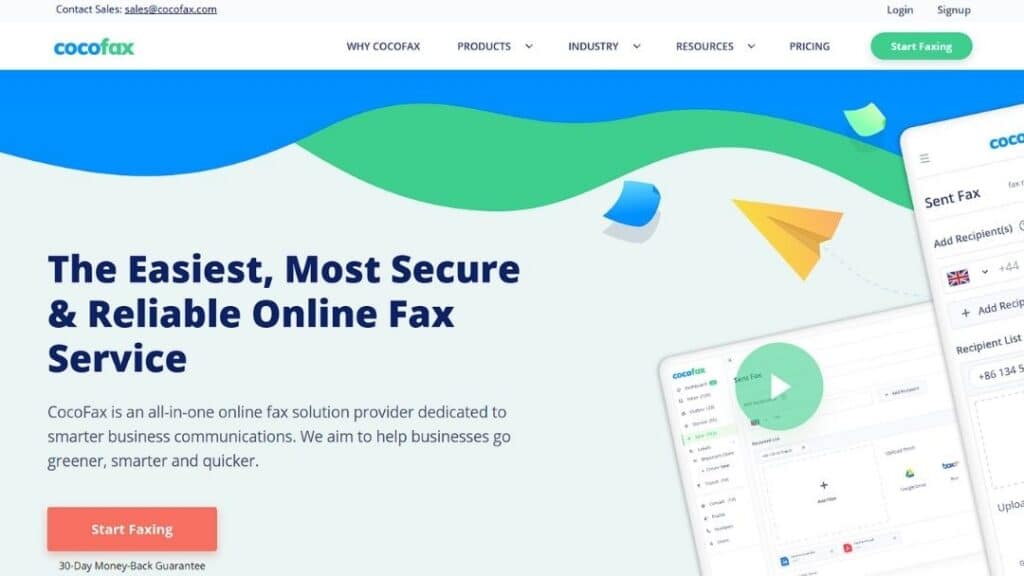
CocoFax attracts attention with its low barrier to entry. A Cocofax free trial lets users test faxing before committing, and Cocofax pricing targets cost-conscious teams.
Why does it beat eFax?
For users who want a quick start without long commitments, CocoFax feels less restrictive.
Pros and cons
| Aspect | Strength | Consideration |
| Accessibility | Easy onboarding | Limited compliance depth |
| Cost model | Attractive for light use | Not ideal for regulated data |
| Simplicity | Fast setup | Shallow feature set |
7. FaxZero
Best for: Occasional free fax needs
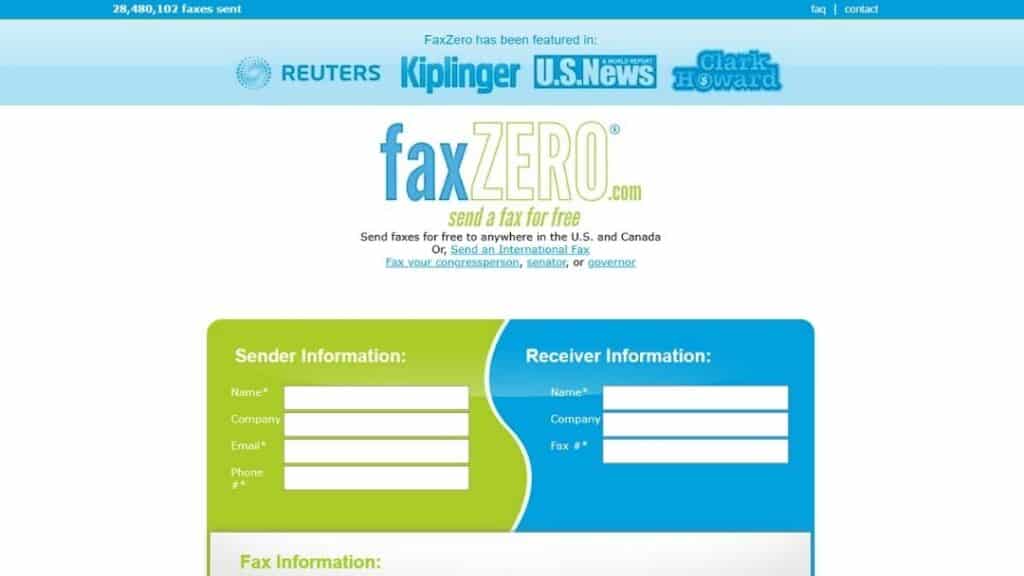
FaxZero remains popular for one-off faxing. It allows free fax transmission with strict limits.
Why does it beat eFax?
For users who fax rarely, free access beats any subscription model.
Pros and cons
| Aspect | Strength | Consideration |
| Cost | Free fax option | Severe usage limits |
| Simplicity | No setup complexity | Not suitable for business |
| Access | Immediate use | No compliance controls |
Comparison of leading eFax alternatives
| Provider | Best suited for | Compliance focus | Scalability |
| Softlinx ReplixFax | Healthcare, enterprise | High | High |
| Fax.Plus | Small teams | Moderate | Moderate |
| iFax | Mobile professionals | Low | Low |
| RingCentral Fax | Unified comms users | Moderate | Moderate |
| MyFax | Traditional offices | Low | Low |
| CocoFax | Entry-level use | Low | Low |
Why organizations move away from eFax
Most organizations don’t abandon eFax on impulse. The shift usually follows friction that builds quietly over time. What begins as a manageable online fax service can become a bottleneck once document volume rises, compliance expectations tighten, or teams grow beyond a handful of users.
Common reasons businesses replace eFax
| Issue area | What organizations experience | Why does it become a problem |
| Pricing structure | Page-based limits and overage charges | Costs scale unpredictably as fax volume grows |
| Workflow rigidity | Limited routing and automation | Manual handling increases errors and delays |
| Compliance confidence | Unclear safeguards for regulated data | Raises concern in healthcare and finance |
| Admin controls | Basic user and permission management | Hard to govern access across departments |
| Reporting | Minimal delivery and audit visibility | Weak documentation for audits or disputes |
| Support model | Slower response during failures | Downtime disrupts clinical and operational work |
Before switching, most teams try workarounds. Shared inboxes. Manual tracking. External storage. Eventually, those patches create more risk than relief. And that’s usually the tipping point.
eFax vs eFax Alternatives: A practical comparison
Before choosing a replacement, many people want a clear baseline. Not a sales pitch, not a teardown, just a side-by-side view of how eFax typically compares with modern eFax alternatives across common decision factors. This comparison focuses on operational patterns rather than individual plan details, which can change over time.
How eFax compares to today’s alternatives
| Evaluation area | eFax (general model) | eFax alternatives (general trend) |
| Primary design focus | Individual and small-team use | Business, healthcare, and enterprise workflows |
| Administration | Limited centralized controls | Role-based access and admin visibility |
| Workflow flexibility | Manual handling common | Automation and routing options |
| Integration depth | Basic email-based use | APIs and system integrations available |
| Scalability | Suitable for moderate volumes | Built to support higher volumes |
| Compliance alignment | Depends on the usage model | Designed for regulated environments |
| Reporting and audit logs | Basic delivery records | Expanded tracking and visibility |
| Deployment models | SaaS-only | Cloud, hybrid, or server-based options |
| Support approach | General customer support | Business and enterprise-oriented support |
This table highlights why many organizations begin evaluating alternatives once faxing becomes a core operational process. eFax performs well for straightforward document exchange, but its structure reflects a convenience-first approach.
By contrast, most modern eFax alternatives emphasize adaptability. They are built to accommodate growing teams, compliance oversight, and structured document handling. That distinction explains why healthcare providers, insurers, and enterprises often migrate away from entry-level fax platforms as their needs evolve. Many organizations specifically seek Healthcare Fax Solutions that can support secure, compliant, and scalable document workflows.
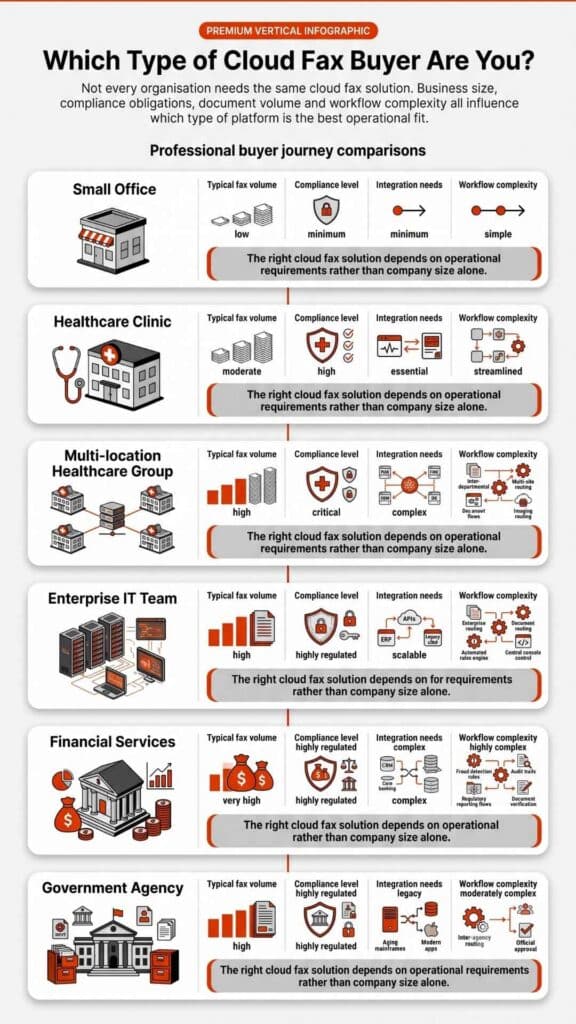
How to choose the right eFax alternatives?
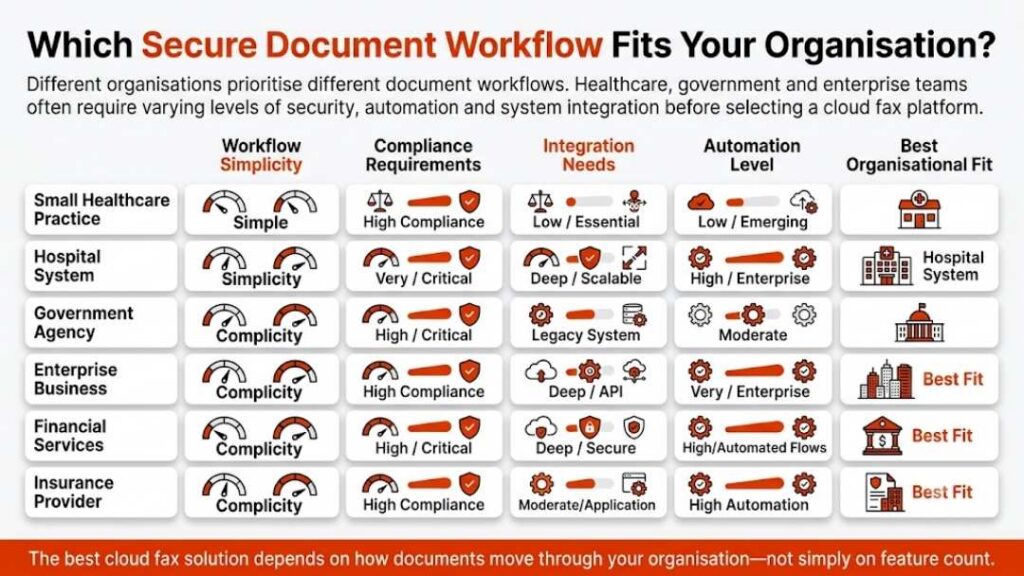
For small businesses, ease of use matters more than advanced configuration. Sending faxes, receiving confirmations, and storing records without complexity keep daily operations smooth.
Healthcare organizations face different pressures. Fax remains common in clinical environments, yet HIPAA fax requirements demand strict controls. As a result, many providers evaluate Healthcare Cloud Fax Solutions that support structured workflows, audit trails, controlled access, and secure document transmission. Organizations exploring HIPAA fax considerations often assess whether faxing through the internet aligns with regulatory guidance.
High-volume operations face another challenge. Managing thousands of received faxes requires automation and uptime reliability. Platforms designed around enterprise fax solutions tend to handle these scenarios more predictably.
Migrating from eFax without disruption
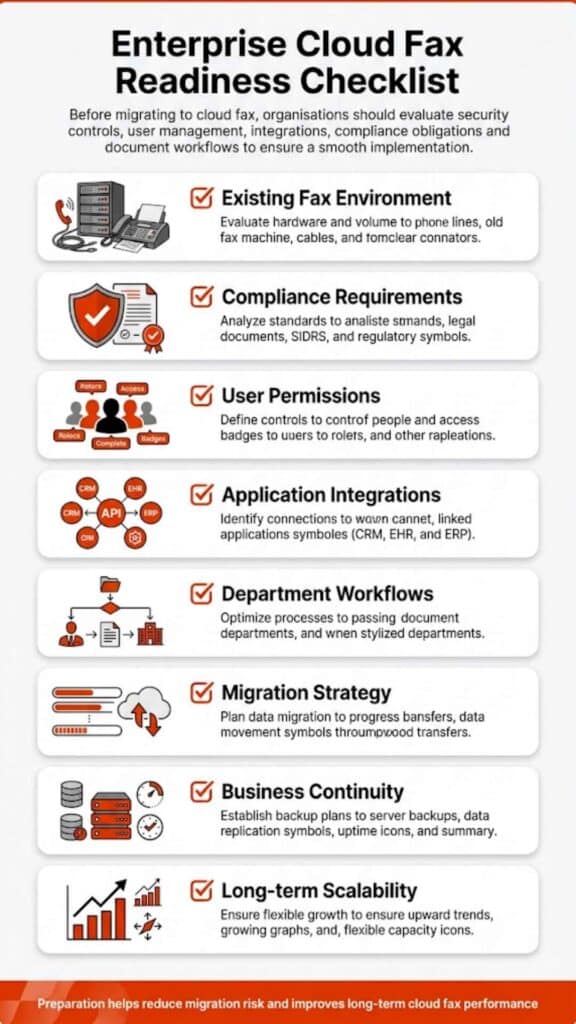
A smooth transition begins with preparation. Fax number portability should be confirmed early. Parallel testing helps validate routing and delivery reports before full cutover. Teams often overlook document retention rules during migration, which can create gaps later.
Training matters less around sending faxes and more around handling received faxes properly. Clear ownership prevents missed documents during the overlap period. Organizations that document workflows before switching tend to experience fewer surprises after launch.
A grounded way to decide
Choosing among eFax alternatives isn’t about trends. It’s about fit. Some platforms suit occasional faxing. Others support regulated, high-volume operations where reliability and oversight matter every day.
If fax plays a critical role in your organization, especially in healthcare or compliance-heavy environments, infrastructure-level solutions deserve serious attention. Softlinx ReplixFax stands out not by being flashy, but by being dependable where it counts.
If you’re reassessing fax as part of a broader cloud strategy, this might be the right moment to look beyond familiar names and choose a platform built for how fax actually works in 2026.