

Etherfax Alternatives vary widely in workflow control, compliance posture, and integration depth. The right choice depends on routing needs, regulatory requirements, and operational scale.
This in-depth guide reviews the most credible Etherfax Alternatives available in 2026, with a focus on healthcare, regulated industries, integration depth, compliance posture, and operational reliability. Each option includes balanced pros and cons, feature insights, and best-fit recommendations.
Etherfax Alternatives for Healthcare and Regulated Teams
Organizations searching for Etherfax Alternatives are rarely browsing casually. Most are responding to operational friction. Some face procurement delays due to quote-based pricing structures. Others encounter implementation layers that require extended onboarding timelines.
In certain cases, integration constraints surface only after deployment. Interoperability with EHR systems, internal routing rules, and audit requirements often drive reassessment. In 2026, the shift toward intelligent faxing, where unstructured data is converted into actionable records, is a primary driver for switching providers.
Fax remains embedded in healthcare communication because HIPAA does not prohibit faxing; instead, it requires safeguards that protect protected health information. The U.S. Department of Health & Human Services outlines these security rule expectations clearly. That regulatory reality explains why the conversation around Etherfax Alternatives continues in 2026.
Why People Search for Etherfax Alternatives in 2026
The search for Etherfax Alternatives usually begins when workflow friction becomes visible. Procurement teams may struggle with opaque pricing models tied to volume thresholds. Technical teams sometimes encounter integration limitations during system expansion.
Healthcare administrators often identify mismatches between departmental routing complexity and platform configuration flexibility or highly granular OCR (Optical Character Recognition) for automated data entry. As a result, many organizations evaluating Healthcare Fax Solutions look for platforms that provide greater customization and workflow control.
Interoperability remains a decisive factor. Many healthcare organizations rely on structured EHR workflows, and when fax routing does not align with electronic record indexing, manual intervention increases. That operational drag pushes decision-makers to explore Etherfax Alternatives that offer clearer integration pathways and granular administrative controls.
What Etherfax Is Best At (and Where It Can Be a Mismatch)
Etherfax is recognized for enterprise-grade transport infrastructure and strong security positioning. It aligns well with regulated verticals that prioritize encrypted transmission and resilient uptime. Organizations requiring structured document exchange across distributed networks often appreciate its architecture.
However, setup complexity can present challenges for smaller teams. Quote-driven procurement models may slow evaluation cycles. In some scenarios, organizations that need hybrid deployment flexibility or highly customized routing logic seek Etherfax Alternatives better suited to their workflow scale.
A fair assessment requires acknowledging both strengths and friction points. That balance supports informed evaluation rather than reactive migration.
How to Choose Among Etherfax Alternatives
Choosing among Etherfax Alternatives requires structured evaluation rather than surface-level comparison. Start by mapping your current document flow. Identify inbound routing rules, departmental queues, and retention policies. Review encryption standards and audit trail accessibility. Confirm that administrative controls allow role-based access and reporting transparency.
Healthcare organizations should verify alignment with HIPAA safeguards and confirm whether a vendor provides business associate contracts. When evaluating Healthcare Cloud Fax Solutions, it is also important to consult official guidance if government alignment is relevant and understand authorization baselines and validation requirements. Regulatory evaluation should rely on official documentation rather than marketing claims.
Integration capabilities must also be validated early. Organizations exploring how to connect fax to EHR systems should request technical documentation and API support details before procurement commitments.
The Fastest Way to Shortlist Etherfax Alternatives
The following matrix summarizes deployment models, administrative depth, integration flexibility, and compliance positioning based on publicly available documentation.
| Vendor | Best For | Deployment Model | Admin/Routing Depth | Integration Options | Compliance Posture (Public Claims) | Support Model | Notable Trade-Offs |
| Softlinx ReplixFax | Healthcare enterprises | Cloud + server-based options | Advanced routing controls | API + EHR integration | HIPAA-aligned security posture | U.S.-based enterprise support | Requires planning for deployment |
| Documo (mFax) | Cloud-first healthcare SaaS | Cloud | Moderate to advanced | API-first architecture | HIPAA compliance positioning | Tier-based support | Limited hybrid infrastructure |
| SRFax | Small clinics | Cloud | Basic workflow controls | Email + web portal | HIPAA compliance documentation | Standard SaaS support | Limited enterprise governance |
| WestFax | Legal and healthcare networks | Cloud | Structured routing | API integration | Security-focused compliance claims | Contract-based enterprise support | Custom pricing consultation |
| eFax Corporate | Multi-industry enterprises | Cloud | Standard multi-user admin | Email-to-fax | Business compliance claims | Tiered enterprise plans | Limited healthcare specialization |
| iFax | Small practices | Cloud | Basic admin tools | Web + mobile | Encryption standards advertised | SaaS model | Not designed for large systems |
A structured table allows side-by-side assessment before deeper technical review.
The Best Etherfax Alternatives
Below is a detailed examination of the six strongest Etherfax Alternatives based on deployment flexibility, healthcare alignment, and compliance posture.
1. Softlinx ReplixFax
Softlinx, through its ReplixFax platform, presents one of the most healthcare-centered Etherfax Alternatives on the market. The company has decades of experience in enterprise fax infrastructure and offers a cloud fax platform alongside separate ReplixFax Server deployment options. Unlike lightweight fax apps, ReplixFax emphasizes structured routing, system integration, and regulatory alignment.
Healthcare institutions often require integration with electronic health record systems. Softlinx offers direct support for structured routing and EHR connectivity, which aligns closely with real-world workflows in hospitals and clinics. For organizations evaluating how to connect fax to EHR systems, their integration resources reflect that depth of operational focus.
Key Features
ReplixFax supports secure cloud fax, hybrid deployment options, API integration, and administrative routing controls. The platform allows automation of inbound document workflows, which matters for departments managing high volumes of referrals and lab reports. Organizations researching automating incoming fax routing will find that workflow control is central to the platform’s architecture.
Encryption standards align with healthcare security requirements. Their documentation around HIPAA-compliant fax services demonstrates emphasis on regulatory alignment rather than marketing slogans.
Pros and Cons
| Pros | Cons |
| Strong healthcare workflow focus | Enterprise setup may require planning |
| Hybrid and cloud deployment flexibility | Not positioned as a consumer tool |
| Advanced routing and integration depth | Custom pricing requires consultation |
| U.S.-based support infrastructure | Designed primarily for regulated industries |
Best for hospitals, multi-location clinics, and organizations requiring hospital cloud fax solutions or complex departmental routing.
Why Choose This: Among Etherfax Alternatives, ReplixFax stands out for organizations that need structured governance. If uptime, routing rules, EHR integration, and administrative oversight are non-negotiable, this option merits serious review.
2. Documo (mFax)
Documo’s mFax platform positions itself as a cloud-native fax solution with strong API integration capabilities. It frequently appears in discussions comparing enterprise fax vendors.
Documo leans heavily into cloud-first messaging and healthcare alignment. The company emphasizes encryption standards and claims HIPAA compliance alignment, consistent with HHS regulatory expectations.
Key Features
mFax includes API support, web-based management portals, user-level access controls, and audit logging. Organizations exploring how to email to a fax number will find straightforward email-to-fax workflows embedded within the system.
Pros and Cons
| Pros | Cons |
| Cloud-native design | Primarily SaaS; limited hybrid flexibility |
| API-friendly | May require configuration expertise |
| User-level permission controls | Pricing transparency is limited publicly |
| Modern UI | Enterprise routing depth may vary by tier |
Best for healthcare SaaS platforms and mid-size medical organizations.
Why Choose This: For teams seeking Etherfax Alternatives that emphasize cloud simplicity and API-first architecture, Documo often appeals to digital-forward healthcare IT teams.
3. SRFax
SRFax is often mentioned as a more accessible alternative for organizations seeking secure cloud fax without enterprise-level deployment complexity. It markets itself as HIPAA-aligned and secure, offering a signed Business Associate Agreement (BAA) by default for healthcare plans.
Key Features
Encrypted transmission, secure online portal, and compliance documentation. Its architecture centers on straightforward web fax functionality rather than deep workflow orchestration.
Pros and Cons
| Pros | Cons |
| Simpler onboarding | Limited advanced workflow automation |
| Cost transparency | Less integration flexibility |
| Secure document transmission | Primarily cloud-only |
| Straightforward interface | Enterprise governance features are limited |
Best for small to mid-size clinics or specialty practices, such as dermatology clinics, that require cloud fax solutions, or solo practitioners requiring PHIPA/HIPAA compliance.
Why Choose This: Organizations that want Etherfax Alternatives without enterprise deployment layers often view SRFax as approachable and manageable. It remains a top pick for those needing Canadian or U.S. geographic data residency to meet specific regional privacy mandates.
4. WestFax
WestFax provides enterprise-grade secure fax services, frequently serving healthcare and legal sectors. It emphasizes compliance posture and encrypted document transfer, leveraging a carrier-grade network to ensure high completion rates for high-volume senders.
Key Features
Cloud-based fax services, secure document storage, API capabilities, and regulatory alignment documentation.
Pros and Cons
| Pros | Cons |
| Enterprise security focus | Less healthcare-specific workflow marketing |
| Cloud infrastructure reliability | Implementation planning required |
| Secure portal access | Pricing not openly displayed |
| Integration options | Support scope varies by contract |
Best for healthcare networks and legal firms requiring structured compliance documentation and high-volume automation.
Why Choose This: Among Etherfax Alternatives, WestFax may appeal to organizations seeking a compliance-first cloud fax without heavy hybrid infrastructure, especially those needing to bridge the gap between physical multi-function printers and digital workflows.
5. eFax Corporate
eFax Corporate operates under a well-established brand within the cloud fax sector. It emphasizes business-level fax services and secure transmission standards. As of 2026, the provider has unified its advanced interoperability and AI tools, formerly under the Consensus banner, directly into the eFax brand portfolio to streamline healthcare data exchange.
Key Features
Email-to-fax capability, web dashboard management, multi-user accounts, encrypted transport. Organizations evaluating whether fax is HIPAA-compliant often carefully review vendor documentation. HHS guidance clarifies that compliance depends on safeguards rather than the medium itself.
Pros and Cons
| Pros | Cons |
| Brand recognition | May feel generic for healthcare |
| Broad enterprise reach | Workflow automation depth is limited |
| Email-to-fax simplicity | Tier-based feature gating |
| Established support structure | Customization may require higher plans |
Best for multi-industry enterprises that need scalable outbound fax services and for organizations requiring FedRAMP-authorized cloud fax for government contracts.
Why Choose This: Companies exploring Etherfax Alternatives that prioritize familiarity and broad adoption sometimes shortlist eFax Corporate. It remains a top choice for those needing a one-stop shop for secure fax, AI-driven data extraction, and certified e-signatures.
6. iFax
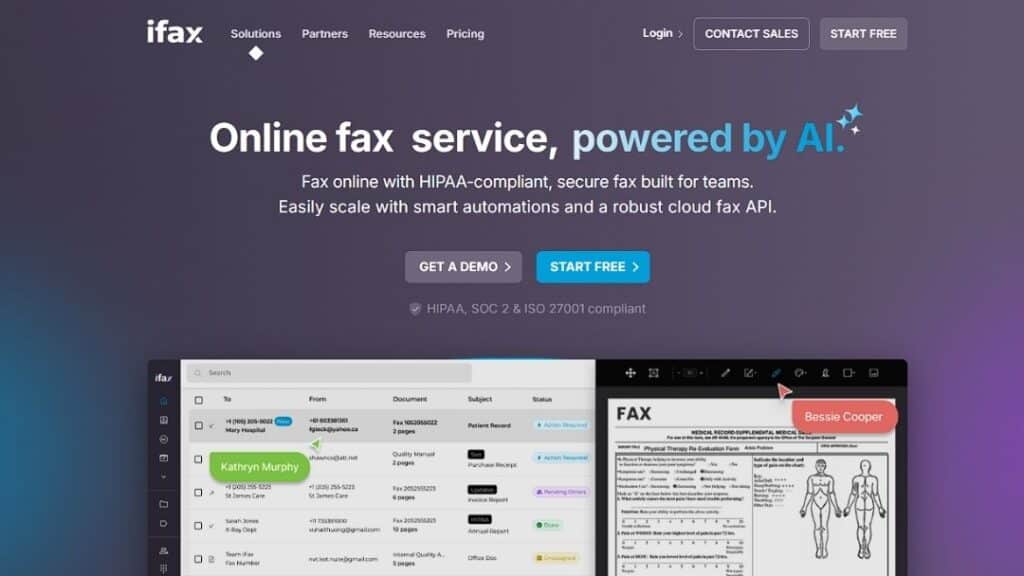
iFax positions itself as a streamlined digital fax platform accessible across devices. It tends to attract small and mid-sized organizations.
Key Features
Mobile support, cloud-based dashboard, electronic signature integration, encrypted transmission.
Pros and Cons
| Pros | Cons |
| Mobile-friendly | Limited enterprise routing tools |
| Easy onboarding | Not built for large healthcare systems |
| Digital signature support | Compliance documentation varies |
| Accessible interface | May lack deep integration APIs |
Best for small medical practices, startups, and distributed legal teams seeking outpatient clinic cloud fax solutions.
Why Choose This: For smaller teams comparing Etherfax Alternatives, iFax may provide simplicity without enterprise-level administrative overhead, while still offering SOC 2 Type II and ISO 27001 certified security for sensitive data handling.
Migration Guide: Moving from Etherfax to an Alternative Without Chaos
Discovery Steps IT Teams Skip (and Regret Later)
Begin by mapping every active fax number and department. Document routing rules, retention policies, and integration endpoints. Review error logs and transmission reports. Identify cover page templates and archival practices. This discovery phase prevents operational blind spots.
Pilot Plan That Doesn’t Break Patient Operations
Run a parallel deployment before full migration. Test outbound and inbound routing across departments. Validate EHR indexing accuracy. Monitor retry logic and delivery confirmations. Engage compliance officers for final validation. Secure stakeholder sign-off only after workflow stability is confirmed.
Verification Steps for Compliance Claims
Confirm that the provider offers a business associate agreement when required. Request encryption documentation detailing standards used in transit and at rest. If FedRAMP alignment is relevant, verify vendor status through the official FedRAMP marketplace. Avoid relying solely on marketing claims.
FAQs
What is FedRAMP, and does it apply to cloud fax providers?
FedRAMP is a U.S. government program that standardizes security assessment and authorization for cloud services used by federal agencies. Not all healthcare organizations require FedRAMP authorization, but some evaluate vendors against its baselines.
Are all cloud fax services HIPAA compliant?
No. Compliance depends on safeguards, encryption practices, administrative controls, and contractual agreements such as a business associate agreement.
What does FedRAMP certified mean?
It indicates that a cloud service has undergone assessment and received authorization under federal security standards.
How do I confirm encryption standards?
Request technical documentation and review encryption protocols for data in transit and at rest.
Is fax still allowed under HIPAA?
Yes, provided appropriate safeguards are implemented according to HHS guidance.
Choose Your Next Step Carefully in 2026
Selecting among Etherfax Alternatives is not a cosmetic decision. It affects compliance posture, document routing integrity, and operational continuity. Healthcare organizations require reliability and structured governance, not surface-level feature comparisons.
If your organization demands advanced routing control, healthcare integration depth, and compliance-driven infrastructure, review Softlinx’s cloud fax and hybrid solutions directly. Request technical documentation. Validate workflow compatibility. Run a controlled pilot.
The right Etherfax Alternative is the one that supports your compliance framework and operational scale without introducing new friction.
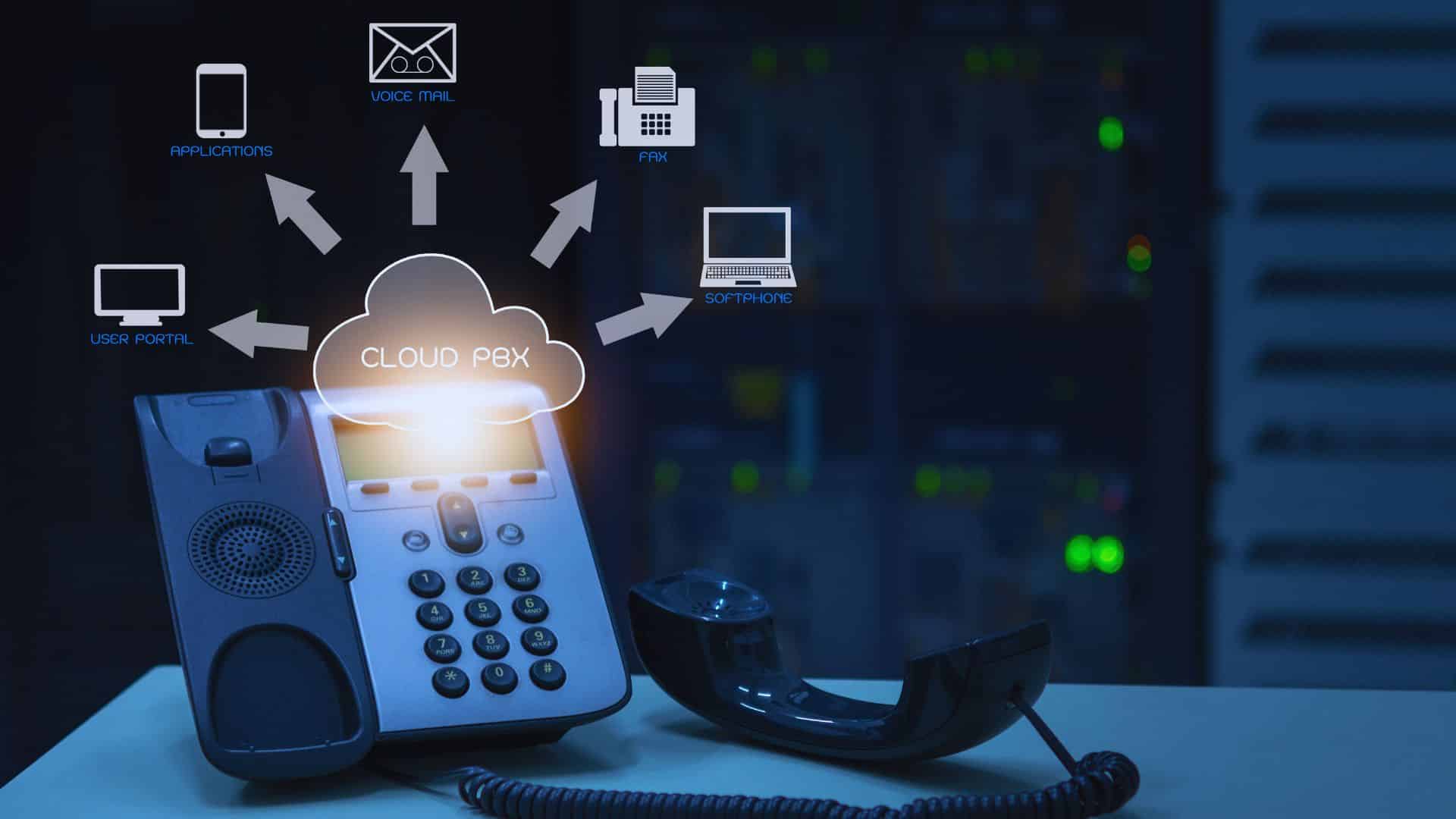
Organizations evaluating Consensus alternatives often look beyond surface-level online fax tools and focus on workflow continuity, compliance posture, and operational reliability. This guide examines healthcare-ready cloud fax platforms, including Healthcare Cloud Fax Solutions designed for secure document exchange and regulatory compliance, that organizations consider when moving away from Consensus Cloud Solutions or eFax, with a clear look at strengths, tradeoffs, and best-fit scenarios.
Why teams look for Consensus alternatives in 2026
Organizations reassess fax platforms not because fax disappears, but because operational expectations rise. Healthcare delivery now spans multiple locations, vendors, and care settings, and fax traffic follows that complexity. Teams that once relied on a centralized fax solution often discover friction when routing volumes increase, compliance oversight tightens, or integration demands grow.
By 2026, the industry will have shifted significantly toward Intelligent Faxing. Many teams are moving away from Consensus because they require built-in AI for data extraction, reducing the need for manual data entry into EHRs. Furthermore, rising subscription costs and legacy infrastructure lag in older Consensus modules have pushed IT leaders to seek more agile, API-first alternatives.
Common drivers behind the switch
| Operational pressure | Why does it trigger re-evaluation |
| Increased fax volume | High inbound traffic strains manual routing, leading to 15-20% higher administrative costs. |
| Multi-site growth | Centralized systems struggle with location-specific workflows. |
| Compliance audits | Limited audit visibility raises risk; OCR (Office for Civil Rights) audits now prioritize “access logs.” |
| Integration needs | Standalone fax tools slow clinical documentation flow. |
| Support expectations | Delays impact clinical teams; “Direct-to-EHR” is now the 2026 industry standard. |
After reviewing these factors, many organizations conclude that exploring Consensus alternatives is less about replacement and more about alignment with how care actually operates today.
What to check before switching
Switching fax platforms in healthcare is rarely a technical decision alone. In 2026, the gold standard for security has moved beyond HIPAA to include HITRUST CSF certification and SOC 2 Type II compliance.
Before initiating a transition, teams typically assess whether a platform supports structured testing, phased deployment, and fallback options. Vendor transparency around uptime architecture, routing logic, and data retention policies also becomes critical, particularly for organizations handling protected health information across departments.
Key evaluation areas
| Evaluation area | Why it matters |
| Transmission security | Ensures protected data remains safeguarded end-to-end |
| Audit logging | Supports compliance reviews and incident investigations |
| Routing logic | Reduces misdirected or delayed clinical documents |
| Integration capability | Keeps fax aligned with EHR and billing systems |
| Deployment support | Minimizes disruption during migration |
Evaluating these elements early helps organizations avoid surprises after porting numbers or retiring legacy systems.
The selection criteria that matter for healthcare cloud fax
Healthcare cloud fax decisions rarely hinge on marketing claims. They rest on whether the platform offering aligns with clinical workflows, regulatory oversight, and long-term scalability.
Compliance and risk controls
Healthcare faxing operates under a different risk model than general business communications. Regulatory scrutiny, breach notification requirements, and patient privacy obligations raise the stakes for every transmitted document. As a result, organizations rely on Healthcare Fax Solutions that provide not only encryption but also control mechanisms that limit access based on role, location, and function.
Risk controls also extend beyond technology. Clear administrative oversight, defined retention schedules, and traceable transmission histories help organizations respond confidently to audits or data inquiries. Solutions that embed these controls into daily operations reduce dependence on manual workarounds that often introduce compliance gaps.
EHR connectivity and workflow fit
Fax persists in healthcare because interoperability remains uneven across systems and organizations. While standards evolve, many referrals, authorizations, and diagnostic reports still arrive by fax. The challenge lies in ensuring those documents land where clinicians expect them, without manual sorting or scanning delays.
Effective EHR connectivity allows faxed documents to attach directly to patient records or designated queues. This alignment reduces downstream errors and shortens processing time. Platforms that treat fax as part of the clinical information flow, rather than a separate inbox, tend to fit more naturally into healthcare environments.
Admin, reporting, and routing at scale
As organizations grow, fax administration becomes a governance issue rather than a convenience task. Centralized reporting helps leadership understand volume trends, peak usage periods, and routing accuracy. These insights inform staffing decisions and workflow adjustments.
Advanced routing rules further reduce administrative burden by automatically directing inbound documents based on metadata such as sender, number, or document type. When combined with role-based access controls, these capabilities allow organizations to manage high-volume fax operations without constant oversight.
7 Best Consensus alternatives
Before examining individual platforms, it helps to frame these Consensus alternatives within their intended use cases. Some tools emphasize enterprise breadth, others focus tightly on healthcare workflows, and a few balance usability with compliance needs. The following comparisons reflect how these platforms typically perform in real healthcare environments rather than idealized scenarios.
1. Softlinx ReplixFax
Softlinx offers ReplixFax as an enterprise-focused cloud fax solution designed for high-volume, regulated environments. Among Consensus alternatives, it stands out for healthcare alignment rather than generic online fax convenience.
Key features and platform offering ReplixFax support cloud fax delivery alongside email-based faxing and traditional fax server deployments. It integrates with clinical systems through structured interfaces, which simplifies document exchange inside complex environments. Many healthcare organizations connect ReplixFax directly to electronic systems using EHR connectivity workflows rather than relying on manual inbox management.
Best for hospitals, multi-location clinics, and healthcare networks that manage large inbound and outbound fax volumes and require consistency across departments.
Why teams choose this alternative: Organizations often select ReplixFax when they need cloud fax to behave like infrastructure rather than a lightweight tool. Support for enterprise fax server models, combined with HIPAA-aligned controls, makes it attractive for teams already managing regulated data flows. Its ability to scale across hospital cloud fax solutions and specialty practices without redesigning workflows adds long-term stability.
Pros and cons
| Strengths | Limitations |
| Strong healthcare focus and compliance posture | Enterprise setup may require IT coordination |
| Native integration with major EHRs | Not aimed at casual or consumer fax use |
| 99.9% uptime SLA and real-time disaster recovery | Learning curve for advanced routing |
| High-volume broadcast and automated folder faxing | Barcode triage requires a separate module |
2. OpenText Core Fax
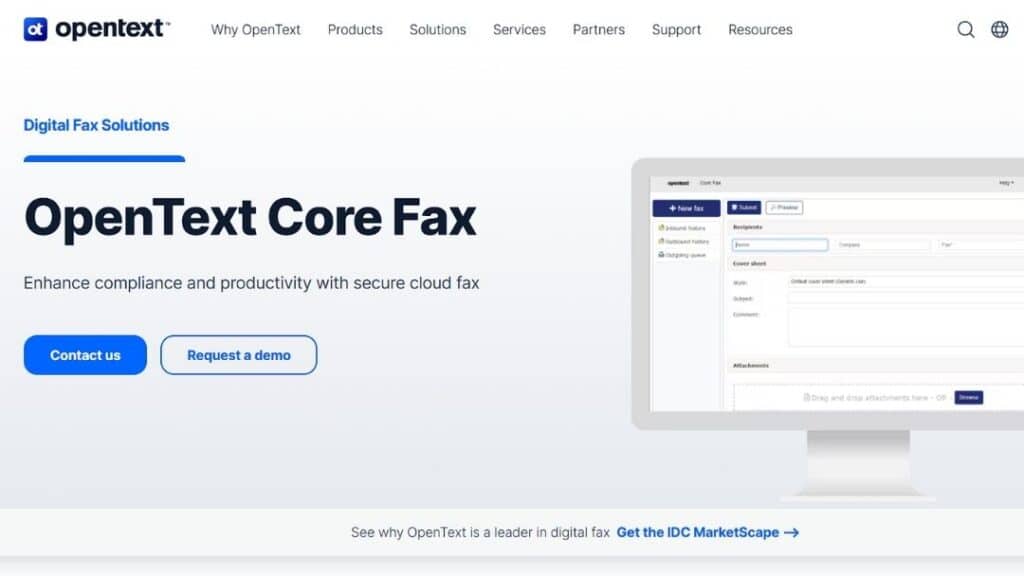
OpenText positions Core Fax as part of its broader enterprise information management ecosystem. It frequently appears in Consensus alternatives lists for organizations already invested in large-scale platforms, providing a direct upgrade path for those moving away from legacy XMedius or RightFax on-premises systems.
Key features and platform offering: Core Fax integrates with enterprise content systems and supports centralized administration. Its design favors organizations with mature IT governance and standardized workflows across business units.
Best for Large enterprises that want fax embedded into an existing OpenText ecosystem rather than operated as a standalone service.
Why teams choose this alternative: Buyers often view Core Fax as a safe choice when standardization matters more than flexibility. It suits environments where fax is one component of a broader document management strategy.
Pros and cons
| Strengths | Limitations |
| Deep enterprise integration options | Complexity may exceed smaller teams’ needs |
| Direct EHR integration (Epic, Cerner) | Less tailored to boutique or niche clinical workflows |
| AI-driven “Fax Aviator” extraction | Longer deployment cycles due to IT governance |
| Established vendor reputation | Often carries a higher price point than SaaS-only tools |
3. Documo mFax
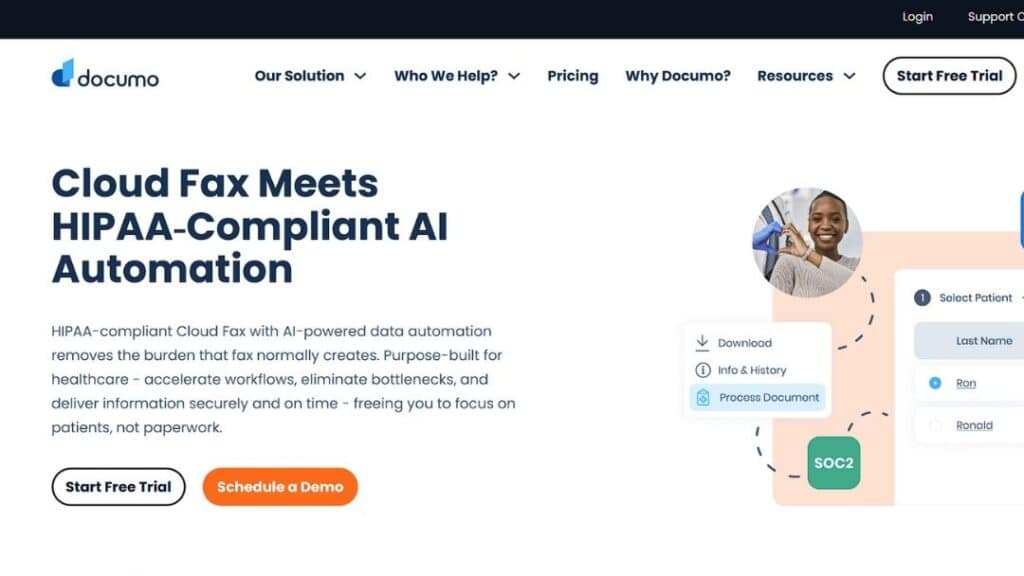
Documo offers mFax as a cloud-first fax service frequently associated with healthcare use cases. Among Consensus alternatives, it emphasizes simplicity with compliance awareness, operating as a unified platform that merged mSign and mDrive into a single document interoperability solution.
Key features and platform offering mFax support, cloud fax delivery, and integration with several clinical platforms. Its user interface prioritizes accessibility for clinical staff who interact with fax daily. The platform features a developer-friendly RESTful API and a Fax Machine Connector that allows clinics to bridge existing analog hardware with their secure cloud network.
Best for Mid-sized healthcare organizations seeking a balance between usability and compliance or teams requiring automated data extraction through Intelligent Document Processing (IDP).
Why teams choose this alternative: Organizations that want to reduce friction for front-line users often gravitate toward mFax. It focuses on usability without ignoring regulatory obligations.
Pros and cons
| Strengths | Limitations |
| User-friendly design | Less customization for complex routing |
| Healthcare-oriented messaging | Advanced enterprise controls may be limited |
| Cloud-native deployment | Scaling may require careful planning |
| Advanced AI-powered data classification and OCR | SSO (Single Sign-On) is restricted to higher-tier Enterprise plans |
4. Concord Cloud Fax
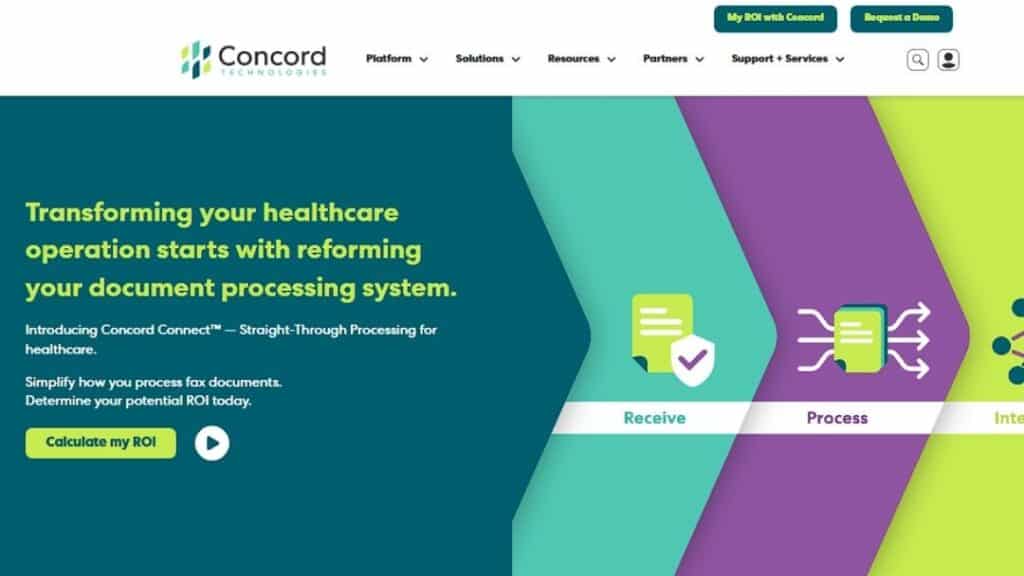
Concord Technologies delivers cloud fax services with a strong background in healthcare data interchange. It appears regularly in Consensus alternatives discussions tied to interoperability, processing over 4 billion pages of protected data annually.
Key features and platform offering: Concord emphasizes secure document exchange and structured routing. Its cloud fax tools integrate with clinical systems where interoperability matters more than speed alone. The platform utilizes “Practical AI” through Concord Connect to extract unstructured data from faxes, converting them into actionable clinical insights.
Best for Healthcare organizations focused on information exchange between disparate systems and teams looking to automate high-volume intake or referral processing.
Why teams choose this alternative: Concord appeals to teams that treat fax as part of a broader interoperability strategy rather than a standalone communication channel.
Pros and cons
| Strengths | Limitations |
| Interoperability experience | The interface may feel dated to some users |
| Healthcare-centric approach | Fewer general business features |
| Reliable routing controls | Narrower appeal outside healthcare |
| HITRUST and SOC 2 Type 2 certified | No-code integrations can be limited |
| Native Salesforce Health Cloud app | Requires 1,000+ page volume for Enterprise |
5. WestFax
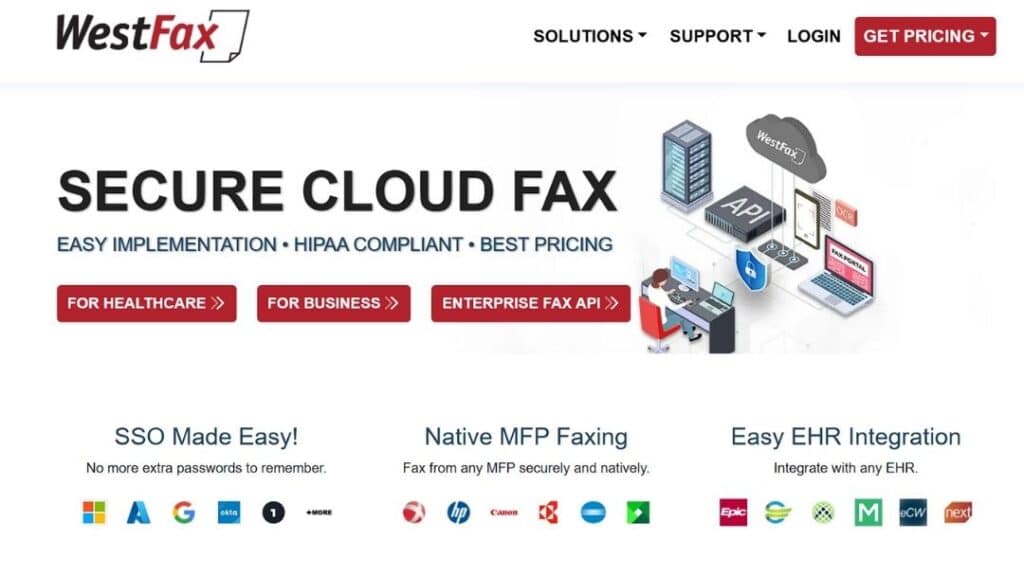
WestFax positions itself as a secure, SLA-backed fax provider for regulated industries. It commonly appears in directories comparing Consensus alternatives due to its 100% cloud-based architecture and 99.9% high-availability infrastructure.
Key features and platform offering: WestFax delivers cloud fax services with AES 256-bit encryption at rest and administrative oversight. Its focus stays on compliance and direct integration with Epic EHR. Unique features include a Print to Fax Windows driver and the WestFax Comprehend™ AI tool for intelligent document processing and classification.
Best for Organizations that need compliance-first faxing with the ability to sign a standard BAA (Business Associate Agreement) immediately upon signup.
Why teams choose this alternative: WestFax attracts buyers who prioritize security posture, evidenced by their SOC 2 Type II and PCI-DSS Level 1 certifications, and predictable operations. Teams often switch to avoid the per-seat licensing costs associated with legacy fax servers.
Pros and cons
| Strengths | Limitations |
| Native Epic EHR integration | Limited advanced workflow automation for non-healthcare sectors |
| Strong compliance focus (HIPAA/HITRUST) | Less flexible non-standard API customizations |
| Straightforward Unified Admin Portal | May feel restrictive for complex legacy on-prem routing |
6. Retarus Cloud Fax Solutions
Retarus offers cloud fax as part of a broader enterprise messaging portfolio. It often appears in analyst coverage and Consensus alternatives lists.
Key features and platform offering: Retarus emphasizes reliability and global reach. Its cloud fax platform supports high-volume transmission and centralized monitoring.
Best for Global enterprises with distributed operations and health systems requiring HITRUST e1 certified messaging environments.
Why teams choose this alternative: Organizations value Retarus for consistency and uptime across regions. In 2026, many migrate to Retarus for its Fax for Applications API, which boasts up to 30% higher throughput than standard cloud interfaces.
Pros and cons
| Strengths | Limitations |
| High reliability (99.9% uptime SLA) | Less healthcare-specific positioning than niche tools |
| HITRUST, HIPAA, and SOC 2 Type II | Integration may require custom API development |
| Intelligent Document Processing (OCR/AI) | The user interface may feel technical to clinical staff |
7. RingCentral Fax
RingCentral includes fax within its broader communications suite. It appears in many general best online fax lists and some Consensus alternatives comparisons.
Key features and platform offering
RingCentral Fax integrates with voice and messaging services, offering a unified communications experience rather than a specialized fax platform. Key capabilities include Email-to-Fax, advanced scheduling, and the ability to broadcast a single fax to up to 50 recipients simultaneously. The platform also supports automated HIPAA-compliant data retention, where communications are limit ePHI exposure.
Best for organizations already invested in RingCentral for telephony and collaboration that require a mid-volume solution (up to 3,000 pages per month) without adding another vendor.
Why teams choose this alternative: Teams favor RingCentral Fax when consolidation matters more than specialized fax workflows. Its HITRUST CSF and SOC 2 Type II certifications provide the high-level security assurance required for clinical and financial data.
Pros and cons
| Strengths | Limitations |
| Unified communications ecosystem | Fax features are less specialized |
| Familiar interface | Limited healthcare workflow depth |
| Easy adoption for existing users | Compliance configuration requires care |
| Native integrations with Google Drive & Box | SSO and advanced security are locked behind the Ultra tier |
| Reliable 99.999% uptime SLA | Lacks deep EHR (Epic/Cerner) clinical routing |
Comparison snapshot: how Consensus alternatives differ
| Platform | Best fit | Healthcare workflow depth | Integration posture | Enterprise scalability |
| Softlinx ReplixFax | Hospitals, multi-site healthcare | High | Strong EHR alignment | High |
| OpenText Core Fax | Large enterprises | Moderate | Enterprise content systems | High |
| Documo mFax | Mid-sized healthcare | Moderate | Clinical systems | Moderate |
| Concord Cloud Fax | Interoperability-focused healthcare | High | Data exchange systems | Moderate |
| WestFax | Compliance-driven teams | Moderate | Limited | Moderate |
| Retarus | Global enterprises | Moderate | Messaging platforms | High |
| RingCentral Fax | UC-first organizations | Low | UC ecosystem | Moderate |
Migration realities when moving from Consensus
Migration planning often determines whether a transition succeeds quietly or creates operational disruption. Healthcare organizations commonly adopt parallel-run strategies, maintaining their existing fax service while validating routing accuracy and staff workflows on the new platform.
Number porting timelines, departmental training, and audit verification should occur before full cutover. Organizations that document workflows in advance and involve clinical stakeholders early tend to complete migrations with fewer interruptions and higher staff acceptance.
A clearer path forward for healthcare cloud fax decisions
Choosing among Consensus alternatives requires more than comparing feature lists. It requires understanding how fax supports patient care, regulatory obligations, and operational resilience. Platforms that integrate smoothly into healthcare workflows, offer strong compliance controls, and scale alongside organizational growth tend to deliver lasting value rather than short-term convenience.
For healthcare organizations evaluating cloud fax in 2026, the next step is practical evaluation. Structured demos, workflow testing, and scenario-based reviews reveal far more than marketing materials. Teams that approach the decision with clarity and discipline position themselves for smoother operations and stronger compliance outcomes over time.
To see how a healthcare-focused cloud fax platform handles real-world workflows, contact Softlinx and request a hands-on evaluation tailored to your environment.
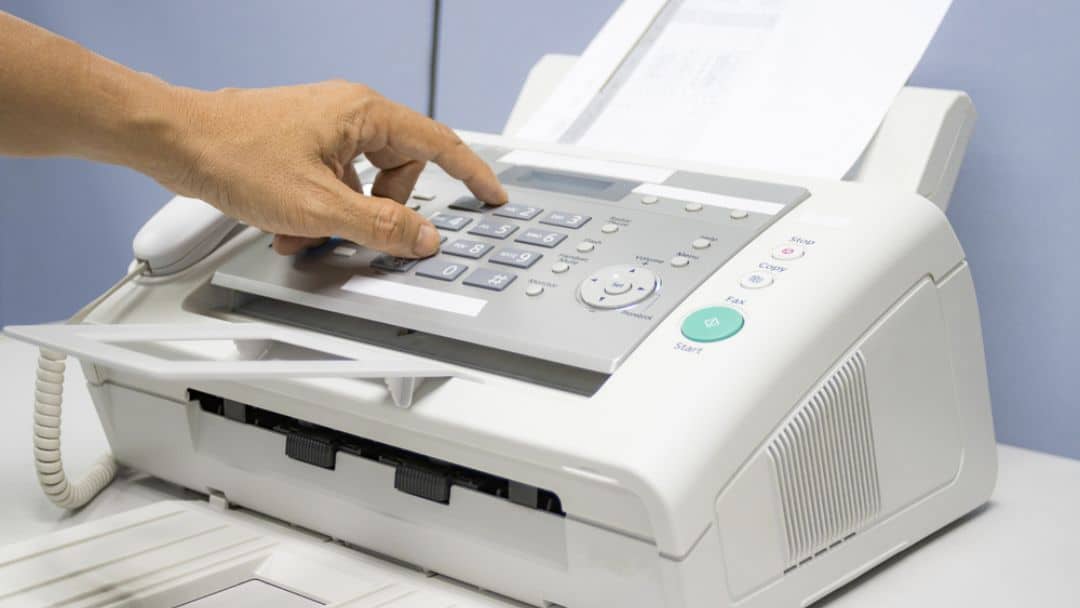
Organizations searching for SRFax alternatives often need more than basic fax delivery. They want dependable online fax infrastructure, clear compliance controls, modern integration options, and predictable performance.
This guide reviews 6 leading providers in depth, compares strengths and tradeoffs, and explains how to evaluate the right solution for healthcare, enterprise, and regulated environments.
SRFax alternatives: what businesses are really looking for
When companies begin comparing SRFax alternatives, the trigger is rarely cosmetic. It usually stems from workflow limits, integration gaps, or pricing structures that no longer align with usage. While sr fax has built a reputation in secure faxing, the market has evolved.
Today’s buyers expect cloud-native deployment, API connectivity, flexible routing logic, and straightforward compliance documentation. In 2026, Fax-to-Everything connectivity, where faxes automatically populate CRM or ERP fields, is no longer a luxury but a standard requirement for efficiency.
Healthcare organizations, in particular, continue to depend on fax. The U.S. Centers for Disease Control and Prevention has documented persistent fax reliance in healthcare data exchange due to interoperability barriers across EHR systems, highlighting the ongoing importance of Healthcare Cloud Fax Solutions.
That reliance explains why searches for SRFax alternatives often overlap with terms like HIPAA fax, online fax, and receive faxes securely. Recent industry surveys indicate that nearly 70-90% of healthcare providers still use fax as their primary mode of PHI (Protected Health Information) exchange.
In short, the demand is not for cheap fax. It is for structured, dependable, compliant document transmission that fits modern infrastructure. A critical factor is Data Sovereignty, ensuring that faxed data is encrypted at rest and in transit within specific geographic jurisdictions to satisfy regional privacy laws.
Before reviewing alternatives, it helps to understand the difference between traditional fax server systems and cloud-based platforms. If you are evaluating on-premise replacements, this overview of a fax server explains how legacy environments differ from hosted solutions. Many buyers instead move toward secure cloud fax platforms that eliminate hardware overhead and simplify deployment.
Quick comparison of the top 6 SRFax alternatives
| Provider | Deployment Model | Healthcare Compliance Focus | API / Integration | Best For |
| Softlinx – ReplixFax | Cloud / Hybrid | Extensive (BAA included) | High (REST/SOAP/Direct) | Healthcare & enterprise workflows |
| Documo (mFax) | Cloud | HIPAA-ready | Developer tools | Mid-size medical groups |
| eFax Corporate | Cloud | Varies by plan | Basic integrations | General business use |
| Fax.Plus | Cloud | Optional compliance | Limited API depth | Small business & remote teams |
| iFax | Cloud | HIPAA option | API access | Mobile-first users |
| RingCentral Fax | Cloud | Compliance tiers | Unified comms integration | Businesses already on RingCentral |
1. Softlinx – ReplixFax
ReplixFax from Softlinx appears frequently in discussions around SRFax alternatives because it leans heavily into integration and enterprise-grade workflow control. Unlike consumer-grade tools, ReplixFax offers a High Availability architecture with 99.9% uptime SLAs, ensuring faxes are delivered even during peak traffic surges or carrier outages. Rather than focus only on sending documents, it addresses routing, audit logging, and application-level connectivity.
Healthcare remains a core focus. Organizations exploring hospital cloud fax solutions or clinic cloud fax solutions often look at platforms that integrate directly into EHR systems. ReplixFax supports that through documented API frameworks and structured routing logic, specifically offering native connectivity with major platforms like Epic, Cerner, and Orchard Software.
Key Features
| Capability | Details |
| Online fax delivery | Web portal, email-to-fax, print-to-fax, and MFP integration |
| EHR connectivity | Supports structured EHR integration via HL7 and XML metadata passing |
| Compliance support | SOC 2 Type II and HIPAA-aligned with PCI-DSS certification for finance |
| Routing control | Automated inbound routing logic, including barcode recognition and OCR triage |
| API ecosystem | REST & SOAP options with dedicated developer sandbox environments |
Best For hospitals, outpatient networks, specialty clinics, and enterprises managing high-volume inbound workflows that require 24/7 technical support and real-time disaster recovery.
Why Choose This: If your priority extends beyond SR Fax login access and into system-level integration, ReplixFax positions itself as a structured alternative. It aligns with environments that require documented audit controls and automated inbound handling, particularly where managing high-volume faxes in healthcare environments is a daily reality.
Pros & Cons
| Pros | Cons |
| Deep healthcare focus | May exceed the needs of very small firms |
| Advanced routing tools | Requires onboarding planning |
| API flexibility | Not positioned as a consumer fax |
2. Documo (mFax)
Documo markets its mFax platform as healthcare-ready and developer-friendly. It often appears in comparisons when users want something cloud-based with built-in optical character recognition (OCR) capabilities for searchable faxes and other Healthcare Fax Services.
As of 2026, the company has shifted from a standalone fax provider to a comprehensive Intelligent Document Processing (IDP) platform, leveraging AI to automate data extraction from clinical documents.
Key Features
| Capability | Details |
| Cloud-native fax | Fully hosted infrastructure with 99.9% uptime and 99.8% delivery rate guarantees. |
| HIPAA compliance | Available under BAA; also SOC 2 Type II, PIPEDA, and PCI compliant. |
| Annotation tools | Built-in document editing and integrated “mSign” for legal electronic signatures. |
| API access | REST-based API with sandbox environments, SDKs for Python/Node.js, and webhooks. |
Best for mid-size healthcare groups, specialty practices, and health-tech developers needing to embed fax into custom applications.
Why Choose This: Documo often appeals to practices transitioning from hardware-based fax to fully digital workflows without building custom integrations. In 2026, AI-powered Smart Routing allows clinics to automatically sort inbound faxes into specific patient folders based on extracted text data.
Pros & Cons
| Pros | Cons |
| Strong healthcare positioning | Interface preference varies by user |
| Easy onboarding | API depth moderate |
| Digital workflow features | Pricing tiers can scale quickly |
3. eFax Corporate
eFax is one of the longest-standing online fax brands. It frequently appears in broad comparisons and in discussions around eFax alternatives. Its corporate tier targets larger organizations by providing HITRUST CSF® certified infrastructure, specifically engineered for Fortune scalability and high-volume data exchange.
Key Features
| Capability | Details |
| Online fax | Email and portal access with TLS 1.2 encryption protocols |
| International numbers | Global reach across 100 countries |
| Document archiving | Unlimited cloud storage for the life of the subscription |
| Enterprise API | RESTful API for direct EHR integration |
Best for general business users, regulated healthcare entities, and international teams.
Why Choose This: Organizations that prioritize global coverage and familiar branding may consider eFax as one of several SRFax alternatives. It is particularly suited for enterprises replacing physical fax servers to reduce operational costs by up to 70%.
Pros & Cons
| Pros | Cons |
| Recognized brand | Healthcare compliance varies by plan |
| Global availability | Add-ons increase cost |
| Simple setup | Less customization depth |
4. Fax.Plus
Fax.Plus emphasizes user-friendly design and app accessibility. For companies evaluating SRFax app alternatives, it often enters consideration due to its Swiss-based infrastructure and 4 million+ user base.
Key Features
| Capability | Details |
| Web & mobile access | iOS and Android support with built-in document scanning |
| Cloud-based delivery | No hardware required; 99.99% uptime reliability |
| Document storage | AES-256 encrypted cloud archive |
| API | Programmable REST API and Zapier connectivity |
| Electronic Signature | Sign.Plus integration for legally binding signatures |
Best for small businesses, distributed teams, and individual professionals.
Why Choose This: Teams needing quick online fax deployment without deep workflow logic may prefer Fax.Plus, for its seamless integration with Google Workspace, Slack, and Microsoft 365.
Pros & Cons
| Pros | Cons |
| Simple UI | Advanced Healthcare Routing Limited |
| Competitive pricing | Less enterprise depth |
| Mobile convenience | Compliance tiers optional |
5. iFax
iFax markets heavily toward mobile-first professionals and organizations transitioning from legacy systems like SRFax, which lacks a dedicated mobile app. It supports HIPAA-ready configurations and programmable RESTful API connections for custom software integrations.
Key Features
| Capability | Details |
| Mobile fax | Cross-platform support for iOS, Android, and Windows |
| HIPAA option | Available on Plus/Pro plans with 256-bit AES encryption |
| API support | Programmable JSON-based API with SDKs |
| Electronic signatures | HIPAA-compliant digital signing tool built directly into the app |
| Fax Broadcasting | Send unlimited concurrent faxes (compared to SRFax’s 50-recipient limit) |
| AI Features | AI-powered OCR and smart document indexing for automated routing |
Best for professionals who need to receive faxes while traveling.
Why Choose This: If mobility matters more than depth of system integration, iFax may meet that requirement.
Pros & Cons
| Pros | Cons |
| Mobile strength | Less enterprise routing control |
| Flexible plans | Some features add cost |
| HIPAA option | Interface preference subjective |
6. RingCentral Fax
RingCentral integrates fax into its unified communications suite. Companies already using RingCentral voice often compare it against srxfax or srsfax.
Key Features
| Capability | Details |
| VoIP fax | Integrated with a voice platform |
| Cloud deployment | No hardware |
| Admin console | Centralized control |
| Compliance tiers | Enterprise options available |
If you are reviewing VoIP fax capabilities, understanding how VoIP transmission differs from analog lines is essential. RingCentral specifically utilizes T.38 protocol support to improve reliability over IP networks.
Best for organizations already invested in RingCentral’s communications platform or those needing high-volume broadcasting capabilities.
Why Choose This: Consolidation with a single communications vendor may reduce vendor complexity and simplify user management through Single Sign-On (SSO) and centralized billing.
Pros & Cons
| Pros | Cons |
| Unified communications | Fax is not the primary focus |
| Enterprise ecosystem | Requires RingCentral subscription |
| Central admin control | Limited healthcare routing tools |
Pricing and cost considerations
Cost comparisons around SRFax alternatives often start with a monthly subscription number and end there. That approach misses the broader financial picture. Fax platforms affect administrative labor, compliance risk, IT overhead, and workflow speed. In regulated industries, a minor configuration gap can carry regulatory exposure that far outweighs subscription fees.
According to guidance from the U.S. Department of Health & Human Services, HIPAA compliance is not just about technology selection but also safeguards, audit controls, and transmission security. That context matters when reviewing pricing models. A lower-cost plan without audit tracking or encryption standards may introduce risk.
Beyond compliance, infrastructure models also affect expense. On-premise fax server environments require hardware, telephony lines, and ongoing maintenance. Cloud-based online fax services shift those responsibilities to the provider. When evaluating SRFax alternatives, decision-makers should look beyond sticker pricing and examine the total cost of ownership.
The table below outlines cost dimensions that frequently influence purchasing decisions.
| Cost Factor | SRFax Model Consideration | Cloud-Based Alternative Consideration | Financial Impact Insight |
| Subscription Structure | Tiered monthly pricing | Tiered or usage-based | Volume affects long-term scalability |
| Hardware Requirements | None (cloud-based) | None (cloud-based) | Eliminates equipment refresh costs |
| API / Integration Access | Available | Varies by provider | Integration depth may affect IT labor |
| Compliance Documentation | HIPAA-ready | Varies by vendor | Gaps can increase risk exposure |
| Scalability | Plan-based expansion | Flexible scaling tiers | Impacts long-term growth alignment |
| Admin & Routing Tools | Standard routing | Advanced workflow options in some vendors | Automation may reduce manual review time |
| Support Levels | Business-hour support tiers | Enterprise support options vary | Downtime affects productivity cost |
Pricing reviews should also factor in workflow efficiency. Platforms that support automated routing of incoming faxes can reduce staff review time. Organizations managing high document volume should assess whether the provider offers dependable uptime guarantees and structured audit logs.
For healthcare entities, evaluating the broader benefits of cloud fax can clarify operational tradeoffs. The goal is not merely to reduce a monthly invoice. It ensures that compliance, performance, and scalability align with institutional needs.
Choosing Among SRFax Alternatives in 2026
Selecting between SRFax alternatives requires clarity about operational priorities. One organization may prioritize deep healthcare integration, while another values mobility or global number coverage. In 2026, buyers typically evaluate platforms across five structural dimensions: integration depth, compliance safeguards, scalability, usability, and ecosystem alignment.
For healthcare environments, integration with electronic health records is often decisive. Facilities reviewing hospital cloud fax solutions or physician cloud fax solutions must confirm structured API support. Enterprises handling distributed communications may instead focus on administrative controls and unified communication systems.
The following table summarizes decision drivers and how different provider profiles tend to align.
| Evaluation Priority | Best-Suited Provider Profile | Why It Matters |
| Advanced Healthcare Integration | ReplixFax (Softlinx) | Designed to support structured EHR connectivity and workflow routing |
| Mid-Size Clinical Deployment | Documo | Healthcare-ready without enterprise complexity |
| General Business Fax Needs | eFax Corporate | Broad availability and familiar brand recognition |
| Small Business & Remote Teams | Fax.Plus | Simple deployment with mobile support |
| Mobile-First Professionals | iFax | Strong app ecosystem |
| Unified Communications Integration | RingCentral Fax | Consolidated communications environment |
Healthcare administrators must also consider regulatory interpretation. The question Is fax HIPAA compliant? depends not only on the vendor but also on internal safeguards. Reviewing HIPAA rules for faxing medical records before selecting a provider can prevent compliance missteps.
Enterprises handling large fax volumes should evaluate whether enterprise fax solutions offer reliable uptime for high-volume needs. A service interruption during peak intake hours can affect patient scheduling, billing documentation, or contract processing.
Choosing among SRFax alternatives ultimately requires aligning technical capabilities with operational realities. The best vendor for a single-location office may not serve a multi-state health network.
Make the Right Move with Confidence
Evaluating SRFax alternatives in 2026 demands more than a feature checklist. It calls for a practical assessment of compliance discipline, integration flexibility, scalability, and administrative control. Fax remains deeply embedded in healthcare, finance, and regulated industries. The provider you choose influences not only document transmission but also workflow reliability and risk exposure.
If your organization requires structured EHR integration, secure cloud deployment, automated routing, and enterprise-grade oversight, Softlinx and its ReplixFax platform merit serious consideration. Its focus on healthcare and high-volume environments reflects the operational realities many institutions face today. Explore how Softlinx can support your transition to a more resilient, compliance-focused fax environment. Review its cloud fax capabilities, integration options, and healthcare solutions to determine whether it aligns with your long-term strategy.
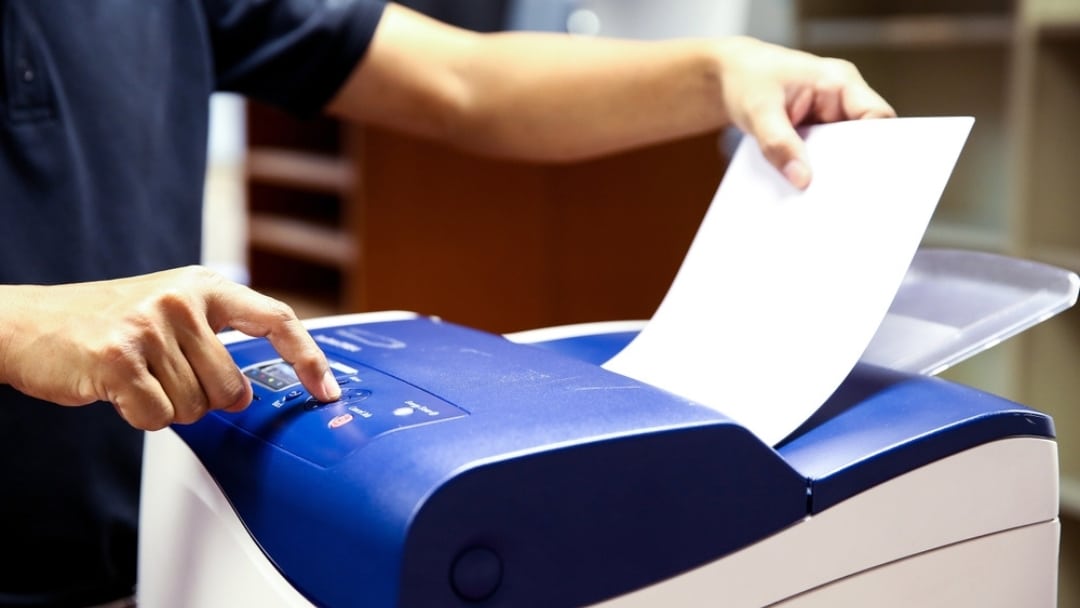
Faxing remains deeply embedded in healthcare communication, even in 2026. The question is no longer whether faxing is allowed under HIPAA, but how to prevent HIPAA violations when faxing patient information. Federal guidance confirms that faxing PHI is permitted; however, violations continue to occur because safeguards break down at the human, technical, and procedural levels. A misdirected fax is far easier to contain when the lead page is built correctly, and our breakdown of why compliant fax cover sheets matter shows exactly which disclaimers and fields belong there. Healthcare Cloud Fax Services help organizations strengthen these safeguards by aligning daily fax practices with HIPAA rules, security standards, and modern compliance expectations.
How to Prevent HIPAA Violations When Faxing
Understanding how to prevent HIPAA violations when faxing starts with a simple truth: HIPAA does not prohibit faxing medical records. The HIPAA Privacy Rule allows fax transmission of protected health information for treatment, payment, and healthcare operations, provided reasonable safeguards exist. According to the U.S. Department of Health and Human Services, covered entities must protect PHI from intentional or accidental disclosure when using fax machines or electronic fax systems. That’s where most violations begin.
Many organizations assume fax equals compliance. That assumption causes breaches. HIPAA violations during faxing typically happen because of misdialed numbers, unattended fax machines, shared access, or unsecured storage. Preventing violations requires consistent controls, not outdated habits.
What HIPAA Actually Says About Faxing PHI
Healthcare professionals often ask: Is fax HIPAA compliant, or are faxes HIPAA compliant by default? The answer sits in nuance. HIPAA permits faxing PHI, but only when safeguards are applied. HHS guidance makes it clear that covered entities must use reasonable administrative, technical, and physical protections to limit unnecessary disclosures.
HIPAA fax requirements do not list specific technologies, which means responsibility falls on the organization. Whether a provider uses a traditional fax machine, a fax server, or cloud fax software, compliance depends on execution, not the medium.
The table below summarizes how HIPAA views faxing medical records.
| HIPAA Area | What HIPAA Allows | Where Violations Occur |
| Privacy Rule | Faxing PHI for care and operations | Wrong recipient, no cover sheet |
| Security Rule | Electronic safeguards for ePHI | Unencrypted digital fax systems |
| Administrative Safeguards | Policies and workforce training | No documentation or staff oversight |
This distinction matters. Faxing PHI is allowed, but unsafe faxing is not.
Common Ways HIPAA Fax Violations Happen
Most HIPAA fax violations occur during routine, everyday tasks rather than extraordinary events, which is exactly why they’re so dangerous.
| Violation Scenario | Why It Happens | HIPAA Risk Created |
| Fax sent to the wrong number | Old contact lists or manual dialing | Unauthorized disclosure of PHI |
| Unattended fax printouts | Busy staff and shared devices | PHI viewed by unauthorized individuals |
| Shared fax inboxes | No user-level access controls | No accountability or traceability |
| Reused fax confirmation sheets | Assumed accuracy without verification | False proof of disclosure |
| Faxing more data than required | Lack of a minimum necessary review | Excessive exposure of PHI |
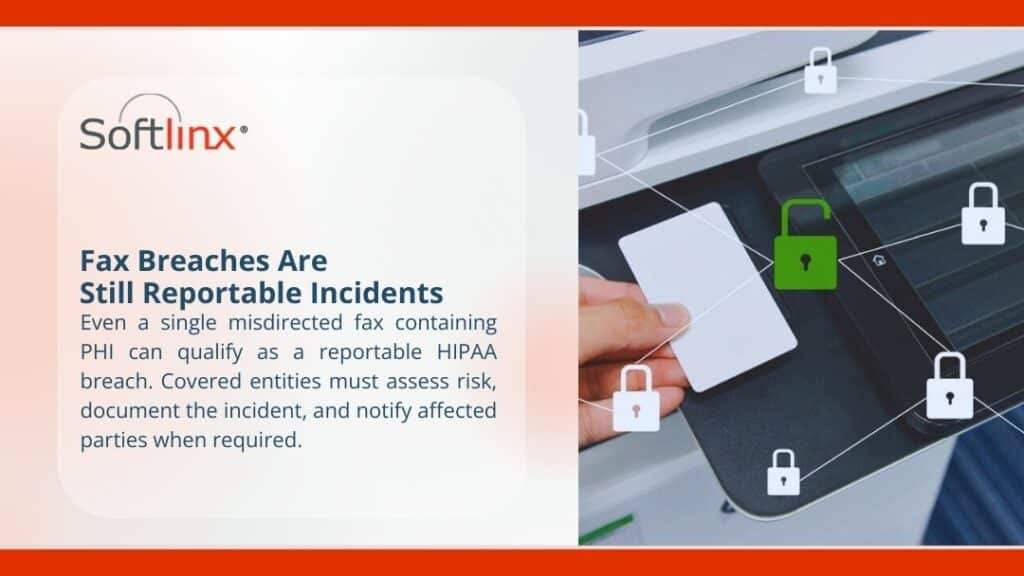
These incidents rarely involve malicious intent, yet they still qualify as reportable breaches under HIPAA.
Administrative Safeguards That Reduce Faxing Risk
Administrative safeguards focus on people, decisions, and accountability rather than technology. Written faxing policies should clearly define who is authorized to send PHI, under which circumstances, and how approval is documented. Without that clarity, compliance becomes guesswork.
Ongoing training plays a larger role than most organizations admit. Staff turnover, role changes, and workflow pressure slowly erode compliance unless refresher education is routine. Administrative safeguards also require assigning ownership, meaning someone is responsible for monitoring fax practices, reviewing incidents, and correcting patterns before they escalate.
Organizations that treat faxing as a regulated disclosure, rather than a background task, tend to experience fewer violations over time.
Technical Safeguards That Support HIPAA Fax Compliance
Technical safeguards determine whether PHI remains protected during transmission and storage, especially as faxing shifts into digital environments.
| Technical Control | Function | Compliance Benefit |
| Encryption in transit | Protects data while sending | Prevents interception |
| User authentication | Limits system access | Ensures authorized use |
| Role-based permissions | Restricts PHI visibility | Enforces the minimum necessary |
| Transmission logs | Records fax activity | Supports audits |
| Secure digital storage | Prevents local exposure | Reduces paper risk |
When these controls work together, faxing PHI becomes traceable, reviewable, and far less prone to silent failure.
Physical Safeguards Still Matter
Physical safeguards are often underestimated because they feel basic, yet they remain a major source of HIPAA violations. Fax machines placed in open areas invite accidental exposure, especially in high-traffic clinical settings.
Controlled placement, restricted access, and timely removal of documents reduce the likelihood that sensitive information sits unattended. Even in digital fax environments, workstations and shared printers must follow access control standards. Physical safeguards serve as the final barrier when administrative rules and technical systems fall short.
Fax Cover Sheets and Verification Protocols
Fax cover sheets and verification steps act as procedural safety nets when human error occurs.
| Practice | Purpose | Risk Reduced |
| Confidentiality disclaimer | Alerts unintended recipients | Limits further disclosure |
| Sender and recipient details | Identifies responsibility | Improves accountability |
| Pre-send number verification | Confirms destination | Prevents misdelivery |
| Approved fax directories | Standardizes contacts | Reduces dialing errors |
| Error instructions | Guides recipients | Mitigates breach impact |
These steps may feel repetitive, but repetition is exactly what prevents one-time mistakes from becoming reportable violations.

Documentation, Audit Trails, and Accountability
HIPAA compliance depends on proof, not assumptions. Audit trails establish who accessed PHI, when it was sent, and whether delivery occurred as intended.
| Documentation Element | What It Captures | Why It Matters |
| Transmission timestamp | Date and time | Establishes timeline |
| Sender identification | User or department | Assigns responsibility |
| Recipient confirmation | Delivery status | Confirms disclosure |
| Access logs | Viewing activity | Detects misuse |
| Retention records | Storage duration | Supports compliance reviews |
Without documentation, even well-intentioned fax practices become difficult to defend during audits or investigations.
Comparing Traditional Faxing and Secure Digital Faxing
The table below illustrates how different fax approaches affect HIPAA compliance risk.
| Fax Method | Compliance Strength | Primary Risk |
| Analog fax machine | Allowed under HIPAA | Physical exposure |
| Network fax server | Controlled access | Internal misuse |
| Cloud-based faxing | Encrypted, auditable | Vendor oversight |
Organizations sending high volumes of PHI often move away from standalone fax machines toward cloud-based systems because oversight becomes manageable.
Healthcare providers exploring fax through the internet models often cite better control, fewer errors, and clearer accountability.
Industry-Specific Faxing Considerations
HIPAA fax compliance looks different depending on the care setting. Hospitals manage high-volume intake across departments, which increases exposure if routing fails. Secure hospital cloud fax solutions reduce that complexity by centralizing control.
Clinics face different challenges, such as staff multitasking and limited IT oversight. Clinic cloud fax solutions help standardize faxing without adding workflow friction.
Specialty providers, from urgent care to rehabilitation centers, rely on faxing during referrals and transitions of care. Tailored systems, such as outpatient clinic cloud fax solutions, reduce handoffs that cause mistakes.
Why HIPAA Fax Compliance Still Breaks Down
Compliance breakdowns rarely stem from ignorance of the rules. They come from fatigue, pressure, and normalization of risk. Staff begin to trust systems without verification, reuse old habits, and assume nothing will go wrong this time.
Over time, minor deviations stack up. A skipped confirmation here, an unattended document there, until one incident triggers a breach notification. HIPAA compliance erodes gradually, not suddenly, which makes proactive oversight essential.
Where Secure Faxing Is Headed in 2026
Faxing remains relevant because healthcare ecosystems move slowly. However, compliance expectations continue to rise. Regulators expect better documentation, faster breach response, and fewer excuses.
Organizations that rely on HIPAA-compliant fax services and Healthcare Fax Solutions with built-in auditability place themselves in a stronger position when scrutiny arrives. Modern compliance depends less on intent and more on evidence.

Why This Matters More Than Ever
HIPAA enforcement has become more sophisticated, and tolerance for preventable disclosures has shrunk. Patients expect privacy, regulators expect evidence, and organizations bear the consequences when either is missing.
Preventing HIPAA violations when faxing protects more than compliance status. It protects trust, reputation, and operational continuity. Healthcare organizations that want reliable, compliant faxing at scale increasingly turn to experienced providers who understand both regulation and reality.
If your organization is reassessing how it handles faxed PHI, Softlinx offers secure, healthcare-focused fax solutions designed to support compliance without disrupting care delivery. Now is the moment to replace risk with control and uncertainty with accountability.
Fax errors haven’t disappeared. They’ve just changed form. Between unstable phone lines, VoIP conflicts, and human mistakes, businesses still lose time to failed transmissions. Teams tempted to switch to email for reliability should first compare fax versus email security, since the two channels protect sensitive data very differently. This guide explains how to reduce fax errors in practical, repeatable ways that hold up in real operations, especially in healthcare and regulated environments.
How to Reduce Fax Errors Starts With Understanding What Actually Goes Wrong
Most people treat fax errors like random glitches. They’re not. Almost every fax error traces back to a small group of causes: line instability, incompatible systems, incorrect fax numbers, or poorly designed workflows. Since most of those causes are rooted in analog lines and aging hardware, it helps to understand how cloud faxing compares to traditional fax before investing in more fixes. When people search for how to reduce fax errors, they’re usually reacting to messages like fax failed, no answer, or communication error, not looking for theory.
Fax transmission still relies on precise timing between the sending and receiving endpoints. If the phone line drops for even a moment, or the receiving fax machine doesn’t respond fast enough, the fax did not go through. Add VoIP compression, shared office lines, or outdated machines, and the failure rate climbs fast. Reducing fax errors means addressing the system, not just retrying the send.
Why fax transmissions fail more often than people expect
But here’s the problem. Fax technology was designed for analog phone lines, not digital networks. Many offices now send faxes over VoIP or shared data connections, which introduces jitter, packet loss, and timing mismatches. That’s when users start asking why their fax is not going through or why their fax won’t go through even though the number looks correct.
Another common issue sits on the receiving end. A fax machine not working properly may still pick up voice calls but fail to negotiate a fax handshake. That results in errors like fax says no answer or fax machine no answer, even when someone is physically near the device.
Human error adds fuel to the fire. A single-digit mistake in a fax number, missing an area code or country code, or sending to a line that no longer accepts faxes leads to fax transmission error messages that look technical but are actually procedural.
What common fax error messages really mean
Most people see error messages and assume the machine is broken. Often, it isn’t. The table below breaks down what these messages usually mean and how to reduce fax errors tied to each one.
| Fax error message | What it usually means | Why does it keep happening |
| No answer fax meaning | The receiving fax did not pick up | Auto-answer disabled or line busy |
| Fax failed, no answer | Call connected, but no fax tone | Voice line or incompatible device |
| Fax communication error | Data loss during transmission | Poor line quality or VoIP compression |
| Fax sent, no answer | Handshake never completed | Timing mismatch or outdated machine |
| Line under communication fax meaning | Line already in use | Shared phone line or call waiting |
When users repeatedly see messages like fax results with no answer or fax failed, the instinct is to resend. That might work once. It does nothing to reduce fax errors long term.
Practical fixes that reduce fax errors without new equipment
So here’s what happened when organizations actually reduced error rates without replacing everything.
First, they stopped sharing fax lines. A fax line not working often turns out to be a line overloaded with voice traffic. Second, they verified destination numbers every time. Double-check the fax number, including area code, extension rules, and whether the destination still accepts faxes.
Third, they adjusted the send settings. Lowering transmission speed can help older fax machines receive pages more reliably. This alone resolves many fax machine not sending or receiving complaints.
Fourth, they broke large documents into smaller batches. Long transmissions increase the chance of interruption. Shorter sends succeed more often and reduce fax errors across the board.
These steps help, but they cap out quickly. That’s why organizations eventually hit a ceiling with traditional machines.
Where traditional fax machines hit their limits
Traditional fax machines fail for reasons no checklist can fully fix. Hardware ages. Rollers wear down. Memory fills up. Firmware stays outdated. When a broken fax machine shows intermittent errors, troubleshooting turns into guesswork.
Fax machines also depend on physical phone lines. Any noise on the line, even electrical interference, can cause failure to send or receive a fax. That’s why businesses stuck with analog systems keep searching for how to fix a fax machine or how to fix fax machines with no answer, over and over. This is where system-level changes start to matter.
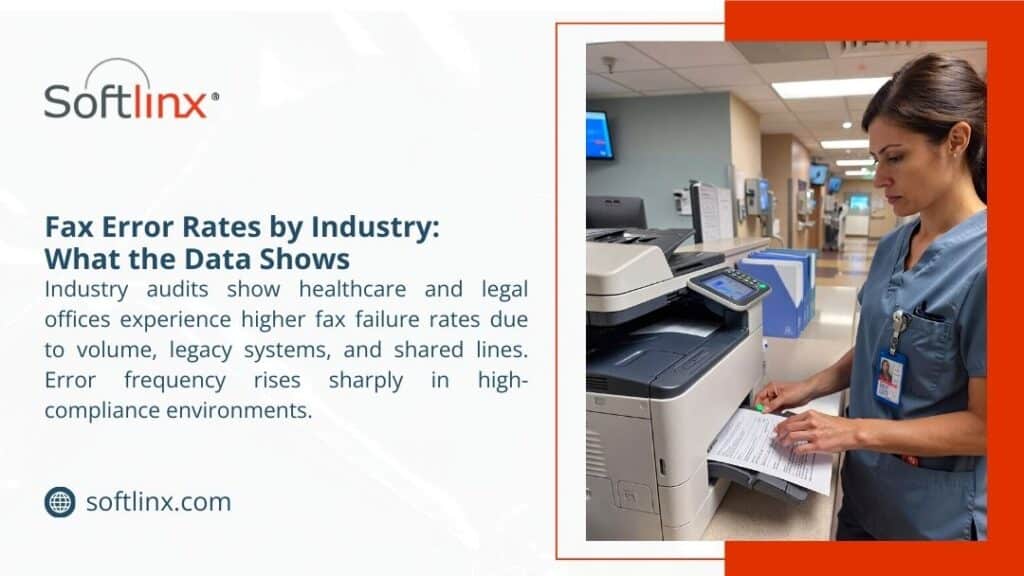
How modern fax infrastructure reduces errors by design
Organizations that significantly reduce fax errors stop relying on standalone devices. They centralize faxing.
A centralized fax server replaces individual machines with controlled routing, retries, and detailed error logs. Instead of guessing why a fax failed, IT teams see the exact error code and response from the destination system. That alone shortens resolution time and prevents repeat failures.
Moving one step further, cloud fax removes phone lines altogether. Fax transmission happens over secure data channels with built-in error correction. Because cloud platforms manage connectivity centrally, issues like a fax line not working or a fax machine not answering disappear.
For offices using VoIP, a VoIP fax configured properly avoids compression issues that break traditional fax tones. When done incorrectly, VoIP causes constant fax communication error messages. When done right, it stabilizes sending and receiving across locations.
Reducing human error through better workflows
Technology helps, but people still matter. Many fax errors come from rushed processes. Staff enter fax numbers manually, skip confirmations, or misread error messages.
Automation changes that. When organizations adopt methods like sending documents via email-based workflows, the chance of mistyped numbers drops sharply. The same principle applies to communication workflows, where how to email to a fax number shows how controlled inputs help reduce transmission errors and manual rework.
Automated routing also prevents faxes from landing in the wrong inbox or queue. Instead of someone manually forwarding documents, systems handle it consistently. This approach cuts down on lost pages and repeated sends.
Fax errors in healthcare carry a higher risk
In healthcare, fax errors don’t just waste time. They increase compliance risk. A misdialed fax number can expose protected health information, triggering HIPAA violations. This is one reason Healthcare Cloud Fax Solutions have become increasingly important for organizations seeking secure and compliant document transmission.
The U.S. Department of Health and Human Services has identified misdirected faxes among the types of impermissible disclosures that can trigger reportable HIPAA data breaches.
Using HIPAA fax systems with audit trails and access controls helps prevent these incidents. Secure healthcare fax practices are detailed here: https://softlinx.com/hipaa-fax/
Many organizations still ask whether faxing HIPAA is fax HIPAA compliant. The short answer is yes, but only when controls exist. This breakdown clarifies when faxing meets HIPAA standards and when it does not.
Connecting the fax to clinical systems reduces repeat failures
Another overlooked source of fax errors is manual data handling between systems. When staff print, scan, and resend documents, mistakes multiply. Direct EHR integration removes those steps. When faxes flow straight into patient records, there’s less resending, fewer wrong numbers, and clearer confirmation. Healthcare organizations that move to secure fax through the internet also report fewer transmission failures because they no longer rely on unstable phone infrastructure.

Comparing error risk across fax approaches
The table below shows how different fax setups affect reliability.
| Fax approach | Typical error rate | Primary risk factor |
| Standalone fax machine | High | Line noise and hardware failure |
| Shared office fax line | Medium to high | Busy signals and call conflicts |
| Fax server | Low | Configuration errors |
| Cloud fax | Very low | Internet outage only |
This is why organizations focused on how to reduce fax errors eventually shift away from physical machines.
What reducing fax errors looks like long-term
Reducing fax errors isn’t about eliminating fax overnight. It’s about making failures predictable, traceable, and rare. Organizations that succeed stop asking why does my fax keeps failing and start monitoring transmission data. They look at patterns, not individual mishaps. They move away from guessing how to fix a fax machine and toward systems that surface the real issue immediately. For high-volume environments, enterprise solutions that guarantee uptime and retries matter.
Turning fax from a liability into a controlled process
Fax will stick around longer than anyone expects, especially in healthcare, government, and finance. The difference between constant frustration and smooth operations comes down to design choices.
When you understand why fax errors happen, address weak points in connectivity, remove manual steps, and adopt modern infrastructure such as Healthcare Fax Solutions, failure stops being the norm. That’s how to reduce fax errors in a way that holds up tomorrow, not just on the next resend.
If repeated failures slow your operations today, moving toward centralized or cloud-based fax systems may be the cleanest way to restore reliability and confidence without disrupting existing workflows.
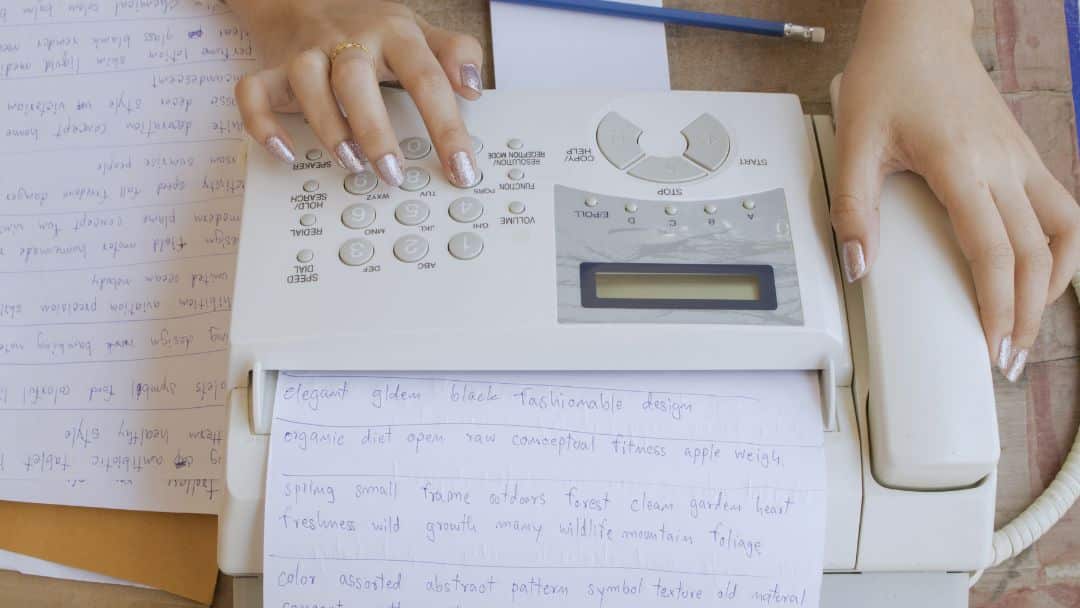
The hidden costs of traditional fax rarely show up on invoices. Hardware looks cheap. Fax services appear simple. But once phone lines, labor time, compliance exposure, and workflow friction enter the picture, fax cost balloons quietly.
This article breaks down what businesses actually pay to send and receive faxes, and why those costs persist long after the machine is installed.
Hidden Costs of Traditional Fax: What the Invoice Never Shows
The hidden costs of traditional fax begin the moment a business commits to a dedicated fax machine. At first glance, faxing seems inexpensive. A device sits in the corner. A fax number exists. Documents move. But here’s the problem. Traditional faxing spreads its costs across hardware, infrastructure, labor, and risk. None of it looks dramatic on its own. Together, it adds up quickly.
Fax machines require more than electricity and paper. They rely on an analog infrastructure that modern offices no longer use for anything else. A dedicated phone line exists solely for fax transmission, often costing between $25 and $50 per month, depending on the carrier.
The analog business line pricing has steadily increased as telecom providers shift away from copper networks, making fax line costs a long-term liability rather than a fixed expense. That line does nothing when documents aren’t moving. Yet the bill arrives every month.
The Real Cost of Fax Machines and Hardware Ownership
A fax machine cost looks manageable at checkout. Entry-level units sell for a few hundred dollars. Enterprise models climb much higher. But the purchase price tells only part of the story. Traditional fax machines age fast. Mechanical parts fail. Rollers wear out. Toner dries up. Replacement parts grow scarce. According to Total Cost of Ownership research and IDC’s analysis of IT hardware maintenance costs, the full lifecycle expenses of office hardware, including repairs, service, downtime, and support, often rival or exceed the original purchase price over a typical 5-year period. This creates a rolling cost cycle that never truly ends.
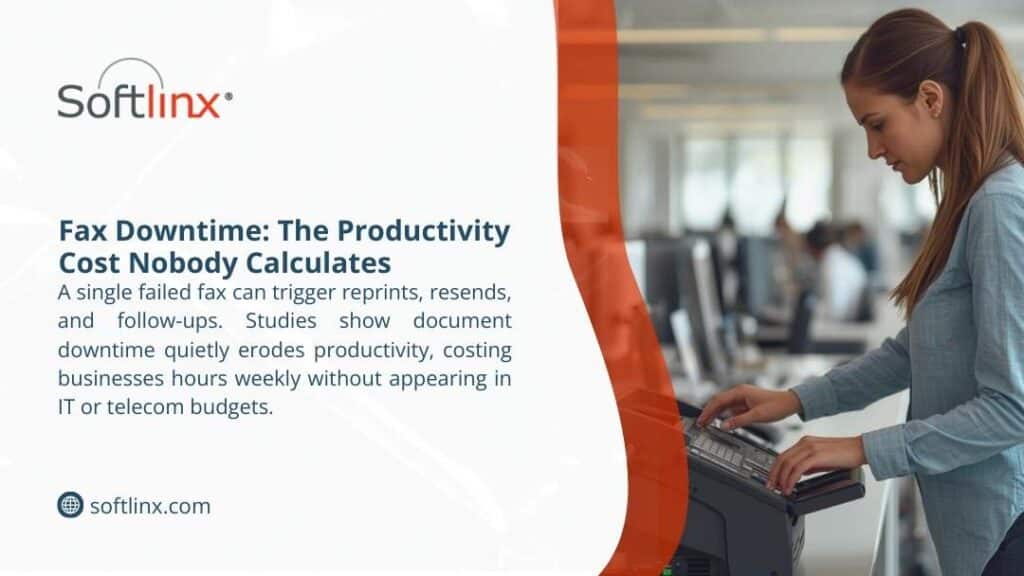
Equipment Costs That Never Really End
A traditional fax machine rarely stays a one-time purchase. Most businesses underestimate how much a fax machine costs once the full lifecycle comes into view. Hardware prices vary, but maintenance never truly stops. Replacement parts, routine service calls, toner, and paper quietly increase the fax machine cost year after year.
Energy use adds another layer. According to the report, office equipment left powered on outside business hours continues to draw electricity, creating unnecessary power consumption that often goes unnoticed. Older fax machines, in particular, lack modern energy controls, which makes idle usage yet another hidden drain tied to outdated systems.
| Fax Equipment Expense | Typical Ongoing Impact |
| Dedicated fax machine | Maintenance and repair cycles |
| Toner and paper | Continuous replenishment |
| Power usage | Idle energy draw |
Once these recurring expenses surface in annual reviews, many organizations begin to understand why faxing is so expensive, even when fax volume remains steady.
Dedicated Fax Lines: The Cost That Never Stops
Fax line cost remains one of the most persistent hidden expenses. Unlike internet-based systems, traditional faxing depends on analog connectivity. That means a business pays for a line even if fax volume drops.
Many organizations still ask, How much does a fax line cost? The answer varies, but averages remain stubbornly high. According to pricing data, business analog lines routinely exceed $30 per month before taxes and fees. Over five years, that single fax line quietly exceeds the cost of the fax machine itself.
Paper, Toner, and Storage: The Fax Cost Nobody Tracks
Faxing consumes paper whether recipients want it or not. Toner cartridges for fax machines often cost more per page than modern printers due to lower production volumes. Paper storage becomes another silent drain. Physical filing cabinets occupy office space that carries real rent costs.
A study by Gartner found that organizations spend between 1% and 3% of total annual revenues on document output (including copiers, printers, fax machines, and scanners). Faxing contributes directly to that figure. Those costs rarely appear under fax services in accounting software. They hide inside operational overhead.
Labor Time and Workflow Disruption
Traditional faxing interrupts people. Someone prints a document. Someone walks to the machine. Someone waits. Someone resends when the line fails. Someone files paper afterward. None of that work creates value.
According to the Bureau of Labor Statistics, employer labor compensation costs, including wages and benefits, account for a significant portion of total workplace spending, averaging around $48.05 per hour worked for civilian workers in 2025, with wages alone making up about 702% of that cost.
This highlights how labor expenses, especially in administrative and office support roles, can quickly outweigh equipment or hardware costs in document-heavy environments. This is where the hidden costs of traditional fax become impossible to ignore.
Compliance Exposure and Error-Driven Costs
Fax machines do not verify recipients. Misdialed numbers remain a leading cause of document exposure. In healthcare, this matters. Paper left on fax trays exposes sensitive information. Staff re-fax documents multiple times without tracking delivery confirmation. Modern Healthcare Cloud Fax Solutions address many of these challenges through secure routing, delivery tracking, and better document visibility. Each error creates risk, and risk carries cost.
Organizations exploring whether fax is HIPAA compliant often discover that compliance depends entirely on process controls, not on the machine itself. Understanding HIPAA fax requirements matters more than most businesses realize, especially when sensitive information moves daily.
Comparing Traditional Fax Cost vs Digital Alternatives
The table below shows how traditional fax expenses stack up against modern approaches over time.
| Cost Category | Traditional Fax | Digital Fax |
| Fax machine cost | High upfront | None |
| Fax line cost | Monthly recurring | Included |
| Paper and toner | Continuous | None |
| Maintenance | Ongoing | Minimal |
| Compliance risk | High | Reduced |
| Scalability | Limited | Flexible |
Digital fax solutions remove hardware dependency entirely. They rely on centralized fax server infrastructure rather than individual machines, which reduces failure points and administrative burden. Businesses that evaluate a fax server approach often find that cost predictability improves almost immediately.
Retail Fax Services: Why Pay-Per-Page Adds Up
Many people ask, How much does it cost to fax at Staples? or How much does UPS charge to send a fax? Retail fax services look convenient but charge per page, often between $1.50 and $3.00 for local transmissions. UPS fax cost per page increases for long-distance or international destinations.
Over time, these ad-hoc charges rival the cost of owning a dedicated fax machine, without offering security, audit trails, or reliability. Staples fax cost and UPS fax service pricing appeal for emergencies, not for ongoing business operations.
| Retail Fax Provider | Typical Cost Structure |
| Staples fax service | Per-page pricing, domestic and international |
| UPS fax service | Per page plus service fees |
| Local fax store near me | Variable pricing |
What starts as a quick errand often turns into a recurring operational expense, particularly for businesses that send forms, contracts, or multi-page documents on a regular basis.
Total Cost of Ownership: The Metric That Matters
Total cost of ownership captures what traditional fax hides. Hardware, phone lines, labor time, consumables, compliance exposure, and opportunity loss belong in the same calculation.
| Cost Type | Visible | Hidden |
| Hardware | Yes | No |
| Phone line | Yes | Sometimes |
| Paper and toner | Sometimes | Yes |
| Labor time | No | Yes |
| Compliance exposure | No | Yes |
When organizations evaluate fax cost honestly, the math changes.
Why Businesses Move Away from Traditional Fax
Traditional faxing persists because it feels familiar. But familiarity does not equal efficiency. Cloud-based fax delivery allows organizations to send and receive faxes through the internet, removing analog dependencies entirely. Businesses that explore cloud fax infrastructure often discover fewer errors, clearer audit trails, and reduced administrative load.
Healthcare organizations frequently integrate fax directly into EHR systems to eliminate manual routing and scanning. Learning how to connect fax to EHR platforms reduces handling errors while supporting regulatory compliance.
Conclusion
The hidden costs of traditional fax rarely appear in procurement discussions. They surface later, inside support tickets, billing statements, and compliance reviews. Organizations that calculate fax cost beyond hardware begin to question why outdated systems remain in place.
This might work for you if your business sends only a handful of faxes per year. But for regulated industries, high-volume environments, or teams handling sensitive information, traditional fax becomes one of the most expensive legacy habits still in use.
Understanding the full cost picture helps leaders decide whether maintaining analog fax infrastructure still makes sense or whether modern fax solutions align better with operational reality.
If reducing recurring overhead, improving document security, and regaining staff time matter, examining alternatives becomes less about technology and more about accountability. Traditional faxing doesn’t just slow work down; it locks organizations into ongoing risk and inefficiency. Softlinx provides secure, enterprise-grade cloud fax built for regulated environments that still rely on fax to move critical information.
Hidden Costs of Traditional Fax: Most Businesses Still Overlook
The hidden costs of traditional fax rarely show up on invoices. Hardware looks cheap. Fax services appear simple. But once phone lines, labor time, compliance exposure, and workflow friction enter the picture, fax cost balloons quietly.
This article breaks down what businesses actually pay to send and receive faxes, and why those costs persist long after the machine is installed.
Hidden Costs of Traditional Fax: What the Invoice Never Shows
The hidden costs of traditional fax begin the moment a business commits to a dedicated fax machine. At first glance, faxing seems inexpensive. A device sits in the corner. A fax number exists. Documents move. But here’s the problem. Traditional faxing spreads its costs across hardware, infrastructure, labor, and risk. None of it looks dramatic on its own. Together, it adds up quickly.
Fax machines require more than electricity and paper. They rely on an analog infrastructure that modern offices no longer use for anything else. A dedicated phone line exists solely for fax transmission, often costing between $25 and $50 per month, depending on the carrier.
The analog business line pricing has steadily increased as telecom providers shift away from copper networks, making fax line costs a long-term liability rather than a fixed expense. That line does nothing when documents aren’t moving. Yet the bill arrives every month.
The Real Cost of Fax Machines and Hardware Ownership
A fax machine cost looks manageable at checkout. Entry-level units sell for a few hundred dollars. Enterprise models climb much higher. But the purchase price tells only part of the story. Traditional fax machines age fast. Mechanical parts fail. Rollers wear out. Toner dries up. Replacement parts grow scarce. According to Total Cost of Ownership research and IDC’s analysis of IT hardware maintenance costs, the full lifecycle expenses of office hardware, including repairs, service, downtime, and support, often rival or exceed the original purchase price over a typical 5-year period. This creates a rolling cost cycle that never truly ends.
Equipment Costs That Never Really End
A traditional fax machine rarely stays a one-time purchase. Most businesses underestimate how much a fax machine costs once the full lifecycle comes into view. Hardware prices vary, but maintenance never truly stops. Replacement parts, routine service calls, toner, and paper quietly increase the fax machine cost year after year.
Energy use adds another layer. According to the report, office equipment left powered on outside business hours continues to draw electricity, creating unnecessary power consumption that often goes unnoticed. Older fax machines, in particular, lack modern energy controls, which makes idle usage yet another hidden drain tied to outdated systems.
| Fax Equipment Expense | Typical Ongoing Impact |
| Dedicated fax machine | Maintenance and repair cycles |
| Toner and paper | Continuous replenishment |
| Power usage | Idle energy draw |
Once these recurring expenses surface in annual reviews, many organizations begin to understand why faxing is so expensive, even when fax volume remains steady.
Dedicated Fax Lines: The Cost That Never Stops
Fax line cost remains one of the most persistent hidden expenses. Unlike internet-based systems, traditional faxing depends on analog connectivity. That means a business pays for a line even if fax volume drops.
Many organizations still ask, How much does a fax line cost? The answer varies, but averages remain stubbornly high. According to pricing data, business analog lines routinely exceed $30 per month before taxes and fees. Over five years, that single fax line quietly exceeds the cost of the fax machine itself.
Paper, Toner, and Storage: The Fax Cost Nobody Tracks
Faxing consumes paper whether recipients want it or not. Toner cartridges for fax machines often cost more per page than modern printers due to lower production volumes. Paper storage becomes another silent drain. Physical filing cabinets occupy office space that carries real rent costs.
A study by Gartner found that organizations spend between 1% and 3% of total annual revenues on document output (including copiers, printers, fax machines, and scanners). Faxing contributes directly to that figure. Those costs rarely appear under fax services in accounting software. They hide inside operational overhead.
Labor Time and Workflow Disruption
Traditional faxing interrupts people. Someone prints a document. Someone walks to the machine. Someone waits. Someone resends when the line fails. Someone files paper afterward. None of that work creates value.
According to the Bureau of Labor Statistics, employer labor compensation costs, including wages and benefits, account for a significant portion of total workplace spending, averaging around $48.05 per hour worked for civilian workers in 2025, with wages alone making up about 702% of that cost.
This highlights how labor expenses, especially in administrative and office support roles, can quickly outweigh equipment or hardware costs in document-heavy environments. This is where the hidden costs of traditional fax become impossible to ignore.
Compliance Exposure and Error-Driven Costs
Fax machines do not verify recipients. Misdialed numbers remain a leading cause of document exposure. In healthcare, this matters. Paper left on fax trays exposes sensitive information. Staff re-fax documents multiple times without tracking delivery confirmation. Each error creates risk. Risk carries cost.
Organizations exploring whether fax is HIPAA compliant often discover that compliance depends entirely on process controls, not on the machine itself. Understanding HIPAA fax requirements matters more than most businesses realize, especially when sensitive information moves daily.
Comparing Traditional Fax Cost vs Digital Alternatives
The table below shows how traditional fax expenses stack up against modern approaches over time.
| Cost Category | Traditional Fax | Digital Fax |
| Fax machine cost | High upfront | None |
| Fax line cost | Monthly recurring | Included |
| Paper and toner | Continuous | None |
| Maintenance | Ongoing | Minimal |
| Compliance risk | High | Reduced |
| Scalability | Limited | Flexible |
Digital fax solutions remove hardware dependency entirely. They rely on centralized fax server infrastructure rather than individual machines, which reduces failure points and administrative burden. Businesses that evaluate a fax server approach often find that cost predictability improves almost immediately.
Retail Fax Services: Why Pay-Per-Page Adds Up
Many people ask, How much does it cost to fax at Staples? or How much does UPS charge to send a fax? Retail fax services look convenient but charge per page, often between $1.50 and $3.00 for local transmissions. UPS fax cost per page increases for long-distance or international destinations.
Over time, these ad-hoc charges rival the cost of owning a dedicated fax machine, without offering security, audit trails, or reliability. Staples fax cost and UPS fax service pricing appeal for emergencies, not for ongoing business operations.
| Retail Fax Provider | Typical Cost Structure |
| Staples fax service | Per-page pricing, domestic and international |
| UPS fax service | Per page plus service fees |
| Local fax store near me | Variable pricing |
What starts as a quick errand often turns into a recurring operational expense, particularly for businesses that send forms, contracts, or multi-page documents on a regular basis.
Total Cost of Ownership: The Metric That Matters
Total cost of ownership captures what traditional fax hides. Hardware, phone lines, labor time, consumables, compliance exposure, and opportunity loss belong in the same calculation.
| Cost Type | Visible | Hidden |
| Hardware | Yes | No |
| Phone line | Yes | Sometimes |
| Paper and toner | Sometimes | Yes |
| Labor time | No | Yes |
| Compliance exposure | No | Yes |
When organizations evaluate fax cost honestly, the math changes.
Why Businesses Move Away from Traditional Fax
Traditional faxing persists because it feels familiar. But familiarity does not equal efficiency. Cloud-based fax delivery allows organizations to send and receive faxes through the internet, removing analog dependencies entirely. Businesses that explore cloud fax infrastructure often discover fewer errors, clearer audit trails, and reduced administrative load.
Healthcare organizations frequently rely on Healthcare Fax Solutions that integrate directly with EHR systems to eliminate manual routing and scanning. Learning how to connect fax to EHR platforms reduces handling errors while supporting regulatory compliance.
Conclusion
The hidden costs of traditional fax rarely appear in procurement discussions. They surface later, inside support tickets, billing statements, and compliance reviews. Organizations that calculate fax cost beyond hardware begin to question why outdated systems remain in place.
This might work for you if your business sends only a handful of faxes per year. But for regulated industries, high-volume environments, or teams handling sensitive information, traditional fax becomes one of the most expensive legacy habits still in use.
Understanding the full cost picture helps leaders decide whether maintaining analog fax infrastructure still makes sense or whether modern fax solutions align better with operational reality.
If reducing recurring overhead, improving document security, and regaining staff time matter, examining alternatives becomes less about technology and more about accountability.
Traditional faxing doesn’t just slow work down; it locks organizations into ongoing risk and inefficiency. Softlinx provides secure, enterprise-grade cloud fax built for regulated environments that still rely on fax to move critical information.

For years, Esker has been closely tied to document automation, accounts payable workflows, and enterprise faxing. That reputation still holds. What’s changed is the environment around it. By 2026, organizations will face tighter compliance rules, more complex integrations, and higher expectations for uptime and workflow reliability.
Those shifts explain why Esker often gets re-evaluated. IT leaders, finance teams, and healthcare organizations aren’t necessarily looking for more features. They’re looking for tools that fit how work actually moves through their systems today. That’s why Esker alternatives increasingly come into the conversation, especially platforms that specialize rather than generalize.
Because Esker spans multiple areas, including document delivery, enterprise fax, and source-to-pay automation, the alternatives organizations evaluate often fall into different categories rather than competing directly with one another.
Some replace Esker’s fax and document-delivery capabilities, while others compete with its financial workflow automation. Understanding that distinction helps teams evaluate alternatives based on the specific operational problem they need to solve.
This article reviews 13 Esker alternatives across three practical categories: enterprise fax and document delivery platforms, accounts payable automation tools, and broader enterprise workflow or ERP systems. Each serves a different purpose, which is why Esker replacements often depend more on operational priorities than on feature lists alone.
Esker Alternatives for Enterprise Fax, AP Automation, and Workflow Control
Evaluating Esker alternatives usually starts with a simple question: What role does Esker play in the organization right now? Esker combines document processing, invoice automation, and fax functionality into a single platform, which can be effective in the right context. But not every organization needs everything bundled together.
Some alternatives concentrate almost entirely on financial workflows. Others focus on document transmission or fax infrastructure. In regulated environments such as healthcare, insurance, and government, that difference matters more than it might seem at first. A platform built for invoices may not handle high-volume fax workflows well. Likewise, a fax-centric platform may outperform Esker when reliability, system integration, and compliance controls take precedence over financial automation breadth.
To make these differences clearer, the platforms below are grouped by the primary operational role they serve: fax and document delivery infrastructure, accounts payable automation, or broader enterprise workflow and spend management systems.
Enterprise Fax and Document Delivery Alternatives
For organizations where fax remains operationally critical, especially in healthcare, insurance, and regulated industries, specialized fax platforms are often evaluated as Esker alternatives. These tools focus on reliability, integration with business systems, and compliance controls rather than financial automation workflows.
1. Softlinx ReplixFax: A Fax-Focused Enterprise Alternative
Softlinx approaches the Esker comparison from a different direction. Rather than bundling fax into a broader automation suite, the ReplixFax platform treats fax and document delivery as core infrastructure.
ReplixFax is designed for organizations where fax remains a mission-critical communication channel. Healthcare providers, insurers, financial services firms, and government agencies often rely on Healthcare Fax Services for secure document exchange, and reliability failures can disrupt daily operations. In those environments, a platform built specifically for enterprise fax workflows can provide stronger operational control than a general-purpose automation suite.
The platform focuses on secure cloud fax, enterprise fax servers, workflow routing, and integration with business applications and healthcare systems. Publicly documented capabilities include API-based integrations, Epic-certified healthcare integration, HIPAA-oriented fax workflows, and deployment options that include both cloud fax services and on-premise fax servers, including Healthcare Cloud Fax Services designed for organizations that need secure and compliant document exchange.
Organizations typically evaluate Softlinx when fax volume is high, regulatory requirements are strict, and document transmission needs to integrate cleanly with existing systems rather than operate as a standalone tool.
The platform prioritizes uptime, compliance alignment, and enterprise-scale fax reliability, making it particularly relevant for organizations where fax and document delivery remain operational infrastructure.
| Pros | Cons |
| Built for enterprise and healthcare fax workflows | Focused specifically on document transmission infrastructure |
| Strong compliance and audit-trail positioning | Best suited for regulated communication workflows |
| API and EHR/EMR/business-app integration support | Not intended as a financial automation platform |
2. FAX.PLUS: Lightweight Cloud Fax Alternative
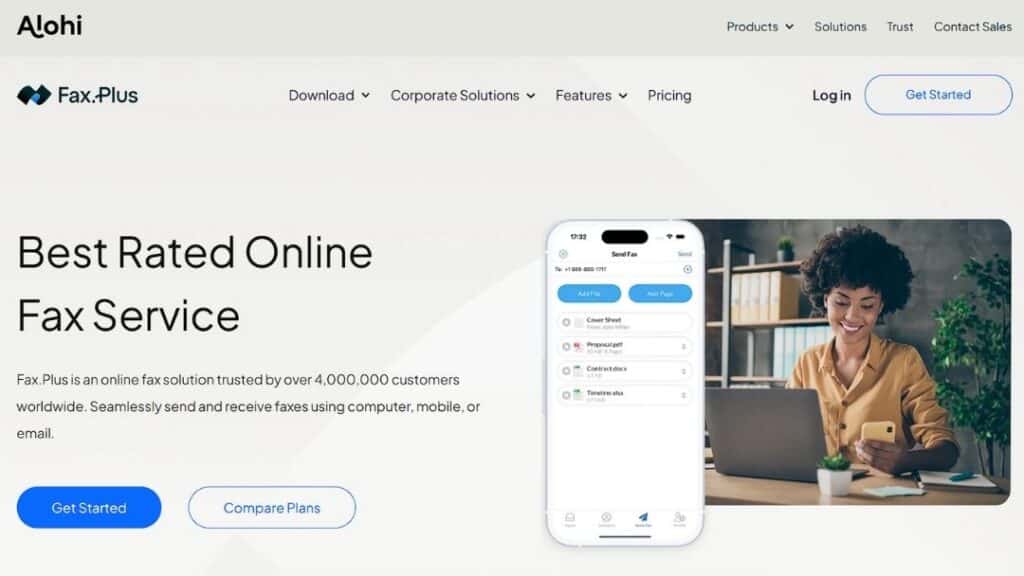
FAX.PLUS is a simpler option by design. It focuses on replacing physical fax machines with a cloud-based service that works through email and web access. There’s no attempt to layer in enterprise workflow automation, and that’s largely the point.
This platform usually fits smaller teams or departments that still need fax but don’t rely on it heavily. It’s also common in remote or distributed setups where physical hardware no longer makes sense.
Organizations choose FAX.PLUS, when convenience outweighs complexity. It handles basic fax needs reliably, but once requirements grow, such as automation, compliance controls, or deep system integration, teams often outgrow it.
| Pros | Cons |
| Simple and accessible | Not intended for enterprise scale |
| No on-premise equipment | Minimal workflow automation |
| Works via email and browser | Limited integration depth |
Accounts Payable Automation Alternatives
The following platforms address a different operational need. While the tools above focus on fax and document delivery infrastructure, the platforms below concentrate on finance automation and accounts payable workflows.
3. Billtrust: Accounts Payable Automation Alternative
Billtrust sits firmly in the finance domain. Its focus is billing, invoicing, and payment workflows, particularly on the accounts receivable side. Compared to Esker, the platform feels more targeted and less concerned with document transmission outside finance.
Organizations typically evaluate Billtrust when invoice processing becomes inefficient or fragmented. It appeals to teams that want to streamline billing operations without introducing a broader document management system.
As an Esker alternative, Billtrust makes sense when financial workflows are the primary concern and fax plays a minimal role.
| Pros | Cons |
| Strong AR and billing capabilities | Limited outside finance use cases |
| Clear focus on payment workflows | Not suited for fax-centric environments |
| Easier onboarding for finance teams | Narrow functional range |
4. AvidXchange: AP-Centered Enterprise Alternative
AvidXchange is built around accounts payable automation and vendor payments. Its design reflects that focus, with tools aimed at reducing manual invoice handling and improving approval efficiency.
Organizations usually turn to AvidXchange when AP volume grows beyond what manual processes can support. It’s commonly adopted by mid-sized to large organizations that want more structure in payables without moving to a full ERP.
In Esker comparisons, AvidXchange stands out as a finance-first option rather than a document or fax platform.
| Pros | Cons |
| Deep AP automation capabilities | Limited document workflow breadth |
| Vendor payment support | Not fax-oriented |
| Designed for scale | Less flexible outside AP |
5. Yooz: Focused Workflow Alternative
Yooz sits firmly in the accounts payable space and doesn’t try to be much more than that. Its core strength lies in handling invoices, approvals, and basic workflow steps without forcing organizations into a larger system overhaul. The platform keeps its scope narrow, which is often intentional rather than limiting.
It tends to work best for mid-sized organizations that want more control over invoice processing but aren’t ready to replace their accounting stack. Finance teams usually adopt Yooz when manual approvals start slowing things down, not because they want a full document automation platform.
What often draws teams to Yooz is its relative simplicity. Approval paths are easy to follow, exceptions don’t disappear into the system, and most users can get comfortable without much training. That said, it doesn’t extend far beyond AP, and it isn’t built for environments where fax or document routing plays a central role.
| Pros | Cons |
| Clear AP approval workflows | Limited outside accounts payable |
| Easy for finance teams to adopt | Not designed for fax-driven processes |
| Connects to common accounting tools | Narrow functional focus |
6. Stampli: An AP Collaboration Alternative
Stampli is centered on accounts payable, but its angle is less about automation for automation’s sake and more about visibility. The platform focuses on making invoice approval easier to understand, especially when multiple people are involved. Conversations, approvals, and invoice data live close together, which reduces back-and-forth.
It tends to work best for finance teams that struggle with bottlenecks rather than volume. Organizations usually turn to Stampli when invoices aren’t getting lost, but they are getting stuck. The platform helps clarify who needs to act and when, without forcing major changes to the underlying accounting system.
Stampli shows up among Esker alternatives because it simplifies approval workflows without introducing a heavy document management layer. That said, its scope remains firmly within AP, and it doesn’t attempt to support broader document transmission or fax workflows.
| Pros | Cons |
| Strong approval transparency | Limited beyond AP use cases |
| Easy for non-technical users | Not designed for document automation |
| Works with existing ERPs | No fax or transmission focus |
Enterprise Workflow, Procurement, and ERP Alternatives
Some organizations evaluate Esker alternatives as part of broader system modernization efforts. In these cases, ERP platforms, procurement suites, or spend-management tools may replace multiple systems at once, including document automation tools. These platforms offer wider operational coverage but typically require more implementation effort and organizational alignment.
7. Quadient: A Document Automation Alternative

Quadient approaches automation from a different angle. Instead of centering on finance, it focuses on how documents are created, managed, and delivered across an organization. This includes customer communications, internal documents, and structured correspondence that needs consistency over time.
Organizations often look at Quadient when document volume grows faster than their ability to manage it manually. It fits environments where accuracy, formatting, and governance matter more than invoice throughput or payment workflows.
The reason Quadient appears among Esker alternatives is its strength in document control rather than financial automation. It is commonly used alongside accounting or ERP systems, not as a replacement. For teams that need tighter control over how information moves and appears, that separation can actually be an advantage.
| Pros | Cons |
| Strong document governance tools | Limited AP-specific automation |
| Scales across departments | Fax capabilities depend on the setup |
| Emphasis on consistency and control | Often paired with other platforms |
8. Coupa: A Spend Management Alternative

Coupa takes a much wider view of spend management. Rather than focusing only on invoices, it brings procurement, expenses, supplier management, and approvals into a single platform. Its strength lies in standardization across large, distributed organizations.
Companies usually consider Coupa when spending visibility becomes difficult to control. As procurement grows more complex, manual processes stop scaling, and governance starts to matter more than speed alone. Coupa addresses that problem directly, though it often requires careful rollout.
As an Esker alternative, Coupa fits organizations that want to manage how money moves rather than how documents move. It’s less about transmission and more about oversight, which makes it powerful, but not always lightweight.
| Pros | Cons |
| Broad spend management coverage | Significant implementation effort |
| Strong procurement controls | Can feel heavy for smaller teams |
| Scales globally | Not fax or document-centric |
9. Oracle NetSuite: A Cloud ERP Alternative
Oracle NetSuite is a full cloud ERP, not a point solution. It covers finance, operations, inventory, and reporting in one environment, which is both its appeal and its challenge. Organizations don’t adopt NetSuite casually; it usually follows a broader system consolidation effort.
NetSuite often replaces multiple disconnected tools rather than supplementing them. Companies choose it when financial data fragmentation becomes a risk and leadership wants a single source of truth.
As an Esker alternative, NetSuite enters the conversation when document automation is only one piece of a much larger operational puzzle. It offers structure and scale, but it also demands time, planning, and internal alignment.
| Pros | Cons |
| Unified ERP platform | Steep learning curve |
| Scales with business growth | Higher cost and complexity |
| Strong financial controls | Not specialized in fax workflows |
10. SAP Ariba: A Procurement Automation Alternative
SAP Ariba focuses on procurement and supplier collaboration, particularly for organizations operating across regions or regulatory environments. Its value comes from managing supplier relationships, sourcing, and purchasing at scale rather than handling internal document workflows.
Enterprises typically consider SAP Ariba when procurement complexity outpaces manual controls. Supplier onboarding, contract management, and compliance tracking are core strengths, especially within SAP-centric environments.
SAP Ariba appears when procurement governance matters more than document transmission or invoice routing. It integrates tightly with SAP systems, which can be a benefit or a limitation, depending on the organization.
| Pros | Cons |
| Strong supplier network | Complex onboarding |
| Deep procurement governance | Best suited for SAP ecosystems |
| Enterprise-grade compliance | Limited fax relevance |
11. Microsoft Dynamics 365: A Broad ERP Alternative
Microsoft Dynamics 365 blends ERP and CRM capabilities under a single platform. Its appeal often comes from familiarity rather than specialization.
Organizations already using Microsoft tools find it easier to extend into finance and operations without switching ecosystems.
Dynamics 365 usually enters Esker alternative evaluations when teams want broader system alignment rather than a standalone automation tool. It offers flexibility, but that flexibility often requires configuration effort.
| Pros | Cons |
| Native Microsoft integration | Requires customization |
| Broad enterprise capabilities | Not purpose-built for fax or AP |
| Familiar environment | Complexity grows with scale |
12. Spendesk: A Spend Control Alternative

Spendesk approaches the problem from a spend-control angle rather than document automation. Its focus is on managing company spending before it happens, including expenses, cards, and budgets, rather than processing invoices after the fact. That distinction matters, and it’s why Spendesk often complements other systems instead of replacing them.
Teams usually look at Spendesk when visibility becomes an issue. When employees spend across departments and geographies, tracking approvals manually stops working. Spendesk brings structure to that chaos, though it doesn’t attempt to manage documents or transmission workflows.
Spendesk fits organizations that want tighter control over expenses but already have accounting or AP systems in place. It’s not meant to handle fax, document routing, or compliance-heavy workflows.
| Pros | Cons |
| Strong spend visibility | Not a document platform |
| Real-time budget controls | Limited AP functionality |
| Easy for employees to adopt | No fax or workflow routing |
13. HighRadius: A Finance Automation Alternative
HighRadius operates deeper in the finance stack, with a focus on receivables, credit management, and analytics-driven automation. Its strength lies in helping large organizations manage complex financial processes using data rather than manual oversight.
Companies typically turn to HighRadius when scale introduces risk. As transaction volumes increase, manual reconciliation and credit decisions become harder to justify. HighRadius addresses that challenge with automation and predictive insights, though the platform assumes a mature finance operation.
HighRadius appears less as a document automation replacement and more as a strategic finance tool. It’s powerful, but it expects commitment, both in implementation and ongoing use.
| Pros | Cons |
| Advanced finance automation | Complex setup |
| Strong analytics and reporting | Narrow audience |
| Built for enterprise scale | Not document- or fax-centric |
Comparative evaluation: fax-centric vs automation suites
Choosing among Esker alternatives often comes down to specialization versus breadth.
| Category | Strength |
| Fax-centric platforms | Better compliance control, simpler workflows |
| AP automation suites | Strong finance and approval processes |
| ERP-based solutions | Unified enterprise data |
| Lightweight tools | Fast deployment, lower overhead |
Organizations benefit when they align tool selection with operational priorities rather than feature volume.
Why organizations seek alternatives to Esker
Organizations don’t usually move away from Esker on a whim. Reassessment tends to happen when operational priorities shift or when the platform no longer aligns cleanly with cost, flexibility, or regulatory demands. Cloud migrations, compliance reviews, and system consolidation projects are common triggers.
| Business Driver | Why It Matters |
| Industry compliance requirements | Healthcare, finance, and government often require tighter control over fax workflows and audit trails |
| Integration limitations | ERP, EHR, and custom applications may need deeper or more flexible API access |
| Deployment complexity | Some teams prefer modular tools rather than a broad, monolithic suite |
| Cost structure | Enterprise licensing does not always scale evenly across departments |
| Workflow specialization | Focused fax or AP platforms can outperform generalist systems |
After reviewing these factors, many organizations narrow their search to tools that do one or two things well instead of trying to cover every scenario.
Choosing the right Esker alternative for long-term fit
No single platform replaces Esker in every scenario. Some organizations need compliance-driven fax workflows more than invoice automation. Others prioritize finance visibility over document routing. When fax remains mission-critical, solutions like Softlinx ReplixFax deserve close evaluation because they focus on reliability, compliance, and integration without unnecessary complexity.
If your organization depends on regulated document exchange, scalable fax workflows, and predictable system behavior, exploring a fax-first alternative may offer a clearer return than expanding into broader suites.

Managing high volume faxes healthcare remains a daily reality for hospitals, clinics, and specialty practices. This guide explains how healthcare organizations handle scale, security, compliance, and workflow control without disruption.
Managing High Volume Faxes Healthcare
Managing high volume faxes healthcare teams depend on is not a legacy nuisance; it’s a core operational challenge. Despite widespread adoption of electronic health records, fax traffic continues to move patient records, referrals, lab results, authorizations, and discharge summaries. The difference today lies in volume. Healthcare organizations no longer send a few dozen fax documents a day. Many manage thousands, sometimes tens of thousands, of incoming faxes every month.
When fax systems fail to scale, delays surface fast. Patient records stall. Staff manually sort incoming faxes. Sensitive information sits exposed. HIPAA compliance risks climb quietly. Managing high volume faxes healthcare environments requires systems designed for throughput, not improvisation.
According to the industrial analysis, over 70% of healthcare organizations still rely on fax to exchange clinical information, even alongside EHR platforms. That reliance intensifies during care transitions, referrals, and billing cycles.
Why Fax Volume Still Strains Modern Healthcare Organizations
Here’s the thing. Fax never disappeared because it still works across disconnected systems. Hospitals communicate with small practices, labs, pharmacies, payers, and government agencies that operate on different platforms. Fax remains the lowest common denominator.
The strain comes from scale. A single referral department can receive hundreds of incoming faxes daily. Multiply that across departments, locations, and specialties, and managing high volume faxes healthcare teams face becomes a logistical burden. Traditional fax machines choke under load. Paper queues grow. Staff burn time searching, sorting, and re-faxing documents that never landed where they should.
The American Hospital Association reports that administrative tasks consume nearly one-quarter of clinical staff time, much of it tied to document handling and communication.
Where Traditional Fax Systems Break Under High Volume
When fax traffic spikes beyond a manageable threshold, traditional fax systems reveal structural limits that healthcare environments can’t afford to ignore.
| Operational Area | Traditional Fax Behavior Under High Volume | Resulting Impact on Healthcare Workflows |
| Transmission Capacity | Limited phone lines cause busy signals and failed sends | Delayed patient records and repeated transmissions |
| Document Handling | Paper-based intake requires manual sorting and filing | Increased staff workload and higher error rates |
| Scalability | Fixed hardware cannot absorb sudden fax surges | Bottlenecks during peak referral and discharge periods |
| Security Controls | Physical access and shared machines expose documents | Greater risk of unauthorized access to sensitive information |
| System Reliability | Hardware failures halt all send and receive activity | Downtime disrupts clinical and administrative operations |
| Audit Visibility | Minimal logging of fax activity | Limited traceability for compliance and investigations |
These breakdowns explain why managing high volume faxes healthcare organizations depend on has shifted away from physical machines toward scalable, digitally controlled fax environments.
The Operational Risks Tied To Unmanaged Healthcare Faxing
But here’s the problem. When healthcare faxing operates without structured controls, the damage rarely appears all at once. It shows up in fragments, missed referrals, duplicated patient records, unexplained delays, and staff confusion that no one traces back to fax volume until it becomes unavoidable.
Unmanaged fax traffic quietly disrupts continuity of care. Incoming faxes arrive without context, ownership, or prioritization. Time-sensitive documents sit unread because no routing logic exists. Staff members open, forward, or reprint fax documents simply to keep work moving, often without realizing they’ve created parallel versions of the same patient record. Over time, this fragmentation erodes data integrity inside electronic health records.
There’s also an operational drag that leadership tends to underestimate. High fax volume forces clinical and administrative teams into reactive behavior. Instead of reviewing patient information, they hunt for it. Instead of focusing on care coordination, they troubleshoot missing documents. That lost time compounds, especially in referral-heavy specialties and revenue cycle departments where incoming faxes determine next steps.
Security exposure grows in subtler ways. Shared inboxes blur accountability. Printed faxes sit unattended. Access logs fail to capture who viewed what and when. None of these gaps alone guarantees a HIPAA violation, but together they widen the margin for error.
| Risk Category | How It Manifests Without Fax Controls | Long-Term Operational Effect |
| Workflow Ownership | No clear responsibility for incoming faxes | Documents stall or move inconsistently |
| Data Integrity | Duplicate or misfiled fax documents | Inaccurate patient records |
| Staff Efficiency | Manual triage replaces structured routing | Rising administrative burden |
| Compliance Oversight | Limited tracking of document access | Increased audit exposure |
| Patient Experience | Delays in referrals and authorizations | Slower care progression |
So here’s what happened in many healthcare organizations. Fax was treated as a utility rather than a workflow. As volume increased, the absence of structure turned faxing into an invisible operational risk, one that affects care quality, compliance posture, and staff sustainability all at once.
How Cloud-Based Fax Management Changes the Equation
When fax systems move off physical infrastructure and into a controlled cloud environment, the shift affects more than capacity; it reshapes how healthcare teams interact with information.
| Capability Area | Cloud-Based Fax Behavior | Operational Effect in Healthcare |
| Capacity Handling | Fax volume adjusts dynamically without manual intervention | Consistent intake during peak demand |
| Access Model | Secure access from approved devices and locations | Reduced dependency on shared equipment |
| Document Flow | Digital delivery replaces physical handoff | Faster internal distribution |
| Oversight | Centralized visibility across fax activity | Clear status awareness |
| System Continuity | Redundant infrastructure supports uptime | Fewer interruptions to care processes |
| Adaptability | Configuration updates occur without hardware changes | Easier response to workflow changes |
This shift matters because cloud-based fax management turns faxing from a physical task into a governed digital process, giving healthcare organizations predictable control even as volume and complexity increase.
Fax Automation and Intelligent Routing for Incoming Faxes
Manual sorting fails at scale. That’s why fax automation now sits at the center of managing high volume faxes healthcare teams rely on. Automated routing uses rules, metadata, barcodes, and sender information to direct incoming faxes instantly.
Instead of a shared inbox, documents arrive where they belong. Referral faxes move to intake. Lab results reach clinicians. Billing documents route to revenue cycle teams. This approach reduces human error and improves turnaround time.
According to the studies, healthcare organizations that automate incoming fax routing see measurable reductions in misfiled patient records.
Integrating fax traffic into electronic health records
Fax volume peaks when the fax remains disconnected from EHR systems. Staff print, scan, upload, and tag documents manually. That loop wastes time and introduces risk.
Modern Healthcare Cloud Fax Solutions integrate directly with electronic health records. Faxed documents attach automatically to patient charts. Indexing occurs at intake. Clinicians review information without leaving their workflow.
This approach becomes critical during high-volume periods, especially for organizations managing referrals, discharge documentation, or insurance communication at scale.
Security Measures that Protect Sensitive Information at Scale
High volume does not excuse weak security. Managing high volume faxes healthcare organizations requires layered protection. Encryption in transit and at rest matters. Role-based access matters. Audit trails matter.
HIPAA requires safeguards proportional to risk. When fax volume increases, exposure increases. Cloud fax platforms designed for healthcare maintain compliance by enforcing access controls, logging every transmission, and supporting retention policies aligned with regulatory guidance.
High-Volume Fax Workflows Across Healthcare Settings
| Healthcare Setting | Fax Volume Characteristics | Workflow Focus |
| Hospitals | Thousands daily | Departmental routing, EHR attachment |
| Clinics | Moderate to high | Referral intake, results delivery |
| Labs | Burst-driven | Automated routing, audit trails |
These environments share one reality: unmanaged fax volume slows care delivery.
Comparing Fax Approaches Under Heavy Load: Manual/Traditional vs Automated
| Capability | Traditional Fax | Cloud Fax |
| Scalability | Fixed | Elastic |
| Security | Limited | HIPAA-aligned |
| Routing | Manual | Automated |
| Integration | None | EHR-ready |
Managing high volume faxes healthcare operations becomes predictable once systems align with scale.
Choosing Healthcare Fax Solutions Built for Sustained Growth
The strongest healthcare fax solutions prioritize reliability, compliance, automation, and integration. They support high throughput without sacrificing control. They adapt as organizations grow, merge, or expand service lines.
Healthcare leaders increasingly ask whether enterprise fax solutions offer reliable uptime for high-volume needs. That question reflects reality. Fax remains mission-critical, and downtime carries real clinical risk.
Preparing Healthcare Organizations For Future Fax Demand
Fax volume in healthcare does not rise evenly. It increases in bursts, often tied to growth, regulatory shifts, or expanded care networks. Organizations that plan only for current demand often find themselves reacting instead of adapting.
Future readiness depends on treating fax as a governed communication channel rather than a temporary workaround. Clear intake standards, consistent access controls, and scalable infrastructure such as Healthcare Fax Solutions allow fax workflows to absorb change without disruption. This approach supports continuity even as teams grow, locations multiply, or care models shift.
Healthcare organizations that prepare early avoid scrambling later. When fax systems anticipate volume rather than chase it, operational stability follows.
Conclusion
Managing high volume faxes healthcare environments generate no longer needs to feel chaotic. With scalable infrastructure, automated routing, and secure integration, fax traffic becomes manageable rather than disruptive.
Healthcare organizations that address fax at the system level protect patient records, support staff efficiency, and reduce compliance exposure. That’s why investing in the right fax management approach still matters in 2026.
If your organization handles sustained fax volume and expects growth, now is the moment to evaluate whether your fax workflows support care delivery or quietly hold it back.
For healthcare teams ready to bring structure, security, and control to high-volume fax operations, Softlinx provides cloud-based fax solutions built specifically for regulated healthcare environments.
Their focus on reliability, compliance, and integration helps organizations modernize fax workflows without disrupting care delivery, making them a practical partner for healthcare leaders planning for scale.

eFax still has name recognition, but many organizations now look elsewhere. This guide reviews practical eFax alternatives in 2026, comparing online fax services by reliability, compliance readiness, integrations, and real-world use cases. The focus stays on how each option works, where it fits best, and where limitations appear.
eFax alternatives that fit how faxing actually works today
The search for eFax alternatives usually starts with a single problem. Sometimes it’s the pricing structure. Sometimes it’s support. In regulated industries, it’s often compliance or workflow limits. Faxing may feel dated, yet it remains deeply embedded in healthcare, insurance, legal services, and government operations. The difference in 2026 lies in how faxing services operate behind the scenes.
An online fax service today is less about replacing a fax machine and more about enabling secure document exchange across email, cloud storage, and business systems. That shift explains why the market for eFax continues to expand.
What to look for in an online fax service in 2026
Choosing among eFax alternatives means looking beyond surface features. The real differentiator lies in how a platform behaves once it becomes part of daily operations.
A modern online fax service should support sending faxes and receiving them without friction, but it also needs to manage access, visibility, and reliability under pressure.
Evaluation criteria that matter now
| Capability | Why it matters in practice |
| Send and receive faxes digitally | Eliminates dependence on a fax machine |
| Fax from a computer | Enables remote and hybrid work |
| Cloud storage integration | Keeps records accessible and traceable |
| Role-based access | Limits the exposure of sensitive documents |
| Delivery reporting | Confirms successful fax transmission |
| Automation options | Reduces manual routing and handling |
| Customer support availability | Resolves failures before workflows stall |
| HIPAA-aware design | Essential for healthcare and regulated data |
Once these factors are clear, it becomes easier to separate basic fax tools from platforms designed for long-term operational use.
Best eFax alternatives in 2026
The following are the best eFax alternatives.
1. Softlinx ReplixFax
Best for: Healthcare organizations and enterprises with complex fax workflows
Faxing is treated as operational infrastructure rather than a convenience add-on with Softlinx ReplixFax. That distinction matters once fax becomes a core communication channel instead of an occasional task.
The platform supports structured routing, centralized administration, and high-volume handling, making it a practical choice for hospitals, clinics, and multi-location medical groups. Organizations evaluating enterprise-grade cloud fax solutions often prioritize consistency and visibility, both of which ReplixFax emphasizes.
Why does it beat eFax?
ReplixFax goes beyond basic online faxing by focusing on control. Where eFax centers on individual users, Softlinx supports organizational governance. That difference shows up in routing automation, audit readiness, and the ability to align fax workflows with broader clinical or operational systems.
Pros and cons
| Aspect | Strength | Consideration |
| Workflow depth | Advanced routing and automation | Requires planning during onboarding |
| Compliance posture | Designed for regulated environments | More than casual users need |
| Scalability | Handles high fax volumes reliably | Enterprise focus over simplicity |
| Support model | U.S.-based, enterprise-oriented | Not a consumer self-serve tool |
2. Fax.Plus
Best for: Small teams that want simplicity
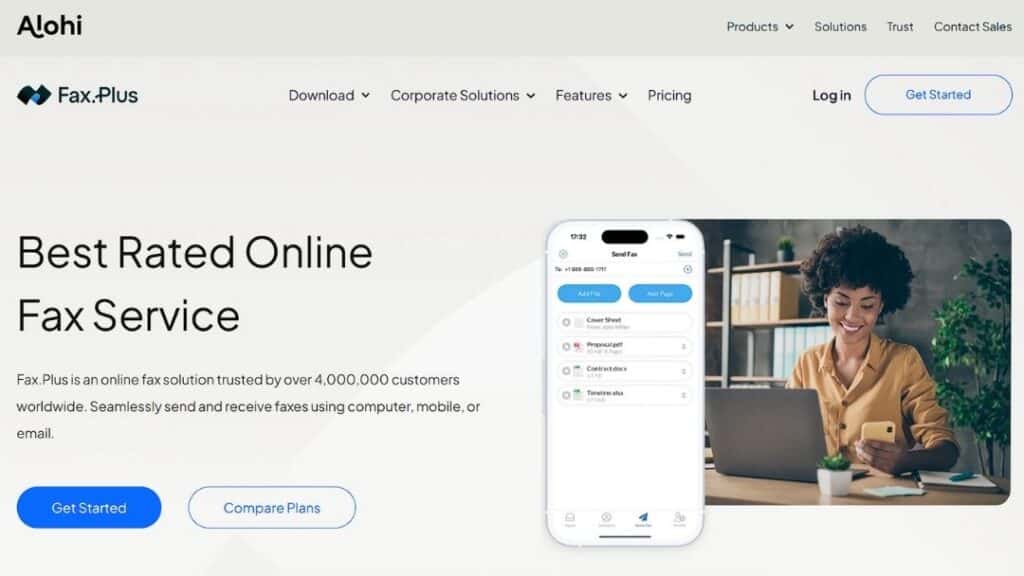
Fax.Plus appeals to organizations that want to fax from a computer without heavy configuration. It supports common cloud storage connections and offers a clean interface that reduces training time.
Why does it beat eFax?
Fax.Plus often feels more transparent in day-to-day use. Teams frustrated by rigid plans or unclear limits sometimes prefer its straightforward setup and modern interface.
Pros and cons
| Aspect | Strength | Consideration |
| Ease of use | Quick setup and intuitive UI | Limited advanced automation |
| Integrations | Supports common cloud tools | Fewer enterprise controls |
| Flexibility | Works well for small teams | Not built for high-volume needs |
3. iFax
Best for: Mobile-first professionals

iFax focuses on accessibility. Sending faxes from phones, tablets, or laptops feels seamless, which suits consultants and remote professionals.
Why does it beat eFax?
For users who prioritize mobility, iFax offers more flexibility across devices than traditional eFax.
Pros and cons
| Aspect | Strength | Consideration |
| Mobility | Strong mobile app experience | Limited admin oversight |
| Convenience | Fast faxing from anywhere | Less suited for regulated workflows |
| Usability | Minimal learning curve | Shallow reporting depth |
4. RingCentral Fax
Best for: Businesses using unified communications
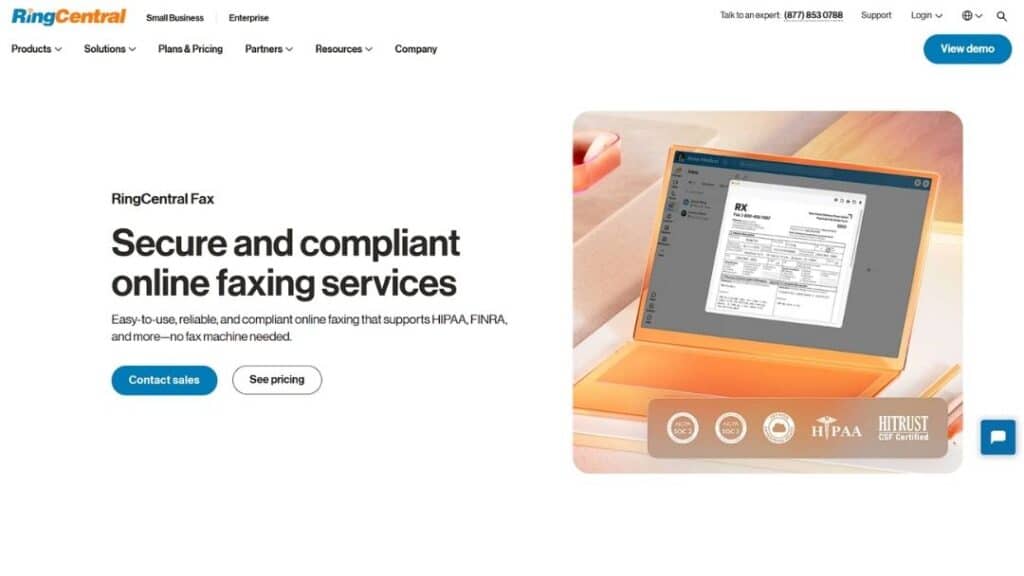
RingCentral Fax works best as part of a broader communications ecosystem. Teams already using RingCentral for voice and messaging benefit from consolidation.
Why does it beat eFax?
Bundling fax with other communication tools reduces vendor sprawl and simplifies billing for some organizations.
Pros and cons
| Aspect | Strength | Consideration |
| Integration | Unified platform experience | Fax features are not deeply specialized |
| Scalability | Works well for growing teams | Less control than dedicated fax tools |
| Support | Established enterprise support | Higher cost for fax-only users |
5. MyFax
Best for: Traditional small businesses
MyFax feels familiar to long-time fax users. Email-to-fax workflows mimic legacy processes, easing transition away from physical machines.
Why does it beat eFax?
Some users find MyFax more predictable for straightforward faxing without feature overload.
Pros and cons
| Aspect | Strength | Consideration |
| Familiarity | Simple, traditional workflows | Limited integrations |
| Reliability | Stable basic fax delivery | Minimal automation |
| Adoption | Easy for legacy users | Not future-facing |
6. CocoFax
Best for: Entry-level and trial users
CocoFax attracts attention with its low barrier to entry. A Cocofax free trial lets users test faxing before committing, and Cocofax pricing targets cost-conscious teams.
Why does it beat eFax?
For users who want a quick start without long commitments, CocoFax feels less restrictive.
Pros and cons
| Aspect | Strength | Consideration |
| Accessibility | Easy onboarding | Limited compliance depth |
| Cost model | Attractive for light use | Not ideal for regulated data |
| Simplicity | Fast setup | Shallow feature set |
7. FaxZero
Best for: Occasional free fax needs
FaxZero remains popular for one-off faxing. It allows free fax transmission with strict limits.
Why does it beat eFax?
For users who fax rarely, free access beats any subscription model.
Pros and cons
| Aspect | Strength | Consideration |
| Cost | Free fax option | Severe usage limits |
| Simplicity | No setup complexity | Not suitable for business |
| Access | Immediate use | No compliance controls |
Comparison of leading eFax alternatives
| Provider | Best suited for | Compliance focus | Scalability |
| Softlinx ReplixFax | Healthcare, enterprise | High | High |
| Fax.Plus | Small teams | Moderate | Moderate |
| iFax | Mobile professionals | Low | Low |
| RingCentral Fax | Unified comms users | Moderate | Moderate |
| MyFax | Traditional offices | Low | Low |
| CocoFax | Entry-level use | Low | Low |
Why organizations move away from eFax
Most organizations don’t abandon eFax on impulse. The shift usually follows friction that builds quietly over time. What begins as a manageable online fax service can become a bottleneck once document volume rises, compliance expectations tighten, or teams grow beyond a handful of users.
Common reasons businesses replace eFax
| Issue area | What organizations experience | Why does it become a problem |
| Pricing structure | Page-based limits and overage charges | Costs scale unpredictably as fax volume grows |
| Workflow rigidity | Limited routing and automation | Manual handling increases errors and delays |
| Compliance confidence | Unclear safeguards for regulated data | Raises concern in healthcare and finance |
| Admin controls | Basic user and permission management | Hard to govern access across departments |
| Reporting | Minimal delivery and audit visibility | Weak documentation for audits or disputes |
| Support model | Slower response during failures | Downtime disrupts clinical and operational work |
Before switching, most teams try workarounds. Shared inboxes. Manual tracking. External storage. Eventually, those patches create more risk than relief. And that’s usually the tipping point.
eFax vs eFax Alternatives: A practical comparison
Before choosing a replacement, many people want a clear baseline. Not a sales pitch, not a teardown, just a side-by-side view of how eFax typically compares with modern eFax alternatives across common decision factors. This comparison focuses on operational patterns rather than individual plan details, which can change over time.
How eFax compares to today’s alternatives
| Evaluation area | eFax (general model) | eFax alternatives (general trend) |
| Primary design focus | Individual and small-team use | Business, healthcare, and enterprise workflows |
| Administration | Limited centralized controls | Role-based access and admin visibility |
| Workflow flexibility | Manual handling common | Automation and routing options |
| Integration depth | Basic email-based use | APIs and system integrations available |
| Scalability | Suitable for moderate volumes | Built to support higher volumes |
| Compliance alignment | Depends on the usage model | Designed for regulated environments |
| Reporting and audit logs | Basic delivery records | Expanded tracking and visibility |
| Deployment models | SaaS-only | Cloud, hybrid, or server-based options |
| Support approach | General customer support | Business and enterprise-oriented support |
This table highlights why many organizations begin evaluating alternatives once faxing becomes a core operational process. eFax performs well for straightforward document exchange, but its structure reflects a convenience-first approach.
By contrast, most modern eFax alternatives emphasize adaptability. They are built to accommodate growing teams, compliance oversight, and structured document handling. That distinction explains why healthcare providers, insurers, and enterprises often migrate away from entry-level fax platforms as their needs evolve. Many organizations specifically seek Healthcare Fax Solutions that can support secure, compliant, and scalable document workflows.
How to choose the right eFax alternatives?
For small businesses, ease of use matters more than advanced configuration. Sending faxes, receiving confirmations, and storing records without complexity keep daily operations smooth.
Healthcare organizations face different pressures. Fax remains common in clinical environments, yet HIPAA fax requirements demand strict controls. As a result, many providers evaluate Healthcare Cloud Fax Solutions that support structured workflows, audit trails, controlled access, and secure document transmission. Organizations exploring HIPAA fax considerations often assess whether faxing through the internet aligns with regulatory guidance.
High-volume operations face another challenge. Managing thousands of received faxes requires automation and uptime reliability. Platforms designed around enterprise fax solutions tend to handle these scenarios more predictably.
Migrating from eFax without disruption
A smooth transition begins with preparation. Fax number portability should be confirmed early. Parallel testing helps validate routing and delivery reports before full cutover. Teams often overlook document retention rules during migration, which can create gaps later.
Training matters less around sending faxes and more around handling received faxes properly. Clear ownership prevents missed documents during the overlap period. Organizations that document workflows before switching tend to experience fewer surprises after launch.
A grounded way to decide
Choosing among eFax alternatives isn’t about trends. It’s about fit. Some platforms suit occasional faxing. Others support regulated, high-volume operations where reliability and oversight matter every day.
If fax plays a critical role in your organization, especially in healthcare or compliance-heavy environments, infrastructure-level solutions deserve serious attention. Softlinx ReplixFax stands out not by being flashy, but by being dependable where it counts.
If you’re reassessing fax as part of a broader cloud strategy, this might be the right moment to look beyond familiar names and choose a platform built for how fax actually works in 2026.

Understanding how to connect fax to EHR systems remains a global challenge for healthcare organizations that still use fax to communicate patient data. Electronic health records have transformed documentation in clinical medicine, but fax continues to be a crucial communication method between hospitals, labs, pharmacies, insurance companies, and diverse medical practices. EHR and fax convergence is one of several healthcare tech trends you need to know before planning your next integration project.
This guide explains how EHR systems are integrated with fax, how health care providers would be able to integrate fax with electronic health records, and why it still matters, hopefully without outdated fax machines.
Why Fax Still Exists in EHR Workflows
Healthcare has embraced digital transformation, yet fax machines continue to appear in clinical offices worldwide. This is not due to technological resistance, but rather, fragmentation. Electronic health record systems are notorious for their lack of interoperability across organizations, geographies, and vendors. Fax is the only way to send and receive lab results, referrals, authorizations, and patient records, which is why it is so pervasive.
As of 2021, roughly 70% of U.S. hospitals were engaging in all four major domains of interoperable electronic health information exchange: finding, sending, receiving, and integrating patient data with external providers, reflecting substantial digital exchange activity. Similar reliance is observed in European and Asian countries, in particular, in cross-border and independent provider network segments. This explains why the connection of fax to EHR is still a pertinent question in even the most sophisticated healthcare systems.
Traditional fax machines persist because they are legally accepted, widely compatible, and familiar to clinical staff. However, paper-based workflows introduce delays, manual data entry, and a higher risk of human error. Modern healthcare environments now address these challenges by replacing hardware fax machines with digital fax solutions that integrate directly into EHR systems
What Integrated Fax Means in an EHR Environment
Integrated fax refers to the ability to send and receive faxes directly within an electronic health record system or through connected workflows that automatically route documents into patient records. Instead of printing faxes and scanning them back into record EHRs, digital fax services convert incoming transmissions into secure electronic files.
When healthcare teams ask about the meaning of integrated fax, the answer is fax automation. A cloud-based fax service captures incoming faxes as they enter the system, where metadata, bar codes, or optical character recognition classify documents. Those files are then attached to the appropriate electronic health records, minimizing the manual processing of patient data.
This method integrates fax into the electronic health record system rather than treating it as an isolated tool. It also removes the dependency on physical fax machines while maintaining the legal and operational benefits of faxing in healthcare.
How to Connect Fax to EHR Systems Step by Step
How fax is connected to EHR platforms is determined by the technical sophistication of the organization and the functionality of the EHR system. Some contain native fax functionality while others depend on third-party integrations. The table below summarizes the most predominant connection methods used around the world.
| Integration Method | How It Works | Operational Impact |
| Native EHR Fax Integration | Fax features are built directly into the EHR interface | Simple user experience with limited customization |
| Cloud Fax Connector | External fax service routes documents into EHR folders | Strong automation and scalability |
| API-Based Fax Integration | Fax APIs exchange data directly with the EHR | Deep workflow control and custom routing |
Healthcare organizations working with Epic often inquire about how to fax from Epic EMR or how to fax in Epic. In these places, cloud-based fax integrations link Epic workflows with external fax services so healthcare providers can fax and receive faxes from within the EHR interface. Platforms like Epic use document routing that can automatically link faxed lab results or referrals to a patient’s chart. This is possible when the integration is set up optimally.
For organizations that want to achieve greater interoperability, linking fax through cloud fax integration allows EHRs to receive documents electronically, even when faxing is the only option available from external partners. A healthcare-focused cloud fax solution designed for secure document exchange supports this approach seamlessly and at scale.
Security, Compliance, and Patient Data Protection
Any discussion about how to connect a fax to EHR must address compliance. Fax remains accepted under HIPAA because it is a point-to-point transmission method. Issues only arise when organizations fail to protect patient data after receipt.
Digital fax solutions designed for health care utilize encryption, access controls, and audit trails to ensure patient data continues to be protected. The U. S. Department of Health and Human Services offers guidance suggesting HIPAA violations occur far more frequently because of the improper handling of faxed documentation rather than the actual transmission of the fax.
Implementing a HIPAA-compliant fax service to replace physical fax machines decreases exposure risks by limiting unauthorized access, preventing lost and misplaced faxed documents, and establishing permanent and secure audit trails of all faxed documents. These issues extend far beyond the United States, where most countries are increasingly adopting health care data protection legislation that is akin to HIPAA.
Common Fax-to-EHR Workflows in Healthcare
Once fax integration is set up, healthcare organizations utilize established and predictable workflows to transfer data into electronic health records. The table below reflects some of the actual implementations that can be found in hospitals, clinics, and specialty practices.
| Workflow Type | Description |
| Referral Intake | Faxed referrals route directly into patient records for review |
| Lab Results | Incoming lab reports are attached to the correct electronic health record |
| Insurance Documentation | Authorization forms are stored securely within patient files |
These workflows minimize the data entry work to be done while guaranteeing that the continuity of care is not interrupted. Clinics that used to rely on staff to physically scan and upload faxes are able to provide documents to their customers fast with little to no indexing errors. Volume production fax systems provide flexibility and adaptability for administrative teams managing a high volume of outgoing faxes.

Choosing the Right Fax Integration for Your EHR
Selecting the right approach to fax integration depends on several factors. Smaller practices may prioritize simplicity, while large health systems often require advanced routing and automation. Organizations with multiple departments or locations benefit from enterprise faxing capabilities that support centralized control.
Healthcare IT teams should also consider whether the fax solution supports future interoperability goals. Cloud-based fax services that offer developer tools and flexible integrations allow organizations to adapt as EHR platforms evolve. An overview of EHR integration capabilities highlights how fax can remain compatible with modern healthcare infrastructure.
Why Cloud-Based Fax Is Replacing Fax Machines
The shift away from physical fax machines reflects broader changes in healthcare operations. Cloud-based fax eliminates maintenance, phone line dependency, and device failures. More importantly, it supports remote work, disaster recovery, and centralized access to patient records.
Industry sources note that digital fax and capture solutions can streamline communication workflows and integrate with electronic records, helping reduce manual steps and support greater operational efficiency in healthcare settings. While fax machines still exist, their role continues to diminish as integrated fax solutions become standard practice.
This evolution explains why healthcare leaders increasingly focus on integrating cloud fax rather than eliminating fax. By connecting fax directly to EHR systems, organizations preserve a trusted communication channel while modernizing workflow efficiency.
Moving Forward with Fax and EHR Integration
Learning how to connect fax and EHR systems is a requirement for scalable healthcare organizations. Healthcare faxing is deeply embedded in the industry, but that does not mean it should be the bottleneck in clinical workflows or compromise data security. Cloud-based, integrated faxing allows healthcare organizations the ability to send and receive secure, processed faxes without workflow slow-downs resulting in less fragmented patient records.
Organizations should assess how their existing fax workflows relate to electronic health records and investigate how those workflows can be automated. Healthcare Fax Solutions that integrate with EHR systems facilitate compliance, improve operational efficiency, support sustainable interoperability, and help address global healthcare communications challenges.
For staff prepared to implement the next generation of their fax infrastructure, investigating Healthcare Cloud Fax Solutions integrates smoothly into existing systems and offers an effective way to modernize fax communications without interrupting ongoing clinical workflows.