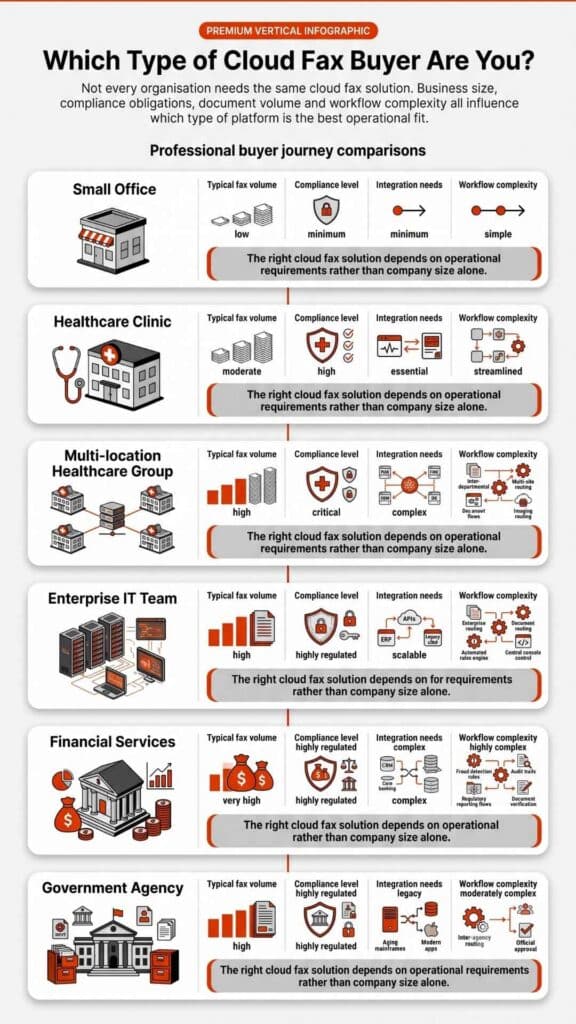
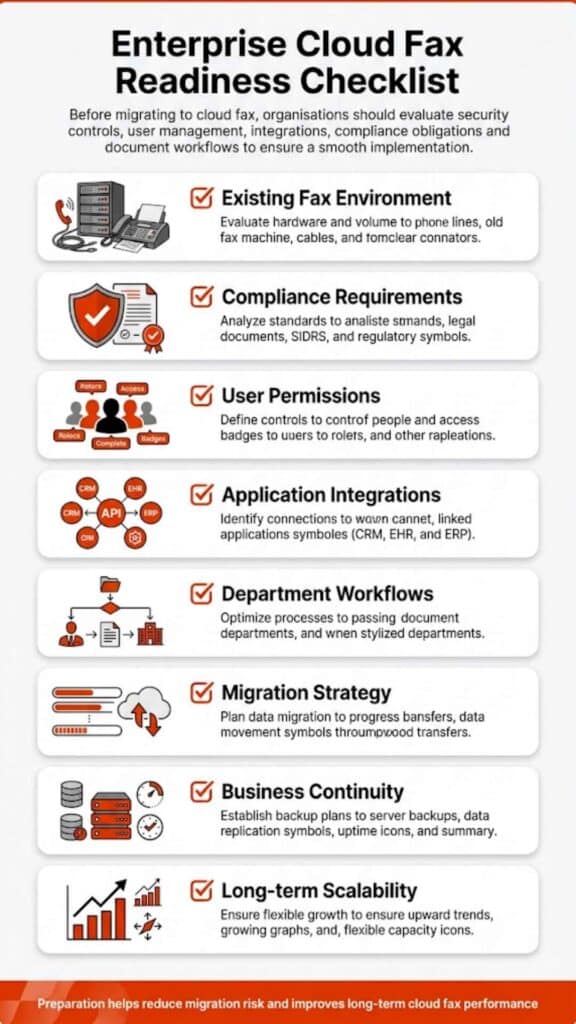
Etherfax Alternatives vary widely in workflow control, compliance posture, and integration depth. The right choice depends on routing needs, regulatory requirements, and operational scale.
This in-depth guide reviews the most credible Etherfax Alternatives available in 2026, with a focus on healthcare, regulated industries, integration depth, compliance posture, and operational reliability. Each option includes balanced pros and cons, feature insights, and best-fit recommendations.
Etherfax Alternatives for Healthcare and Regulated Teams
Organizations searching for Etherfax Alternatives are rarely browsing casually. Most are responding to operational friction. Some face procurement delays due to quote-based pricing structures. Others encounter implementation layers that require extended onboarding timelines.
In certain cases, integration constraints surface only after deployment. Interoperability with EHR systems, internal routing rules, and audit requirements often drive reassessment. In 2026, the shift toward intelligent faxing, where unstructured data is converted into actionable records, is a primary driver for switching providers.
Fax remains embedded in healthcare communication because HIPAA does not prohibit faxing; instead, it requires safeguards that protect protected health information. The U.S. Department of Health & Human Services outlines these security rule expectations clearly. That regulatory reality explains why the conversation around Etherfax Alternatives continues in 2026.
Why People Search for Etherfax Alternatives in 2026
The search for Etherfax Alternatives usually begins when workflow friction becomes visible. Procurement teams may struggle with opaque pricing models tied to volume thresholds. Technical teams sometimes encounter integration limitations during system expansion.
Healthcare administrators often identify mismatches between departmental routing complexity and platform configuration flexibility or highly granular OCR (Optical Character Recognition) for automated data entry. As a result, many organizations evaluating Healthcare Fax Solutions look for platforms that provide greater customization and workflow control.
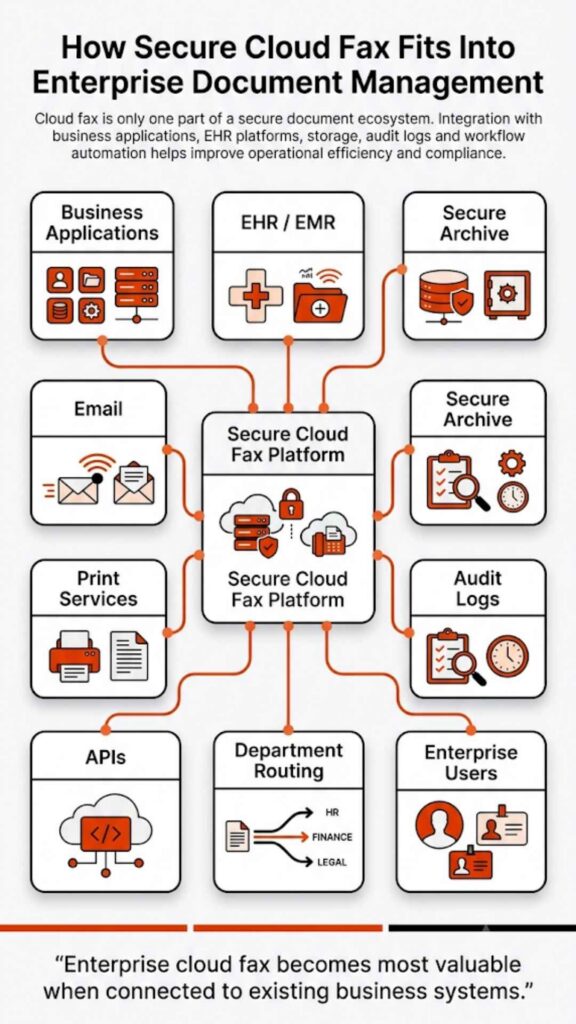
Interoperability remains a decisive factor. Many healthcare organizations rely on structured EHR workflows, and when fax routing does not align with electronic record indexing, manual intervention increases. That operational drag pushes decision-makers to explore Etherfax Alternatives that offer clearer integration pathways and granular administrative controls.
What Etherfax Is Best At (and Where It Can Be a Mismatch)
Etherfax is recognized for enterprise-grade transport infrastructure and strong security positioning. It aligns well with regulated verticals that prioritize encrypted transmission and resilient uptime. Organizations requiring structured document exchange across distributed networks often appreciate its architecture.
However, setup complexity can present challenges for smaller teams. Quote-driven procurement models may slow evaluation cycles. In some scenarios, organizations that need hybrid deployment flexibility or highly customized routing logic seek Etherfax Alternatives better suited to their workflow scale.
A fair assessment requires acknowledging both strengths and friction points. That balance supports informed evaluation rather than reactive migration.
How to Choose Among Etherfax Alternatives
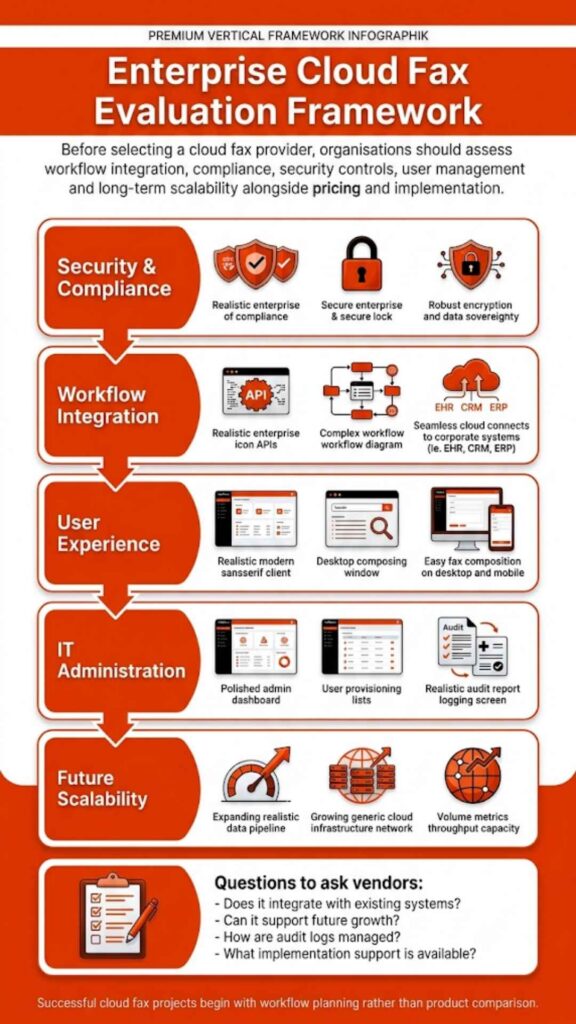
Choosing among Etherfax Alternatives requires structured evaluation rather than surface-level comparison. Start by mapping your current document flow. Identify inbound routing rules, departmental queues, and retention policies. Review encryption standards and audit trail accessibility. Confirm that administrative controls allow role-based access and reporting transparency.
Healthcare organizations should verify alignment with HIPAA safeguards and confirm whether a vendor provides business associate contracts. When evaluating Healthcare Cloud Fax Solutions, it is also important to consult official guidance if government alignment is relevant and understand authorization baselines and validation requirements. Regulatory evaluation should rely on official documentation rather than marketing claims.
Integration capabilities must also be validated early. Organizations exploring how to connect fax to EHR systems should request technical documentation and API support details before procurement commitments.
The Fastest Way to Shortlist Etherfax Alternatives
The following matrix summarizes deployment models, administrative depth, integration flexibility, and compliance positioning based on publicly available documentation.
| Vendor | Best For | Deployment Model | Admin/Routing Depth | Integration Options | Compliance Posture (Public Claims) | Support Model | Notable Trade-Offs |
| Softlinx ReplixFax | Healthcare enterprises | Cloud + server-based options | Advanced routing controls | API + EHR integration | HIPAA-aligned security posture | U.S.-based enterprise support | Requires planning for deployment |
| Documo (mFax) | Cloud-first healthcare SaaS | Cloud | Moderate to advanced | API-first architecture | HIPAA compliance positioning | Tier-based support | Limited hybrid infrastructure |
| SRFax | Small clinics | Cloud | Basic workflow controls | Email + web portal | HIPAA compliance documentation | Standard SaaS support | Limited enterprise governance |
| WestFax | Legal and healthcare networks | Cloud | Structured routing | API integration | Security-focused compliance claims | Contract-based enterprise support | Custom pricing consultation |
| eFax Corporate | Multi-industry enterprises | Cloud | Standard multi-user admin | Email-to-fax | Business compliance claims | Tiered enterprise plans | Limited healthcare specialization |
| iFax | Small practices | Cloud | Basic admin tools | Web + mobile | Encryption standards advertised | SaaS model | Not designed for large systems |
A structured table allows side-by-side assessment before deeper technical review.
The Best Etherfax Alternatives
Below is a detailed examination of the six strongest Etherfax Alternatives based on deployment flexibility, healthcare alignment, and compliance posture.
1. Softlinx ReplixFax

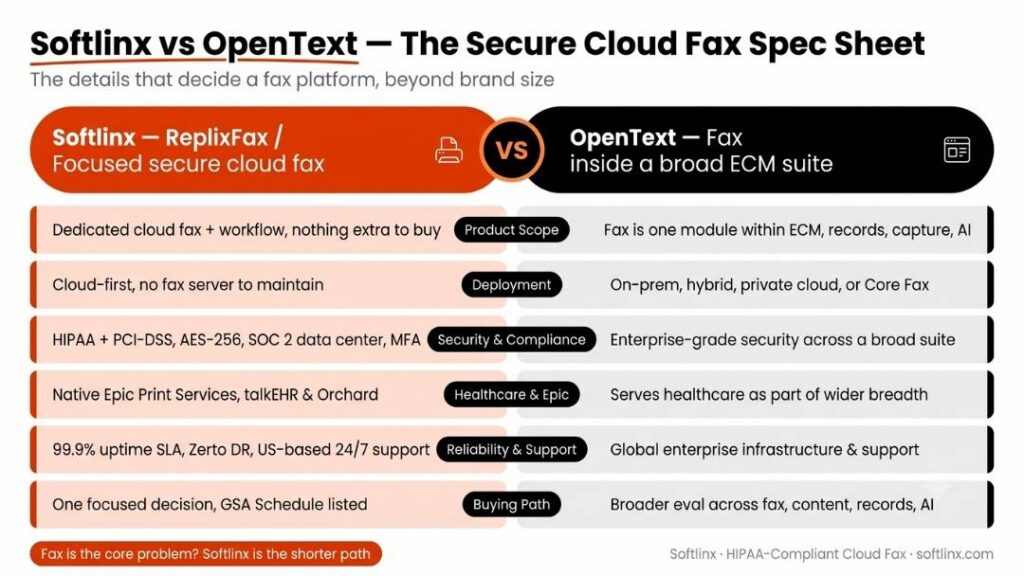
Softlinx, through its ReplixFax platform, presents one of the most healthcare-centered Etherfax Alternatives on the market. The company has decades of experience in enterprise fax infrastructure and offers a cloud fax platform alongside separate ReplixFax Server deployment options. Unlike lightweight fax apps, ReplixFax emphasizes structured routing, system integration, and regulatory alignment.
Healthcare institutions often require integration with electronic health record systems. Softlinx offers direct support for structured routing and EHR connectivity, which aligns closely with real-world workflows in hospitals and clinics. For organizations evaluating how to connect fax to EHR systems, their integration resources reflect that depth of operational focus.
Key Features
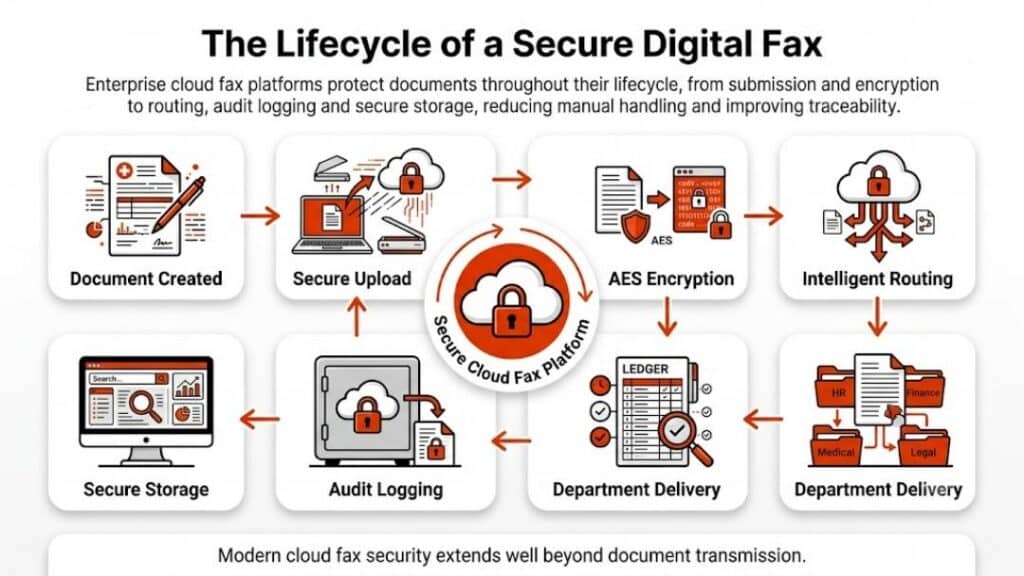
ReplixFax supports secure cloud fax, hybrid deployment options, API integration, and administrative routing controls. The platform allows automation of inbound document workflows, which matters for departments managing high volumes of referrals and lab reports. Organizations researching automating incoming fax routing will find that workflow control is central to the platform’s architecture.
Encryption standards align with healthcare security requirements. Their documentation around HIPAA-compliant fax services demonstrates emphasis on regulatory alignment rather than marketing slogans.
Pros and Cons
| Pros | Cons |
| Strong healthcare workflow focus | Enterprise setup may require planning |
| Hybrid and cloud deployment flexibility | Not positioned as a consumer tool |
| Advanced routing and integration depth | Custom pricing requires consultation |
| U.S.-based support infrastructure | Designed primarily for regulated industries |
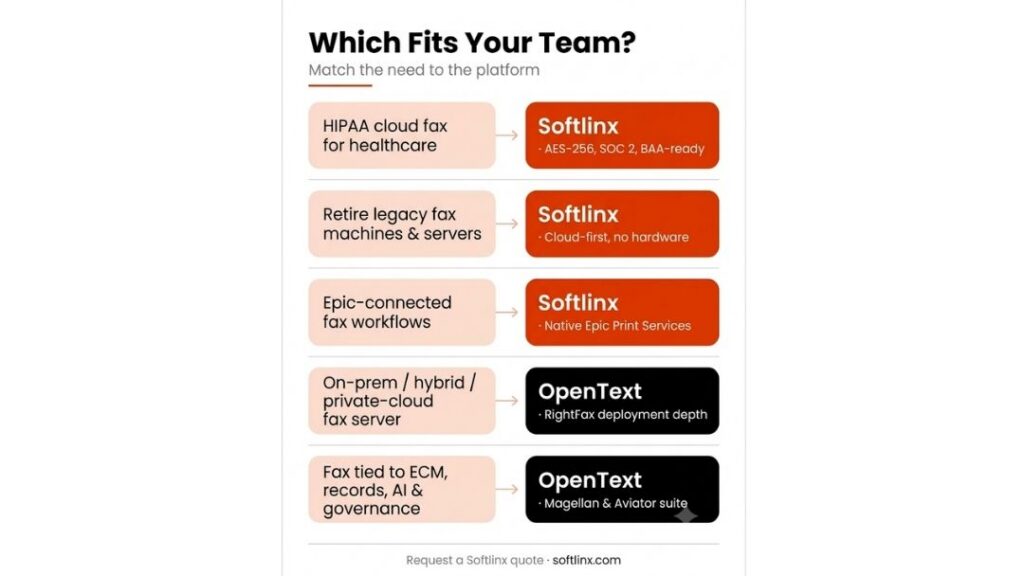
Best for hospitals, multi-location clinics, and organizations requiring hospital cloud fax solutions or complex departmental routing.
Why Choose This: Among Etherfax Alternatives, ReplixFax stands out for organizations that need structured governance. If uptime, routing rules, EHR integration, and administrative oversight are non-negotiable, this option merits serious review.
2. Documo (mFax)
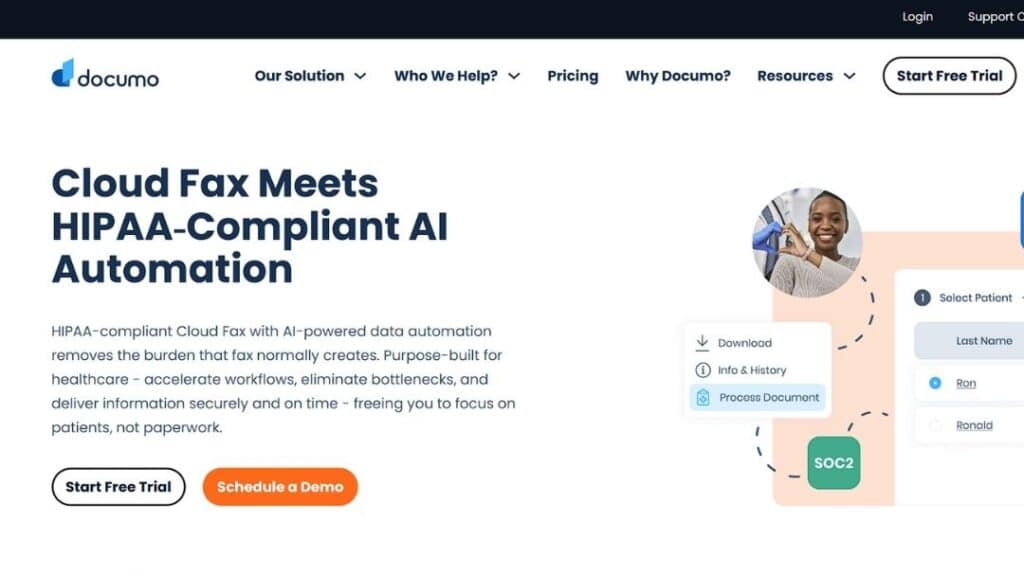
Documo’s mFax platform positions itself as a cloud-native fax solution with strong API integration capabilities. It frequently appears in discussions comparing enterprise fax vendors.
Documo leans heavily into cloud-first messaging and healthcare alignment. The company emphasizes encryption standards and claims HIPAA compliance alignment, consistent with HHS regulatory expectations.
Key Features
mFax includes API support, web-based management portals, user-level access controls, and audit logging. Organizations exploring how to email to a fax number will find straightforward email-to-fax workflows embedded within the system.
Pros and Cons
| Pros | Cons |
| Cloud-native design | Primarily SaaS; limited hybrid flexibility |
| API-friendly | May require configuration expertise |
| User-level permission controls | Pricing transparency is limited publicly |
| Modern UI | Enterprise routing depth may vary by tier |
Best for healthcare SaaS platforms and mid-size medical organizations.
Why Choose This: For teams seeking Etherfax Alternatives that emphasize cloud simplicity and API-first architecture, Documo often appeals to digital-forward healthcare IT teams.
3. SRFax
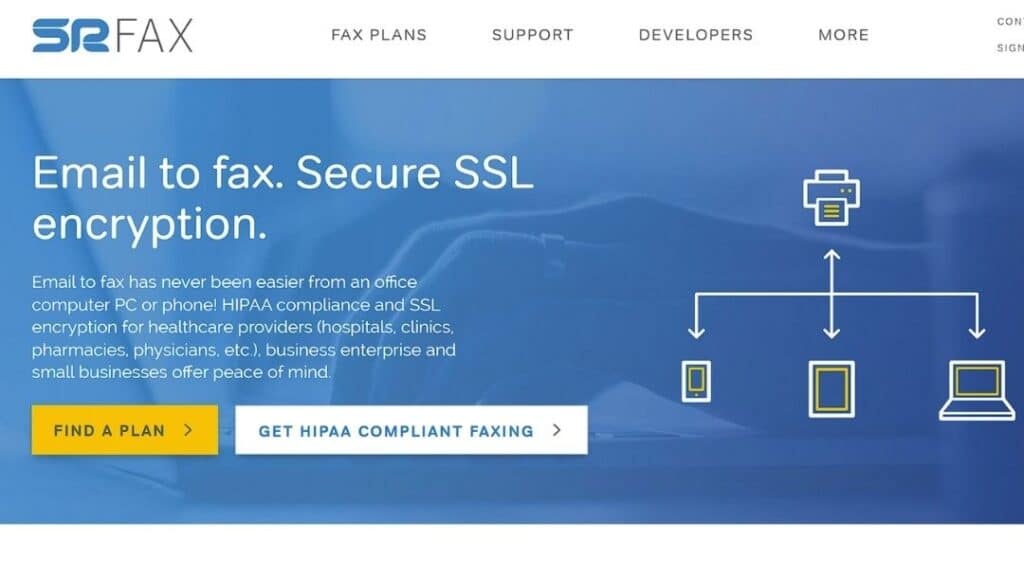
SRFax is often mentioned as a more accessible alternative for organizations seeking secure cloud fax without enterprise-level deployment complexity. It markets itself as HIPAA-aligned and secure, offering a signed Business Associate Agreement (BAA) by default for healthcare plans.
Key Features
Encrypted transmission, secure online portal, and compliance documentation. Its architecture centers on straightforward web fax functionality rather than deep workflow orchestration.
Pros and Cons
| Pros | Cons |
| Simpler onboarding | Limited advanced workflow automation |
| Cost transparency | Less integration flexibility |
| Secure document transmission | Primarily cloud-only |
| Straightforward interface | Enterprise governance features are limited |
Best for small to mid-size clinics or specialty practices, such as dermatology clinics, that require cloud fax solutions, or solo practitioners requiring PHIPA/HIPAA compliance.
Why Choose This: Organizations that want Etherfax Alternatives without enterprise deployment layers often view SRFax as approachable and manageable. It remains a top pick for those needing Canadian or U.S. geographic data residency to meet specific regional privacy mandates.
4. WestFax
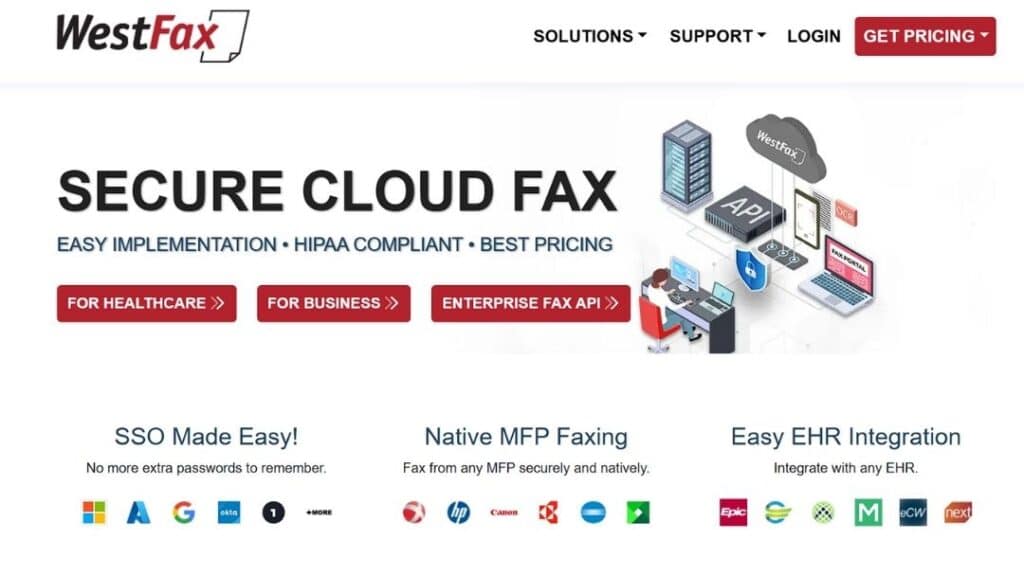
WestFax provides enterprise-grade secure fax services, frequently serving healthcare and legal sectors. It emphasizes compliance posture and encrypted document transfer, leveraging a carrier-grade network to ensure high completion rates for high-volume senders.
Key Features
Cloud-based fax services, secure document storage, API capabilities, and regulatory alignment documentation.
Pros and Cons
| Pros | Cons |
| Enterprise security focus | Less healthcare-specific workflow marketing |
| Cloud infrastructure reliability | Implementation planning required |
| Secure portal access | Pricing not openly displayed |
| Integration options | Support scope varies by contract |
Best for healthcare networks and legal firms requiring structured compliance documentation and high-volume automation.
Why Choose This: Among Etherfax Alternatives, WestFax may appeal to organizations seeking a compliance-first cloud fax without heavy hybrid infrastructure, especially those needing to bridge the gap between physical multi-function printers and digital workflows.
5. eFax Corporate
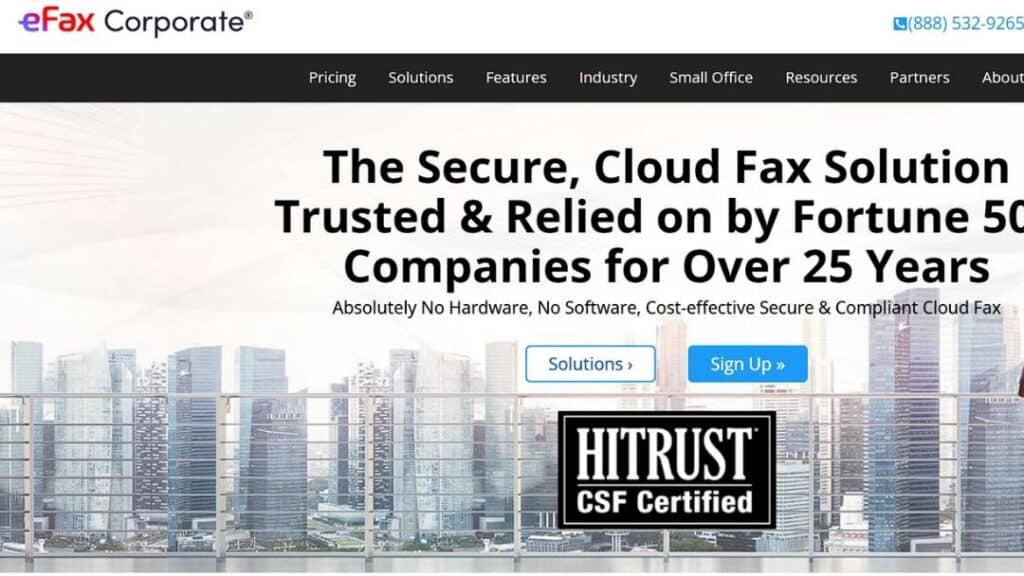
eFax Corporate operates under a well-established brand within the cloud fax sector. It emphasizes business-level fax services and secure transmission standards. As of 2026, the provider has unified its advanced interoperability and AI tools, formerly under the Consensus banner, directly into the eFax brand portfolio to streamline healthcare data exchange.
Key Features
Email-to-fax capability, web dashboard management, multi-user accounts, encrypted transport. Organizations evaluating whether fax is HIPAA-compliant often carefully review vendor documentation. HHS guidance clarifies that compliance depends on safeguards rather than the medium itself.
Pros and Cons
| Pros | Cons |
| Brand recognition | May feel generic for healthcare |
| Broad enterprise reach | Workflow automation depth is limited |
| Email-to-fax simplicity | Tier-based feature gating |
| Established support structure | Customization may require higher plans |
Best for multi-industry enterprises that need scalable outbound fax services and for organizations requiring FedRAMP-authorized cloud fax for government contracts.
Why Choose This: Companies exploring Etherfax Alternatives that prioritize familiarity and broad adoption sometimes shortlist eFax Corporate. It remains a top choice for those needing a one-stop shop for secure fax, AI-driven data extraction, and certified e-signatures.
6. iFax
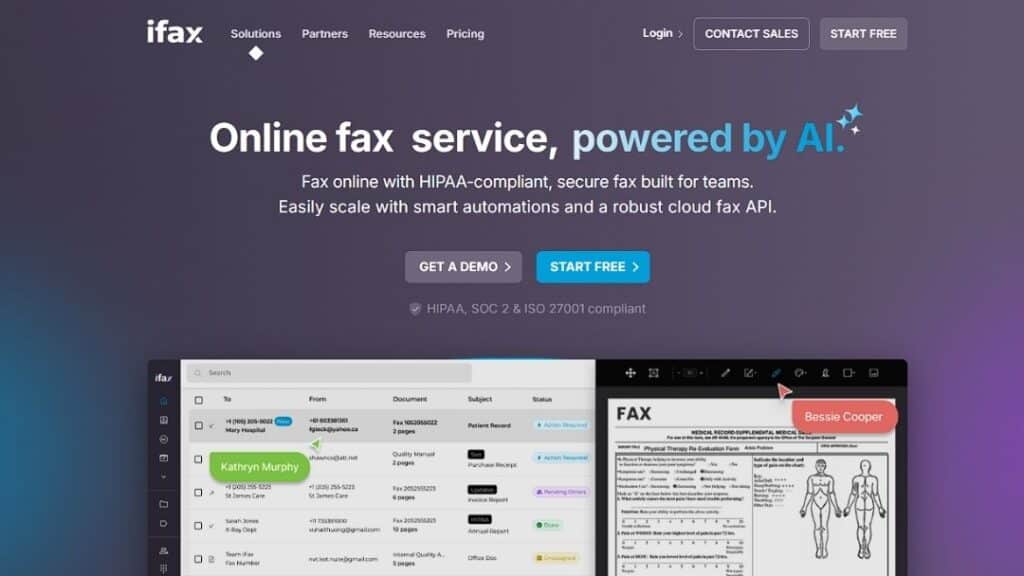
iFax positions itself as a streamlined digital fax platform accessible across devices. It tends to attract small and mid-sized organizations.
Key Features
Mobile support, cloud-based dashboard, electronic signature integration, encrypted transmission.
Pros and Cons
| Pros | Cons |
| Mobile-friendly | Limited enterprise routing tools |
| Easy onboarding | Not built for large healthcare systems |
| Digital signature support | Compliance documentation varies |
| Accessible interface | May lack deep integration APIs |
Best for small medical practices, startups, and distributed legal teams seeking outpatient clinic cloud fax solutions.
Why Choose This: For smaller teams comparing Etherfax Alternatives, iFax may provide simplicity without enterprise-level administrative overhead, while still offering SOC 2 Type II and ISO 27001 certified security for sensitive data handling.
Migration Guide: Moving from Etherfax to an Alternative Without Chaos
Discovery Steps IT Teams Skip (and Regret Later)
Begin by mapping every active fax number and department. Document routing rules, retention policies, and integration endpoints. Review error logs and transmission reports. Identify cover page templates and archival practices. This discovery phase prevents operational blind spots.
Pilot Plan That Doesn’t Break Patient Operations
Run a parallel deployment before full migration. Test outbound and inbound routing across departments. Validate EHR indexing accuracy. Monitor retry logic and delivery confirmations. Engage compliance officers for final validation. Secure stakeholder sign-off only after workflow stability is confirmed.
Verification Steps for Compliance Claims
Confirm that the provider offers a business associate agreement when required. Request encryption documentation detailing standards used in transit and at rest. If FedRAMP alignment is relevant, verify vendor status through the official FedRAMP marketplace. Avoid relying solely on marketing claims.
FAQs
What is FedRAMP, and does it apply to cloud fax providers?
FedRAMP is a U.S. government program that standardizes security assessment and authorization for cloud services used by federal agencies. Not all healthcare organizations require FedRAMP authorization, but some evaluate vendors against its baselines.
Are all cloud fax services HIPAA compliant?
No. Compliance depends on safeguards, encryption practices, administrative controls, and contractual agreements such as a business associate agreement.
What does FedRAMP certified mean?
It indicates that a cloud service has undergone assessment and received authorization under federal security standards.
How do I confirm encryption standards?
Request technical documentation and review encryption protocols for data in transit and at rest.
Is fax still allowed under HIPAA?
Yes, provided appropriate safeguards are implemented according to HHS guidance.
Choose Your Next Step Carefully in 2026
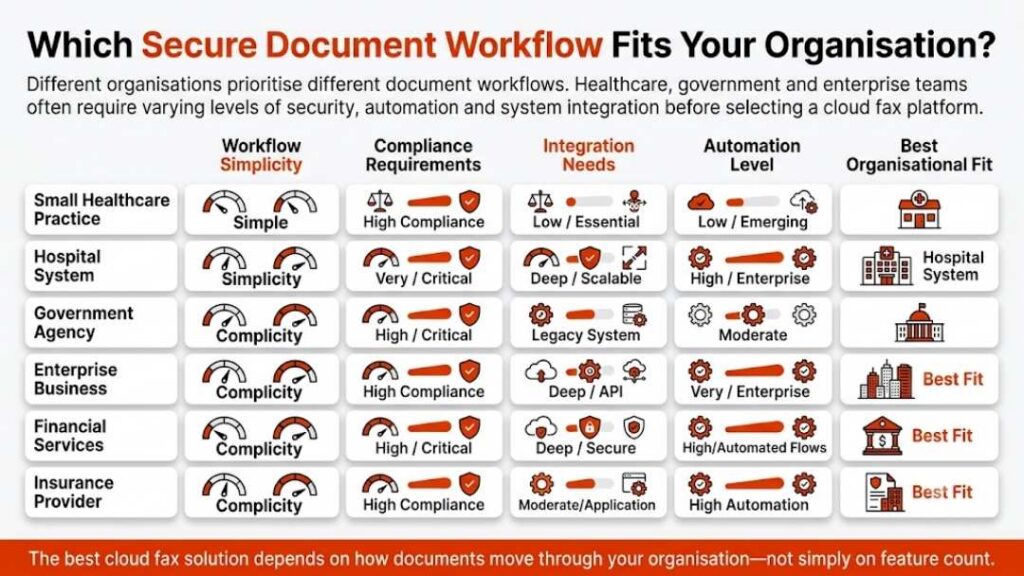
Selecting among Etherfax Alternatives is not a cosmetic decision. It affects compliance posture, document routing integrity, and operational continuity. Healthcare organizations require reliability and structured governance, not surface-level feature comparisons.
If your organization demands advanced routing control, healthcare integration depth, and compliance-driven infrastructure, review Softlinx’s cloud fax and hybrid solutions directly. Request technical documentation. Validate workflow compatibility. Run a controlled pilot.
The right Etherfax Alternative is the one that supports your compliance framework and operational scale without introducing new friction.