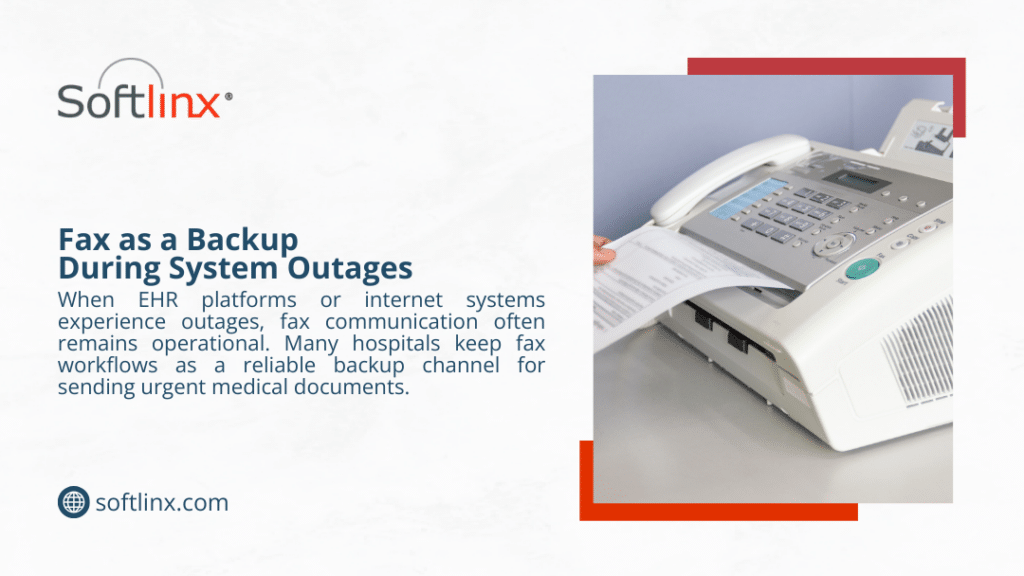
Many organizations still depend on fax for exchanging documents, particularly in industries such as healthcare, finance, and government. Yet traditional fax machines rely on aging phone infrastructure and manual workflows.
This guide explains how to switch from fax machine to cloud fax, outlining the migration process, technical considerations, and operational benefits. By the end, you will understand how cloud faxing works, how to migrate your existing fax numbers, and how businesses can move toward a more secure and scalable communication method.
How to Switch From Fax Machine to Cloud Fax
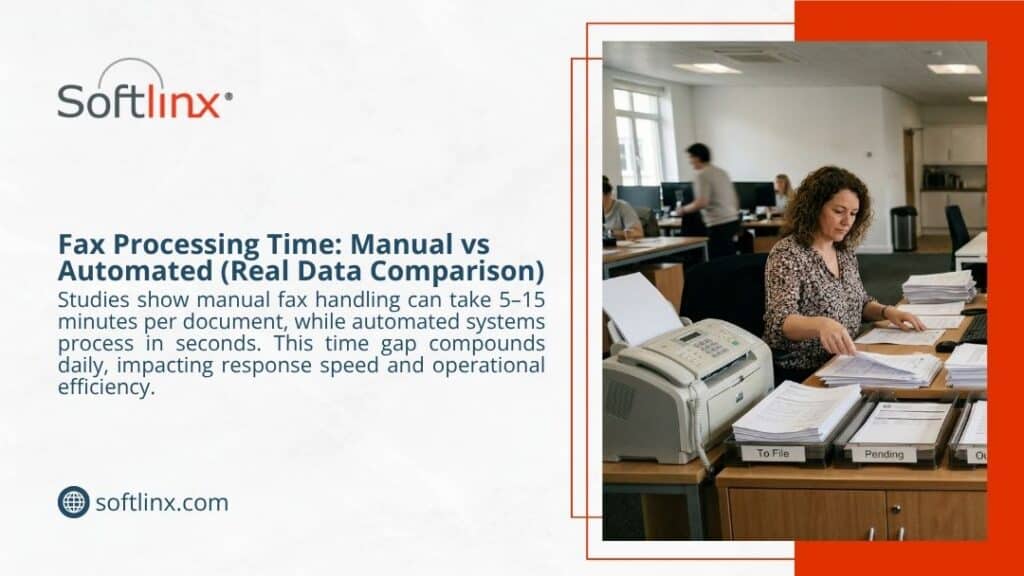
Organizations researching how to switch from fax machine to cloud fax usually face the same challenge: traditional fax machines depend on physical hardware, dedicated phone lines, and manual document handling. A modern cloud fax solution replaces these requirements with internet-based document delivery.
A typical transition from traditional fax machines to cloud-based faxing follows several practical stages. First, organizations review their current fax infrastructure. Many companies still operate fax servers or analog machines connected to phone lines. Those systems often require maintenance, hardware replacement, and telecom contracts. Businesses evaluating modernization often begin by comparing their current environment with a cloud alternative, such as an enterprise fax server solution or a hosted platform.
Next comes number portability. In most cases, organizations want to keep their existing fax numbers. A cloud provider can transfer those numbers into the new environment through a process known as number porting. After the transfer, inbound faxes route directly to digital systems rather than physical machines.
Once the numbers migrate, organizations configure users and workflows. Departments that previously shared a physical fax machine receive individual or shared accounts. Employees can then send and receive faxes through a web interface, email integration, or an online cloud fax platform.
The final step involves retiring hardware. When teams confirm that digital fax workflows function correctly, traditional machines can be removed from the network.
Cloud Fax vs Traditional Fax Machines
The difference between a traditional fax machine and a cloud-based fax system extends beyond hardware. Cloud fax services transform how documents move through an organization.
| Feature | Traditional Fax Machines | Cloud Fax Solutions |
| Infrastructure | Requires physical machines and phone lines | Operates through the internet infrastructure |
| Document delivery | Paper documents sent via analog signals | Digital files sent through secure cloud networks |
| Accessibility | Must be near a machine | Accessible from the web portal or mobile app |
| Storage | Paper storage or manual scanning | Integrated digital document management |
| Scalability | Additional machines required | New users added through the software |
Traditional fax machines rely on analog transmission across copper phone lines. In contrast, cloud faxing solutions transmit documents through encrypted internet channels while preserving compatibility with existing fax numbers.
Why Businesses Are Replacing Fax Machines With Cloud Fax
Organizations exploring how to switch from fax machines to cloud fax often do so because operational demands have changed. Workforces have become more distributed, and document workflows increasingly occur in digital environments.
A key factor is accessibility. Traditional fax machines require staff to be physically present. A cloud faxing service allows employees to send and receive faxes through a browser, email client, or mobile interface.
Security also plays a role. Digital fax platforms can implement encryption and access controls that protect documents during transmission. Many providers support secure cloud fax infrastructure that helps organizations maintain confidentiality when sending sensitive records.Another factor involves document management. Paper-based fax processes require manual scanning, filing, and archiving. With cloud faxing, documents enter digital workflows immediately, making indexing and retrieval easier. According to the U.S. CIO, organizations adopting cloud technologies often improve operational efficiency and system scalability through centralized infrastructure management
How Cloud Faxing Works
Understanding the mechanics of cloud faxing for business clarifies why organizations migrate away from traditional machines.
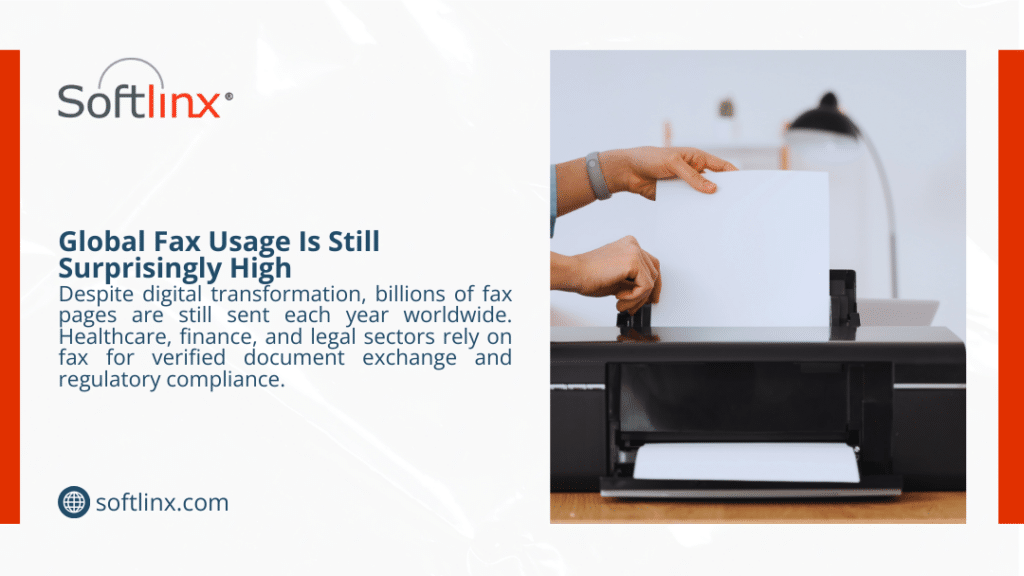
When a user sends a document through a cloud faxing solution, the system converts the file into a fax-compatible format. The platform then transmits the data through the internet infrastructure rather than analog phone lines.
The receiving system converts the transmission back into a document that can reach the destination fax number. For organizations using digital fax platforms, inbound faxes arrive through secure web portals, email inboxes, or document management systems.
Some providers also support fax through the internet, enabling organizations to integrate digital fax transmission into their communication systems. For teams that rely on email workflows, platforms may allow users to send faxes directly from their inboxes.
Key Infrastructure Changes Driving Cloud Fax Adoption
Telecommunications infrastructure continues to evolve. Several major carriers have gradually retired legacy copper networks in favor of modern digital communication systems.
For example, telecommunications companies have discussed plans to transition away from copper infrastructure toward fiber-based systems as part of modernization initiatives. These changes affect legacy phone services, including analog fax lines.
When organizations rely on traditional fax machines connected to Verizon copper line infrastructure or other analog circuits, future service availability can become uncertain. Cloud communication technologies provide an alternative that operates independently of copper phone networks.
As businesses adopt internet-based communications, cloud fax solutions allow organizations to maintain fax compatibility while modernizing their infrastructure.
Industries That Benefit Most From Cloud Fax Solutions
Although many sectors have shifted toward digital communication, fax remains widely used in industries where document authenticity and regulatory compliance matter.
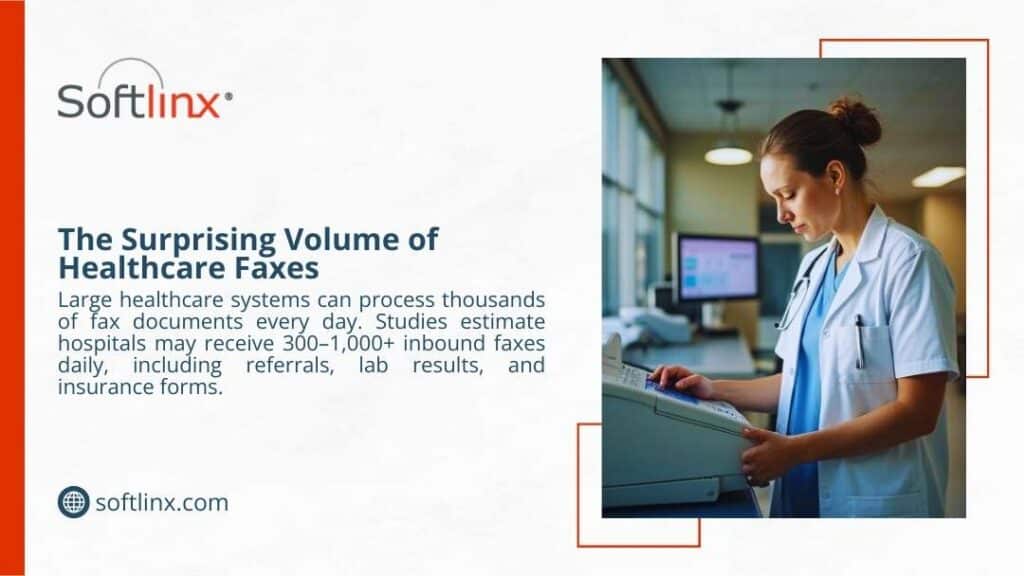
Healthcare organizations often rely on fax to exchange patient records and clinical documentation. Digital systems such as hospital cloud fax solutions support these workflows while maintaining compatibility with healthcare systems.
Medical facilities also integrate fax into clinical software. A secure EHR integration system can help automate document routing. Outside healthcare, financial institutions continue to exchange contracts, approvals, and identity documents through fax. Government agencies and insurance companies also rely on fax because many regulatory processes still require document transmission through fax numbers.
Manufacturing and logistics organizations use fax for purchase orders, shipping documentation, and vendor communication.
Cloud Fax Integration With Business Systems
A key reason companies explore how to switch from fax machine to cloud fax is integration. Traditional machines operate separately from digital systems, which creates fragmented workflows.
Cloud fax platforms allow organizations to connect fax transmission with business applications. For example, healthcare providers can route documents directly to patient records through secure integrations.
Organizations concerned with regulatory compliance often implement HIPAA fax solutions to maintain secure document transmission when exchanging medical records. Similarly, businesses that handle protected health information often rely on HIPAA-compliant fax services to maintain encryption, audit logging, and controlled access. These integrations allow digital documents to move directly into electronic systems rather than remaining in paper form.
Cost Comparison: Fax Machines vs Cloud Fax
Financial considerations often influence the decision to switch to cloud faxing solutions. Traditional fax machines require several ongoing costs that organizations sometimes overlook.
| Expense Category | Traditional Fax Machine | Cloud Fax |
| Hardware | Fax machine purchase and maintenance | No physical device required |
| Supplies | Paper, toner, and maintenance parts | Digital document transmission |
| Phone lines | Dedicated fax phone lines | Internet connectivity |
| Storage | Filing cabinets and scanning systems | Digital document storage |
Organizations evaluating operational expenses sometimes review the hidden operational costs of legacy fax infrastructure, including maintenance, supply procurement, and telecom charges.
Common Migration Challenges (And How to Avoid Them)
Switching to cloud-based faxing usually proceeds smoothly, but organizations occasionally encounter challenges during the transition.
One challenge involves workflow changes. Staff who previously used physical machines may require training to adopt digital fax workflows. However, most platforms replicate familiar processes, such as sending documents through email or uploading files.
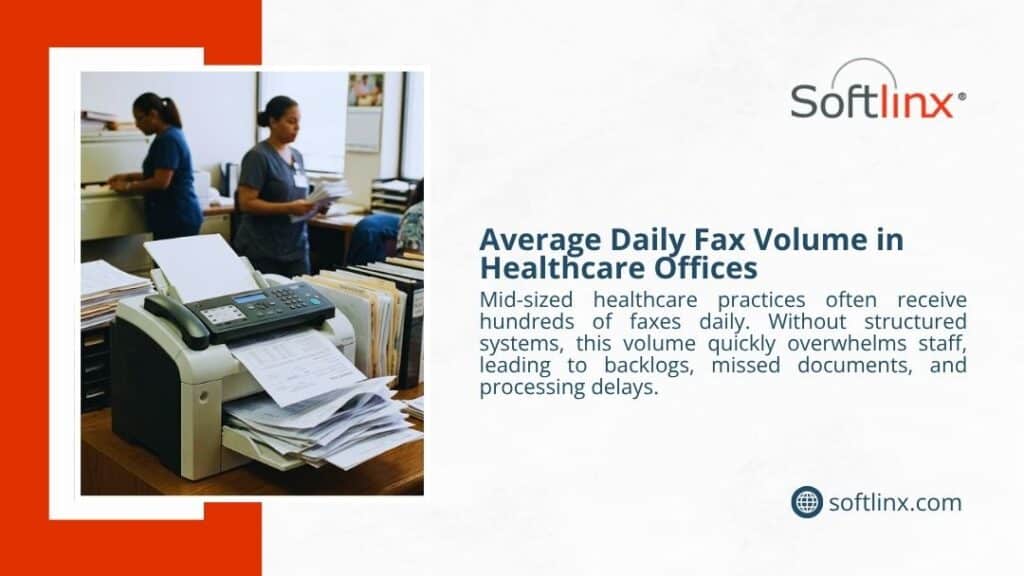
Another issue involves routing inbound faxes. Traditional machines receive documents through a single device, whereas digital systems can route incoming faxes to different departments or users. Organizations can automate this process through workflow tools that support automating the routing of incoming faxes. A final challenge involves high-volume environments. Businesses that process large numbers of documents must ensure their platform supports enterprise-level throughput. Many enterprise providers offer systems designed to handle high-volume fax workloads with reliable uptime.
Choosing the Right Cloud Fax Provider
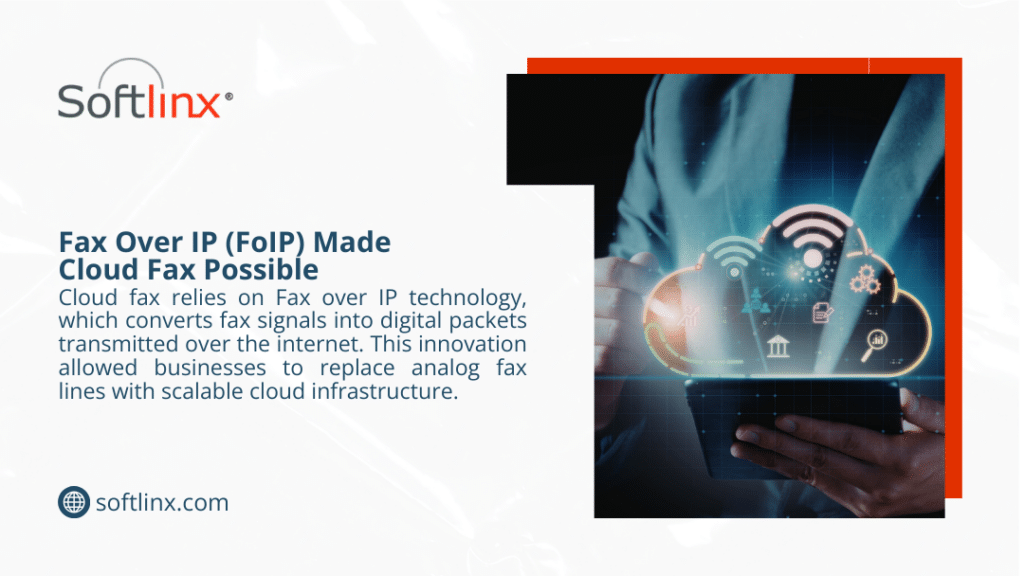
Selecting a reliable provider represents the final step in switching from a fax machine to cloud fax. Not all cloud fax services offer the same features or security capabilities. Enterprises typically evaluate several criteria before adopting a platform.
| Evaluation Factor | Why It Matters |
| Security | Protects confidential documents |
| Compliance | Meets regulatory requirements |
| Scalability | Supports high fax volume |
| Integration | Connects with existing business systems |
Businesses exploring modern cloud fax solutions often consider how the platform supports enterprise workflows. Cloud fax providers that support integration, automation, and secure communication typically deliver the most operational value.
FAQs About Switching to Cloud Fax
Can I keep my existing fax number when switching to cloud fax?
Yes. Most cloud fax providers support number porting, which allows businesses to transfer their current fax numbers to a cloud platform. This means your contacts can continue sending documents to the same number while you use a digital cloud faxing solution.
Do I need a fax machine to use cloud fax?
No. A cloud-based fax system removes the need for physical fax machines. Users can send and receive faxes through a web portal, email, or integrated business software.
How secure is cloud faxing for sensitive documents?
Many secure cloud fax platforms use encryption, access controls, and audit logs to protect documents during transmission and storage. Organizations in regulated industries often choose services designed to meet compliance requirements such as HIPAA.
Can employees send faxes from email or mobile devices?
Yes. Most cloud faxing services allow users to send documents directly from email clients or mobile apps. This approach allows staff to send and receive online faxes from virtually any location with internet access.
Will cloud fax work with traditional fax numbers?
Yes. Even though cloud fax solutions use internet infrastructure, they remain compatible with traditional fax numbers and machines. Documents can still be sent to or received from standard fax lines.
How long does it take to switch from a fax machine to cloud fax?
The migration timeline varies depending on the organization’s infrastructure. In many cases, the transition, including number porting and user configuration, can take anywhere from a few days to a couple of weeks.
Where Fax Technology Is Heading Next
Organizations that understand how to switch from fax machine to cloud fax are no longer tied to aging hardware, paper workflows, or dedicated phone lines. Cloud infrastructure allows businesses to maintain fax compatibility while moving document communication into secure digital systems.
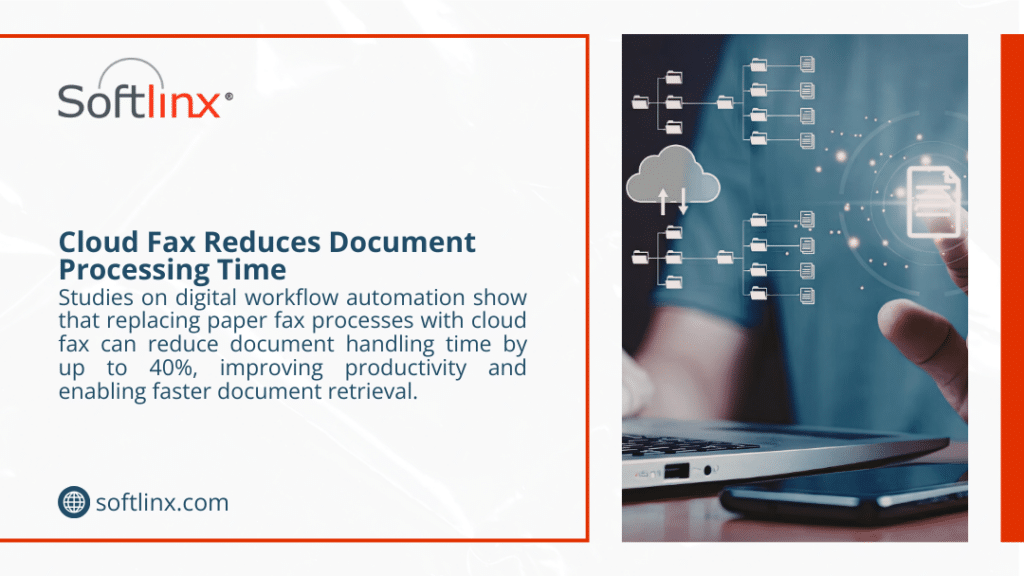
Teams can send and receive faxes from web portals, email clients, and integrated applications, while documents flow directly into modern document management environments.
For industries that still rely heavily on fax, especially healthcare, finance, insurance, and government, the shift to secure cloud fax helps maintain regulatory compliance while improving operational efficiency. Instead of managing machines and supplies, organizations gain centralized control, searchable records, and flexible user access.
Businesses exploring how to switch from fax machine to cloud fax should also consider long-term infrastructure reliability. As telecom providers continue modernizing networks and reducing reliance on legacy copper phone systems, cloud-based communication platforms offer a more stable path forward.
Organizations that want to modernize fax workflows without disrupting existing processes often start by evaluating enterprise cloud faxing solutions that support integration, scalability, and compliance. If your organization is preparing to move beyond traditional fax machines, a secure cloud fax platform can help maintain fax interoperability while improving document workflows. Learn more about how Softlinx’s cloud fax technology works and how it supports secure business communication by exploring its enterprise cloud fax services.