Managing high volume faxes healthcare remains a daily reality for hospitals, clinics, and specialty practices. This guide explains how healthcare organizations handle scale, security, compliance, and workflow control without disruption.
Managing High Volume Faxes Healthcare
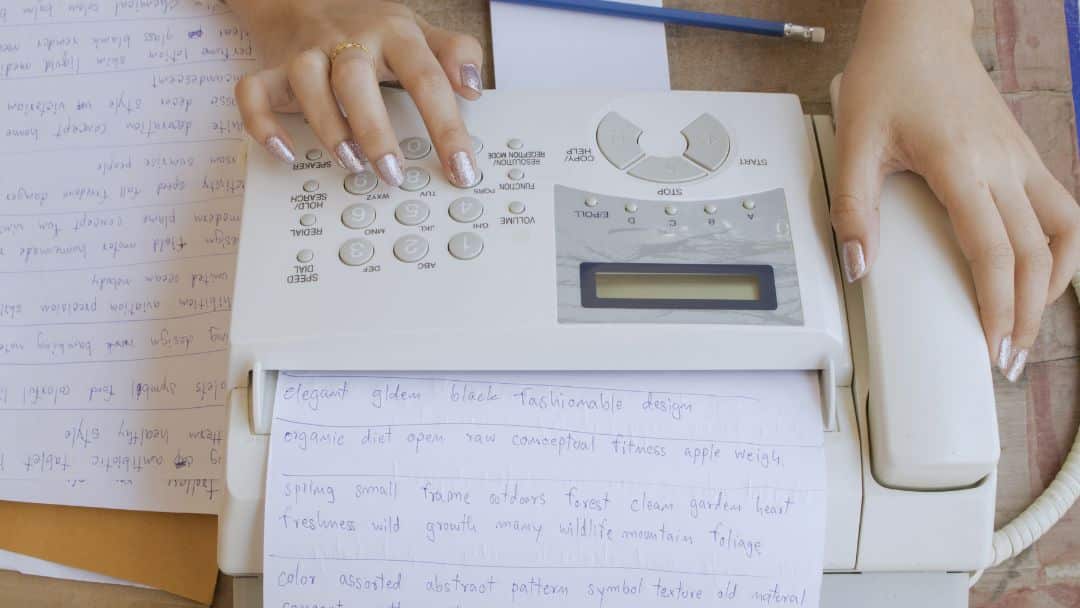
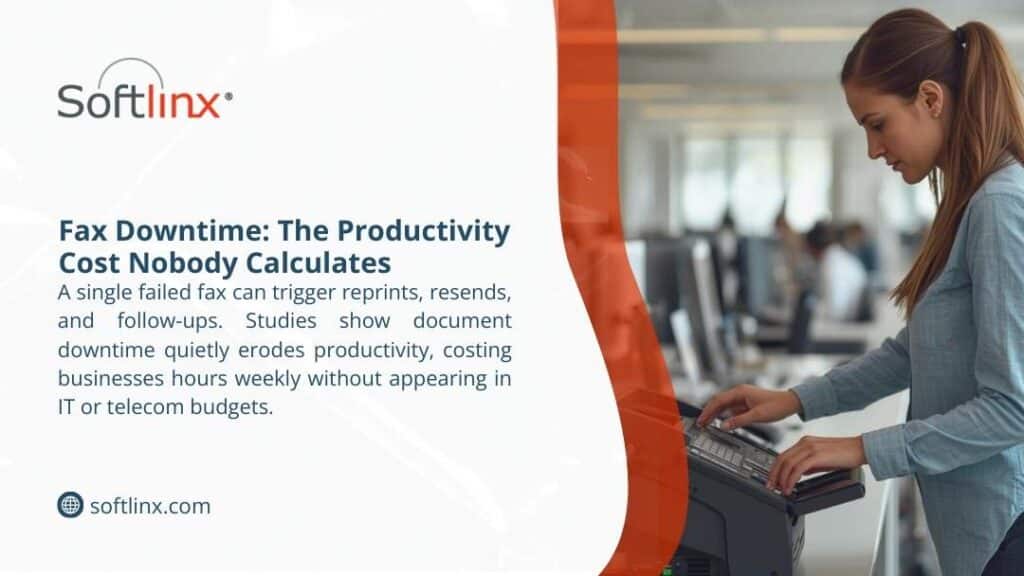
Managing high volume faxes healthcare teams depend on is not a legacy nuisance; it’s a core operational challenge. Despite widespread adoption of electronic health records, fax traffic continues to move patient records, referrals, lab results, authorizations, and discharge summaries. The difference today lies in volume. Healthcare organizations no longer send a few dozen fax documents a day. Many manage thousands, sometimes tens of thousands, of incoming faxes every month.
When fax systems fail to scale, delays surface fast. Patient records stall. Staff manually sort incoming faxes. Sensitive information sits exposed. HIPAA compliance risks climb quietly. Managing high volume faxes healthcare environments requires systems designed for throughput, not improvisation.
According to the industrial analysis, over 70% of healthcare organizations still rely on fax to exchange clinical information, even alongside EHR platforms. That reliance intensifies during care transitions, referrals, and billing cycles.
Why Fax Volume Still Strains Modern Healthcare Organizations
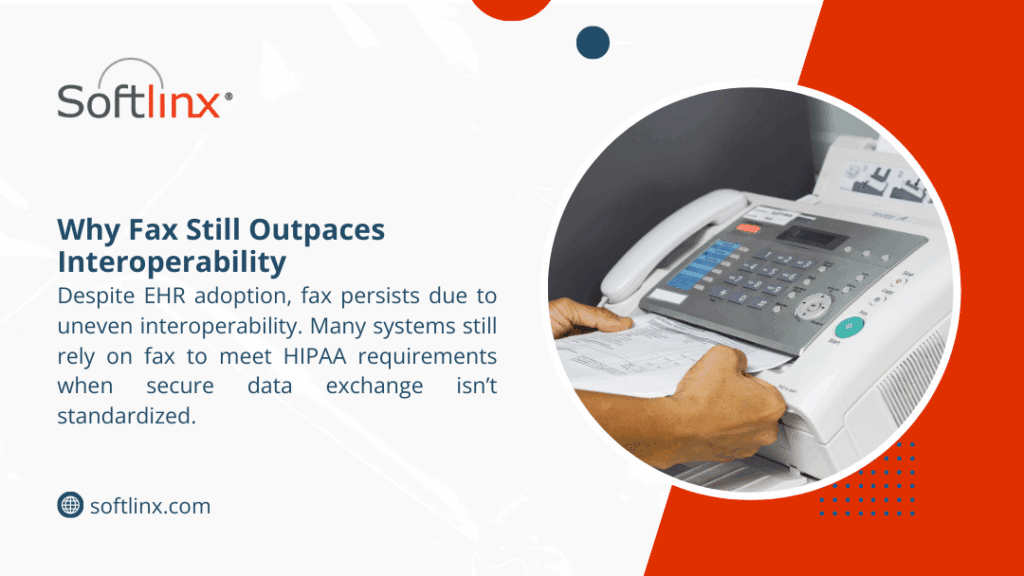
Here’s the thing. Fax never disappeared because it still works across disconnected systems. Hospitals communicate with small practices, labs, pharmacies, payers, and government agencies that operate on different platforms. Fax remains the lowest common denominator.
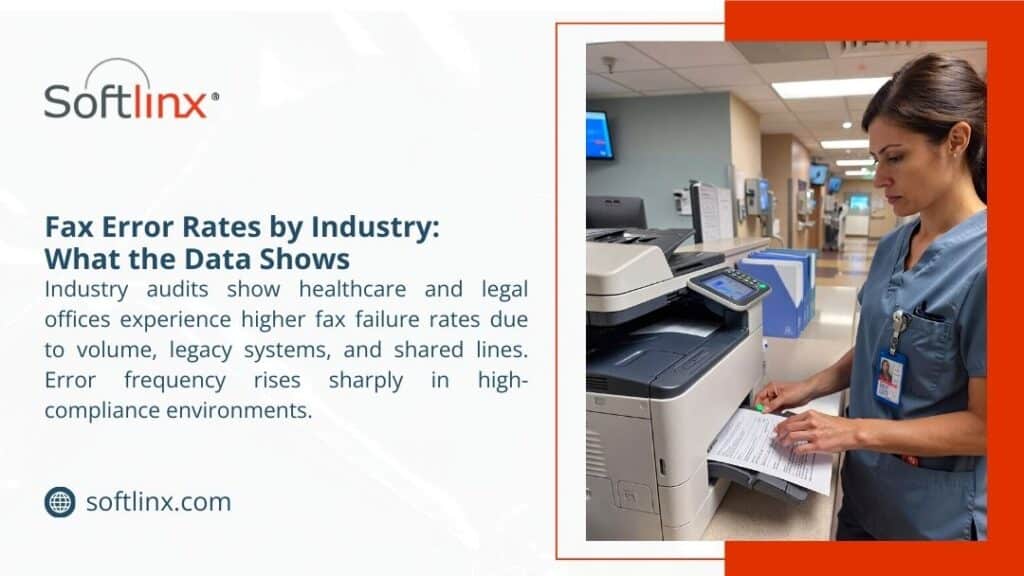
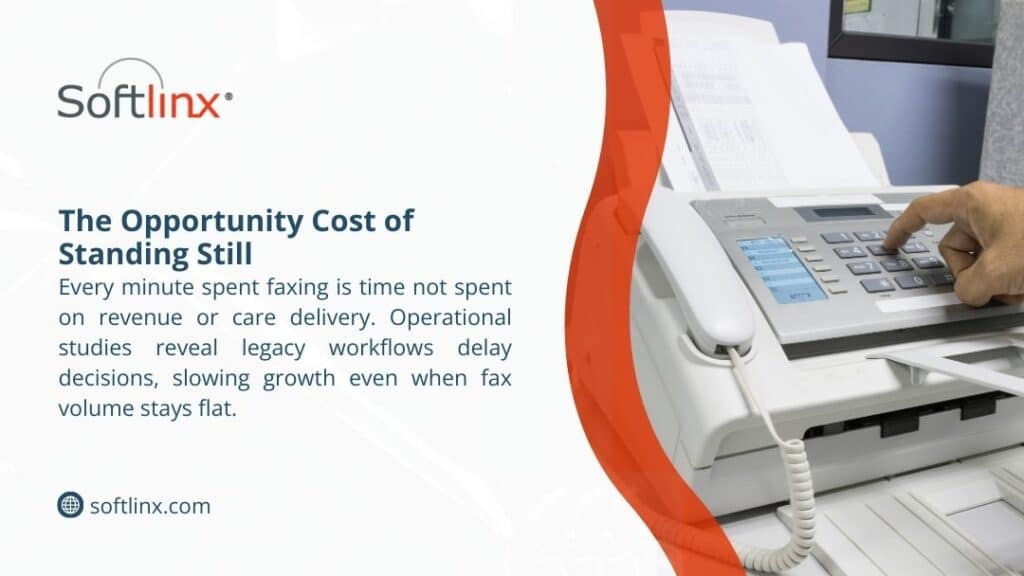
The strain comes from scale. A single referral department can receive hundreds of incoming faxes daily. Multiply that across departments, locations, and specialties, and managing high volume faxes healthcare teams face becomes a logistical burden. Traditional fax machines choke under load. Paper queues grow. Staff burn time searching, sorting, and re-faxing documents that never landed where they should.
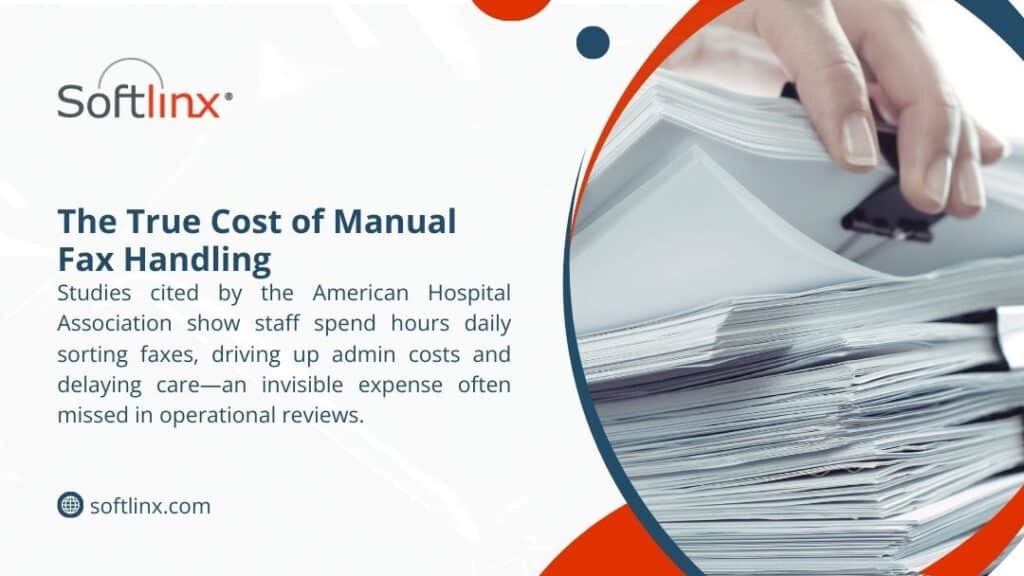
The American Hospital Association reports that administrative tasks consume nearly one-quarter of clinical staff time, much of it tied to document handling and communication.
Where Traditional Fax Systems Break Under High Volume
When fax traffic spikes beyond a manageable threshold, traditional fax systems reveal structural limits that healthcare environments can’t afford to ignore.
| Operational Area | Traditional Fax Behavior Under High Volume | Resulting Impact on Healthcare Workflows |
| Transmission Capacity | Limited phone lines cause busy signals and failed sends | Delayed patient records and repeated transmissions |
| Document Handling | Paper-based intake requires manual sorting and filing | Increased staff workload and higher error rates |
| Scalability | Fixed hardware cannot absorb sudden fax surges | Bottlenecks during peak referral and discharge periods |
| Security Controls | Physical access and shared machines expose documents | Greater risk of unauthorized access to sensitive information |
| System Reliability | Hardware failures halt all send and receive activity | Downtime disrupts clinical and administrative operations |
| Audit Visibility | Minimal logging of fax activity | Limited traceability for compliance and investigations |
These breakdowns explain why managing high volume faxes healthcare organizations depend on has shifted away from physical machines toward scalable, digitally controlled fax environments.
The Operational Risks Tied To Unmanaged Healthcare Faxing
But here’s the problem. When healthcare faxing operates without structured controls, the damage rarely appears all at once. It shows up in fragments, missed referrals, duplicated patient records, unexplained delays, and staff confusion that no one traces back to fax volume until it becomes unavoidable.
Unmanaged fax traffic quietly disrupts continuity of care. Incoming faxes arrive without context, ownership, or prioritization. Time-sensitive documents sit unread because no routing logic exists. Staff members open, forward, or reprint fax documents simply to keep work moving, often without realizing they’ve created parallel versions of the same patient record. Over time, this fragmentation erodes data integrity inside electronic health records.
There’s also an operational drag that leadership tends to underestimate. High fax volume forces clinical and administrative teams into reactive behavior. Instead of reviewing patient information, they hunt for it. Instead of focusing on care coordination, they troubleshoot missing documents. That lost time compounds, especially in referral-heavy specialties and revenue cycle departments where incoming faxes determine next steps.
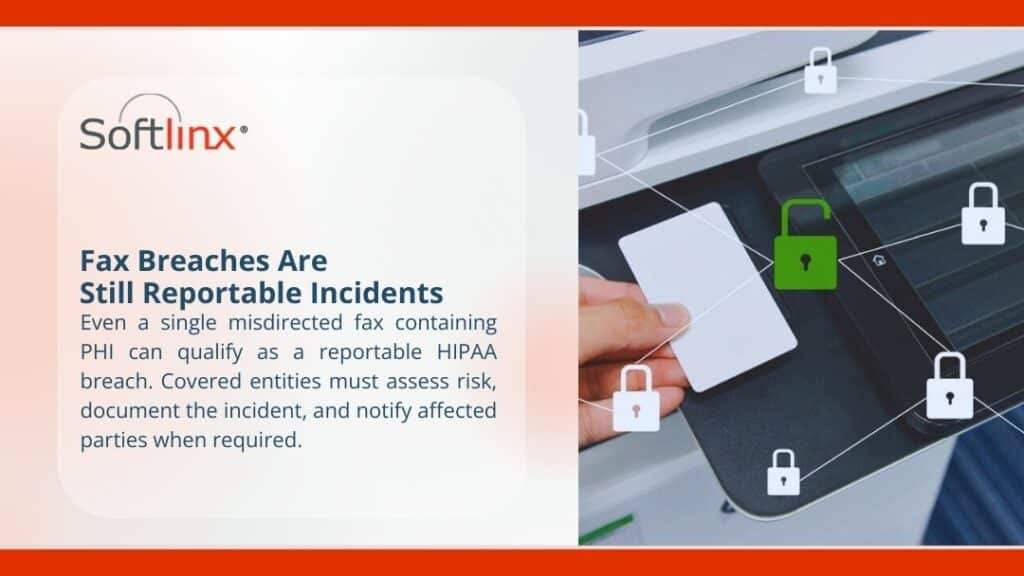
Security exposure grows in subtler ways. Shared inboxes blur accountability. Printed faxes sit unattended. Access logs fail to capture who viewed what and when. None of these gaps alone guarantees a HIPAA violation, but together they widen the margin for error.
| Risk Category | How It Manifests Without Fax Controls | Long-Term Operational Effect |
| Workflow Ownership | No clear responsibility for incoming faxes | Documents stall or move inconsistently |
| Data Integrity | Duplicate or misfiled fax documents | Inaccurate patient records |
| Staff Efficiency | Manual triage replaces structured routing | Rising administrative burden |
| Compliance Oversight | Limited tracking of document access | Increased audit exposure |
| Patient Experience | Delays in referrals and authorizations | Slower care progression |
So here’s what happened in many healthcare organizations. Fax was treated as a utility rather than a workflow. As volume increased, the absence of structure turned faxing into an invisible operational risk, one that affects care quality, compliance posture, and staff sustainability all at once.
How Cloud-Based Fax Management Changes the Equation
When fax systems move off physical infrastructure and into a controlled cloud environment, the shift affects more than capacity; it reshapes how healthcare teams interact with information.
| Capability Area | Cloud-Based Fax Behavior | Operational Effect in Healthcare |
| Capacity Handling | Fax volume adjusts dynamically without manual intervention | Consistent intake during peak demand |
| Access Model | Secure access from approved devices and locations | Reduced dependency on shared equipment |
| Document Flow | Digital delivery replaces physical handoff | Faster internal distribution |
| Oversight | Centralized visibility across fax activity | Clear status awareness |
| System Continuity | Redundant infrastructure supports uptime | Fewer interruptions to care processes |
| Adaptability | Configuration updates occur without hardware changes | Easier response to workflow changes |
This shift matters because cloud-based fax management turns faxing from a physical task into a governed digital process, giving healthcare organizations predictable control even as volume and complexity increase.
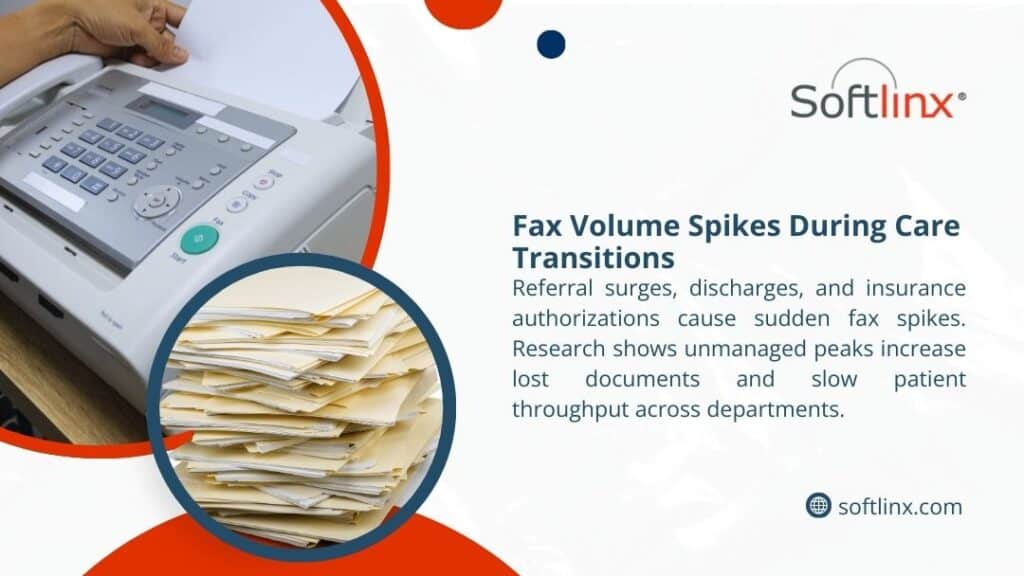
Fax Automation and Intelligent Routing for Incoming Faxes
Manual sorting fails at scale. That’s why fax automation now sits at the center of managing high volume faxes healthcare teams rely on. Automated routing uses rules, metadata, barcodes, and sender information to direct incoming faxes instantly.
Instead of a shared inbox, documents arrive where they belong. Referral faxes move to intake. Lab results reach clinicians. Billing documents route to revenue cycle teams. This approach reduces human error and improves turnaround time.
According to the studies, healthcare organizations that automate incoming fax routing see measurable reductions in misfiled patient records.
Integrating fax traffic into electronic health records
Fax volume peaks when the fax remains disconnected from EHR systems. Staff print, scan, upload, and tag documents manually. That loop wastes time and introduces risk.
Modern healthcare fax solutions integrate directly with electronic health records. Faxed documents attach automatically to patient charts. Indexing occurs at intake. Clinicians review information without leaving their workflow.
This approach becomes critical during high-volume periods, especially for organizations managing referrals, discharge documentation, or insurance communication at scale.
Security Measures that Protect Sensitive Information at Scale
High volume does not excuse weak security. Managing high volume faxes healthcare organizations requires layered protection. Encryption in transit and at rest matters. Role-based access matters. Audit trails matter.
HIPAA requires safeguards proportional to risk. When fax volume increases, exposure increases. Cloud fax platforms designed for healthcare maintain compliance by enforcing access controls, logging every transmission, and supporting retention policies aligned with regulatory guidance.
High-Volume Fax Workflows Across Healthcare Settings
| Healthcare Setting | Fax Volume Characteristics | Workflow Focus |
| Hospitals | Thousands daily | Departmental routing, EHR attachment |
| Clinics | Moderate to high | Referral intake, results delivery |
| Labs | Burst-driven | Automated routing, audit trails |
These environments share one reality: unmanaged fax volume slows care delivery.
Comparing Fax Approaches Under Heavy Load: Manual/Traditional vs Automated
| Capability | Traditional Fax | Cloud Fax |
| Scalability | Fixed | Elastic |
| Security | Limited | HIPAA-aligned |
| Routing | Manual | Automated |
| Integration | None | EHR-ready |
Managing high volume faxes healthcare operations becomes predictable once systems align with scale.
Choosing Healthcare Fax Solutions Built for Sustained Growth
The strongest healthcare fax solutions prioritize reliability, compliance, automation, and integration. They support high throughput without sacrificing control. They adapt as organizations grow, merge, or expand service lines.
Healthcare leaders increasingly ask whether enterprise fax solutions offer reliable uptime for high-volume needs. That question reflects reality. Fax remains mission-critical, and downtime carries real clinical risk.
Preparing Healthcare Organizations For Future Fax Demand
Fax volume in healthcare does not rise evenly. It increases in bursts, often tied to growth, regulatory shifts, or expanded care networks. Organizations that plan only for current demand often find themselves reacting instead of adapting.
Future readiness depends on treating fax as a governed communication channel rather than a temporary workaround. Clear intake standards, consistent access controls, and scalable infrastructure allow fax workflows to absorb change without disruption. This approach supports continuity even as teams grow, locations multiply, or care models shift.
Healthcare organizations that prepare early avoid scrambling later. When fax systems anticipate volume rather than chase it, operational stability follows.
Conclusion
Managing high volume faxes healthcare environments generate no longer needs to feel chaotic. With scalable infrastructure, automated routing, and secure integration, fax traffic becomes manageable rather than disruptive.
Healthcare organizations that address fax at the system level protect patient records, support staff efficiency, and reduce compliance exposure. That’s why investing in the right fax management approach still matters in 2026.
If your organization handles sustained fax volume and expects growth, now is the moment to evaluate whether your fax workflows support care delivery or quietly hold it back.
For healthcare teams ready to bring structure, security, and control to high-volume fax operations, Softlinx provides cloud-based fax solutions built specifically for regulated healthcare environments.
Their focus on reliability, compliance, and integration helps organizations modernize fax workflows without disrupting care delivery, making them a practical partner for healthcare leaders planning for scale.