HIPAA rules for faxing medical records still apply to a majority of U.S. hospitals and clinics that rely on fax for referrals, authorizations, lab reports, and release of information requests. Three federal rules control every faxed document that contains PHI: the HIPAA Privacy Rule, the HIPAA Security Rule, and the Breach Notification Rule.
These rules decide when a provider may send patient medical records by fax, who may receive them, how they must be protected, and what happens when a fax reaches the wrong recipient.
The Privacy Rule defines lawful use and disclosure of PHI. The Security Rule requires safeguards for electronic faxes and stored images, including authentication, access limits, and, where reasonable and appropriate, encryption.
The Breach Notification Rule dictates the steps a covered entity must take when PHI reaches an unauthorized person. Fax remains legal under HIPAA, but only when HIPAA rules for faxing medical records shape every part of the workflow.
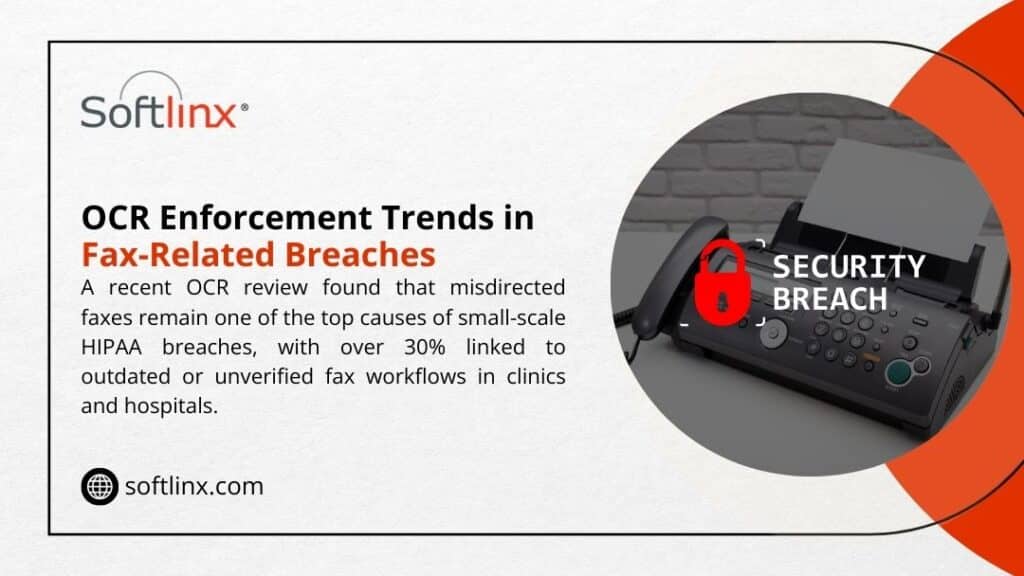
Fax-related incidents continue to appear in OCR investigations, especially when devices are unsecured or numbers are misdialed, which shows these risks are still very real.
Healthcare organizations close most of these risks through modern HIPAA-compliant cloud fax with verified fax numbers, access control, audit trails, and controlled routing into an EHR.
Softlinx builds its secure cloud fax platform around these requirements so hospitals, clinics, and specialty practices follow HIPAA rules for faxing medical records without slowing down clinical tasks.
Why HIPAA rules for faxing medical records still matter in 2025
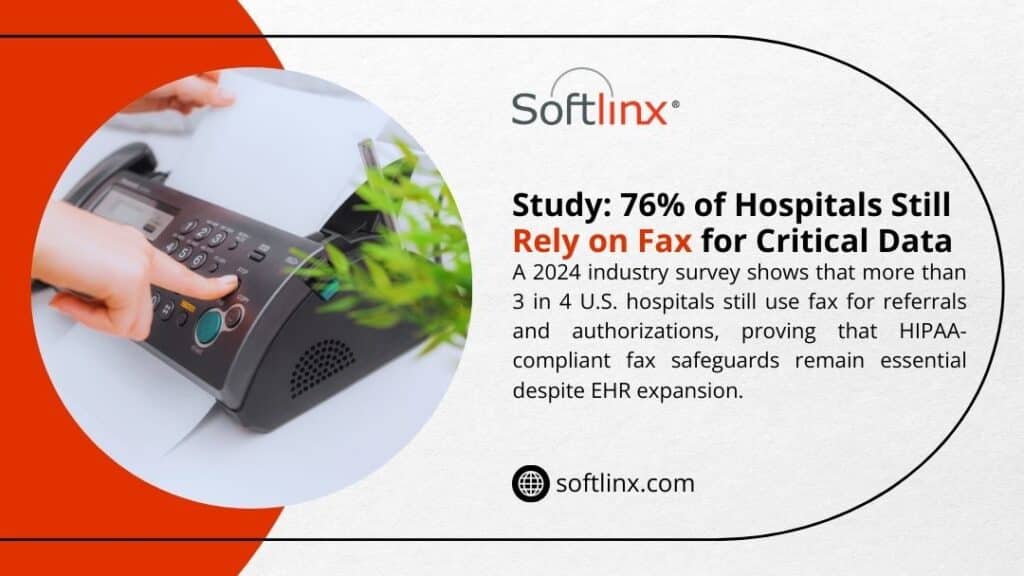
Fax never fully left healthcare. Surveys and industry reports show that a large portion of hospitals and physician groups still depend on fax for coordination with external partners, payers, and pharmacies.
At the same time, regulators now look harder at data security and access rights than at any previous point. The HIPAA Privacy Rule still grants patients a clear right of access to medical records, while the Security Rule and new enforcement pressure focus on gaps that lead to breaches.
That context places HIPAA rules for faxing medical records in a tight spotlight:
- A misdirected fax with PHI can count as a HIPAA breach and trigger breach notification duties.
- A slow or clumsy fax workflow can interfere with a patient’s right to receive copies of records within the time frames set in 45 CFR 164.524.
- Old fax machines that sit in public areas weaken physical safeguards that the HIPAA Security Rule expects from covered entities.
Cloud fax and electronic health records (EHR) have not erased fax numbers from referral forms. Instead, HIPAA rules for faxing medical records push health systems toward secure cloud fax platforms that match the Privacy Rule, Security Rule, and Breach Notification Rule without forcing staff to abandon familiar fax workflows.
Can you fax medical records under HIPAA?
Yes. HIPAA allows fax transmission of PHI such as lab reports, consult notes, and discharge summaries, as long as covered entities use reasonable safeguards. The Office for Civil Rights (OCR) states that a physician may fax patient medical information to another provider for treatment purposes and may disclose PHI by fax for other standard HIPAA use cases.
The key question is not “fax or no fax,” but “do current processes match HIPAA rules for faxing medical records when those records leave your system?”
The main HIPAA rules for faxing medical records sit in three pillars:
In short, HIPAA rules for faxing medical records do not ban fax machines, but they treat any faxed document that contains PHI as part of the same regulatory framework that covers EHR entries and other digital medical records. For deeper policy detail, Softlinx already covers the high-level questions around HIPAA fax and common myths about HIPAA-compliant fax workflows.
Core HIPAA rules for faxing medical records in daily operations
When a nurse, registrar, or medical records clerk presses “send,” several specific risks and safeguards come into play. OCR expects covered entities to prevent unauthorized access in ways that match the size and complexity of each organization.
The table below condenses how HIPAA rules for faxing medical records map to concrete actions.
| Risk area | What HIPAA expects | Example of better practice with secure fax |
| Wrong fax number | Reasonable steps to verify recipient identity and contact details before disclosure of PHI. | Staff confirm the fax number in the EHR or scheduling system, then select it from a verified list inside a HIPAA-compliant fax solution instead of dialing digits on a physical fax machine keypad. |
| Unnecessary PHI on the fax | Minimum necessary use and disclosure under the Privacy Rule. | HIPAA rules for faxing medical records favor concise packets: only the pages that relate to the clinical question or claim review, not the entire designated record set. |
| PHI seen in a public area | Physical safeguards under the Security Rule, plus Privacy Rule expectations around incidental disclosure. | Fax delivery moves to a secure cloud fax portal with user logins, rather than a hallway fax tray. If a multi-function device still receives paper, it sits in a restricted office, not a lobby. |
| Weak access control for electronic faxes | Technical safeguards such as unique user IDs, role-based access, and access logging. | Electronic faxes sit inside a cloud fax service that ties into single sign-on, logs every view and download, and limits PHI access to staff whose roles fit that patient’s care or billing work. |
| No fax cover sheet or weak warnings | Reasonable safeguards, plus OCR guidance on limiting disclosure to intended recipients. | Every fax that carries PHI uses a fax cover sheet template with a strong confidentiality notice, sender and recipient details, and a request to destroy misdirected faxes. |
| No audit trail | Documentation requirements for HIPAA compliance and breach investigation. | The fax system keeps a durable log: date, time, fax number, user ID, and delivery status for each faxed document. In a cloud fax portal, staff can export this log during an audit. |
These safeguards sit at the heart of HIPAA rules for faxing medical records. They protect protected health information (PHI) at each stage: creation, transmission, receipt, storage, and disposal.
Providers that still rely on analog devices can reach part of that standard, but secure cloud fax platforms give far stronger control over PHI in healthcare while still allowing staff to send faxes with a familiar workflow.
If your team still depends on legacy telephony, Softlinx explains how modern fax through the internet resolves many of those exposure points without ripping out every existing process.
What are the minimum safeguards for a HIPAA compliant fax?
AI overviews and PAA boxes tend to spotlight a simple version of this question. The short answer: HIPAA rules for faxing medical records expect a mix of policy, training, and technical safeguards that cover both paper faxes and electronic faxes.
Cloud fax services that Softlinx describes as HIPAA-compliant fax wrap these safeguards into a managed platform. That framework reduces the chance that one missed step by front-line staff turns a simple fax into a HIPAA violation.
How HIPAA rules for faxing medical records affect different care settings
Compliance risk shifts slightly from one setting to another, but HIPAA rules for faxing medical records set the same core obligations for every covered entity. The table below illustrates how common care environments face specific fax risks and how targeted cloud fax solutions help.
| Care setting | Typical fax use | Key HIPAA risk | Cloud fax angle |
| Acute-care hospital | Discharge summaries, transfer packets, referrals, and payer authorizations. | High fax volume makes it easy for patient information to reach the wrong floor or external number. | A hospital cloud fax solution routes inbound faxes directly into the EHR or secure folders and ties each faxed document to the right medical record number. |
| Community clinic | Specialty referrals, charity care documents, and release of medical records. | Shared devices and small spaces make paper faxes visible to visitors. | A clinic cloud fax solution replaces paper trays with inboxes inside a secure web portal that staff reach with unique logins. |
| Urgent care center | Work notes, test results, referrals to primary care. | Fast pace tempts staff to shortcut verification of fax numbers. | An urgent care cloud fax solution lets staff pick recipients from verified directories instead of keying in full fax numbers at speed. |
| Dental and specialty practices | Treatment notes, pre-authorizations, images, or reports. | Many practices sit outside hospital IT and may not have mature HIPAA safeguards for fax devices. | A dental office cloud fax solution or other specialty package adds HIPAA compliance without the cost of a full in-house infrastructure. |
Softlinx publishes separate guidance for hospital, clinic, and other specialty cloud fax solutions, which helps each practice map HIPAA rules for faxing medical records to its own scale and workflow mix.
How HIPAA rules for faxing medical records intersect with the right of access and release of information
HIPAA does more than restrict disclosure; it also gives patients a clear set of rights. The Privacy Rule grants patients the right to access, inspect, and receive a copy of medical records from covered entities, with only limited exceptions and with time limits that appear in 45 CFR 164.524.
Fax still plays a role in those rights:
| Patient-centered issue | Relevance of HIPAA rules for faxing medical records |
| Right of access | Many patients ask, “How can I get my medical records fast?” HIPAA allows providers to send copies by fax if the patient requests that method and accepts related risks. Staff must confirm the fax number, document the request, and send only the PHI the patient has requested. |
| “Who can access my medical records without my permission?” | HIPAA laws permit certain disclosures without explicit authorization, such as treatment, payment, health care operations, and specific public health or law-enforcement scenarios. The same rules apply when PHI travels by fax, so any such fax requires the same minimum necessary standard and safeguards. |
| Release of information to third parties | An attorney’s request on HIPAA rules for faxing medical records, an employer’s request, or a life-insurance request usually needs a signed HIPAA authorization or HIPAA medical release form. Fax remains a common channel here, but the presence of that HIPAA release form does not excuse poor security practices. |
| Access to digital medical records | Many systems route faxed documents into an electronic health record, where they become part of the designated record set. Patients then exercise HIPAA rights through patient portals and other digital means. |
Because faxed medical records often end up as scanned images inside the EHR, teams need strong integration between their fax solution and the core clinical systems. Softlinx outlines EHR integration patterns that tie cloud fax directly into registration, coding, and clinical workflows so that each faxed document lands in the right chart instead of a shared inbox.
From legacy fax machines to secure cloud fax and VoIP fax
Traditional fax devices rely on analog phone lines with no encryption. That weakness turns every outbound fax that carries PHI into a potential exposure point. Modern HIPAA rules for faxing medical records favor digital options that deliver better data security:
| Approach | Security profile | Role in a modern HIPAA compliance plan |
| Legacy fax machine on an analog line | No encryption, paper output, weak logging, and are often placed in public areas. | Suitable only as a stopgap, with strict physical safeguards, low PHI volume, and tight manual controls. |
| VoIP fax on the general phone system | Moves traffic to IP networks but can still lack full end-to-end encryption and audit trails. | Better than analog, but still often below the standard that a full HIPAA-compliant fax platform aims to provide. |
| Cloud fax integrated with EHR | Encryption in transit and at rest, strong authentication, role-based access, detailed audit logs, and direct links into the EHR and practice management system. | Often, the most practical route to meet HIPAA compliance requirements while staff to continue to send faxes through familiar workflows. |
Softlinx describes how fax through the internet, VoIP fax, and cloud fax differ in practice and how a cloud platform can still respect existing PSTN or SIP routes where needed. The company’s material on bulk fax APIs, electronic fax workflow automation, and API setup for healthcare applications shows how health systems can keep HIPAA rules for faxing medical records front and center while still modernizing infrastructure and reducing manual work.
Softlinx also explains in plain terms how to email a fax number inside a HIPAA-compliant framework, which can help physicians and care managers who live in their email client but still need fax for external partners.
Key takeaways on HIPAA fax rules for over-stretched compliance teams
| Key point | Why it matters |
| HIPAA permits faxing of PHI | HIPAA rules for faxing medical records do not forbid faxing; they require clear safeguards across Privacy, Security, and Breach Notification Rules. |
| Safeguards must match risk | OCR expects covered entities to apply reasonable administrative, physical, and technical safeguards; small clinics and large health systems both face scrutiny. |
| Patient rights still apply | Right of access, HIPAA patients’ rights, and release of information processes do not stop at the fax machine; they extend to every faxed document that contains PHI. |
| Cloud fax closes many gaps | A mature HIPAA-compliant fax service with EHR integration, audit logs, and encryption eases compliance pressure and helps prevent unauthorized access. |
| Policy plus technology wins | Written HIPAA fax rules, staff training, and modern cloud fax platforms together reduce the odds of a breach under HIPAA and simplify audits. |
Why these HIPAA fax rules deserve a place in your next risk review
HIPAA rules for faxing medical records touch almost every corner of a health system: front-desk registration, clinical teams, HIM, revenue cycle, and legal. Every fax that carries patient medical records reflects your stance on HIPAA compliance, HIPAA privacy, and HIPAA security in a single transmission.
If your current process still leans on stand-alone fax machines, shared trays, or ad-hoc email attachments, now is the time to map each workflow against HIPAA regulations and your own risk appetite.
A structured review that pairs written policy with secure technology cuts down on HIPAA violations, protects PHI in healthcare, and answers the recurring question “what information can be shared without violating HIPAA?” with clear, defensible rules.
Softlinx designs HIPAA-compliant cloud fax for hospitals, clinics, health systems, and enterprise partners that want stronger data security without extra friction for staff. If you want a practical path from legacy fax machines to a secure, auditable cloud fax platform that matches HIPAA rules for faxing medical records, explore the Softlinx healthcare cloud fax service and then request a quote for your environment:
Move from fax risk to fax control today with Softlinx. Visit the healthcare fax service and start a tailored discussion through Softlinx.