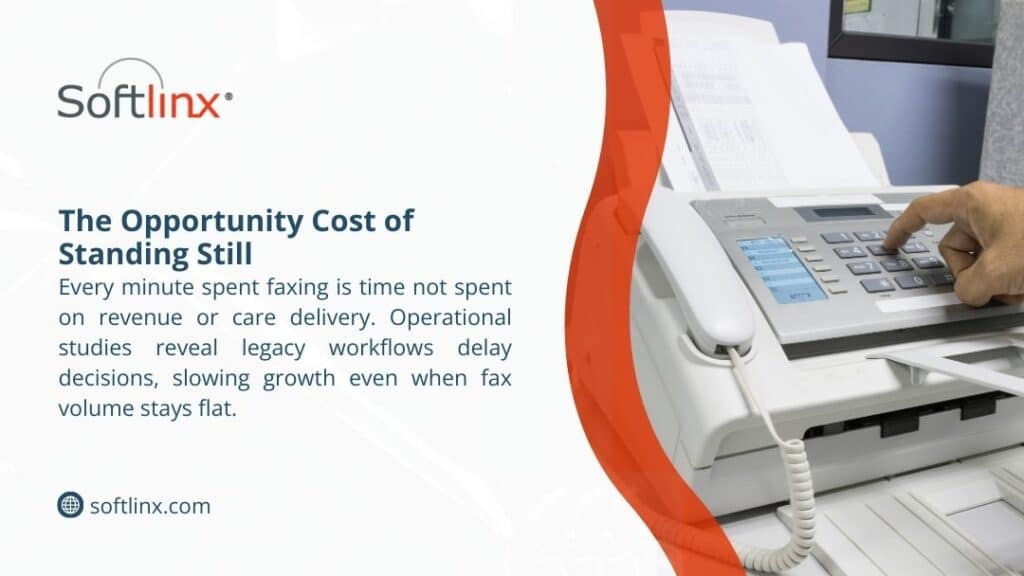
U.S. healthcare organizations face mounting pressure to manage administrative spending while navigating regulatory demands and rising patient volumes. Faxing remains deeply embedded in daily operations, yet outdated equipment and fragmented workflows make it one of the most expensive communication channels hospitals and clinics rely on.
This guide explains how providers across the country can reduce fax costs healthcare by replacing legacy systems with secure digital tools, integrating data exchange with clinical systems, and eliminating manual processes that drain staff time. The insights draw on national data, industry research, and current practices across health systems.
The Hidden Cost of Legacy Faxing in Healthcare
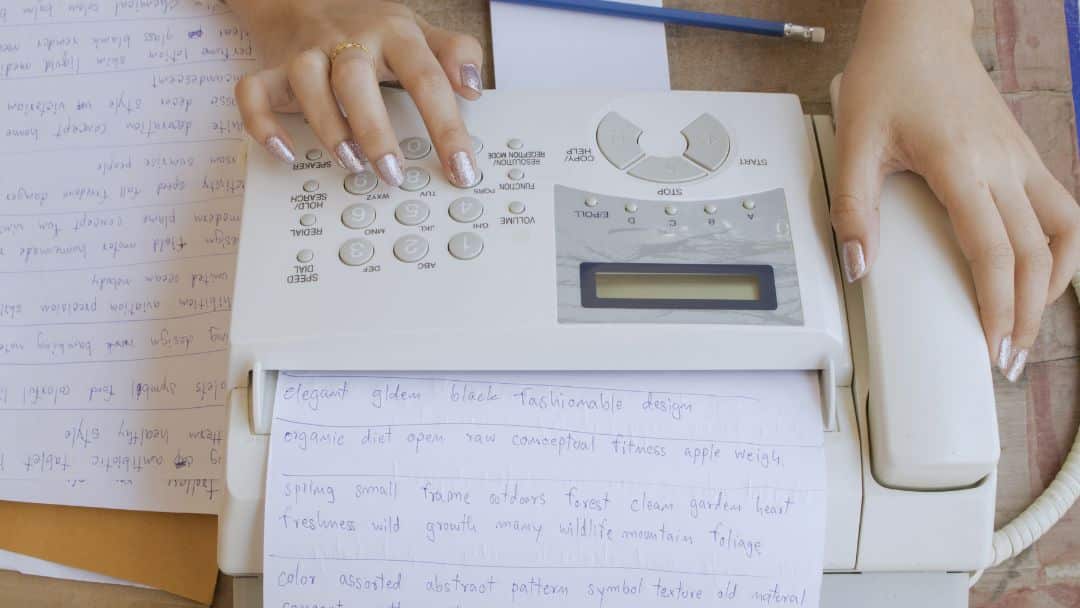
Even as health information technology accelerates, most hospitals and medical practices still depend on fax machines for clinical correspondence. Paper-based transmission remains common for referrals, prior authorization documents, medical record requests, and dozens of administrative exchanges. The costs tied to this infrastructure are rarely simple line items; they accumulate across supplies, repairs, telecom fees, and the daily labor demanded by traditional faxing.
A 2019 report found that more than 70% of U.S. providers regularly exchange patient information by fax. Each transmission is inexpensive on its own, yet the operational burden grows with scale.
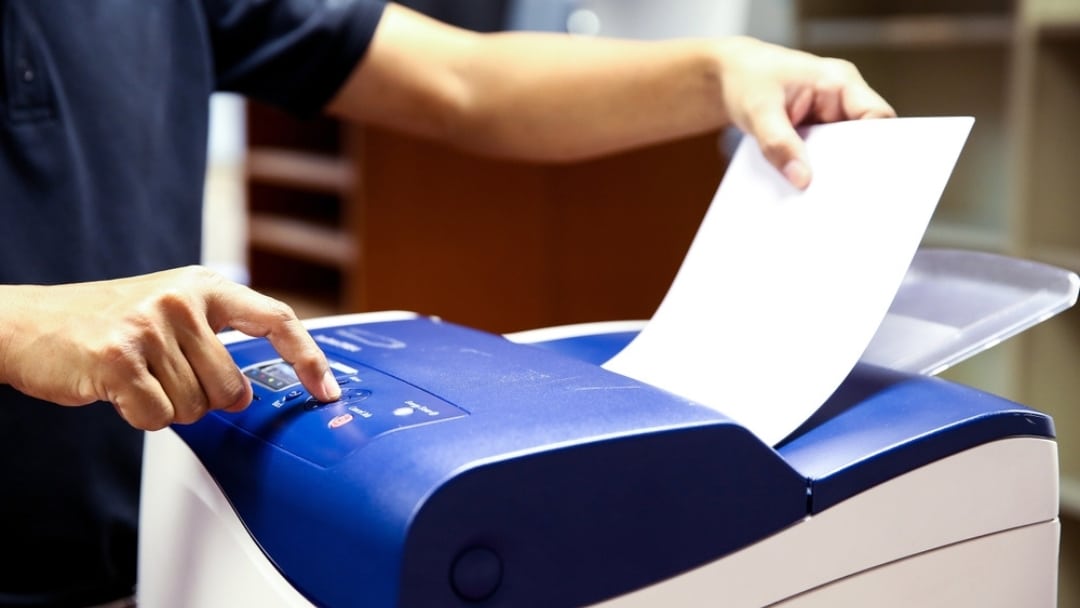
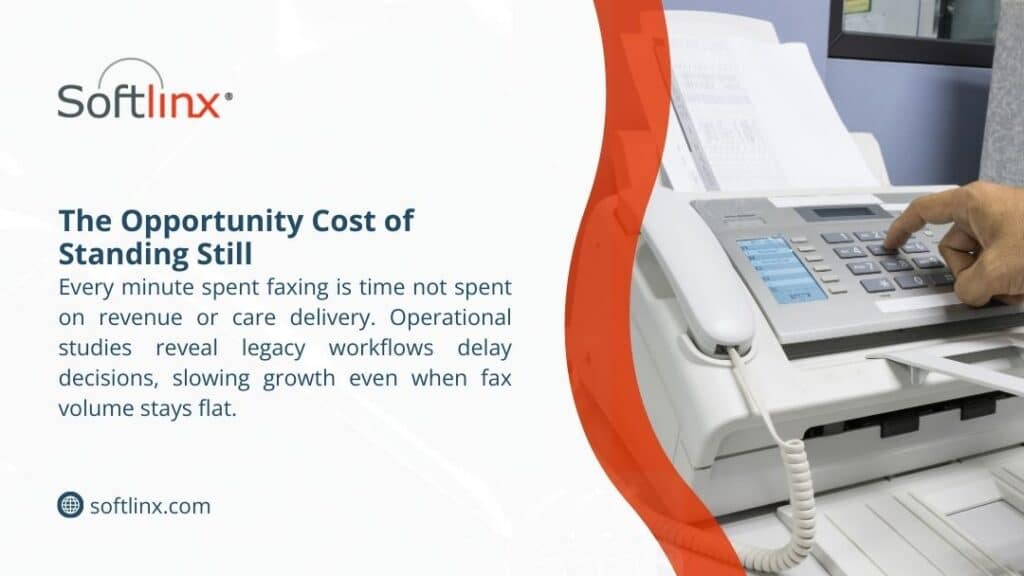
Healthcare experts note that traditional faxing consumes significant staff time and resources because each transmission requires printing, walking to the fax device, dialing, waiting for confirmation, retrieving documents, and secure filing, illustrating how labor becomes a major cost driver in paper-based communication workflows.
Cost Impact of Traditional Faxing vs. Digital Fax Systems
The gap between legacy workflows and modern healthcare communications is illustrated below.
| Cost Category | Traditional Faxing | Digital Fax Replacement Effect |
| Hardware & Repairs | Recurring maintenance and machine failures | Removed with cloud-based delivery |
| Telecom Lines | Dedicated fax numbers and analog lines | VoIP or internet delivery eliminates these |
| Labor Hours | Staff spend significant time managing paper | Automated routing reduces manual work |
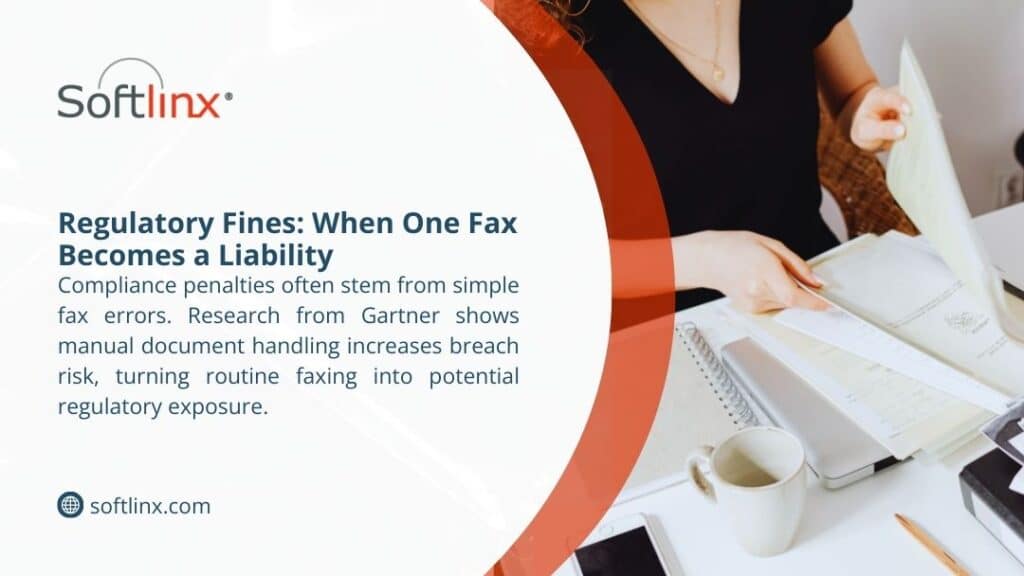
| Compliance Risk | Risk of exposed documents | Encrypted, HIPAA-aligned protection |
Across the United States, health systems estimate that dependence on paper faxing costs millions per year in avoidable overhead. This is one reason organizations now seek more reliable, secure ways to move clinical content without sacrificing compliance requirements tied to medical records.
Many hospitals now look specifically for ways to reduce fax costs healthcare organizations face each year, focusing on digital infrastructure to replace aging equipment.
Why Healthcare Still Relies on Fax Machines, and the Financial Impact
The Centers for Medicare & Medicaid Services (CMS) and federal initiatives promoting interoperability have attempted to move providers toward digital record exchange for more than a decade.
Yet many workflows remain anchored to fax machines because partners outside a primary health system may lack compatible technology. Pharmacies, small clinics, insurers, and community organizations continue to rely on faxing because it remains universally accessible.
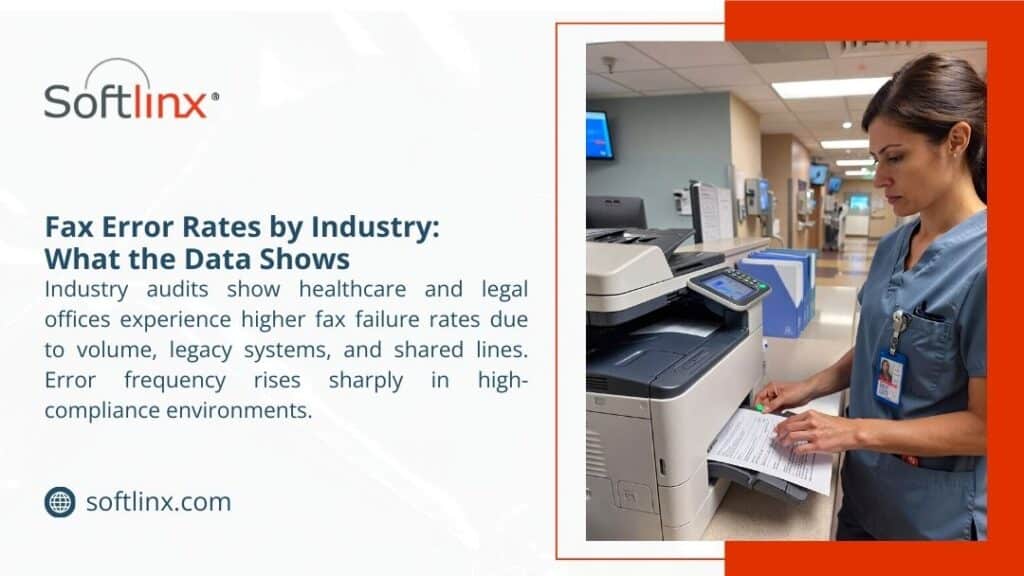
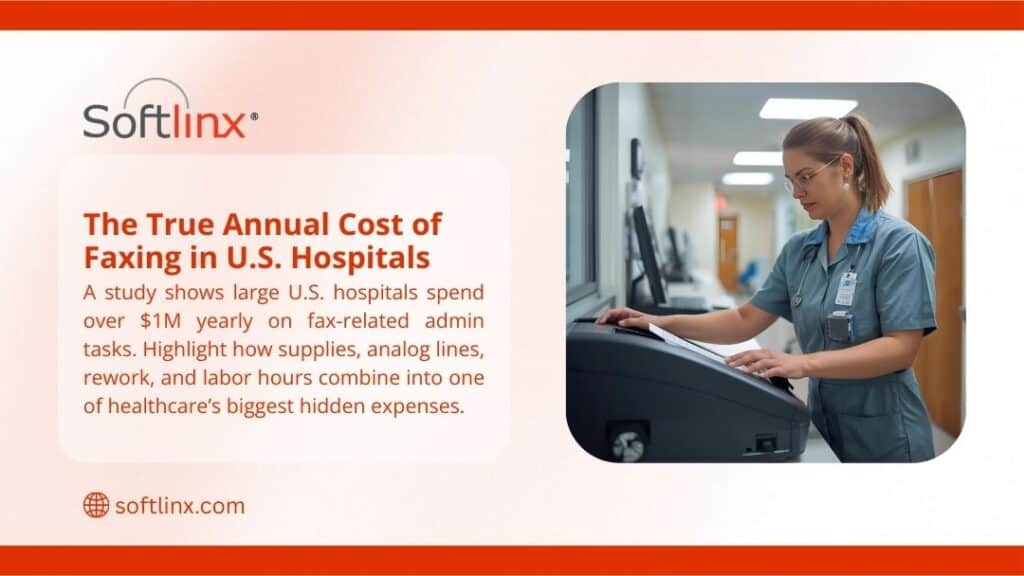
The use of fax machines in pharmacy operations continues due to prescription transfers, medication confirmations, and communication between providers and dispensing facilities. Traditional faxing creates bottlenecks when transmission errors occur or when staff must locate missing pages. These delays ripple through patient care, affecting medication access and increasing administrative load for medical assistants and pharmacy technicians. This reliance has real financial consequences. Manual fax activity pulls clinical professionals away from direct patient support. Studies published show that administrative waste accounts for up to one-quarter of total healthcare spending, and fragmented communication channels play a measurable role. Legacy faxing also contributes to misplaced documents, repeated requests, and slow turnaround times for insurance decisions.
Workflow Comparison in Legacy vs. Integrated Fax Environments
The following table shows a typical breakdown of operational friction experienced by U.S. healthcare organizations.
| Workflow Example | Legacy Process | Integrated Digital Workflow |
| Patient Referrals | Print, fax, wait for confirmation | EHR-linked fax routing with digital receipt |
| Prior Authorization | Fax packets are exchanged repeatedly | Automated transmission with audit logging |
| Insurance Verification | Manual documents exchanged | Secure digital document delivery |
| Pharmacy Communication | Paper-based exchanges | Encrypted electronic transfer |
Digital Faxing as a Practical Strategy for Cutting Costs
Digital faxing replaces outdated hardware with modern, internet-based transmission tools that preserve the familiarity of fax but eliminate the waste. This shift removes supplies, phone lines, and the physical bottlenecks of paper handling. More importantly, cloud fax services support encrypted exchange, which is critical to maintaining HIPAA-compliant communication.
A cloud-based service allows clinicians and administrative teams to send documents through secure web portals, email-to-fax channels, or direct integration within electronic systems. Organizations transitioning away from legacy devices also eliminate the risk of sensitive healthcare information being left on output trays or misdelivered.
Health systems frequently adopt these digital tools to manage claims, communicate with insurers, and transfer clinical information safely. This modernization also supports communication with Medicaid services and commercial health insurance partners that require consistent, timestamped documentation.
Digital transformation initiatives increasingly focus on tools that help leaders reduce fax costs healthcare settings struggle with, especially in high-volume communication departments.
Integrating Fax with EHR Systems and Clinical IT
One of the strongest pathways to cost reduction is integrating document transmission directly into electronic health record platforms. When faxing connects to an EHR rather than a standalone machine, data moves automatically through established clinical workflows.
Integrated systems reduce duplicate data entry, which is a major source of administrative burden. They also extend security protocols because the transmission process inherits the protections already applied within clinical information systems. This alignment supports compliance expectations from HHS, insurers, and accreditation bodies while reducing the risk of document misplacement.
EHR integration also strengthens audit capabilities. Healthcare organizations must show clear documentation trails, particularly for tasks involving clinical decision support, authorizations, or continuity of care. A digital platform delivers timestamps, delivery receipts, and accessible logs without paper storage.
Operational and Clinical Benefits When Moving Away from Legacy Faxing
Healthcare organizations evaluating their communication strategies increasingly view digital faxing as more than a cost-saving choice. It directly influences the quality and speed of patient care. When documentation moves without delay, clinicians receive the information they need for appointments, medication decisions, and transitions of care.
A study published found that slower administrative exchanges can delay treatment decisions and prolong time to diagnosis. Reducing manual fax workflows removes obstacles that contribute to care delays. Automated routing also minimizes document loss, a problem frequently cited by hospitals managing high volumes of inbound paper.
In high-acuity environments, incomplete or delayed medical records can influence patient risk. By deploying secure digital communication channels, health systems reduce turnaround time for clinical information exchange and lessen the administrative load on nurses, medical assistants, and support staff. The result is more time directed toward patient care rather than document handling.
Improved operations help organizations reduce fax costs healthcare teams encounter by shrinking the hours dedicated to paper-based tasks each week.
Financial Return on Investment for Digital Fax Technology
When evaluating digital fax adoption, executives often focus on the financial outcomes. The cost of maintaining a fax machine seems trivial until the associated labor, support contracts, supplies, and repairs are examined in full.
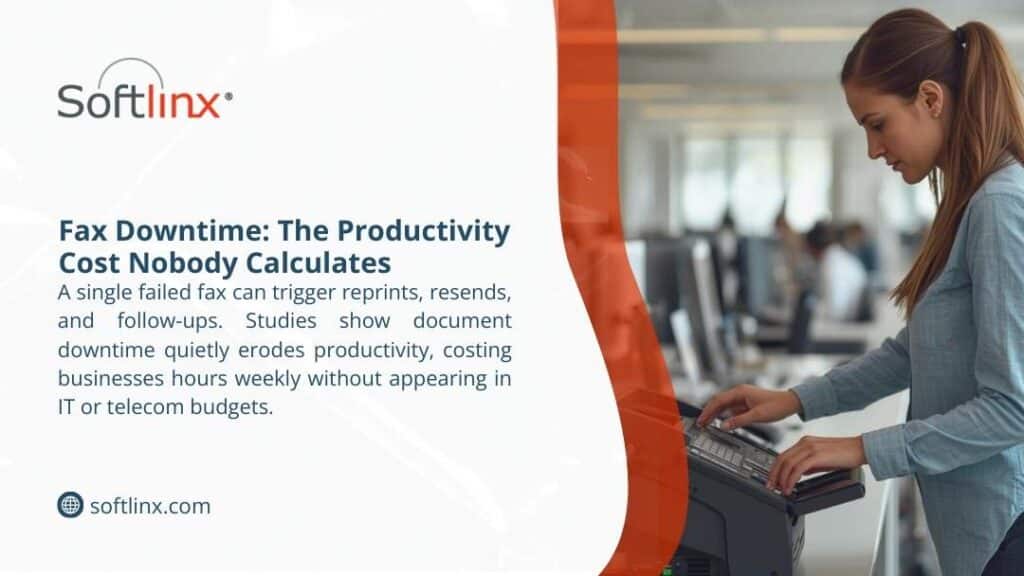
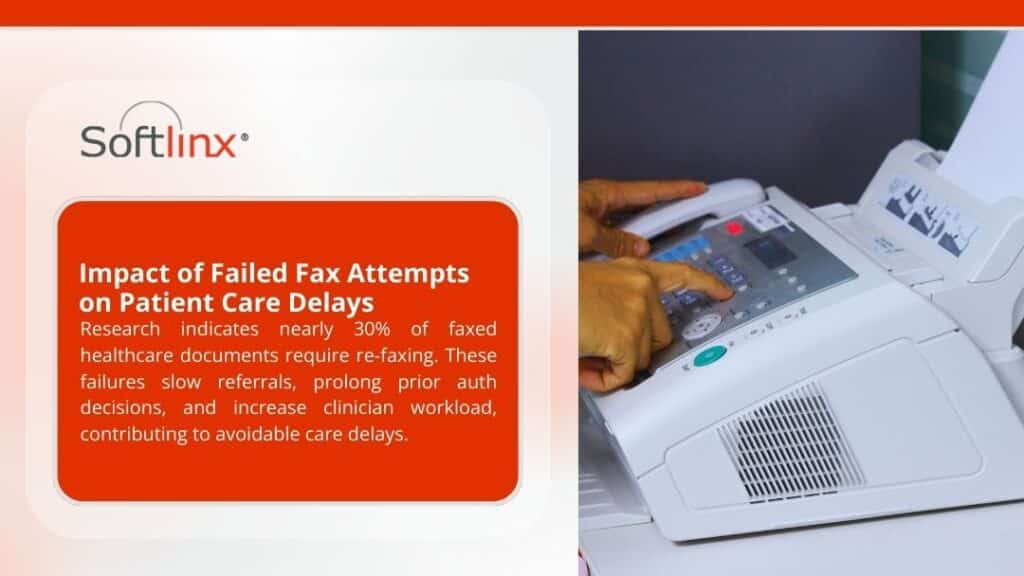
Studies show that about 75% of all medical communication in the U.S. occurs via fax, which underscores how dominant faxing remains across providers. Even small improvements in process efficiency translate into meaningful savings over time. Digital fax solutions turn fixed costs into predictable operating expenses and often reduce total spending by eliminating analog lines and the downtime caused by failed transmissions.
Organizations participating in HHS’s interoperability programs report significant gains in administrative efficiency when communication channels move online. Several medical centers documented double-digit reductions in processing time for referrals and authorizations once digital workflows took over.
Incorporating automation amplifies these savings. Tools capable of sorting, tagging, and routing inbound documents reduce the need for manual triage. Healthcare information teams gain faster access to data, and clinical staff avoid repetitive tasks that do not contribute to patient outcomes.
Financial modeling often shows that organizations can reduce fax costs healthcare budgets allocate by shifting to modernized, digitally managed communication.
A Practical Transition Path for Healthcare Organizations
Transitioning away from legacy fax systems does not require a dramatic overhaul. Most organizations begin by replacing analog lines with secure digital services while maintaining familiar workflows. Once staff adjust to the new process, administrators integrate additional features such as automated routing, electronic signature support, or advanced analytics.
Successful transitions typically involve training, phased deployment, and careful selection of vendors with proven healthcare expertise. Cloud fax solutions designed specifically for medical environments accommodate HIPAA requirements, support encryption protocols, and provide clear documentation trails. These elements are essential for health systems that exchange sensitive patient information with payers, pharmacies, state agencies, and long-term care facilities.
Healthcare organizations often begin modernization within departments that handle the highest document volumes, such as referral management or prior authorization teams. Once efficiencies are established, broader system-level adoption becomes easier.
Given the compliance, clinical, and financial considerations discussed above, and including the required phrase once in this section, health systems increasingly turn to digital tools to reduce fax costs healthcare facilities face as operational pressures grow.
Moving Toward a More Efficient Communication Future
Healthcare continues to rely on faxing because it remains a universal channel for transmitting medical information across diverse systems. Yet the cost of maintaining traditional devices and the operational strain they create are no longer sustainable for many providers. Digital faxing offers a secure, compliant, and practical alternative that reduces administrative waste while strengthening clinical workflows.
By integrating fax exchange with EHR platforms, automating document routing, and adopting encrypted cloud services, healthcare organizations free staff from repetitive tasks and tighten control over sensitive patient data. Improved accuracy, faster transmission, and predictable operational costs support better patient care and a more resilient communication infrastructure.
Healthcare leaders evaluating modernization strategies can learn more about advanced cloud fax service options through the Softlinx platform.
As organizations across the United States continue searching for ways to reduce overhead, improve patient access, and meet regulatory expectations, transforming fax communication stands out as one of the most effective opportunities to cut costs without disrupting clinical delivery.