





















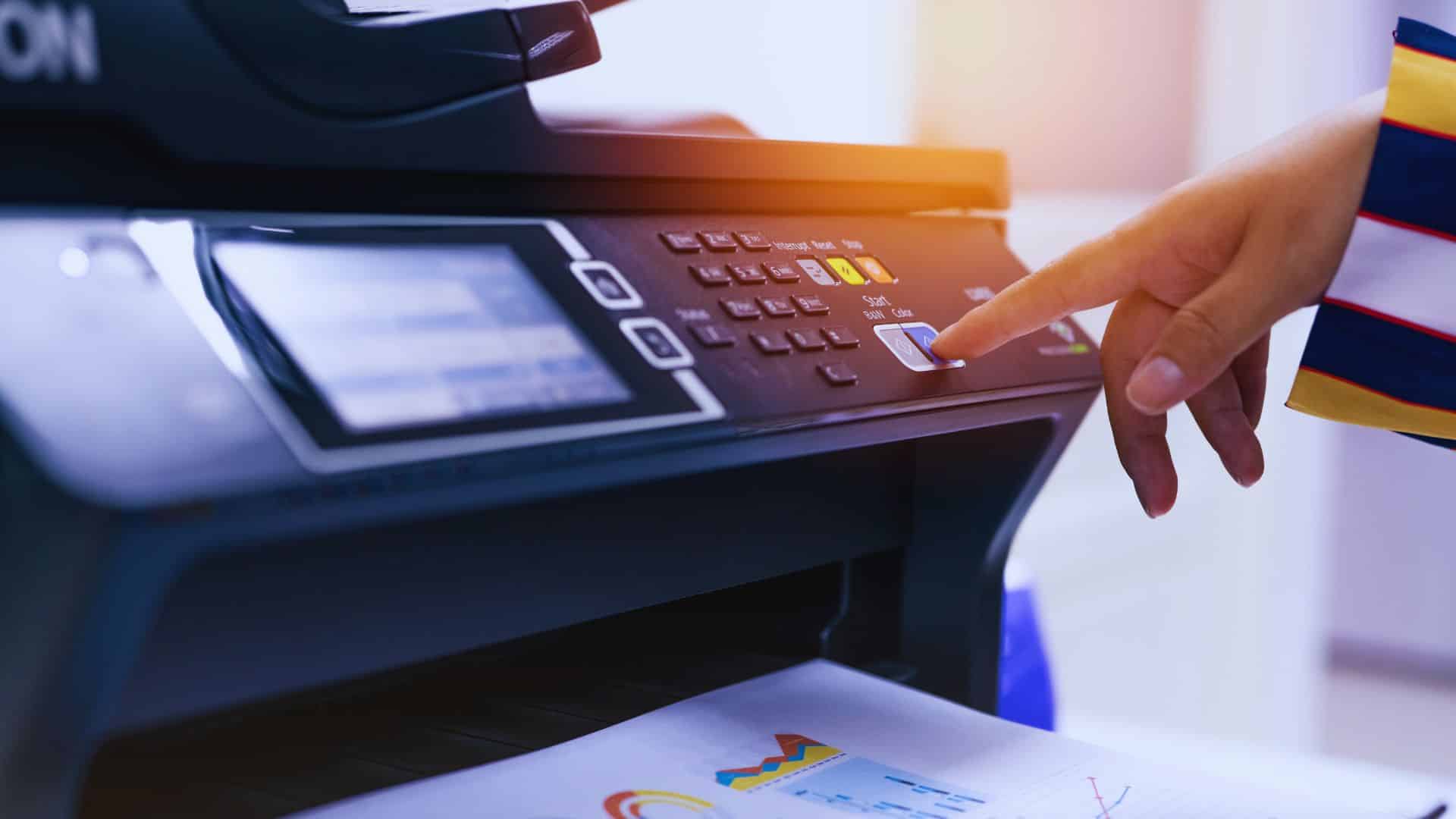
This guide explains how automating incoming fax routing strengthens security, supports regulated environments, and removes repetitive manual tasks that slow down daily operations.
You will see how automated routing moves faxed documents into compliant systems, why routing logic boosts accuracy, how cloud fax workflows help healthcare and enterprise organizations reach consistent performance, and what benefits emerge when manual sorting, paper handling, and unreliable fax machines disappear.
A detailed breakdown of routing components, workflow behavior, and real industry examples helps readers understand how automated routing reshapes document management across clinical, administrative, and operational units.
Automating incoming fax routing forms the backbone of modern fax communications across healthcare, insurance, financial, and government environments. These sectors rely on a secure fax solution that can send and receive faxes without exposing sensitive information or forcing staff to manage printed documents.
Automated routing directs incoming faxed documents straight into protected workflows, which avoids the risk tied to manual error and reduces the time and resources previously spent on sorting or rescanning pages.
Many organizations run outdated fax machines or legacy fax servers. Those systems create slowdowns, especially during high-volume periods. When teams migrate toward digital routing or replace their on-prem hardware with a more stable option like the Softlinx model described on the fax server, the move produces immediate operational relief.
Routing steps no longer depend on physical devices or analog phone lines, and staff no longer search for missing pages.
Manual routing slows clinical and administrative teams, especially when fax machines, shared inboxes, or outdated hardware sit at the center of daily workflows. Printed pages pile up, files go to the wrong department, and sensitive documents risk exposure. These delays increase during peak hours or when staff step away from the device, creating gaps that automated routing eliminates immediately.
Institutions that handle sensitive information must maintain consistent and secure fax communications. Automating incoming fax routing reduces the risk of misplaced or exposed records because the routing engine places each document in a controlled, encrypted environment.
A cloud-delivered route also prevents the common failures that occur with analog lines. Regulated organizations often shift toward transport over a secure internet connection, and many readers gain clarity on this transition through the explanation provided in the guide on faxing through the internet.
The strengthened protection that automated routing provides helps organizations meet strict privacy requirements. Every routed file moves through encrypted storage and verified access pathways, giving compliance officers clear documentation for audits. This also helps maintain consistent retention schedules and supports complete traceability across long-term records.
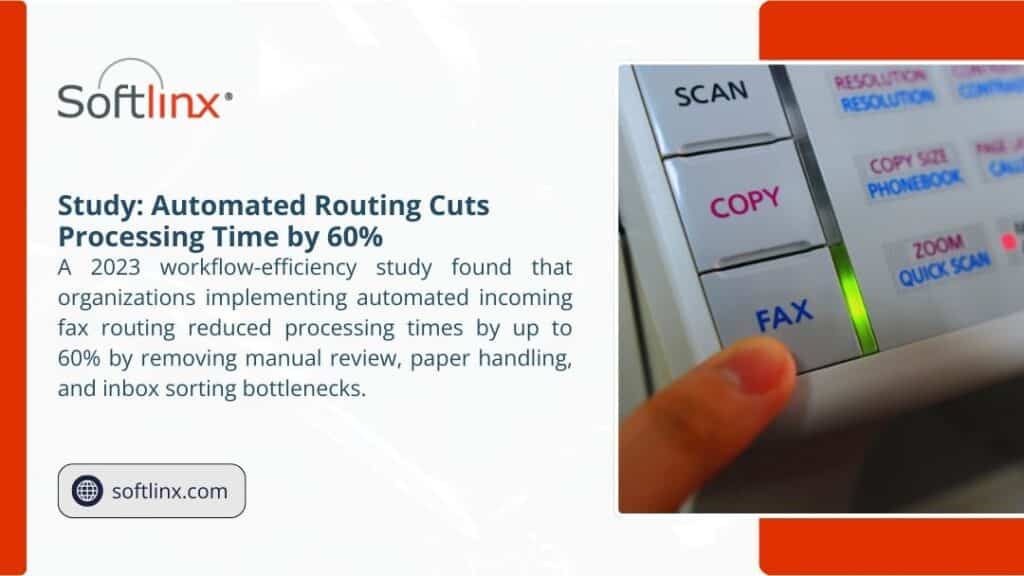
The following table explains the key parts of an automated incoming fax routing system and how they influence daily operations.
| Component | Function | Business Impact |
| Routing Engine | Reads sender data, barcodes, and routing rules | Sends incoming faxes to the correct destination without manual effort |
| Secure Storage Layer | Holds documents in encrypted, access-limited repositories | Protects sensitive information from unauthorized access |
| Application Connectors | Moves documents into EHRs, ERPs, or document management platforms | Removes duplicate steps and supports high-volume work environments |
| Notification System | Alerts responsible teams when new documents arrive | Prevents delays and eliminates repeated inbox checks |
| Audit Trail | Logs delivery events, routing decisions, and access activity | Strengthens compliance reporting across regulated industries |
This framework allows automated routing to deliver consistent accuracy every day. For organizations that must send and receive faxes inside an EHR environment, the deeper integration model highlights how routing aligns with clinical workflows.
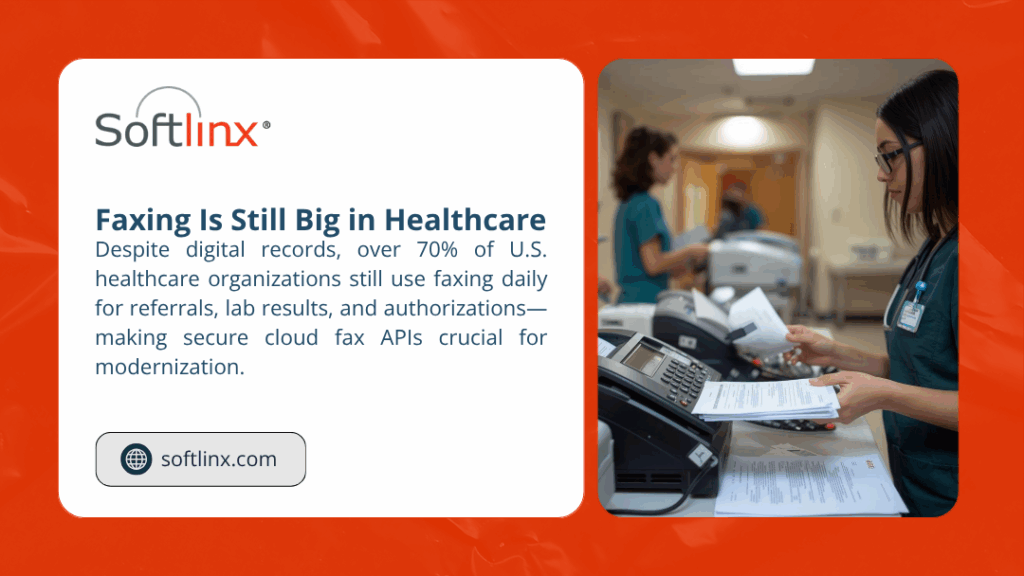
Healthcare organizations face the most intense fax loads. Hundreds or thousands of referrals, lab reports, authorizations, and treatment notes arrive daily. Without automated routing, these documents require manual review and sorting, which slows patient care and increases the risk of misplacement.
Automated routing directs each received fax to the correct clinical or administrative team, and this routing logic aligns naturally with the broader hospital-level approach offered through Softlinx’s hospital cloud fax solutions.
Specialty clinics also benefit greatly. A dermatology practice receives pathology reports and consultation notes throughout the day, and the routing structure outlined in the dermatology clinic cloud fax solutions resource places those documents directly into secure queues without placing extra pressure on front-office staff.
Cardiology groups handle imaging results, EKG interpretations, and discharge updates, and a workflow similar to the one at cardiology practice cloud fax solutions moves those files into the correct review folders as soon as they arrive.
Orthopedic providers manage pre-operative clearances, surgical summaries, and diagnostic reports, and the structured distribution method shown at Orthopedic Clinic Cloud Fax Solutions supports those cases through structured distribution and secure storage.
Chiropractic offices also manage large volumes of incoming faxed documents, such as treatment plans or physician notes. The workflow design available at chiropractic office cloud fax solutions demonstrates how automating incoming fax routing prevents delays and removes unnecessary manual review.
Every healthcare setting, from specialty practices to outpatient centers, must maintain strict safeguards, and the privacy standards explained in Softlinx’s HIPAA-compliant fax requirements reinforce how automated routing protects sensitive information throughout all incoming fax communications.
Accuracy increases when routing rules assign each inbound fax to a specific destination without leaving room for human interpretation. Regulated organizations depend on precise document placement, full audit visibility, and controlled file access. Automated routing supports these requirements through rule-based classification, encrypted storage, and defined access pathways that prevent misfiled records or untracked document movement.
Automated routing transforms document management by eliminating messy manual sorting. Instead of printing incoming faxes or scanning pages into shared email inboxes, the routing engine directs each record to the correct folder, application module, or workflow queue.
This becomes especially valuable in environments where received faxes influence patient care, supply chain coordination, billing accuracy, or administrative decision-making. Centralized routing also supports distributed teams and remote staff, who gain instant access to incoming files without relying on a physical fax machine. As the volume of fax communications grows, structured routing ensures every received fax moves through a predictable, compliant path.
Organizations that rely on fax heavily often combine automated routing with purpose-specific workflows.
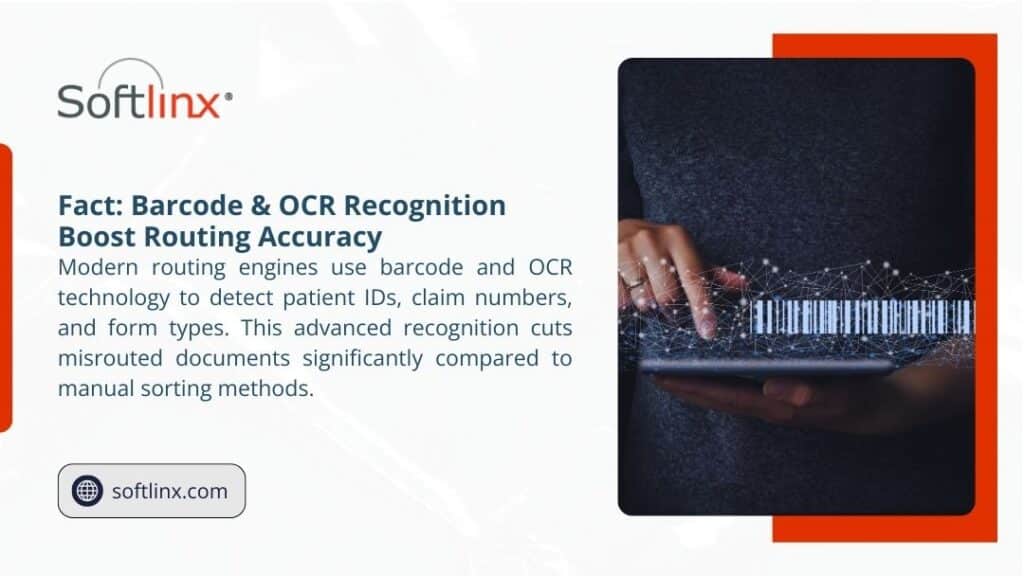
Legacy fax machines create delays through jams, missing pages, long print queues, and limited storage capacity. On-premise fax servers often require intensive IT support and rely on outdated telephony hardware.
Automating incoming fax routing avoids these issues because routing happens in a secure, digital environment rather than through analog lines. Organizations that want to modernize their transmission path often apply secure VoIP-based faxing.
When routing happens automatically, teams do not wait for printed pages or struggle with unreliable equipment. Instead, documents appear instantly in the systems where staff already work. This helps organizations maintain consistent performance during peak demand periods.
Many incoming documents contain protected health information or other confidential records. Automating incoming fax routing protects these documents by limiting human contact, maintaining encrypted storage, and applying strict access controls.
This approach aligns with HIPAA expectations across administrative, physical, and technical safeguards. For teams reviewing HIPAA questions, the compliance guidance in Softlinx’s overview of HIPAA fax requirements offers additional clarity.
Routing also enhances audit accuracy. Every step is recorded, from transmission to routing to retrieval. Compliance teams can confirm access history, routing behavior, and file locations through the audit trail, simplifying both internal checks and external reviews.
| Area | Manual Routing | Automated Routing |
| Delivery Method | Printed pages or email attachments | Encrypted digital delivery into secure workflows |
| Speed | Slower and inconsistent | Immediate routing to assigned teams and systems |
| Data Protection | Higher exposure risk | Controlled access and encrypted storage |
| Labor Impact | Requires constant staff involvement | Removes repetitive administrative steps |
| Reliability | Prone to delays and hardware issues | Rule-driven routing with consistent output |
Organizations exploring cloud-based workflows may also find it valuable to review broader cloud fax capabilities.
Hospitals route referrals and results into clinical modules. Clinics send and receive faxes without touching a physical machine. Insurance carriers sort claims instantly through routing rules. Government agencies handle public requests through consistent document paths. Manufacturing firms process purchase orders and vendor records with less manual review.
Each industry benefits because routing reduces errors, accelerates response times, and ensures sensitive information moves through an encrypted, compliant framework. Organizations that must perform high-volume broadcast or bulk transmissions can extend routing with specialized tools.
IT teams can integrate routing directly into internal applications through APIs. This allows each incoming fax to land inside the exact folder, queue, or record field where it must be processed. Projects that require healthcare-specific integration can follow the technical walkthrough.
API-based routing eliminates all manual involvement. Developers apply rules once, and the system handles every future document consistently and securely.
Remote teams depend on stable access to incoming faxed documents. Automated routing places new documents directly inside secure web portals or connected applications, which makes location irrelevant. Hybrid organizations do not need on-site fax hardware. Instead, incoming records move through consistent routing paths that maintain full compliance visibility.
This also simplifies long-term record management. Audit logs show exactly where each file traveled, who viewed it, and when it entered the system. When retention schedules require precise documentation, automated routing provides the necessary structure.
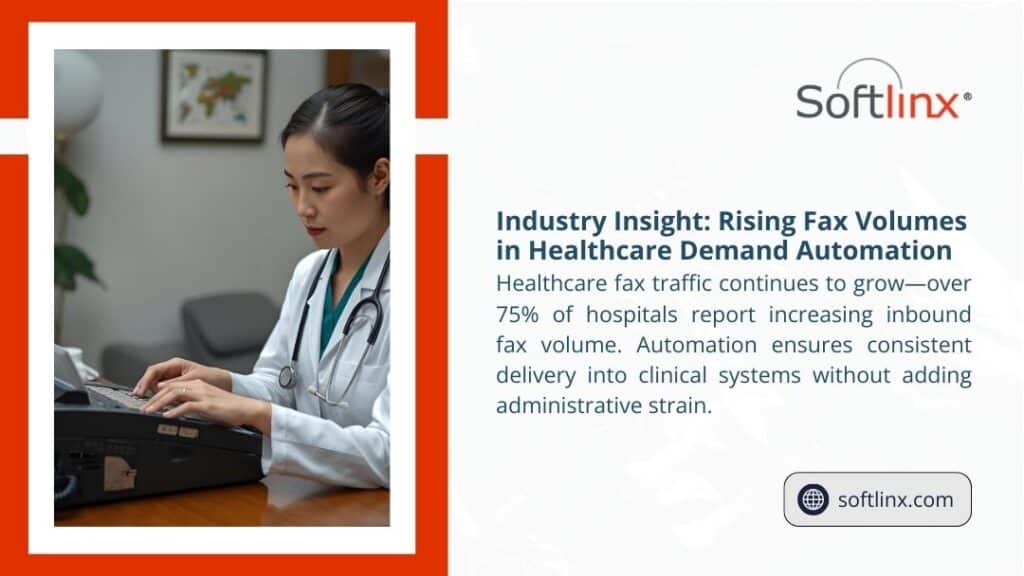
Routing rules can match incoming fax numbers to departments, specialty units, administrative teams, or file categories. A medical center, for example, can assign one number to its billing department and another to its care coordination team. Routing then delivers each document to the correct location without manual interpretation.
In larger organizations, this reduces the load on administrative teams and strengthens time-sensitive processes. Insurance and financial offices rely heavily on automated classification because each incoming fax begins a new workflow.
Government agencies benefit as well, since they must keep public records organized and accessible. Readers seeking guidance on organizing routing inside complex enterprise workflows can review the Softlinx enterprise fax routing model.
| Industry | Challenge | Automated Routing Benefit |
| Healthcare | High volume of referrals and reports | Faster routing into clinical systems and secure folders |
| Insurance | Time-sensitive claims and requests | Organized queue assignment and fewer errors |
| Financial Services | Confidential client forms | Encrypted routing with strict access controls |
| Government | Public-facing document flows | Consistent routing for departmental review |
| Manufacturing | Supply chain and vendor records | Reliable delivery into production and logistics workflows |
Automating incoming fax routing eliminates delays, prevents manual errors, and helps regulated institutions maintain consistent control over sensitive data. When incoming faxed documents reach the correct team instantly, staff can respond faster, workflows remain stable, and compliance reporting becomes easier to produce.
Automated routing replaces outdated hardware-based handling with a secure digital framework that adapts to the complex operational demands of healthcare, insurance, financial services, government, and manufacturing environments.Organizations evaluating a secure routing model can take the next step by reviewing the available solutions and discussing goals with Softlinx. Start by exploring the Softlinx solutions and consultation.
Healthcare systems rely on constant document exchange, referrals, prescriptions, lab results, and authorizations, all pass between providers and payers daily. Yet traditional faxing remains slow, fragmented, and difficult to track.
The question “How do I set up cloud fax API functionality for a healthcare application?” represents the bridge between legacy communication and modern digital workflows.
In this guide, you’ll see how a Cloud Fax API replaces physical fax lines with encrypted, programmable endpoints. You’ll understand its structure, how to integrate it within existing EHR platforms, the steps to configure routing and testing, and how to maintain compliance under HIPAA and SOC 2 standards. The goal is not only reliable faxing but complete interoperability within healthcare’s strict security framework.
A Cloud Fax API connects your healthcare application to a secure fax transmission service hosted in the cloud. It allows your software to send and receive faxes using encrypted digital calls rather than analog lines. Each request transfers a document, cover page, or dataset through HTTPS and returns a delivery response in real time.
This interface is critical in healthcare, where fax remains one of the few universally accepted methods for transferring patient information. A well-designed API eliminates manual printing or scanning, automatically stores documents in the correct patient record, and maintains full traceability for compliance audits.
Softlinx provides this capability through its cloud fax service, trusted by hospitals, insurers, and government agencies across the United States.
Successful setup starts by identifying your fax workflows and mapping them into automated routes. In healthcare, this could involve referral faxes to specialists, lab result imports, or insurance claim submissions. Each of these functions must translate into a digital endpoint in the cloud fax API.
After workflows are mapped, the process includes number provisioning, routing configuration, authentication setup, and testing. Softlinx allows organizations to port existing fax numbers within five to ten business days and assign each number to a department or functional area such as admissions, billing, or medical records.
The API structure follows a simple REST model.
| Function | Method | Example Endpoint | Key Parameters | Typical Output |
| Send fax | POST | /api/v1/faxes | faxNumber, file, coverPage, metaData | Returns faxId and delivery status |
| Check status | GET | /api/v1/faxes/{faxId} | faxId | Provides progress updates in real time |
| Receive fax | POST | /webhooks/inbound | fileUrl, fromNumber, toNumber | Sends inbound fax notification |
| Manage numbers | GET / POST | /api/v1/numbers | areaCode, department, route | Lists or assigns fax numbers |
| Configure routes | POST | /api/v1/routes | did, folderPath, department | Defines where inbound faxes are stored |
Developers can access sample code and documentation through the Softlinx developer platform, which supports both REST and SOAP integrations to match different EHR architectures.
When setting up fax reception, the goal is to move documents from incoming queues directly into clinical workflows without human delay. Softlinx supports multiple inbound options to fit each healthcare environment.
| Routing Mode | Description | Best Use Case |
| Webhook | The API sends a POST request with a secure document link when a fax arrives. | Cloud-native EHR or custom apps. |
| Secure SFTP | Faxes are stored in an encrypted folder for automated import. | Epic, Cerner, or legacy EHRs. |
| Portal Inbox | Users log in to download or forward documents manually. | Small clinics and admin teams. |
For organizations that use Epic, Softlinx’s Epic integration allows direct sending from Epic Print Services and automatic inbound routing. For other systems, the EHR integration path enables metadata mapping to patient records and departmental sorting.
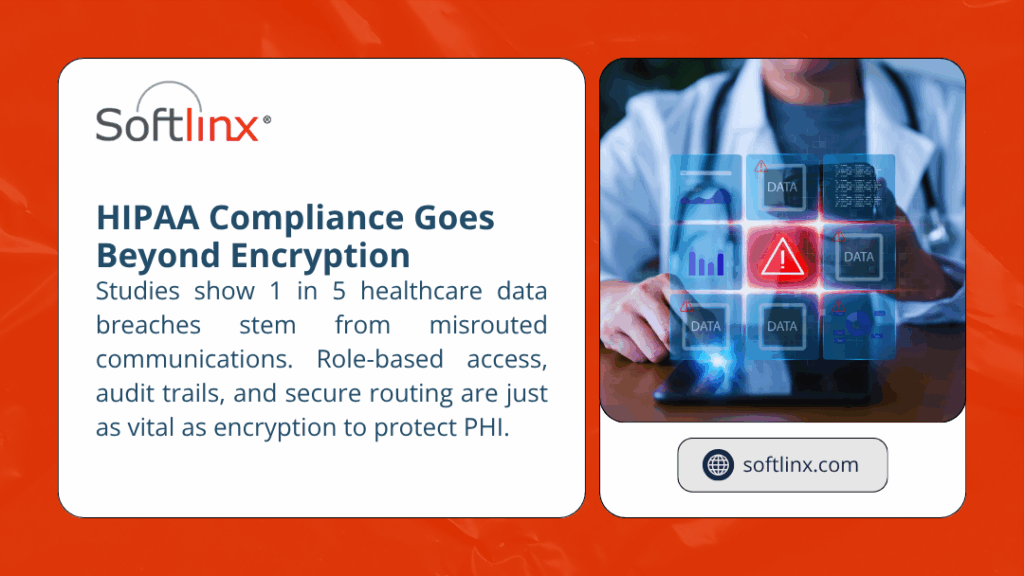
Security is the foundation of any healthcare technology. Fax transmissions often contain sensitive patient identifiers, so encryption, audit logging, and regulatory compliance are mandatory.
| Security Aspect | Implementation Detail | Compliance Reference |
| Data Encryption | AES-256 encryption at rest and TLS/HTTPS in transit | HIPAA Security Rule §164.312(a)(2)(iv) |
| Access Management | Multi-factor authentication, role-based permissions | SOC 2 / ISO 27001 |
| Audit Trails | Automatic logs for sender, recipient, file name, and status | HIPAA §164.312(b) |
| Data Hosting | SOC 2 audited data centers within the U.S. | BAA with each healthcare client |
| Monitoring | Continuous vulnerability and penetration testing | Annual SOC 2 Type II audit |
Softlinx’s infrastructure is already HIPAA-compliant and covered under signed Business Associate Agreements. More information can be reviewed in their industry compliance and HIPAA-compliant fax sections.
Healthcare systems cannot depend on analog lines once fax volume reaches thousands per day. Scalability comes from Fax over IP (FoIP) using SIP and T.38 protocols.
| Capability | Description | Benefit |
| Virtual Channels | Replace physical boards with software fax paths. | Unlimited concurrent transmissions. |
| SIP/T.38 Support | Uses existing VoIP infrastructure for fax calls. | Reduces telecom cost and complexity. |
| Cloud Redundancy | Multiple gateways handle routing and failover. | Maintains 99.9% uptime for hospitals. |
| Real-Time Monitoring | Tracks delivery, retries, and network health. | Provides transparency and faster resolution. |
These capabilities are documented under Softlinx’s VoIP fax services, ensuring that healthcare institutions maintain both throughput and compliance as volume grows.
Before a live rollout, a comprehensive testing phase is essential to verify delivery reliability, routing accuracy, and security compliance.
| Test Category | Objective | Validation Metric |
| Functional Testing | Confirm all API endpoints perform as defined. | 100% pass rate for send/receive cycles. |
| Integration Testing | Validate routing between fax API and EHR folders. | Zero dropped or misfiled faxes. |
| Security Testing | Assess encryption, access controls, and permissions. | All connections TLS 1.2+ only. |
| Load Testing | Simulate concurrent transmissions at the expected peak. | Queue latency < 2 seconds average. |
| Failover Testing | Evaluate gateway redundancy and retry logic. | No data loss during failover events. |
Softlinx’s enterprise faxing and production faxing environments allow safe testing without interrupting live healthcare systems.
Once deployed, operational oversight becomes an ongoing requirement. Continuous monitoring keeps transmission rates high and compliance intact.
| Area | Maintenance Activity | Frequency |
| Delivery Monitoring | Review success rates and retry patterns. | Daily |
| Configuration Review | Validate routing tables and number assignments. | Weekly |
| Access Control Audit | Check active users and permission scopes. | Monthly |
| Compliance Report | Generate audit logs for HIPAA and SOC 2. | Quarterly |
| Disaster Recovery Drill | Test backup gateways and data restores. | Bi-annually |
Softlinx maintains 24/7 U.S.-based support and monitors all cloud fax services to sustain near-continuous availability. For site-specific implementations, healthcare administrators can explore hospital cloud fax solutions or clinic cloud fax solutions to match their organization’s size.
| Insight | Explanation |
| Cloud Fax APIs replace manual faxing with secure digital endpoints. | Every transmission becomes traceable, encrypted, and automated. |
| Mapping clinical workflows before integration ensures accurate routing. | Departments receive only the documents relevant to their role. |
| HIPAA compliance depends on encryption, role management, and BAAs. | Faxes remain protected across their entire lifecycle. |
| FoIP and VoIP faxing allow enterprise-level scalability. | Eliminates analog limits while maintaining reliability. |
| Continuous monitoring sustains system integrity after launch. | Proactive maintenance prevents downtime and data exposure. |
Healthcare organizations no longer need to balance between legacy fax machines and risky ad-hoc file sharing. A Cloud Fax API allows your systems to transfer sensitive documents with the same security and reliability that clinical operations demand.
From routing setup to encryption, testing, and compliance, each layer contributes to a dependable communication channel that supports patient care.
For a secure deployment, review Softlinx’s healthcare faxing solutions or begin your project through their cloud fax service overview. Both routes provide HIPAA-ready configurations, expert support, and proven reliability across large healthcare networks.
Modern healthcare moves fast. With Softlinx, your fax infrastructure can finally keep pace, compliant, scalable, and ready for the next generation of digital communication.

You can actually fax through the internet now, and it’s not some complicated tech thing. It’s actually pretty straightforward once you know what you’re doing. Plenty of businesses have already made the switch and wonder why they waited so long.
People on the receiving end can’t even tell the difference. They still get their fax the same way they always have. But on your end, everything becomes way easier. No more running down the hall to check if your fax went through. No more wondering if someone picked up your confidential document from the tray.
When you fax through the internet, you’re basically using a service that does the heavy lifting for you. You send them your document through email, a website, or an app. They convert it into whatever format fax machines understand and send it out.
The person getting your fax doesn’t know or care how you sent it. Their machine spits out a piece of paper just like always. Or if they’re also using internet fax, they get a PDF in their email. Either way works fine.
It’s kind of like how you can send a text message to someone using a different phone company. The technology figures out how to get your message where it needs to go, even if you’re using different systems.
What’s really nice is that you can do this from anywhere. Your laptop at home, your phone at the airport, even from that coffee shop with decent WiFi. Try doing that with the fax machine collecting dust in your office.
The most popular ways are the following:
This one’s pretty slick. You send an email to something like 5551234567@faxservice.com (where those numbers are the fax number you’re trying to reach). Attach your document, hit send, and done. The service takes care of everything else.
Why do people like this? Because they’re already in email all day anyway. It’s just another email to send. No new software to learn, no extra steps to remember. Plus, you get confirmation right in your inbox when it goes through.
Most fax services give you a website where you can upload documents and send them. Pretty basic stuff – choose your file, type in the fax number, click send. It takes maybe 30 seconds if you know what you’re doing.
This works well when you need to send something fast and you’re not at your usual computer. Or when you want to use some of the extra features, like sending the same document to multiple recipients.
The mobile apps are actually pretty decent now. You can take a picture of a document with your phone and fax it right away. The quality is usually good enough as long as you have decent lighting and hold the phone steady.
This comes in handy more often than you’d think. Signing something at a client meeting and need to fax it back to the office? No problem. Contract that needs to go out while you’re traveling? Easy.
Some services want you to install software on your computer. Honestly, unless you’re sending tons of faxes every day, this is probably more hassle than it’s worth. The email and website methods work fine for most people.
The software might make sense if you’re integrating with other business systems or you have really specific workflow requirements. But for normal use, it’s unnecessary complexity.
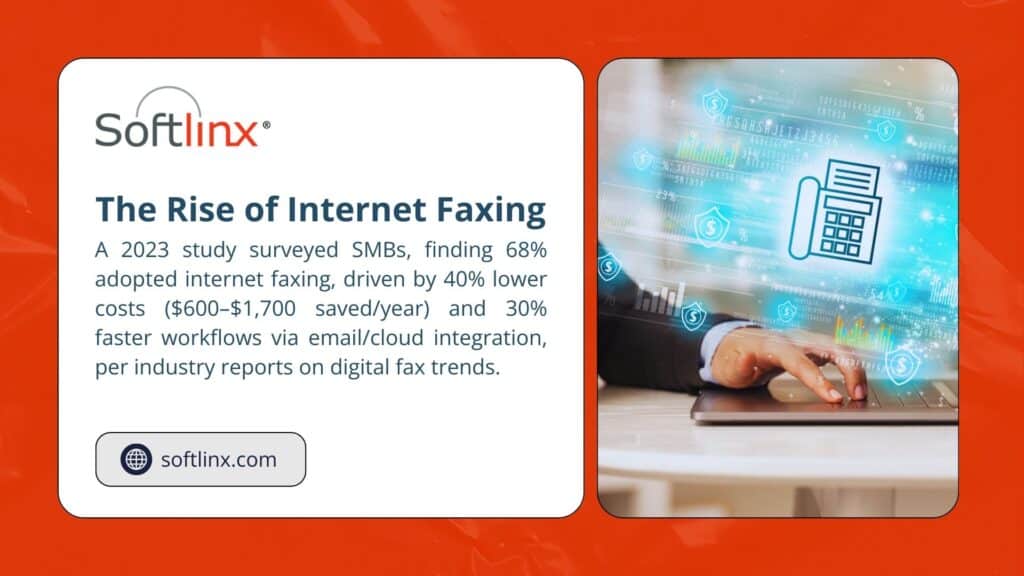
People worry about security when they fax over the internet. Understandable, but your current fax machine probably isn’t as secure as you think it is.
Think about it. With a regular fax machine, your incoming faxes sit in a pile where anyone walking by can see them. How many times have you seen sensitive documents just sitting there for hours? Or walked past someone else’s confidential stuff?
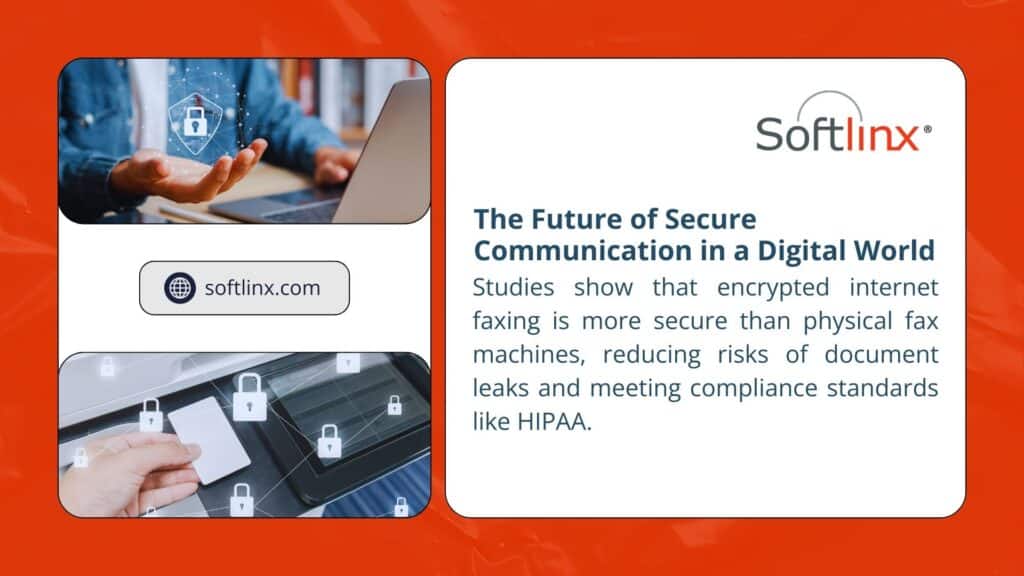
Internet fax services encrypt your documents during transmission. They store them securely online, where only you can access them. Many services are designed specifically for businesses that need to follow strict privacy rules, like medical offices that need HIPAA compliance.
The digital trail is actually better, too. You can see exactly when something was sent and received. No more guessing whether that important contract actually went through.
Here’s what most businesses spend on traditional fax setups versus internet faxing:
| Traditional Setup (Per Year) | Internet Fax (Per Year) |
| Fax machine: $400-800 | Service plan: $150-400 |
| Phone line: $300-600 | Everything’s included |
| Paper and toner: $200-300 | All digital |
| Repairs: $100-400 | No equipment to break |
| Total: $1000-2100 | Total: $150-400 |
The math is pretty clear. Even if you go with a premium internet fax service, you’re probably saving money. And that’s not counting the time you save not dealing with paper jams and maintenance calls.
International faxing used to cost a fortune. Now it’s usually included in your monthly plan or costs pennies per page. That alone can pay for the service if you send faxes overseas regularly.
Most services let you try them free for a week or a month. Test a few and see which one fits how you actually work. They’re not all the same, and what works great for one business might be annoying for another.
The setup process is usually pretty quick. Pick your plan, choose a fax number (you can often keep your existing one), and you’re ready to go. Most people are up and running in under an hour.
For bigger operations that need more robust systems, something like a dedicated fax server solution might make more sense. But honestly, most businesses do fine with the standard services.
Nothing’s perfect, and internet faxing has its occasional hiccups.
Here’s what to watch out for:
Document quality issues. If your original document is blurry or has poor contrast, the fax might not come out readable. This is especially common when people take photos with their phones in bad lighting. Take an extra second to make sure your document looks clear before sending.
Service outages. Like any internet service, these can go down sometimes. It’s rare, but it happens. Most good services have backup systems, but it’s worth having a plan B for truly urgent stuff.
Formatting problems. Complex documents with lots of graphics sometimes don’t fax well. Converting everything to PDF first usually solves this problem.
Delivery delays. Sometimes faxes take longer than expected to go through, especially to certain numbers or international destinations. Good services give you detailed delivery reports so you know exactly what’s happening.
Once businesses switch to internet faxing, they almost never go back to traditional machines. The convenience factor is huge; being able to send and receive faxes from anywhere is a game-changer.
But beyond convenience, there’s the reliability aspect. Internet fax services don’t break down. No moving parts, no supplies to run out of, no maintenance headaches. They just work.
The organization’s benefits are pretty nice, too. Digital faxes are searchable, easy to file, and they integrate with other business systems. No more lost faxes or illegible copies sitting in filing cabinets.
If you’re tired of fax machine problems or spending too much on traditional fax services, internet faxing is worth looking into. The technology is mature now, and it works as well as traditional faxing, often better.
The learning curve is minimal. If you can send an email or use a website, you can handle internet faxing. Most services offer good support during the transition, and many will help you port your existing fax number so you don’t have to notify everyone about a change.
The cost savings alone often justify the switch, but the real benefit is getting rid of all the hassles that come with traditional fax machines. No more paper jams, no more toner cartridges, no more wondering if that important document actually went through.
SoftLinx helps businesses make this transition smoothly. We handle the technical details, help you choose the right service level, and make sure everything works properly from day one.
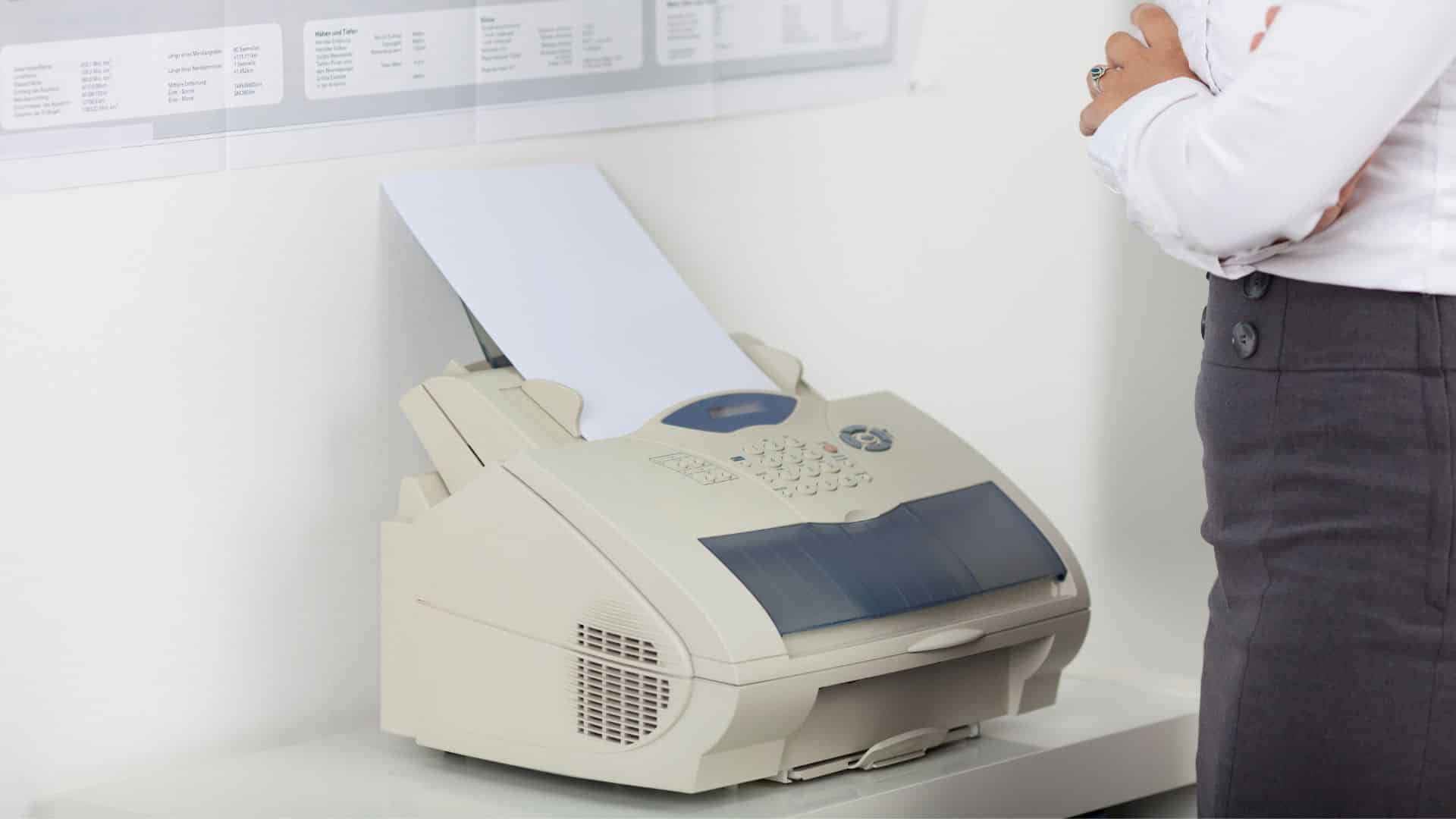
Nobody wants to admit they still need fax technology. It feels like admitting you’re stuck in 1995. But walk into any hospital, law office, or government building and you’ll find they’re sending more faxes than ever.
The dusty fax machine sitting in the corner? That’s history. Today’s businesses run fax communications through servers that handle everything digitally. No more paper jams, no more busy signals, no more walking across the office to check if something went through.
This shift happened because certain industries literally cannot function without fax. Healthcare regulations require it. Court systems demand it. Insurance companies won’t accept anything else for certain transactions. While everyone else moved to email and text messaging, these sectors doubled down on fax.
A modern fax server connects to the company network like any other business application. People send faxes from their computers. Incoming documents show up in email inboxes. Everything gets stored digitally with proper search capabilities. It’s basically email, but with the legal standing and security requirements that regulated industries need.
The biggest change is volume handling. Traditional fax machines could handle one transmission at a time. Modern fax servers process dozens simultaneously without breaking a sweat. This matters when a busy medical practice needs to send 200 patient records before lunch.
Document routing has gotten smart too. Instead of all faxes printing to one location, servers can read incoming numbers and automatically send documents to the right departments.
Emergency room faxes go to ER staff. Lab results reach the ordering physician. Insurance authorizations land with billing departments.
Here’s how things have changed:
| Old Fax Machine | Modern Fax Server |
| One fax at a time | Handle dozens simultaneously |
| Everything prints on paper | All digital – no paper needed |
| Manual sorting and filing | Automatic routing by department |
| Constant maintenance issues | Software-based – minimal upkeep |
| Separate phone line required | Uses existing internet connection |
| Limited to one location | Supports multiple office locations |
Security has improved dramatically too. Old fax machines offered zero protection – anyone could grab documents from the output tray. Modern systems encrypt transmissions, require user authentication, and maintain detailed logs of who sent what to whom.
The integration possibilities are endless. Features like email to fax let people send documents through their regular email programs. Print to fax functionality means sending a fax feels exactly like printing to any other office device.
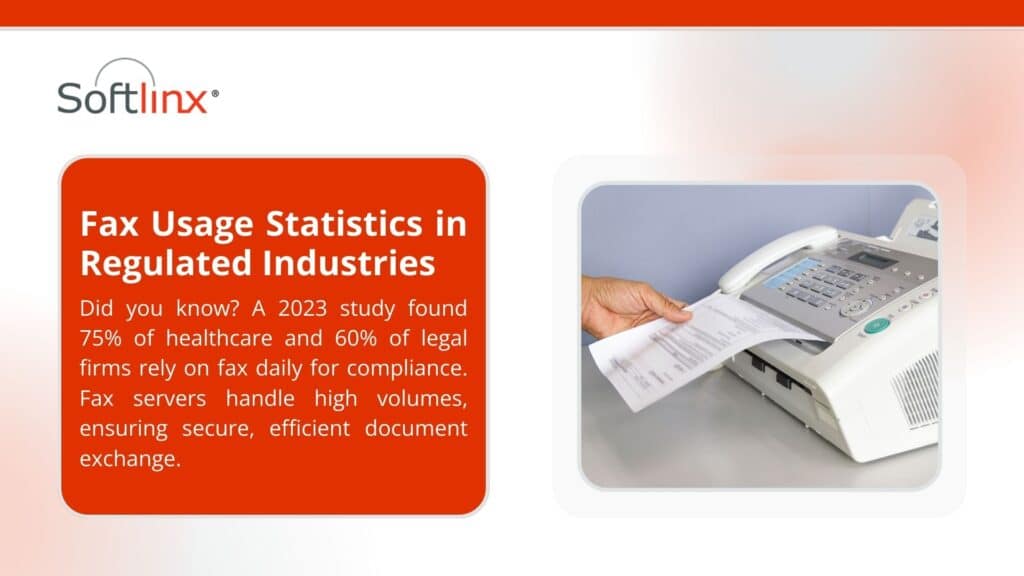
Healthcare dominates fax server usage. Hospitals, clinics, and medical practices send patient records, test results, and prescription information through fax systems daily.
HIPAA regulations specifically allow fax transmission for protected health information, making it one of the few communication methods that meets strict healthcare compliance requirements.
Large medical facilities often process thousands of fax transmissions daily. Emergency departments receive patient histories from ambulance services. Specialists send consultation reports back to referring physicians. Insurance departments handle prior authorization requests. The volume requires server-based systems that can handle peak loads without delays.
Legal firms represent another major user group. Court systems in many jurisdictions still require fax filing for certain documents. Beyond court requirements, fax transmission carries more legal weight than email in many situations. Law firms handling high-stakes litigation can’t risk communication failures, making reliable fax servers essential infrastructure.
Financial services companies rely heavily on fax for loan applications, insurance claims, and regulatory reporting. Mortgage companies, in particular, handle enormous document volumes through fax systems integrated with loan processing software. The audit trail capabilities match perfectly with financial industry compliance requirements.
Government agencies at every level maintain fax requirements for official communications. Building permits, licensing applications, and inter-agency correspondence often mandate fax transmission.
These organizations need systems capable of handling public-facing communications while maintaining detailed records.
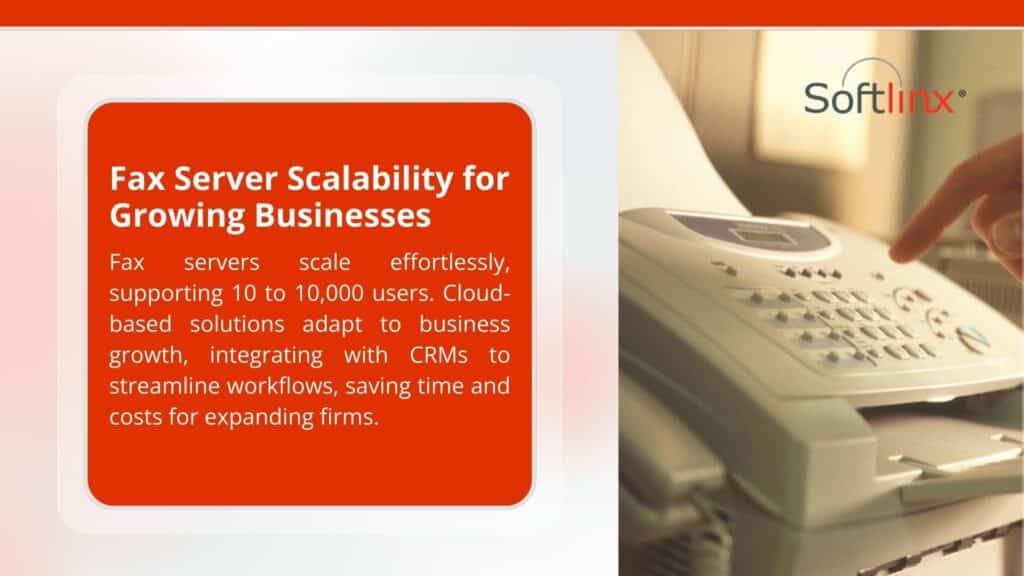
Most fax server projects fail because organizations try to change too much at once. The key is matching the technology to existing workflows rather than forcing people to learn entirely new processes.
Start by understanding current fax patterns. How many documents get sent monthly? Which departments use fax most heavily? What types of documents require fax transmission? This information determines system capacity requirements and integration priorities.
Network infrastructure usually needs minimal changes. Most modern fax servers operate efficiently over standard business internet connections. Organizations with extremely high volumes might need dedicated bandwidth, but typical business usage works fine with existing network capacity.
User training makes or breaks implementation success. People resist systems that complicate their daily routines. The best fax server deployments feel invisible to end users – they send documents the same way they always have, but everything works more reliably behind the scenes.
Integration planning requires careful consideration of existing software systems. Fax servers that connect with document management platforms, customer databases, and workflow applications provide much higher value than standalone systems. The goal is making fax communications part of broader business processes rather than isolated activities.
Fax server pricing varies wildly depending on organization size and feature requirements. Small business cloud solutions start around $50-100 monthly. Enterprise systems for large organizations can cost thousands monthly, but they typically replace much more expensive traditional infrastructure.
Traditional fax setups cost more than people realize. Dedicated phone lines run $50-100 monthly each. Busy organizations often maintain multiple lines to prevent busy signals. Add paper, toner, equipment maintenance, and replacement costs, and a single active fax machine easily costs $300-500 monthly to operate.
Labor savings often provide the biggest return on investment. Traditional fax operations require someone to load paper, clear jams, sort incoming documents, and file everything properly. Server-based systems automate these tasks, freeing staff for more productive work.
Reliability improvements have real business value. Missed fax transmissions can delay medical treatments, cause legal filing deadlines to be missed, or hold up financial transactions. The cost of a single communication failure often exceeds the annual technology investment.
Cloud hosting has become the standard for new installations. Instead of buying servers and managing software, organizations subscribe to hosted services that handle capacity scaling, updates, and maintenance automatically. This shift reduces total ownership costs while improving reliability.
Mobile access capabilities continue expanding. Modern fax servers provide full functionality through smartphone apps and web browsers. Remote workers can send, receive, and manage fax communications from anywhere with internet access.
Artificial intelligence is starting to appear in advanced systems. Document recognition can automatically classify incoming faxes, extract important information, and route documents based on content rather than just sender information. These features reduce manual processing while improving accuracy.
Security continues advancing to meet evolving cybersecurity requirements. Advanced encryption, multi-factor authentication, and integration with enterprise security platforms provide protection that meets current regulatory standards.
Technology is becoming more useful and less annoying. Which is exactly what happens when outdated hardware gets replaced with modern software solutions.
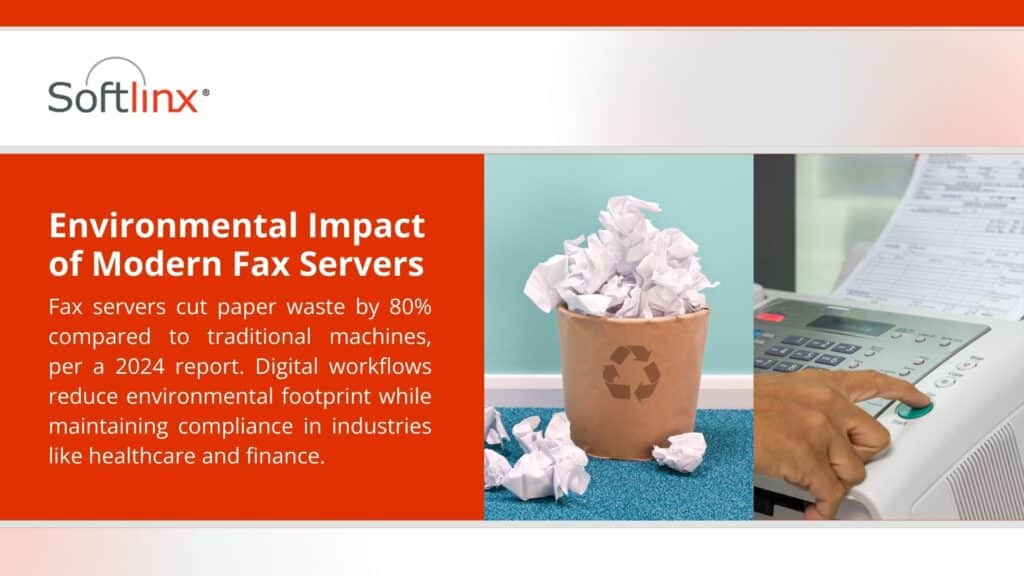
Traditional fax machines create more problems than they solve. Paper jams during important transmissions. Busy signals when deadlines loom. Manual filing that wastes hours every week. There’s a better way.
Modern fax server solutions from SoftLinx eliminate these headaches while providing the reliability and compliance features that regulated industries require. Whether sending dozens or thousands of monthly faxes, the right system improves efficiency while reducing operational costs.
Contact our team today to learn how modern fax server technology can streamline communications while maintaining the security and legal compliance standards your business demands.
For More: