Do Enterprise Fax Solutions Offer Reliable Uptime for High-Volume Needs? This article explains how enterprise fax platforms maintain the level of uptime required by healthcare networks, financial institutions, insurers, and government agencies that process thousands of documents per hour. Uptime only pays off when arriving documents are handled quickly, and automated incoming fax routing keeps that volume moving to the correct department instead of a shared inbox.
It covers the architectural requirements behind consistent availability, the difference between legacy servers and modern enterprise cloud fax, and the role of virtual channels, redundant carrier paths, and secure data centers in stabilizing high-volume fax traffic.
Additionally, the article also examines how reliable uptime supports clinical workflows, EHR data movement, claims routing, prior authorization, financial approvals, and regulated document exchanges.
Readers will see why modern cloud fax systems routinely reach SLA commitments of 99.95% availability and how platforms such as Softlinx sustain that performance during peak demand periods without hardware congestion or line saturation.
The Role of Uptime in Enterprise Fax Operations
Large organizations conduct essential communication through fax. Hospitals send and receive faxes for referrals, lab results, authorizations, and discharge documents across systems that integrate with EHR workflows supported by platforms such as HIPAA fax.
Financial institutions depend on fax for confidential forms, signatures, and regulatory communication. Insurance carriers move high-volume documentation across internal and external parties. These workflows depend on uninterrupted transport, which makes uptime a foundational part of any enterprise fax solution.
Enterprise cloud fax systems anchor reliability on secure routing, carrier-grade SIP networks, and multiple gateway paths. This eliminates the bottlenecks found in physical fax machines and on-prem fax servers.
When questions arise, such as do enterprise fax solutions offer reliable uptime for high-volume needs, the answer centers on whether the platform uses scalable virtual channels, redundant telephony paths, and continuous monitoring to prevent congestion or downtime.
Traditional technology often restricts throughput. Legacy servers depend on analog trunks that cap capacity, while fax machines slow high-volume workflow cycles and introduce manual work.
Large organizations with variable daily volume often face busy signals, delays, and hardware issues. In contrast, enterprise cloud fax systems operate inside highly redundant environments engineered to support constant availability.
How Modern Enterprise Cloud Fax Platforms Maintain High Uptime?
The best way to assess reliability is to evaluate the architecture behind enterprise cloud fax. Platforms built for high-volume traffic rely on virtual fax channels that expand capacity without requiring additional hardware.
Telephony gateways maintain multiple redundant paths for outbound and inbound calls, allowing traffic to shift automatically if one route experiences congestion.
To make the comparison clear, the table below contrasts core components of modern cloud fax with traditional fax servers found in older environments.
| Component | Enterprise Cloud Fax | Traditional Fax Servers |
| Capacity Handling | Virtual channels scale instantly | Fixed physical lines limit volume |
| Routing Behavior | Dynamic failover maintains uptime | Single-path routing increases downtime risk |
| System Maintenance | No internal hardware or phone lines | IT teams manage boards, trunks, and updates |
| Throughput | Supports large daily volume without congestion | Bottlenecks appear in peak hours |
| Security Standards | Hosted in audited U.S. data centers | Local security varies widely |
| Interruption Points | Minimal failure points | Hardware, trunks, and machines can fail |
Organizations that routinely process thousands of daily faxes across clinical, financial, and operational systems benefit from this type of scalable architecture. Continuous monitoring detects irregularities, while automated recovery paths preserve uptime without intervention.
This allows high-volume teams to move away from the limits of older systems, such as on-prem fax servers, now replaced by cloud alternatives outlined in resources like the fax server guide.
Softlinx supports this model through secure cloud fax services that remove the dependency on internal servers and analog lines. The platform routes fax traffic across redundant systems tested against healthcare-level requirements. Facilities such as hospitals, clinics, surgery centers, and outpatient practices benefit from consistent uptime through specialized solutions, including hospital cloud fax solutions and other clinical service options.
Do Enterprise Fax Solutions Offer Reliable Uptime for High-Volume Needs as Required by Healthcare and Regulated Sectors?
Enterprise fax performance carries direct consequences for patient records, claims handling, financial document movement, and regulated workflows. For this reason, healthcare organizations increasingly adopt Healthcare Cloud Fax Solutions, replacing traditional faxing with secure, scalable platforms that support high-volume document exchange and compliance requirements.
The question of do enterprise fax solutions offer reliable uptime for high-volume needs becomes even more relevant in environments where fax volume peaks during emergencies, seasonal surges, and cross-department communication cycles.
Healthcare organizations often work with sensitive data protected by HIPAA requirements, which have strict expectations for secure fax transport. Modern Healthcare Fax Solutions emphasize secure routing, encryption, audit trails, and continuous availability to support HIPAA-related workflows and high-volume document exchange.
Several groups use specialized services based on facility type, such as clinic cloud fax solutions, and many prefer cloud models over on-site systems due to their reliability under pressure.
Regulated industries outside healthcare share similar expectations. Enterprise cloud fax supports secure document routing for financial services, insurance underwriting, government agencies, and multinational institutions where large-scale faxing remains part of compliance and audit requirements. These organizations need assurance that uptime remains steady during peak periods, when thousands of documents must move without interruption.
The Influence of Workflow Automation on Uptime Stability
High-volume workflows benefit from automation features that reduce manual intervention. Automated routing places incoming documents into specific network folders, EHR modules, or departmental queues.
Barcode-based processing scans incoming pages for identifiers that categorize documents without human review, which reduces bottlenecks and speeds downstream tasks.
When organizations automate fax steps, the stability of the underlying system carries greater weight. Automated systems depend on continuous availability, accurate routing, and proper document recognition.
Softlinx’s routing capabilities support traffic allocation across secure endpoints and provide consistent performance through its enterprise cloud fax platform. Healthcare and operational workflows integrate with systems such as EHR and practice-management platforms through resources like EHR integration.
Automation strengthens uptime because it decreases manual retry cycles, reduces user-related delays, and eliminates the disruptions created by congested local hardware. The more automated the process, the more uptime matters, because even small outages affect entire document chains.
The Difference Between Cloud Fax and On-Prem Faxing in High-Volume Settings
On-prem fax servers rely on physical trunks and analog pathways. These infrastructures can fail due to power issues, network interruptions, or equipment breakdowns. Physical machines also remain vulnerable to hardware faults, paper jams, or toner shortages. When organizations attempt to scale, they face rising costs and maintenance requirements.
Enterprise cloud fax systems remove these constraints. Documents travel through monitored, redundant telephony channels and encrypted paths secured inside U.S. data centers. Cloud environments operate with multiple layers of protection, including intrusion detection, auditing, and continuous health checks. This structure provides a more stable foundation, especially for facilities with diverse endpoints such as dental clinics, veterinary offices, or rehabilitation centers supported by services like rehabilitation center cloud fax solutions.
Softlinx supports secure cloud fax capabilities that allow healthcare facilities, financial institutions, government departments, and large enterprise groups to use a single platform for high-volume faxing without managing hardware or telephony.
The platform supports document transport through encrypted channels, making it suitable for HIPAA-related environments that depend on a HIPAA-compliant fax service.
Evaluating Whether Enterprise Fax Platforms Meet High-Volume Expectations
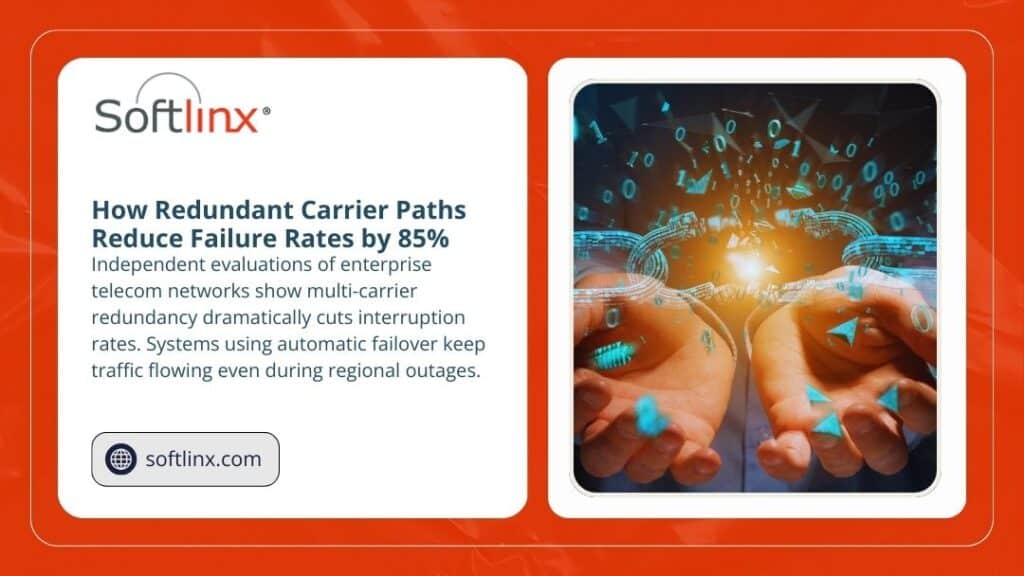
Organizations often evaluate performance metrics before selecting an enterprise cloud fax solution. They review availability targets, telephony redundancy, failover paths, data center certifications, and integration support. These elements shape overall reliability and determine whether the platform can maintain constant throughput.
The table below outlines the main factors that influence uptime in enterprise settings.
| Factor | Impact on High-Volume Workflows |
| Telephony Redundancy | Multiple carrier paths prevent interruptions. |
| Virtual Channel Capacity | Supports simultaneous high-volume traffic. |
| Data Center Standards | HIPAA, SOC 2, and audited infrastructure ensure secure uptime. |
| Workflow Routing | Automated routing reduces manual errors and retry cycles. |
| Integration Support | Direct EHR, financial, and government integration reduces delays. |
| Monitoring Systems | Continuous monitoring detects and corrects issues early. |
Softlinx supports large organizations with routing options across healthcare, insurance, and government channels. These include specialized workflows for teams that need secure cloud-based routing without the congestion common in older systems.
For example, many practices adopt specialized services for chiropractic, dermatology, orthopedic, or cardiology groups, supported by offerings such as cardiology practice cloud fax solutions.
Choosing a Reliable Enterprise Cloud Fax Platform for High-Volume Use
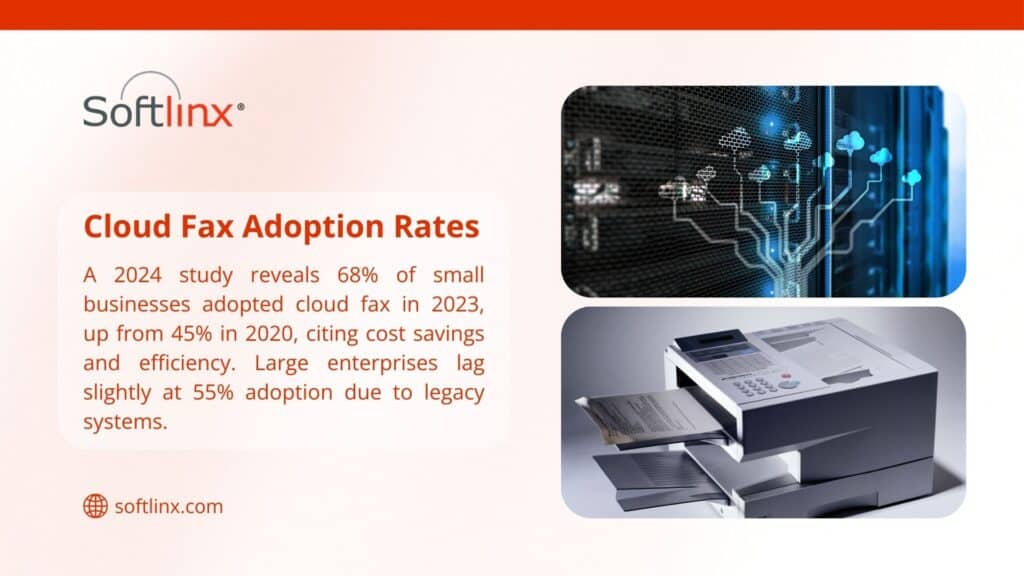
When evaluating enterprise cloud fax platforms, organizations look for stable availability, scalable architecture, and strong compliance infrastructure. High-volume environments depend on continuous uptime due to the number of documents transmitted across departments each hour. Softlinx supports these needs through secure routing, reliable SIP gateways, and automated workflows capable of supporting thousands of daily transactions.
Teams that continue to use older systems often explore cloud alternatives by reviewing guidance such as fax through the internet, or by comparing performance against VoIP-based systems, including the overview at VoIP fax.
Many also shift from traditional email-based workflows into structured fax transport using references like How to email to a fax number. These transitions usually occur when high-volume requirements begin to strain legacy fax environments.
To support rapid operational needs, organizations that depend on specialized routing and automated processing often adopt enterprise cloud fax solutions designed for scalability. Softlinx provides an established framework for these scenarios and supports cloud fax routing, encrypted transport, and compliant document handling across large networks.
For teams evaluating options, the main question remains: do enterprise fax solutions offer reliable uptime for high-volume needs? Platforms with the right infrastructure, routing logic, and security posture consistently meet this standard.An evaluation of Softlinx cloud fax services can be found at cloud fax, where organizations can review architecture details, secure routing, and compliance support required for enterprise-level fax operations.
What This Means for Enterprises That Depend on Large-Scale Fax Workflows
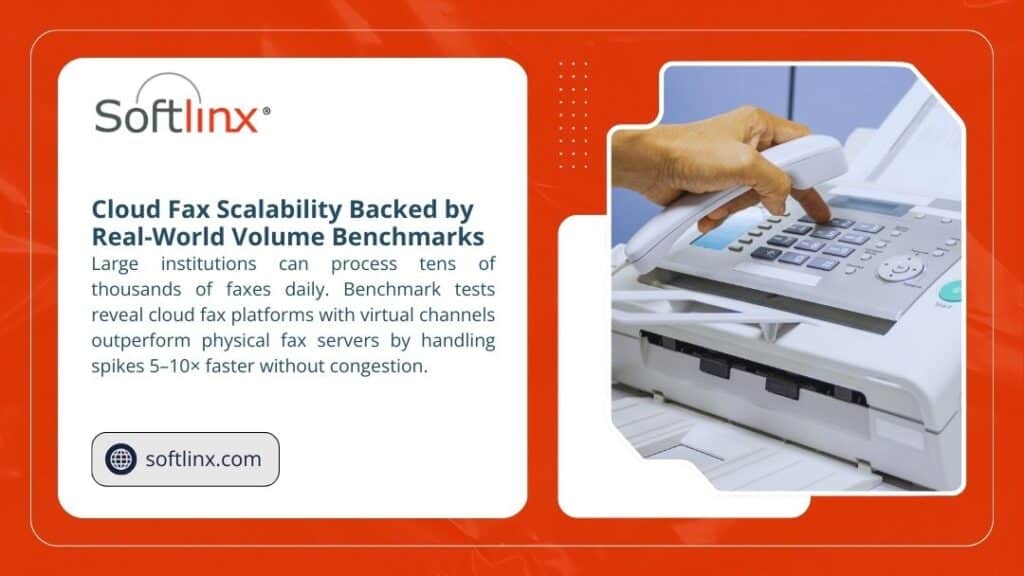
Enterprise fax solutions built on cloud architecture routinely meet high-volume demands by using redundant carrier paths, scalable virtual channels, and protected routing environments. These systems outperform legacy fax servers by reducing interruptions, lowering congestion, and removing the hardware limitations that create downtime.
Organizations that depend on consistent throughput, whether clinical, financial, or operational, gain stability from platforms designed to deliver continuous availability.
Enterprises evaluating their next step can review Softlinx’s broader capabilities through its dedicated cloud fax platform at Softlinx.
For teams that want to adopt a secure, scalable, and high-availability fax environment, the most direct path is to request a tailored solution through Softlinx cloud fax services.
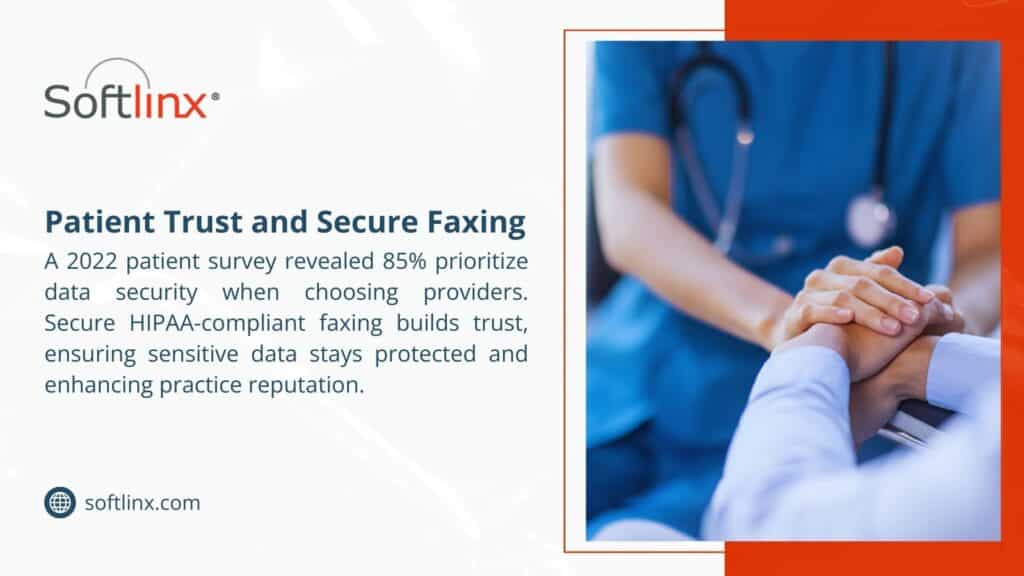
Most doctors assume HIPAA fax compliance means they can’t use fax machines at all. Wrong. The government knows healthcare still runs on these ancient machines. But you need to do it right. One slip-up and you’re looking at fines that can put a small practice out of business.
What is HIPAA Fax?
HIPAA doesn’t ban faxing. The rules permit the transmission of protected health information via fax, provided that you follow their security requirements. We break down what HIPAA rules require when faxing records, from authorization to transmission logs, so your practice can stay audit-ready. The problem is that most practices have no idea what those requirements actually are.
Traditional fax machines are basically ancient technology. They send information over phone lines with zero encryption. That’s like shouting patient information across a crowded room and hoping only the right person hears it. Not exactly secure. Modern Healthcare Cloud Fax Solutions help address these concerns by providing encrypted transmission and stronger controls for handling sensitive patient data.
The magic phrase here is “reasonable safeguards.” Sounds vague because it is. Basically, you need to prove you’re trying to protect patient information during transmission. How you do that depends on your setup, but there are some non-negotiables.
How Does a Good HIPAA Fax Setup Look Like
Every HIPAA fax setup needs certain basic elements. Skip any of these and you’re asking for trouble.
First, secure transmission. Your fax method has to protect data while it’s traveling from point A to point B. This could be encryption, secure phone lines, or internet-based systems designed for healthcare.
Second, user authentication. Everyone who can send or receive faxes needs their own login. No sharing passwords. No generic accounts. Each person gets their own access, and it should match what they actually need for their job.
Third, documentation for everything. Every fax sent, every fax received, every failed attempt. If an auditor asks what happened six months ago, you’d better have records to show them.
Fourth, error prevention. Most HIPAA violations happen because someone made a simple mistake. This is where most practices struggle with how to prevent HIPAA violations when faxing, especially when processes rely too heavily on memory instead of safeguards. Clear systems that catch errors before transmission do far more to protect patient data than policies alone. Wrong fax number, wrong recipient, forgot to remove sensitive information. You need systems to catch these errors before they happen.
Step 1: Choose Your Fax Method
Three main options here, and each one has pros and cons depending on your situation.
Upgraded Traditional Fax Machines
Yes, you can still use a regular fax machine for HIPAA compliance. But it’s going to cost more than you think. You need secure phone lines, proper storage for received documents, and someone watching the machine to make sure papers don’t sit around where anyone can see them.
Most practices find this route more trouble than it’s worth. You’re constantly worrying about who has access to the machine and whether documents are sitting in the output tray too long.
Internet Fax Services
This is where most smart practices end up. Fax through the internet services built for healthcare handle most of the compliance stuff automatically. They encrypt everything, track who sent what, and let you send faxes from your computer or phone.
The learning curve is minimal, costs are predictable, and you don’t need a computer science degree to figure it out. For most practices, this is the obvious choice.
Dedicated Fax Servers
Big health systems sometimes go this route. A fax server integrates with existing computer systems and can handle massive volumes. But unless you’re sending hundreds of faxes daily and have dedicated IT staff, it’s probably overkill.
Quick rule of thumb: small practice, go internet fax. Large operation with serious volume, consider a server. Anything in between, still probably internet fax.
Step 2: Set Up Security
This is where most practices screw up. They get a secure fax system and then configure it wrong.
User Access Controls
Every staff member gets their own login credentials. No exceptions. And these passwords need to be actual passwords, not “123456” or the practice name. Change them regularly and use two-factor authentication if possible.
Different people need different levels of access. The front desk doesn’t need to see psychiatric evaluations. Nurses don’t need access to billing documents. Set up user roles that match actual job responsibilities.
Encryption Requirements
Everything needs to be encrypted – documents during transmission and anything stored on servers. AES-256 encryption is best, but AES-128 is acceptable. Don’t just trust vendor claims about security. Ask for specifics about their encryption standards.
Physical Security
If you’re using any kind of physical fax machine or server, control who can access it. Received documents shouldn’t sit around where anyone can grab them. Failed transmissions need to be handled securely. Basic stuff, but it matters.
Step 3: Create Your Workflow
Security systems are worthless if people don’t use them properly. The key is making compliance easy enough that staff actually follow procedures instead of finding shortcuts.
Document Preparation
Before sending anything, verify the recipient information and remove any unnecessary patient identifiers. Create a simple checklist: right person, right fax number, appropriate information only.
This takes about thirty seconds per document but prevents hours of cleanup when something goes wrong. Most practices find that simple checklists eliminate 90% of transmission errors.
Double-Check Everything
Wrong fax numbers are responsible for most HIPAA violations involving fax. Someone transposes two digits and suddenly, patient records are sitting on a stranger’s desk. Always verify fax numbers against your contact database before sending.
Some practices require two people to verify sensitive documents. One person prepares, another checks and sends. It’s slightly slower but virtually eliminates misdirected faxes.
Monitor Transmissions
Your system should tell you immediately whether a fax went through successfully. If something fails, you need to know right away. Don’t let failed faxes sit in a queue for hours without anyone noticing.
Step 4: Keep Records
Documentation saves practices from HIPAA violations more than any other single factor. When auditors show up, your records prove you’re actually following the rules.
Transmission Logs
Every fax generates a permanent record with date, time, sender, recipient, page count, and transmission status. Most modern systems create these automatically, but make sure you’re actually keeping them somewhere secure.
Store these logs according to your state’s record retention requirements. And back them up. A hard drive crash shouldn’t wipe out years of compliance documentation.
Error Tracking
When things go wrong – and they will – document what happened and how you fixed it. Failed transmissions, wrong numbers, system problems, all of it needs to be recorded.
Good error documentation often prevents violations from becoming penalties. Auditors want to see that you’re actively managing compliance, not just ignoring problems.
Regular Reviews
Look at your transmission logs monthly. Check for patterns, unusual activity, or potential security issues. Catching problems early beats dealing with violations later.
Quarterly reviews should examine overall system performance and staff compliance. Annual assessments help determine if your current system still meets your practice’s needs.
Step 5: Train Your Staff
The best fax system in the world won’t help if people don’t know how to use it properly. Most HIPAA violations happen because of human error, not technical failures.
Initial Training
Everyone who touches the fax system needs comprehensive training on both how to use it and why the security measures matter. People follow procedures better when they understand the reasoning behind them.
Include hands-on practice and real-world scenarios. Don’t just lecture about compliance – show staff how to handle common situations they’ll actually encounter.
Ongoing Education
HIPAA rules change, technology evolves, and new staff members join the practice. Schedule regular refresher training and update procedures when needed.
Test understanding, don’t just track attendance. Staff should be able to demonstrate proper procedures, not just sit through presentations.
Incident Response
When someone accidentally sends patient information to the wrong number, what happens next? Your team needs clear, step-by-step procedures for handling these emergencies.
A fast response can often prevent a simple mistake from becoming a major violation. But people need to know what to do and feel comfortable reporting problems without fear of punishment.
Common Problems and Solutions
Even perfect setups run into issues. Here are the problems most practices face and what actually works to fix them.
Volume Bottlenecks
High-volume practices often find that their fax systems can’t keep up during busy periods. The solution isn’t always more bandwidth – smart queuing systems can prioritize urgent documents while handling routine stuff during slower times.
Load balancing across multiple transmission channels helps, too. Instead of one overloaded system, spread the work across several connections.
Integration Issues
Your practice management software, electronic health records, and fax system need to work together smoothly. Otherwise, staff will find workarounds that compromise security.
Look for fax solutions with pre-built integrations for popular healthcare software. The upfront cost of proper integration pays for itself through reduced errors and improved efficiency.
Mobile Access
Doctors need to send faxes from outside the office, but mobile access creates new security challenges. The solution is secure mobile apps that maintain the same compliance standards as office-based systems.
Email forwarding and screenshot workarounds defeat the purpose of having secure fax systems. Invest in proper mobile solutions or restrict fax access to office computers only.
Advanced Strategies
Once basic compliance is handled, there are ways to make HIPAA fax systems work even better for your practice.
Automated Workflows
Modern systems can integrate with practice management software to automatically route routine documents. Insurance authorizations, referral forms, and lab results can be sent without manual intervention.
Automation reduces errors and frees up staff time for patient care. But make sure automated systems maintain proper audit trails and approval processes for sensitive information.
Smart Document Handling
Some advanced systems automatically identify document types and apply appropriate security measures. Lab results might get extra encryption, while appointment reminders follow standard procedures.
This reduces the chance of human error in applying security protocols while ensuring consistent handling of different document types.
Predictive Analytics
Large practices can use data analytics to optimize transmission times, predict system capacity needs, and identify unusual patterns that might indicate security problems.
Analytics help balance compliance requirements with operational efficiency while providing insights for continuous improvement.
Measuring Success
How do you know if your HIPAA fax system is actually working? Success metrics go beyond just avoiding violations.
Track transmission success rates (should be above 98%), average completion times, user adoption levels, and security incident frequency. These numbers tell you whether your system is reliable and whether staff are using it properly.
Monthly reviews should focus on operational performance and user feedback. Quarterly assessments should examine compliance documentation and security effectiveness. Annual reviews determine if your current system still meets evolving practice needs.
Different Approaches for Different Practice Sizes
What works for a solo practitioner won’t necessarily work for a large health system. Here’s what typically makes sense for different practice sizes.
Small Practices (1-5 providers)
Internet-based fax services usually offer the best combination of features, compliance, and cost. Look for services that include customer support and don’t require extensive technical knowledge to maintain.
Cloud-based solutions eliminate most maintenance headaches while providing enterprise-level security features at small practice prices.
Medium Practices (5-25 providers)
You’ll need better user management, integration capabilities, and volume handling. Look for solutions that can grow with your practice and offer advanced reporting for compliance monitoring.
Integration with existing practice management and EMR systems becomes more important as volume increases and workflows become more complex.
Large Organizations (25+ providers)
Enterprise solutions with on-premises options might be necessary. These systems should integrate seamlessly with existing IT infrastructure and provide extensive customization options.
Large organizations typically need dedicated IT resources to properly implement and maintain enterprise fax systems, but the operational efficiencies justify the investment.
The Cost of Getting This Wrong
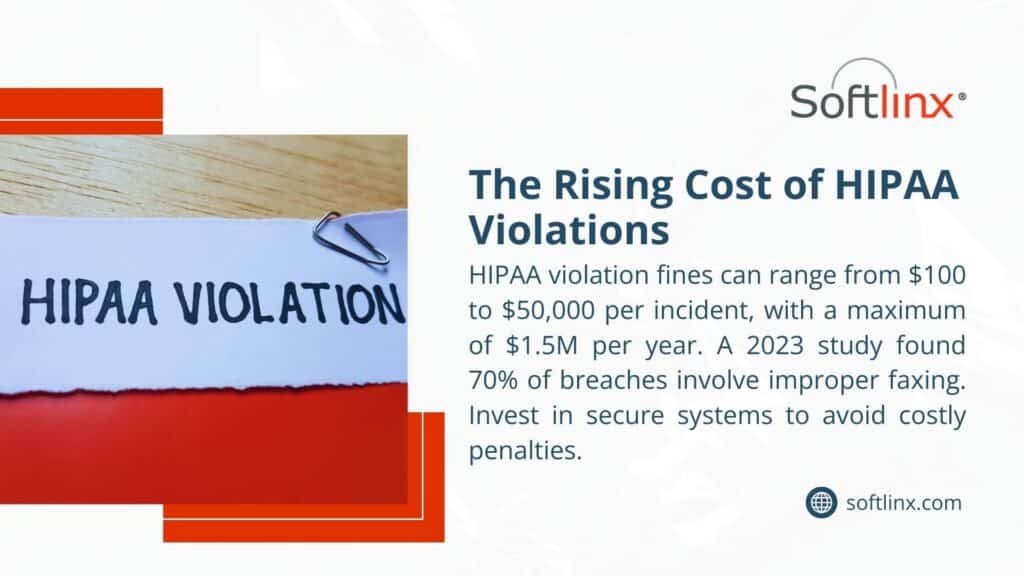
Every day a practice operates without proper HIPAA fax procedures, they’re gambling with their future. HIPAA violations can cost anywhere from thousands to millions of dollars, depending on the severity and whether the practice has previous violations.
But the financial penalties are just the beginning. Practices face reputation damage, patient trust issues, and potential legal action from affected patients. Some violations result in criminal charges for practice owners and staff members.
The irony is that proper HIPAA fax compliance often makes practices run better, not worse. Secure Healthcare Fax Solutions reduce errors, improve communication with other providers, and create operational efficiencies that benefit both staff and patients.
Implementing proper fax procedures actually saves money through reduced errors, improved efficiency, and avoided violations. The upfront investment pays for itself quickly through operational improvements alone.
Don’t wait for an audit to discover compliance gaps in your fax procedures. Every transmission without proper safeguards is a potential violation waiting to happen. The time to act is now, before problems become penalties.
If you’re ready to stop worrying about HIPAA fax compliance and start using secure document transmission as a competitive advantage, then Softlinx is for you. The right system protects patients while making your practice more efficient and profitable.
We’ll show you how proper HIPAA fax implementation can transform your practice’s document handling from a compliance headache into an operational advantage.
For More:
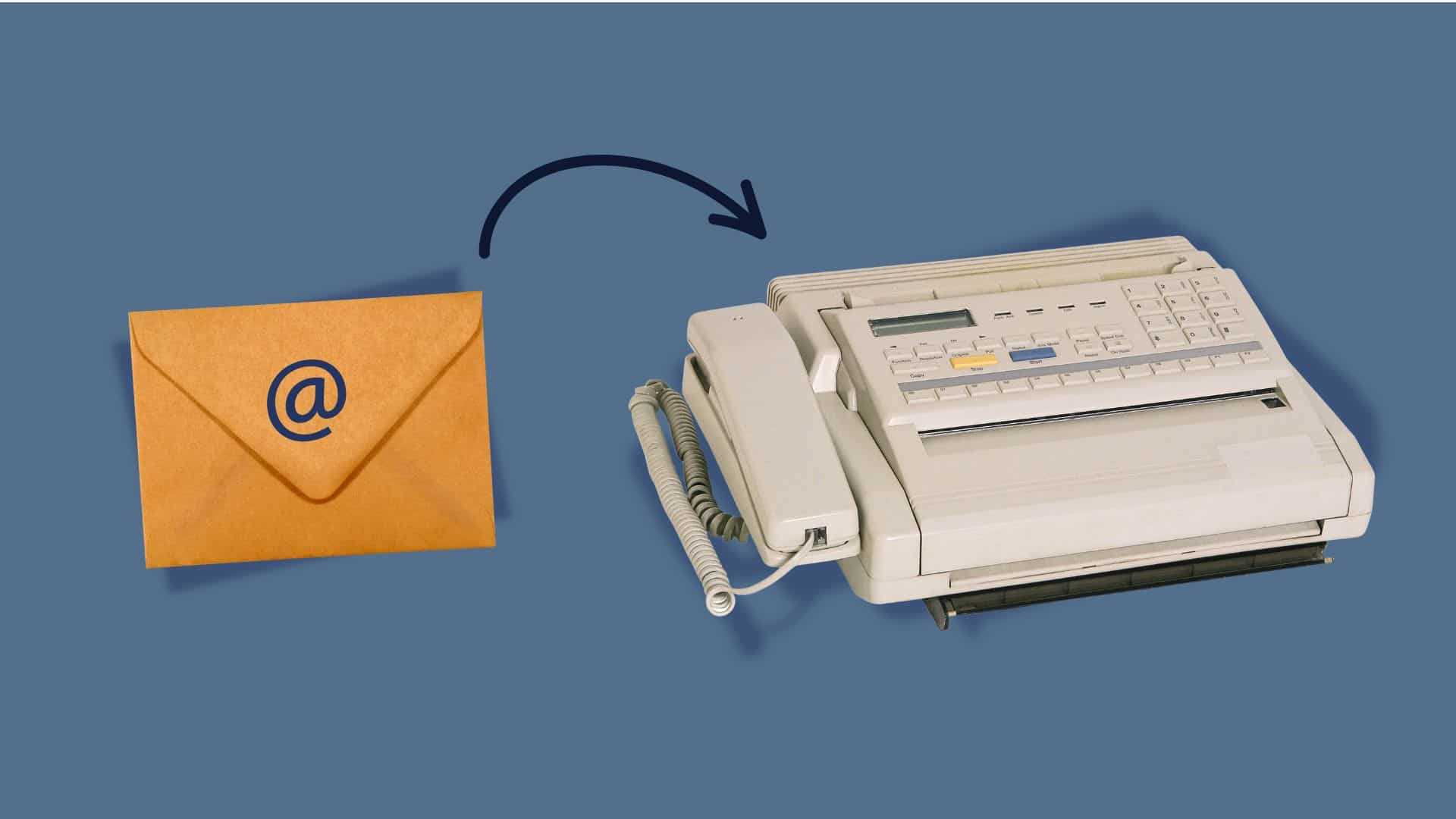
Fax machines are weird relics that somehow refuse to die. While everyone’s moved on to Slack and Teams, plenty of businesses still get stuck dealing with how to email a fax number because some clients, government offices, or partners insist on this ancient communication method.
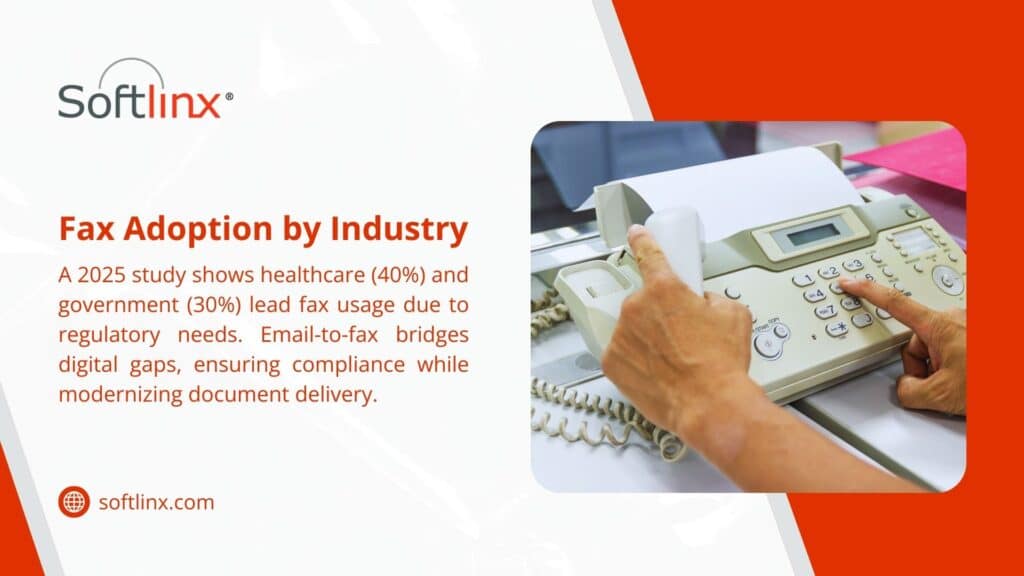
The reality is frustrating but simple – certain industries like healthcare and legal services haven’t caught up with the times. Banks, lenders, and investment firms sit in the same boat, which is why implementing cloud fax for financial services companies has become a standard fix for loan documents, signed disclosures, and account paperwork. If email-to-fax is only one piece of a bigger process, you can integrate cloud faxing into document workflows so faxes land directly in the systems your team already uses.
They’re still demanding fax signatures and documents because “that’s how we’ve always done it.” But nobody needs those clunky machines anymore.
So, How to Email a Fax Number?
Let’s say that someone sends an email to what looks like a regular email address, except it ends up spitting out of a fax machine somewhere across town. That’s basically what email-to-fax does – it takes digital stuff and converts it into those weird beeping sounds that fax machines understand.
The whole process is pretty clever when broken down. A service receives the email, looks at where it’s going, then converts everything into a format that works with fax technology from the 1980s. It’s like having a translator who speaks both modern internet and ancient fax machines.
Most people don’t realize that fax machines basically send pictures over phone lines using audio signals. When someone emails a document, the service turns it into the same kind of audio pattern and sends it through regular phone networks.
The Behind-the-Scenes
The email hits a server that recognizes it’s meant for fax transmission based on the address format. The system grabs any attachments, converts them into TIFF or PDF format (because that’s what fax machines can handle), then dials up the destination number.
Once connected, it plays those familiar screeching sounds that anyone who lived through the 90s remembers. The receiving fax machine interprets these sounds and prints out a paper copy of the original document. It’s remarkably backwards but surprisingly reliable.
Getting Started With Sending an Email
Setting up email-to-fax does require picking the right service. Most cloud fax providers make it pretty straightforward – sign up, pick a plan based on how many pages get sent monthly, and start faxing from any email account.
The trickiest part is usually figuring out the pricing. Some services charge per page, others offer monthly allowances, and enterprise options can get expensive fast. Reading the fine print helps avoid surprise charges when monthly limits get exceeded.
What different services offer:
| Service Type | Good For | Monthly Cost Range | Catch |
| Basic online | Small businesses | $10-30 | Page limits bite |
| Professional | Regular fax users | $30-100 | Features cost extra |
| Enterprise | High volume | $100+ | Complex contracts |
| Pay-per-page | Occasional use | $0.10-0.50/page | Adds up quickly |
Making Emails Work as Faxes
The addressing gets weird with email-to-fax. Instead of regular email addresses, recipients get formatted like “5551234567@faxservice.com” where the numbers are the actual fax number. Different services use different formats, so checking their documentation prevents bounced messages.
Subject lines matter more than usual because they often become the cover page header. Keeping them professional and clear helps, especially since some older fax machines cut off long subjects or display them poorly.
Email content should stay simple. Fancy formatting, images embedded in the message body, or complex HTML often get mangled during conversion. Plain text with attachments works better than trying to get creative with message formatting.
Picking the Right Tech Setup
The technology choice depends on existing infrastructure and specific needs. Cloud fax solutions work for most businesses because they’re simple to set up and don’t require any special equipment or software installation.
For organizations handling protected health information, Healthcare Cloud Fax Solutions can provide additional security controls, encryption, and compliance capabilities while eliminating reliance on physical fax hardware.
Companies with serious security concerns or high volumes might want a dedicated fax server instead. This means more control over the process but also more complexity and upfront costs. It’s overkill for most situations but it makes sense for organizations with strict compliance requirements.
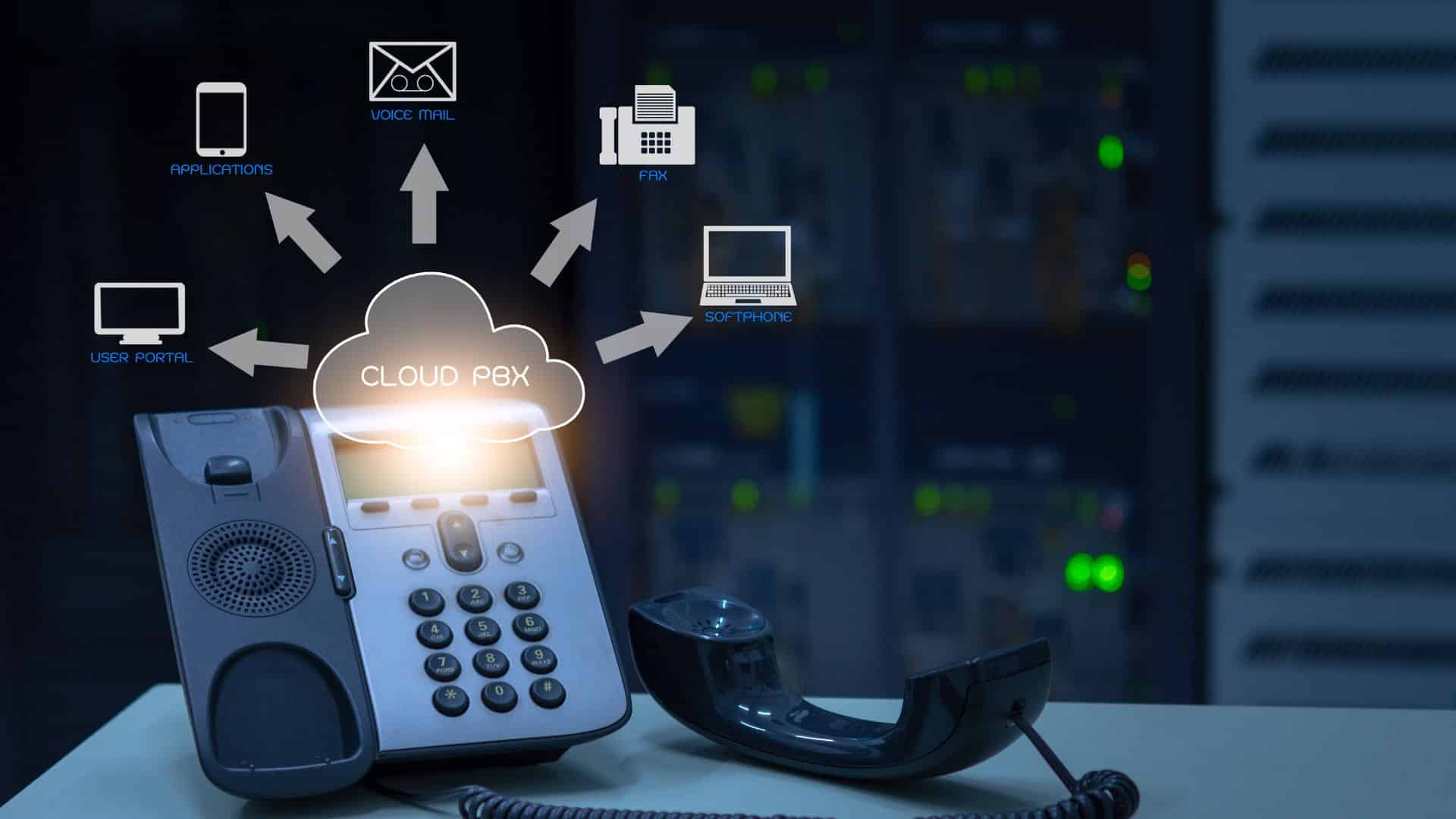
Businesses already using VoIP phone systems sometimes find integrated fax capabilities convenient. The phone service provider handles fax transmission alongside regular calls, which can simplify billing and support but might limit service options.
Comparing the Options
Online services dominate the market because they’re easy and cheap. Sign up online, get instructions, start sending faxes within minutes. The downside is less control and potential reliability issues during high-traffic periods.
On-premise solutions appeal to larger organizations that want complete control over fax transmission. Setting up a fax server means handling maintenance, security updates, and troubleshooting internally. It’s more work but provides better integration with existing business systems.
Hybrid approaches try to split the difference by keeping sensitive data on-site while using cloud infrastructure for actual transmission. This works well for organizations with compliance requirements but limited IT resources.
Security of the Email-to-Fax Transmission
Email-to-fax transmission creates some interesting security challenges. The document travels through email servers, conversion systems, phone networks, and finally lands on a fax machine that might sit unattended in a busy office. That’s a lot of potential exposure points.
Most reputable services encrypt data during transmission and storage, but the final destination – that fax machine – probably isn’t secure at all. Anyone walking by can grab printed faxes, which is why some industries still prefer this method (ironically, they think paper is more secure than digital).
Compliance gets complicated because different industries have different rules. Healthcare organizations deal with HIPAA requirements, financial companies worry about SOX regulations, and government contractors have their own security standards to meet. This is one reason many providers invest in Healthcare Fax Solutions that support secure document exchange, audit trails, and regulatory compliance.
What to Do When Things Go Wrong
Fax transmission fails more often than most people expect. Phone lines get busy, numbers change, machines run out of paper or toner, and documents get formatted incorrectly. The good news is that most problems are fixable with some basic troubleshooting.
Document formatting causes the most headaches. Complex layouts, unusual fonts, or high-resolution images often don’t transmit properly. Keeping documents simple and using standard fonts prevents most formatting issues.
Common problems and quick fixes:
| What Went Wrong | Why It Happened | How to Fix It |
| Fax never arrived | Wrong number or busy line | Use Arial/Times and a simple layout |
| Text looks terrible | Weird fonts or formatting | Try sending as a PDF |
| Only got half the pages | Connection dropped | Most services auto-retry |
| Double-check the number and retry | Their machine doesn’t like the format | Try sending as PDF |
Making It Work with Other Business Tools
Modern email-to-fax services often integrate with popular business software. Customer management systems can automatically fax contracts, accounting software can send invoices, and document management platforms can fax stored files without manual intervention.
API access lets technical teams build custom integrations that automate fax sending based on specific business events. For example, when a contract gets approved in the system, it could automatically fax copies to all relevant parties.
These integrations save time and reduce errors compared to manual fax sending. They also create better records of what got sent when, which helps with compliance and customer service issues.
Stop Fighting with Fax Machines
Dealing with fax requirements doesn’t have to involve clunky machines, busy signals, and paper jams. Softlinx provides modern communication solutions that handle fax transmission through simple email interfaces while maintaining the security and reliability that businesses need.
Our platform works with existing email systems and business software, eliminating the hassle of traditional fax infrastructure while ensuring important documents reach their destinations reliably.
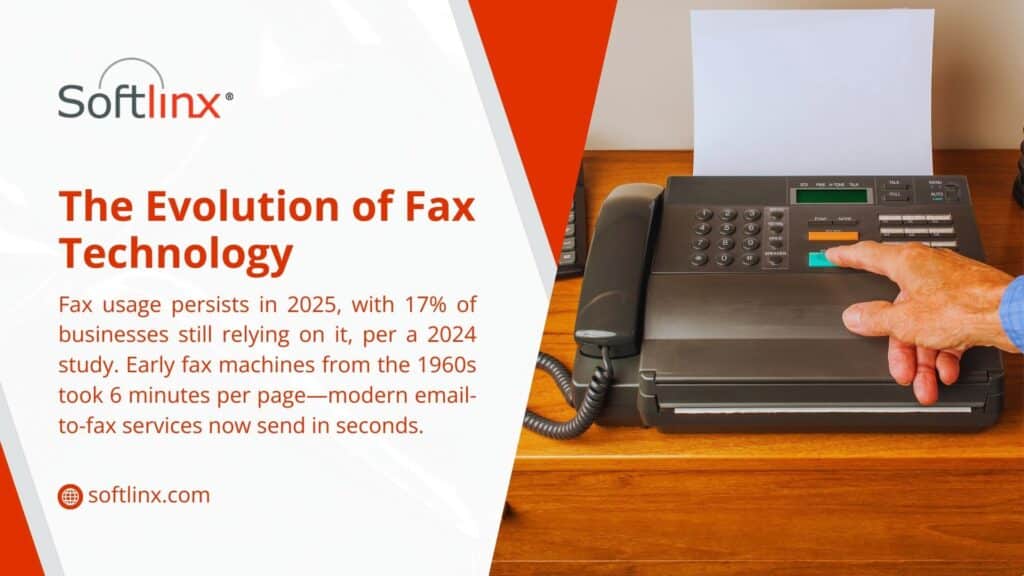
Fax machines were supposed to be dead by now. Everyone said email would kill them off, then smartphones, then cloud storage.
Yet here in 2025, fax machines are still clicking and whirring away in offices everywhere. The difference? Most aren’t actually fax machines anymore. They’re voip fax systems that look nothing like those beige monsters from the 90s.
Walk into a modern law office or medical practice, and there’s a good chance the “fax machine” is actually just software running on someone’s computer. A side-by-side look at cloud faxing versus traditional fax explains why so many offices retired the hardware but kept the fax number. Once faxes arrive as software, the next step is AI-powered data extraction for inbound faxes, which pulls patient and order details out of received documents automatically. That’s because smart businesses figured out how to keep the fax functionality they legally need while ditching the headaches that come with old-school hardware. Large health systems take this further, using cloud fax coordination across IDNs to move records between affiliated hospitals, clinics, and physician groups without a single physical machine. Replacing the fax machine is only one of several practical ways to digitize your business and cut paper out of daily operations. For healthcare organizations in particular, Healthcare Cloud Fax Solutions make it possible to streamline document exchange while maintaining compliance and security requirements.
The shift happened quietly. One day, companies were dealing with paper jams and busy signals; the next they were sending faxes from their phones during lunch breaks. VoIP fax made that possible, and it’s completely changed how businesses think about document transmission.
What Happens With VoIP Fax
VoIP fax is basically faking being a regular fax machine, but doing it way better. Traditional fax machines turn documents into squeaky analog signals that crawl through phone lines. Anyone who’s ever heard a fax machine dial knows that horrible screeching sound. That’s your important contract turning into audio static.
VoIP fax skips all that nonsense. It takes documents, turns them into clean digital files, then shoots them across the internet like any other data. No more crossed wires, no more “please try again” messages, no more wondering if that crucial page actually made it through.
The receiving end gets a perfect copy every time. Not the faded, slightly crooked mess that analog fax lines often produce, but a crisp digital reproduction that looks exactly like the original. It’s like the difference between mailing a photocopy versus emailing a PDF.
Some companies go all-in with dedicated fax server setups that can handle dozens of faxes simultaneously. These systems track everything, store copies automatically, and never need toner refills or paper reloads.
Why Businesses Are Making the Switch
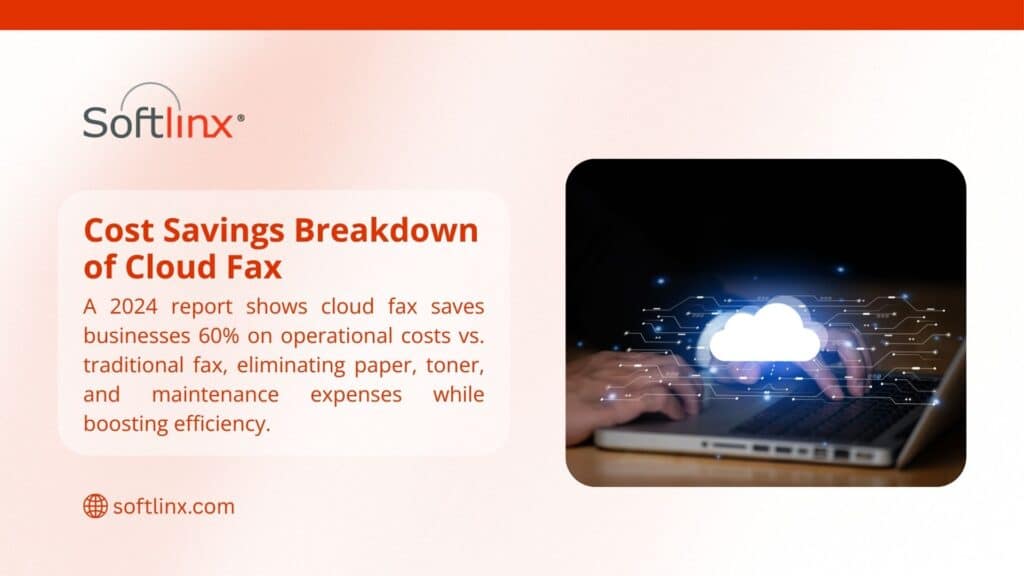
Most companies discover their monthly fax costs drop by 60-80% after making the switch. Those dedicated phone lines that cost $40-60 each month? Gone. The service contracts for machine maintenance? History. The constant supply runs for paper and toner? Not needed anymore.
But the real game-changer is the convenience factor. Just try to imagine that someone needs to fax a contract while stuck in traffic before a 5 PM deadline. With traditional fax machines, they’re out of luck. With voip fax, they pull out their phone, snap a photo of the document, and send it off in thirty seconds.
Remote work made this convenience essential rather than nice-to-have. Companies with distributed teams can’t rely on everyone having access to a physical fax machine. Digital fax systems work from anywhere with an internet connection, which nowadays means pretty much everywhere.
The integration possibilities get interesting too. Smart businesses connect their fax systems to email, so incoming faxes land in specific inboxes automatically. Others link up with customer management software, so faxed contracts immediately attach to the right client files. These capabilities are especially valuable for Healthcare Fax Solutions, where fast, secure document routing and seamless record management are critical. Try doing that with a machine that spits out paper.
Getting Set Up Without the Headaches
| Feature | Old School Fax | VoIP Fax |
| Setup Time | Hours (phone tech visit) | Minutes (download app) |
| Monthly Bills | $50+ per line | $10-30 total |
| Sending Locations | Office only | Anywhere |
| Storage | File cabinets | Cloud/digital |
| Integration | None | Everything |
| Busy Signals | Constant problem | Not possible |
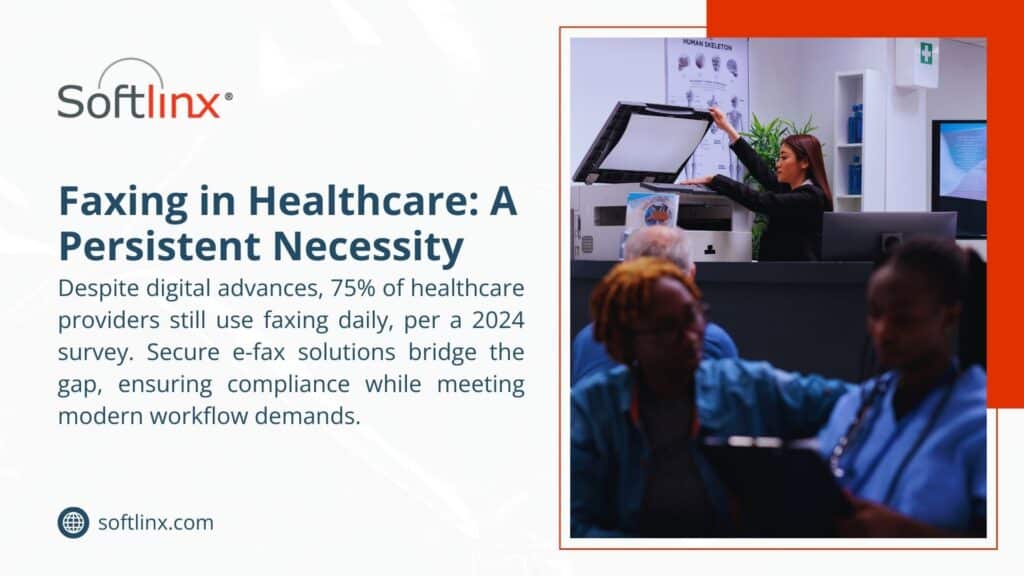
The technical requirements for voip fax are pretty straightforward. Companies need decent internet. Most business broadband connections handle fax traffic easily alongside regular operations. The only real consideration is making sure there’s enough bandwidth during busy periods when everyone’s online at once.
Training staff takes about as long as showing someone how to send an email attachment. The interfaces are usually more intuitive than traditional fax machine menus, which often required doctoral degrees in obscure button combinations just to change the contrast setting.
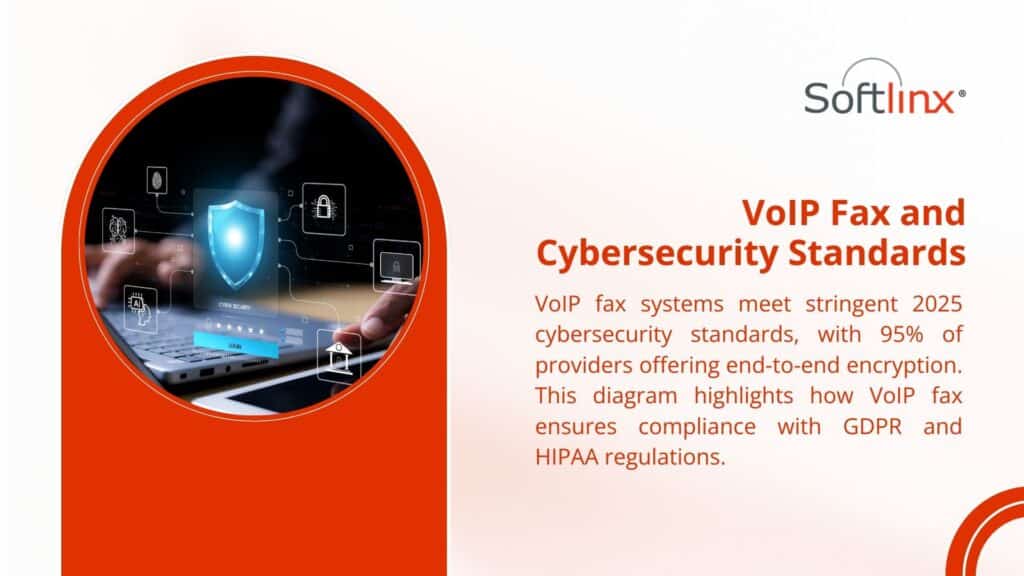
Compliance issues do need attention, especially in healthcare and finance. The good news is that modern voip fax systems often exceed the security requirements of traditional faxing. HIPAA compliance, financial privacy regulations, legal record-keeping – enterprise systems handle these concerns with encryption and audit trails that paper-based fax never could.
Features of the VoIP Fax
Modern voip fax systems include routing smarts that automatically send incoming faxes to the right people. Set up rules based on sender, time of day, or document type, and the system handles distribution without human intervention.
Email integration creates seamless workflows. Staff can learn how to email to a fax number and suddenly the distinction between email and fax becomes meaningless. Sending a document however makes sense, the recipient gets it in their preferred format.
The reporting features reveal usage patterns that most businesses never knew existed. Which departments send the most faxes? What times see peak traffic? Are certain fax numbers causing repeat transmission failures? This data helps optimize operations and spot potential problems before they become major issues.
Some systems even include optical character recognition that can read faxed documents and extract key information automatically. Imagine receiving a purchase order via fax and having the system automatically create entries in the accounting software. That’s the kind of automation that traditional fax machines made impossible.
Security of the Fax VoIP
Modern voip fax security often surpasses what traditional fax machines provide. Physical fax machines spit out sensitive documents where anyone walking by can read them. Digital systems can require authentication before displaying received faxes, ensuring only authorized eyes see confidential information.
Encryption protects documents during transmission, something impossible with analog phone lines. Storage encryption secures archived faxes against unauthorized access. These protections exceed what’s possible with paper-based systems, where security depends entirely on physical document handling.
Audit trails capture every fax activity with timestamps, user identification, and transmission details. This level of documentation helps satisfy regulatory requirements and provides forensic capabilities when disputes arise. Try getting that level of tracking from a traditional fax machine.
Data backup happens automatically with cloud-based systems. Documents get replicated across multiple secure locations, protecting against loss from equipment failure, natural disasters, or human error. Traditional fax operations rely on manual filing and storage, creating single points of failure that can result in permanent document loss.
Making the Change Work
Smart companies approach voip fax transitions methodically. Start by tracking current fax usage for a month – how many outbound faxes, peak sending times, most common recipients, typical document types. This baseline data helps select appropriate service levels and identify potential workflow improvements.
Pilot programs work well for testing systems before full deployment. Pick one department or specific use case, implement the new system, and gather feedback. This approach identifies potential issues and allows refinement before organization-wide rollout.
Change management matters more than the technology itself. Staff who’ve used traditional fax machines for years need time to adjust. Clear communication about benefits, hands-on training sessions, and responsive technical support smooth the transition process.
Integration planning deserves attention early in the process. Identify which business systems should connect with the new fax platform. Email integration usually comes first, followed by document management and customer relationship systems. These connections multiply the efficiency gains beyond simple cost savings.
Ditch the Paper Jams
VoIP fax technology has matured past the experimental stage. Companies across every industry have successfully made the transition, enjoying cost savings, operational improvements, and enhanced security along the way.
The technology handles everything from single-user operations to enterprise-scale deployments. Security features meet or exceed regulatory requirements in healthcare, finance, and legal industries.
Integration capabilities connect fax operations with modern business workflows, eliminating the isolation that made traditional faxing such an operational burden.
Professional implementation ensures smooth transitions and maximum value from day one. SoftLinx has guided hundreds of businesses through fax modernization projects, handling everything from system selection to staff training to ongoing support.
Stop letting outdated fax technology drain resources and limit operational flexibility. Contact us to discover how voip fax solutions can modernize document transmission while reducing costs and improving security.
Remember those old fax machines? The ones that would jam right when you needed to send something urgent? Well, they’re not in use anymore. Cloud fax has come along and changed the game completely.
Most people don’t realize how much time and money they waste with traditional fax machines until they try something different. The whole process of walking over to the machine, dialing the number, listening to those weird screeching sounds, then crossing your fingers that it actually went through – it’s kind of ridiculous when you think about it.
With cloud fax, all that hassle disappears. Everything happens online, which means no more paper jams, no more busy signals, and definitely no more of that annoying beeping when something goes wrong. It’s basically like email, but for faxes.
How Cloud Fax Works (It’s Simpler Than You Think)
The technology behind this isn’t complicated. Basically, you upload your document to a web portal or send it through email, and the service converts it into a proper fax format. Then it gets transmitted over the internet instead of phone lines.
A bunch of companies are combining this with their VoIP fax setups. Since everything’s already digital anyway, it makes sense to keep it all in one place. Less equipment to maintain, fewer things that can break down.
The coolest part is learning how to email to a fax number. You just send an email – attach your document, put the fax number followed by the provider’s domain in the “to” field, and hit send. That’s it.
Some providers let you reply to incoming faxes the same way. Get a fax in your email inbox, hit reply, attach your response, and send. It’s so much easier than the old way.
What It Costs
Here’s where things get interesting. Traditional fax machines seem cheap until you add up all the hidden costs:
| Cost Factor | Traditional Setup | Cloud Service |
| Equipment | $400-800 upfront | Usually nothing |
| Phone Line | $35-65 monthly | Not needed |
| Supplies | $25-50 monthly | Zero |
| Repairs | Your headache | Not your problem |
| Space | Takes up desk space | Lives in the cloud |
| Scaling Up | Buy more machines | Add users online |
The monthly savings are obvious, but there are other things too. No more running out of toner at the worst possible moment. No more calling the repair guy when the machine decides to die on a Friday afternoon. No more dealing with paper jams during important deadlines.
Security Features
Traditional fax machines are actually pretty insecure when you think about it. Documents sit in the output tray where anyone can grab them. There’s no record of who saw what. If someone intercepts the phone line, they can potentially read everything.
Cloud fax services encrypt everything during transmission. The documents get stored securely online with access controls, so only authorized people can see them. There’s usually an audit trail too, which is great for compliance stuff.
This matters a lot for healthcare offices, law firms, accounting firms – basically anyone dealing with confidential information. HIPAA compliance, attorney-client privilege, and financial privacy rules – cloud fax providers have already figured out how to meet these requirements.
Integration With Existing Systems
Most cloud fax services play nice with whatever software companies are already using. Email integration is standard – you can usually send and receive faxes right from Outlook or Gmail without switching applications.
If a business already has a fax server running, many cloud providers can work alongside it instead of replacing it completely. This lets companies test things out without scrapping their existing setup.
Document management systems, CRM platforms, and accounting software – most of these can connect with cloud fax services through APIs or built-in integrations. When everything works together, the whole workflow becomes smoother.
Performance and Reliability
Here’s something most people don’t expect: cloud fax is usually more reliable than physical machines. Good providers maintain multiple data centers with redundant systems, so if one server goes down, traffic automatically switches to another one.
Delivery confirmation is built in. Instead of wondering whether that contract actually made it to the recipient, detailed reports show exactly when documents were delivered. Some services even provide read receipts.
The uptime statistics are impressive too. Most reputable providers guarantee 99.9% availability, which is better than what most businesses achieve with in-house fax machines.
Making the Switch
The transition usually isn’t as painful as people expect. Most providers offer migration assistance, which mainly involves updating contact information and doing some basic staff training.
Training is minimal since the interfaces are designed to be intuitive. If someone knows how to use email, they can probably figure out cloud fax in about five minutes.
One nice benefit is disaster recovery. Physical fax machines become useless if the office floods, burns down, or loses power. Cloud fax keeps working as long as there’s an internet connection somewhere.
Industry-Specific Benefits
Healthcare offices love the HIPAA compliance features and integration with electronic health records. Law firms appreciate the audit trails and secure document handling. Real estate offices use the mobile capabilities to send contracts from anywhere.
Manufacturing companies often integrate cloud fax with their supply chain management systems for purchase orders and shipping documents. The automation saves time and reduces errors.
If you are ready to dump that ancient fax machine for something that actually works, SoftLinx provides you with cloud fax services that integrate with existing business systems while delivering enterprise-level security and reliability.
You May Also Like These: