HIPAA Compliant Fax Requirements for Healthcare

Last year alone, healthcare data breaches exposed 276 million patient records. That’s roughly four out of every five Americans having their medical information compromised. Every day, another 758,000 records end up in the wrong hands. Healthcare organizations are scrambling to find secure ways to share patient information without becoming the next headline.

While everyone talks about going digital, 70% of healthcare providers still rely on fax machines. Fax transmission has stuck around because it actually works well for secure document sharing when done correctly. The key phrase here is “when done correctly.” 

Healthcare organizations that mess up fax security face average penalties of $3 million per violation. Beyond the financial hit, these breaches destroy patient trust that takes years to rebuild.

Breaking Down HIPAA Fax Rules

HIPAA doesn’t ban faxing. Actually, the regulations specifically allow fax transmission of Protected Health Information, but only when organizations follow certain rules. These rules are requirements that can make or break a compliance audit.

The administrative side covers who can send faxes and what information they’re allowed to transmit. Healthcare organizations need written policies that spell out these details. Staff training becomes crucial here because employees need to understand not just how to use the fax machine, but when they should and shouldn’t be using it.

Physical security sounds simple, but it trips up many organizations. Traditional fax machines need to sit in secure areas where random people can’t walk by and read incoming documents. This gets tricky in busy medical offices where faxes arrive at all hours. Too many organizations have fax machines sitting in break rooms or reception areas where anyone can see confidential patient information.

Old School Fax vs. Modern Solutions

Traditional fax machines use regular phone lines, which gives them an advantage under HIPAA’s “conduit exception.” Healthcare providers don’t need special agreements with phone companies because the phone system just carries the signal. But this doesn’t mean traditional faxing is automatically secure.

The biggest problem with old fax machines is human error. Staff members dial wrong numbers all the time, sending patient records to complete strangers. Understanding how to prevent HIPAA violations when faxing starts with recognizing that most breaches aren’t technical failures, but simple human mistakes during transmission. By reducing manual dialing, verifying recipients, and using systems with built-in safeguards, healthcare organizations can significantly lower their risk. Even when organizations program frequently used numbers into the machine, people still make mistakes. Mix-ups happen when numbers change or when similar numbers get confused.

Modern hipaa compliant fax services solve many of these problems. Cloud-based systems encrypt everything automatically and keep detailed logs of all activity. Many integrate directly with Electronic Health Records and other healthcare software. This means less manual work and fewer chances for mistakes.

The practical benefits go beyond security. Internet fax lets healthcare workers send and receive documents from anywhere with an internet connection. Emergencies become more manageable when doctors can access patient information from home or other locations. Plus, fax through the internet eliminates the hassle of maintaining phone lines and physical machines.
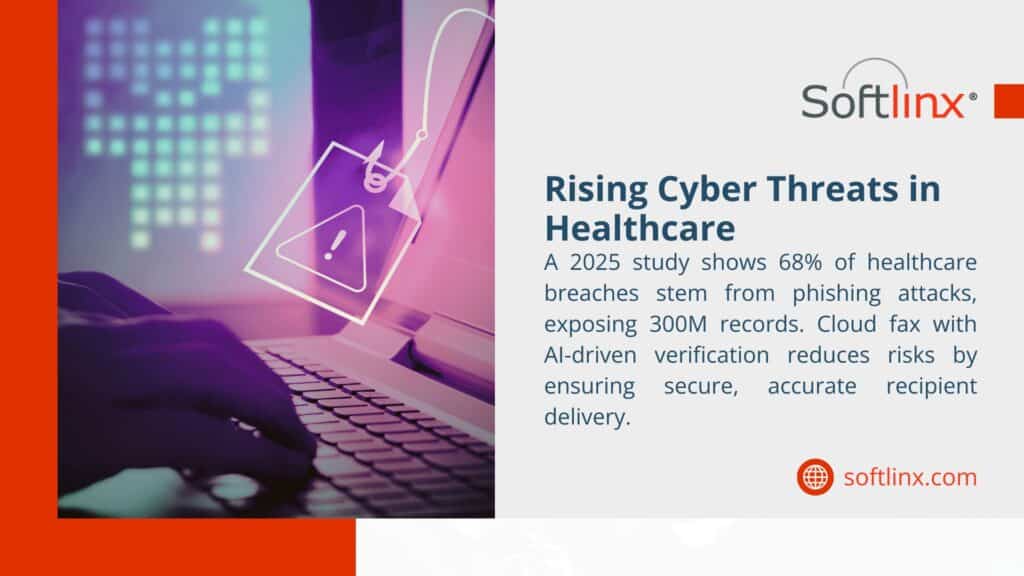
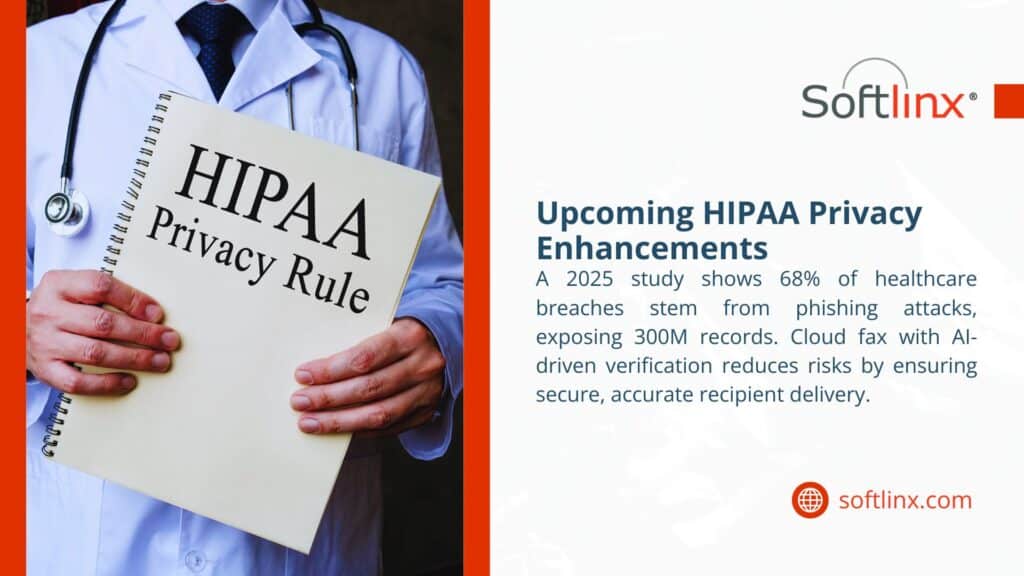
Healthcare cyber threats image with a warning sign over a keyboard, highlighting a 2025 study showing 68% of breaches from phishing, exposing 300M records, and promoting AI-driven cloud fax for secure delivery.

What Makes Fax Systems Compliant

Building a truly compliant fax system requires several pieces working together. Encryption protects patient information as it travels between locations and while it sits stored on servers. 

User authentication keeps unauthorized people out of the system. Multi-factor authentication adds extra protection by requiring users to prove their identity in multiple ways before accessing sensitive features. Larger healthcare organizations especially need this because so many people need fax access for their jobs.

Access controls limit what different users can do based on their roles. A medical assistant might be able to send certain types of documents but not others. A physician might have broader access. These controls help ensure people only see information they need for their specific job duties.

Comprehensive logging captures every fax activity – who sent what, when it happened, where it went, and whether it succeeded or failed. These logs become critical evidence during compliance audits or security investigations. Organizations that can’t produce detailed logs often face bigger penalties when problems occur.

Cover sheets provide an extra layer of protection. HIPAA-compliant cover sheets warn recipients that they’re looking at confidential medical information and explain what to do if they received it by mistake. While encrypted online systems make cover sheets less critical, they’re still good practice.

Getting Implementation Right

Successful fax security goes beyond just buying the right technology. Organizations need solid procedures for verifying recipient information before sending anything. This might mean calling to confirm fax numbers or maintaining centralized contact lists that get updated regularly.

Document handling procedures matter from start to finish. Staff need clear guidelines on how to prepare documents, which transmission method to use, and what to do when something goes wrong. Training programs should emphasize double-checking recipient information before hitting send.

Transmission monitoring helps catch problems quickly. Modern systems usually provide immediate status updates showing whether documents arrived successfully. When transmissions fail, staff should know exactly what steps to take for retransmission or alternative delivery.

Storage policies govern what happens to faxed documents after transmission. Digital copies need secure storage with proper access controls. Incoming faxes require the same security treatment as any other patient information. 

Choosing the Right Fax Service

Healthcare organizations face many options when selecting fax solutions. Business Associate Agreements top the list of must-haves for any third-party service. These legal contracts establish exactly what the vendor must do to protect patient information.

Encryption standards determine how well patient information stays protected. Look for services offering 256-bit encryption or better, covering both data transmission and storage. Some services add features like encrypted email delivery for received faxes.

Integration capabilities can dramatically improve workflow efficiency. The best hipaa fax solutions work seamlessly with existing Electronic Health Records, practice management software, and other healthcare applications. Good integration reduces manual data entry and maintains security throughout the entire process.

Compliance certifications provide extra assurance about vendor security practices. SOC 2 Type II, HITRUST, and similar healthcare security certifications show that vendors undergo regular security audits and maintain appropriate protections.

Scalability and reliability ensure the service can grow with the organization while maintaining consistent performance. Consider transmission volume limits, uptime guarantees, and support availability. Healthcare organizations often need fax access outside normal business hours, making 24/7 support valuable.
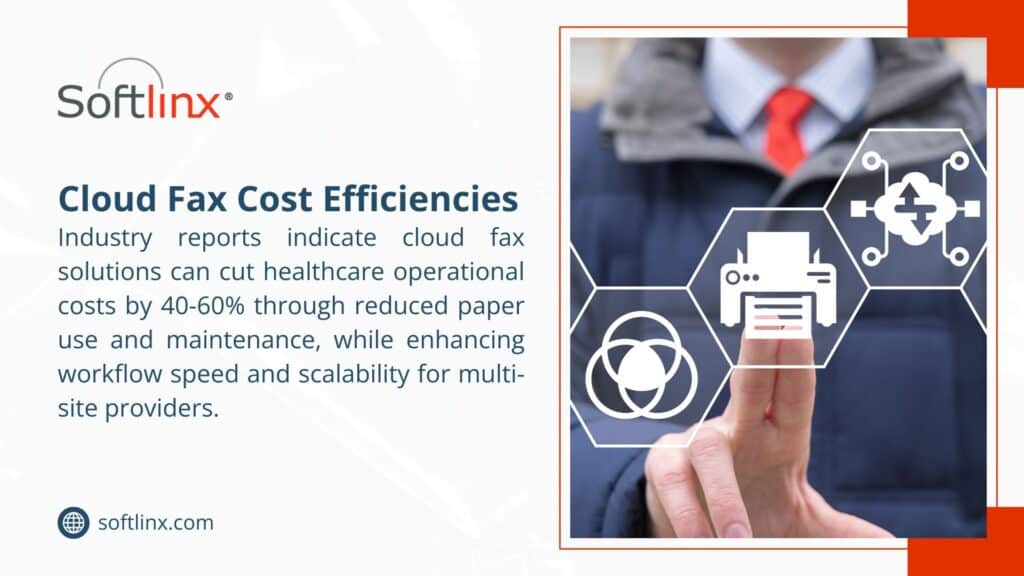
A person interacting with cloud fax icons, highlighting Softlinx's cloud fax solutions that cut healthcare costs by 40-60% and enhance workflow.

Common Implementation Problems

Staff resistance to new technology can slow adoption and create security gaps. Comprehensive training programs help by emphasizing both security benefits and workflow improvements. Hands-on training sessions work better than just handing out manuals.

Cost concerns influence many technology decisions, but organizations must weigh implementation costs against potential HIPAA violation penalties. With average fines exceeding $3 million, proper security measures represent good financial planning. Consider total costs including implementation, training, maintenance, and potential audit support.

Legacy system integration challenges organizations with existing healthcare IT infrastructure. Success requires vendors offering flexible integration and adequate technical support during transitions. Phased implementation can minimize disruption while maintaining security standards.

Multi-location coordination becomes complex for healthcare systems operating across multiple sites. Centralized management platforms provide consistent security policies while accommodating local workflow needs. Cloud-based solutions often work well for multi-location scenarios.

FeatureTraditional FaxCloud FaxEncrypted Email
Built-in EncryptionNoYesYes
Automatic LoggingNoYesSometimes
Advanced Access ControlsBasicYesYes
Multi-Location SupportLimitedExcellentGood
Software IntegrationNoneExtensiveGood
Requires BAANoYesYes
Setup DifficultyEasyMediumMedium
Ongoing MaintenanceHighLowMedium

A doctor holding a HIPAA Privacy Rule notebook, with a 2025 study showing 68% of healthcare breaches from phishing, mitigated by Softlinx cloud fax. - hipaa compliant fax

Preparing for Tomorrow’s Compliance Requirements

Regulatory updates will likely bring additional security requirements. The Department of Health and Human Services has proposed major HIPAA Security Rule changes that could impact fax transmission requirements. Organizations should monitor these developments and prepare for compliance changes.

New security technologies offer promising improvements. Artificial intelligence can support secure transmission through automated recipient verification, content scanning, and intelligent routing. These features may become standard in future HIPAA-compliant fax solutions.

Healthcare organizations that address communication security proactively position themselves for success while protecting patient trust and avoiding violations. The data shows breaches keep increasing, making strong security measures essential rather than optional.

Healthcare providers looking to improve their communication security should consider professional consultation services. Softlinx specializes in helping healthcare organizations implement comprehensive, compliant communication solutions that protect patient privacy while improving efficiency. 
Get a quote and secure cloud fax for your healthcare business.

For More:

  1. Healthcare Application Software Vendors
  2. outpatient clinic cloud fax solutions
  3. Cloud Fax and Emergency Medical Services Communication

Security & Compliance

HIPAA-Compliant Since 1999 25+ years of secure, encrypted fax transmission for healthcare organizations.

HIPAA
PCI-DSS
Encrypted
Audit Trail
25+ Years Experience
100% HIPAA Compliant
Learn About Our Compliance

Industries We Serve

Healthcare Cloud Fax Solutions

Healthcare & Medical

Financial Services

Insurance Companies

Government Agencies

Manufacturing

Higher Education

Trusted by Fortune 1000 companies including State Street, IBM, HSBC, and United Nations.

Explore Industry Solutions

Why Choose Softlinx

No Hardware Required Eliminate costly fax servers and infrastructure. Cloud-based solution accessible anywhere, anytime.

Seamless Integration Easy API integration with your EHR, EMR, or business applications. Epic-certified integration available.

Enterprise Reliability 99.9% uptime SLA. No busy signals. Disaster recovery in real-time with automatic failover.

Superior Support U.S.-based technical support team. Dedicated account management for enterprise clients.

Cost Savings Reduce IT overhead by up to 60%. Pay only for what you use with flexible, scalable pricing.

Ready to Go Cloud?

Join healthcare leaders, financial institutions, and Fortune 1000 companies who trust Softlinx for secure, compliant faxing.

(978) 881-0560

Headquarters: 19321 US Highway 19 N, Suite 607
Clearwater, FL 33764 | help@softlinx.com

Trusted By Industry Leaders

"For over 25 years, Fortune 1000 companies and healthcare organizations have relied on Softlinx for mission-critical document transmission."

State Street
IBM
HSBC
Ericsson
Fannie Mae
United Nations
500+ Clients Worldwide
4.8★ Capterra Rating

Latest Articles By Softlinx

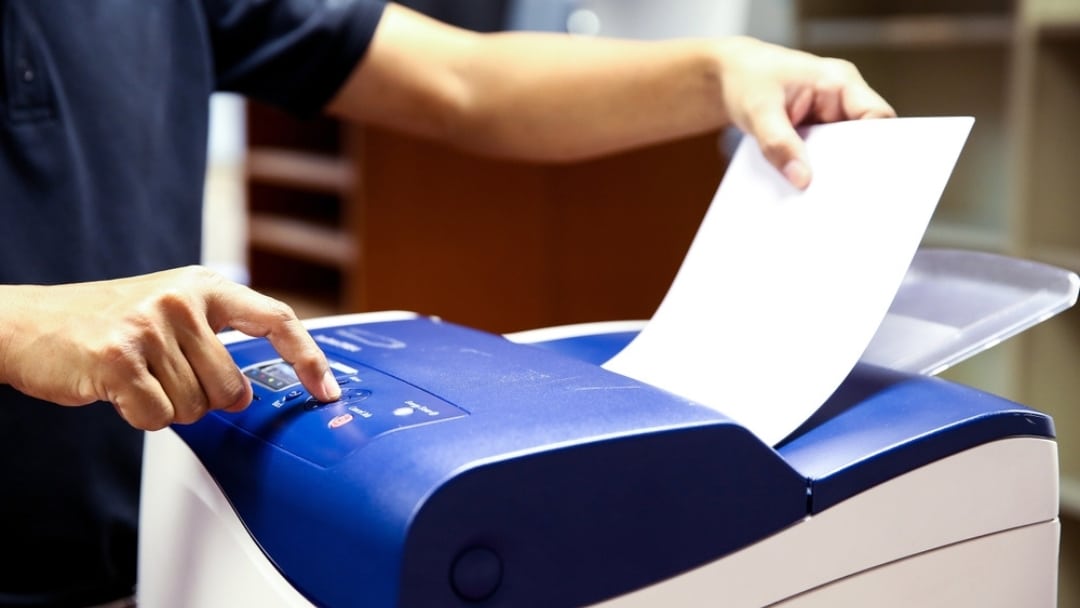
Healthcare worker operating secure fax machine to transmit medical records with proper authentication and encryption, demonstrating HIPAA-compliant faxing procedures for protected health information.

How to Prevent HIPAA Violations When Faxing Medical Records in 2026

Faxing remains deeply embedded in healthcare communication, even in 2026. The question is no longer whether faxing is allowed under HIPAA, but how to prevent HIPAA violations when faxing patient information. Federal guidance confirms that faxing PHI is permitted; however, violations continue to occur because safeguards break down at the human, technical, and procedural levels. This article explains how to prevent HIPAA violations when faxing by aligning daily fax practices with HIPAA rules, security standards, and modern compliance expectations.

How to Prevent HIPAA Violations When Faxing

Understanding how to prevent HIPAA violations when faxing starts with a simple truth: HIPAA does not prohibit faxing medical records. The HIPAA Privacy Rule allows fax transmission of protected health information for treatment, payment, and healthcare operations, provided reasonable safeguards exist. According to the U.S. Department of Health and Human Services, covered entities must protect PHI from intentional or accidental disclosure when using fax machines or electronic fax systems. That’s where most violations begin.

Many organizations assume fax equals compliance. That assumption causes breaches. HIPAA violations during faxing typically happen because of misdialed numbers, unattended fax machines, shared access, or unsecured storage. Preventing violations requires consistent controls, not outdated habits.

What HIPAA Actually Says About Faxing PHI

Healthcare professionals often ask: Is fax HIPAA compliant, or are faxes HIPAA compliant by default? The answer sits in nuance. HIPAA permits faxing PHI, but only when safeguards are applied. HHS guidance makes it clear that covered entities must use reasonable administrative, technical, and physical protections to limit unnecessary disclosures.

HIPAA fax requirements do not list specific technologies, which means responsibility falls on the organization. Whether a provider uses a traditional fax machine, a fax server, or cloud fax software, compliance depends on execution, not the medium.

The table below summarizes how HIPAA views faxing medical records.

HIPAA AreaWhat HIPAA AllowsWhere Violations Occur
Privacy RuleFaxing PHI for care and operationsWrong recipient, no cover sheet
Security RuleElectronic safeguards for ePHIUnencrypted digital fax systems
Administrative SafeguardsPolicies and workforce trainingNo documentation or staff oversight

This distinction matters. Faxing PHI is allowed, but unsafe faxing is not.

Common Ways HIPAA Fax Violations Happen

Most HIPAA fax violations occur during routine, everyday tasks rather than extraordinary events, which is exactly why they’re so dangerous.

Violation ScenarioWhy It HappensHIPAA Risk Created
Fax sent to the wrong numberOld contact lists or manual dialingUnauthorized disclosure of PHI
Unattended fax printoutsBusy staff and shared devicesPHI viewed by unauthorized individuals
Shared fax inboxesNo user-level access controlsNo accountability or traceability
Reused fax confirmation sheetsAssumed accuracy without verificationFalse proof of disclosure
Faxing more data than requiredLack of a minimum necessary reviewExcessive exposure of PHI

These incidents rarely involve malicious intent, yet they still qualify as reportable breaches under HIPAA.

Administrative Safeguards That Reduce Faxing Risk

Administrative safeguards focus on people, decisions, and accountability rather than technology. Written faxing policies should clearly define who is authorized to send PHI, under which circumstances, and how approval is documented. Without that clarity, compliance becomes guesswork.

Ongoing training plays a larger role than most organizations admit. Staff turnover, role changes, and workflow pressure slowly erode compliance unless refresher education is routine. Administrative safeguards also require assigning ownership, meaning someone is responsible for monitoring fax practices, reviewing incidents, and correcting patterns before they escalate.

Organizations that treat faxing as a regulated disclosure, rather than a background task, tend to experience fewer violations over time.

Technical Safeguards That Support HIPAA Fax Compliance

Technical safeguards determine whether PHI remains protected during transmission and storage, especially as faxing shifts into digital environments.

Technical ControlFunctionCompliance Benefit
Encryption in transitProtects data while sendingPrevents interception
User authenticationLimits system accessEnsures authorized use
Role-based permissionsRestricts PHI visibilityEnforces the minimum necessary
Transmission logsRecords fax activitySupports audits
Secure digital storagePrevents local exposureReduces paper risk

When these controls work together, faxing PHI becomes traceable, reviewable, and far less prone to silent failure.

Physical Safeguards Still Matter

Physical safeguards are often underestimated because they feel basic, yet they remain a major source of HIPAA violations. Fax machines placed in open areas invite accidental exposure, especially in high-traffic clinical settings.

Controlled placement, restricted access, and timely removal of documents reduce the likelihood that sensitive information sits unattended. Even in digital fax environments, workstations and shared printers must follow access control standards. Physical safeguards serve as the final barrier when administrative rules and technical systems fall short.

Fax Cover Sheets and Verification Protocols

Fax cover sheets and verification steps act as procedural safety nets when human error occurs.

PracticePurposeRisk Reduced
Confidentiality disclaimerAlerts unintended recipientsLimits further disclosure
Sender and recipient detailsIdentifies responsibilityImproves accountability
Pre-send number verificationConfirms destinationPrevents misdelivery
Approved fax directoriesStandardizes contactsReduces dialing errors
Error instructionsGuides recipientsMitigates breach impact

These steps may feel repetitive, but repetition is exactly what prevents one-time mistakes from becoming reportable violations.

Healthcare worker in scrubs operating fax machine, illustrating how human error and misdirected faxes cause HIPAA breaches and PHI disclosure in medical facilities.

Documentation, Audit Trails, and Accountability

HIPAA compliance depends on proof, not assumptions. Audit trails establish who accessed PHI, when it was sent, and whether delivery occurred as intended.

Documentation ElementWhat It CapturesWhy It Matters
Transmission timestampDate and timeEstablishes timeline
Sender identificationUser or departmentAssigns responsibility
Recipient confirmationDelivery statusConfirms disclosure
Access logsViewing activityDetects misuse
Retention recordsStorage durationSupports compliance reviews

Without documentation, even well-intentioned fax practices become difficult to defend during audits or investigations.

Comparing Traditional Faxing and Secure Digital Faxing

The table below illustrates how different fax approaches affect HIPAA compliance risk.

Fax MethodCompliance StrengthPrimary Risk
Analog fax machineAllowed under HIPAAPhysical exposure
Network fax serverControlled accessInternal misuse
Cloud-based faxingEncrypted, auditableVendor oversight

Organizations sending high volumes of PHI often move away from standalone fax machines toward cloud-based systems because oversight becomes manageable.

Healthcare providers exploring fax through the internet models often cite better control, fewer errors, and clearer accountability.

Industry-Specific Faxing Considerations

HIPAA fax compliance looks different depending on the care setting. Hospitals manage high-volume intake across departments, which increases exposure if routing fails. Secure hospital cloud fax solutions reduce that complexity by centralizing control.

Clinics face different challenges, such as staff multitasking and limited IT oversight. Clinic cloud fax solutions help standardize faxing without adding workflow friction.

Specialty providers, from urgent care to rehabilitation centers, rely on faxing during referrals and transitions of care. Tailored systems, such as outpatient clinic cloud fax solutions, reduce handoffs that cause mistakes.

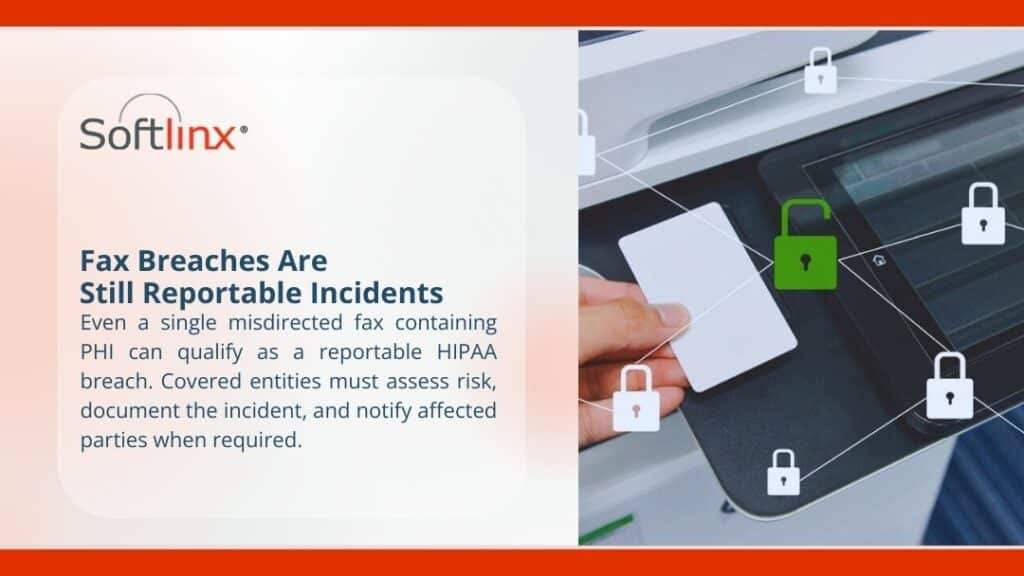
Person holding document near fax machine with security lock icons overlaid, representing HIPAA-reportable fax breaches and compliance requirements for protected health information disclosure.

Why HIPAA Fax Compliance Still Breaks Down

Compliance breakdowns rarely stem from ignorance of the rules. They come from fatigue, pressure, and normalization of risk. Staff begin to trust systems without verification, reuse old habits, and assume nothing will go wrong this time.

Over time, minor deviations stack up. A skipped confirmation here, an unattended document there, until one incident triggers a breach notification. HIPAA compliance erodes gradually, not suddenly, which makes proactive oversight essential.

Where Secure Faxing Is Headed in 2026

Faxing remains relevant because healthcare ecosystems move slowly. However, compliance expectations continue to rise. Regulators expect better documentation, faster breach response, and fewer excuses.

Organizations that rely on HIPAA-compliant fax services with built-in auditability place themselves in a stronger position when scrutiny arrives. Modern compliance depends less on intent and more on evidence.

Modern fax machine with security shield icon, illustrating how HIPAA compliance requires documented proof of access controls and audit logs rather than relying on intent or procedures alone.

Why This Matters More Than Ever

HIPAA enforcement has become more sophisticated, and tolerance for preventable disclosures has shrunk. Patients expect privacy, regulators expect evidence, and organizations bear the consequences when either is missing.

Preventing HIPAA violations when faxing protects more than compliance status. It protects trust, reputation, and operational continuity. Healthcare organizations that want reliable, compliant faxing at scale increasingly turn to experienced providers who understand both regulation and reality.

If your organization is reassessing how it handles faxed PHI, Softlinx offers secure, healthcare-focused fax solutions designed to support compliance without disrupting care delivery. Now is the moment to replace risk with control and uncertainty with accountability.

Woman in vintage dress with fan frustrated by pink printer error; pop art collage illustration about printer problems.

How to Reduce Fax Errors in 2026 Without Breaking Your Workflow

Fax errors haven’t disappeared. They’ve just changed form. Between unstable phone lines, VoIP conflicts, and human mistakes, businesses still lose time to failed transmissions. This guide explains how to reduce fax errors in practical, repeatable ways that hold up in real operations, especially in healthcare and regulated environments.

How to Reduce Fax Errors Starts With Understanding What Actually Goes Wrong

Most people treat fax errors like random glitches. They’re not. Almost every fax error traces back to a small group of causes: line instability, incompatible systems, incorrect fax numbers, or poorly designed workflows. When people search for how to reduce fax errors, they’re usually reacting to messages like fax failed, no answer, or communication error, not looking for theory.

Fax transmission still relies on precise timing between the sending and receiving endpoints. If the phone line drops for even a moment, or the receiving fax machine doesn’t respond fast enough, the fax did not go through. Add VoIP compression, shared office lines, or outdated machines, and the failure rate climbs fast. Reducing fax errors means addressing the system, not just retrying the send.

Why fax transmissions fail more often than people expect

But here’s the problem. Fax technology was designed for analog phone lines, not digital networks. Many offices now send faxes over VoIP or shared data connections, which introduces jitter, packet loss, and timing mismatches. That’s when users start asking why their fax is not going through or why their fax won’t go through even though the number looks correct.

Another common issue sits on the receiving end. A fax machine not working properly may still pick up voice calls but fail to negotiate a fax handshake. That results in errors like fax says no answer or fax machine no answer, even when someone is physically near the device.

Human error adds fuel to the fire. A single-digit mistake in a fax number, missing an area code or country code, or sending to a line that no longer accepts faxes leads to fax transmission error messages that look technical but are actually procedural.

What common fax error messages really mean

Most people see error messages and assume the machine is broken. Often, it isn’t. The table below breaks down what these messages usually mean and how to reduce fax errors tied to each one.

Fax error messageWhat it usually meansWhy does it keep happening
No answer fax meaningThe receiving fax did not pick upAuto-answer disabled or line busy
Fax failed, no answerCall connected, but no fax toneVoice line or incompatible device
Fax communication errorData loss during transmissionPoor line quality or VoIP compression
Fax sent, no answerHandshake never completedTiming mismatch or outdated machine
Line under communication fax meaningLine already in useShared phone line or call waiting

When users repeatedly see messages like fax results with no answer or fax failed, the instinct is to resend. That might work once. It does nothing to reduce fax errors long term.

Practical fixes that reduce fax errors without new equipment

So here’s what happened when organizations actually reduced error rates without replacing everything.

First, they stopped sharing fax lines. A fax line not working often turns out to be a line overloaded with voice traffic. Second, they verified destination numbers every time. Double-check the fax number, including area code, extension rules, and whether the destination still accepts faxes.

Third, they adjusted the send settings. Lowering transmission speed can help older fax machines receive pages more reliably. This alone resolves many fax machine not sending or receiving complaints.

Fourth, they broke large documents into smaller batches. Long transmissions increase the chance of interruption. Shorter sends succeed more often and reduce fax errors across the board.

These steps help, but they cap out quickly. That’s why organizations eventually hit a ceiling with traditional machines.

Where traditional fax machines hit their limits

Traditional fax machines fail for reasons no checklist can fully fix. Hardware ages. Rollers wear down. Memory fills up. Firmware stays outdated. When a broken fax machine shows intermittent errors, troubleshooting turns into guesswork.

Fax machines also depend on physical phone lines. Any noise on the line, even electrical interference, can cause failure to send or receive a fax. That’s why businesses stuck with analog systems keep searching for how to fix a fax machine or how to fix fax machines with no answer, over and over. This is where system-level changes start to matter.

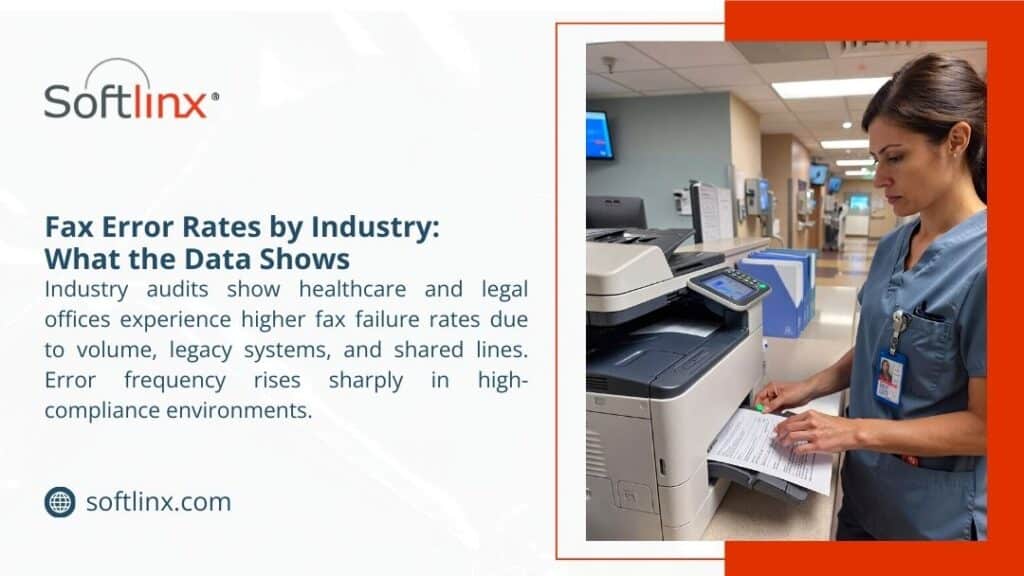
How to Reduce Fax Errors - Healthcare worker using multifunction printer and fax machine in hospital; infographic about fax error rates by industry by Softlinx.

How modern fax infrastructure reduces errors by design

Organizations that significantly reduce fax errors stop relying on standalone devices. They centralize faxing.

A centralized fax server replaces individual machines with controlled routing, retries, and detailed error logs. Instead of guessing why a fax failed, IT teams see the exact error code and response from the destination system. That alone shortens resolution time and prevents repeat failures. 

Moving one step further, cloud fax removes phone lines altogether. Fax transmission happens over secure data channels with built-in error correction. Because cloud platforms manage connectivity centrally, issues like a fax line not working or a fax machine not answering disappear. 

For offices using VoIP, a VoIP fax configured properly avoids compression issues that break traditional fax tones. When done incorrectly, VoIP causes constant fax communication error messages. When done right, it stabilizes sending and receiving across locations.

Reducing human error through better workflows

Technology helps, but people still matter. Many fax errors come from rushed processes. Staff enter fax numbers manually, skip confirmations, or misread error messages.

Automation changes that. When organizations adopt methods like sending documents via email-based workflows, the chance of mistyped numbers drops sharply. The same principle applies to communication workflows, where how to email to a fax number shows how controlled inputs help reduce transmission errors and manual rework.

Automated routing also prevents faxes from landing in the wrong inbox or queue. Instead of someone manually forwarding documents, systems handle it consistently. This approach cuts down on lost pages and repeated sends.

Fax errors in healthcare carry a higher risk

In healthcare, fax errors don’t just waste time. They increase compliance risk. A misdialed fax number can expose protected health information, triggering HIPAA violations.

The U.S. Department of Health and Human Services has identified misdirected faxes among the types of impermissible disclosures that can trigger reportable HIPAA data breaches.

Using HIPAA fax systems with audit trails and access controls helps prevent these incidents. Secure healthcare fax practices are detailed here: https://softlinx.com/hipaa-fax/

Many organizations still ask whether faxing HIPAA is fax HIPAA compliant. The short answer is yes, but only when controls exist. This breakdown clarifies when faxing meets HIPAA standards and when it does not.

Connecting the fax to clinical systems reduces repeat failures

Another overlooked source of fax errors is manual data handling between systems. When staff print, scan, and resend documents, mistakes multiply. Direct EHR integration removes those steps. When faxes flow straight into patient records, there’s less resending, fewer wrong numbers, and clearer confirmation. Healthcare organizations that move to secure fax through the internet also report fewer transmission failures because they no longer rely on unstable phone infrastructure.

Frustrated healthcare worker at desk surrounded by faxed documents; infographic about cost of failed fax transmissions by Softlinx.

Comparing error risk across fax approaches

The table below shows how different fax setups affect reliability.

Fax approachTypical error ratePrimary risk factor
Standalone fax machineHighLine noise and hardware failure
Shared office fax lineMedium to highBusy signals and call conflicts
Fax serverLowConfiguration errors
Cloud faxVery lowInternet outage only

This is why organizations focused on how to reduce fax errors eventually shift away from physical machines.

What reducing fax errors looks like long-term

Reducing fax errors isn’t about eliminating fax overnight. It’s about making failures predictable, traceable, and rare. Organizations that succeed stop asking why does my fax keeps failing and start monitoring transmission data. They look at patterns, not individual mishaps. They move away from guessing how to fix a fax machine and toward systems that surface the real issue immediately. For high-volume environments, enterprise solutions that guarantee uptime and retries matter. 

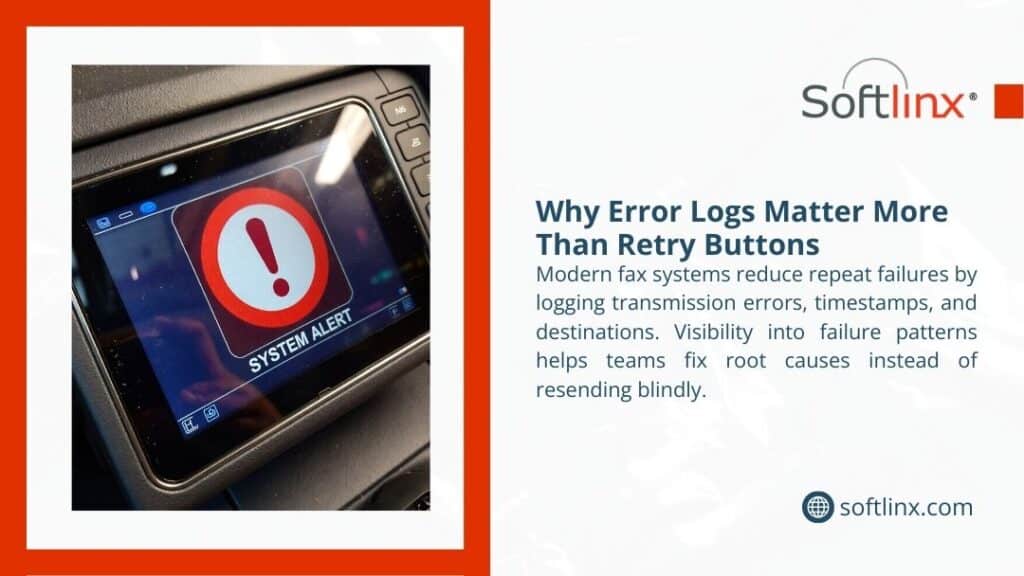
Device dashboard displaying system alert error icon; infographic about why error logs matter more than retry buttons by Softlinx.

Turning fax from a liability into a controlled process

Fax will stick around longer than anyone expects, especially in healthcare, government, and finance. The difference between constant frustration and smooth operations comes down to design choices.

When you understand why fax errors happen, address weak points in connectivity, remove manual steps, and adopt modern infrastructure, failure stops being the norm. That’s how to reduce fax errors in a way that holds up tomorrow, not just on the next resend.

If repeated failures slow your operations today, moving toward centralized or cloud-based fax systems may be the cleanest way to restore reliability and confidence without disrupting existing workflows.

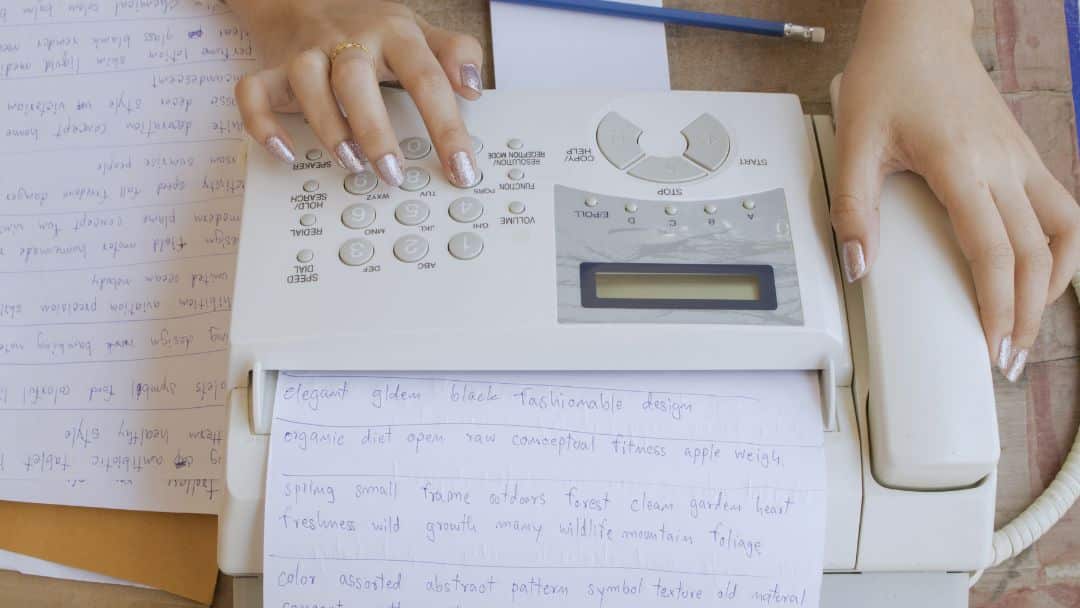
Hands dialing numbers on traditional fax machine surrounded by handwritten documents, revealing hidden costs of traditional fax most businesses still miss.

Hidden Costs of Traditional Fax: Most Businesses Still Overlook

The hidden costs of traditional fax rarely show up on invoices. Hardware looks cheap. Fax services appear simple. But once phone lines, labor time, compliance exposure, and workflow friction enter the picture, fax cost balloons quietly. 

This article breaks down what businesses actually pay to send and receive faxes, and why those costs persist long after the machine is installed.

Hidden Costs of Traditional Fax: What the Invoice Never Shows

The hidden costs of traditional fax begin the moment a business commits to a dedicated fax machine. At first glance, faxing seems inexpensive. A device sits in the corner. A fax number exists. Documents move. But here’s the problem. Traditional faxing spreads its costs across hardware, infrastructure, labor, and risk. None of it looks dramatic on its own. Together, it adds up quickly.

Fax machines require more than electricity and paper. They rely on an analog infrastructure that modern offices no longer use for anything else. A dedicated phone line exists solely for fax transmission, often costing between $25 and $50 per month, depending on the carrier. 

The analog business line pricing has steadily increased as telecom providers shift away from copper networks, making fax line costs a long-term liability rather than a fixed expense. That line does nothing when documents aren’t moving. Yet the bill arrives every month.

The Real Cost of Fax Machines and Hardware Ownership

A fax machine cost looks manageable at checkout. Entry-level units sell for a few hundred dollars. Enterprise models climb much higher. But the purchase price tells only part of the story. Traditional fax machines age fast. Mechanical parts fail. Rollers wear out. Toner dries up. Replacement parts grow scarce. According to Total Cost of Ownership research and IDC’s analysis of IT hardware maintenance costs, the full lifecycle expenses of office hardware, including repairs, service, downtime, and support, often rival or exceed the original purchase price over a typical 5-year period.  This creates a rolling cost cycle that never truly ends.

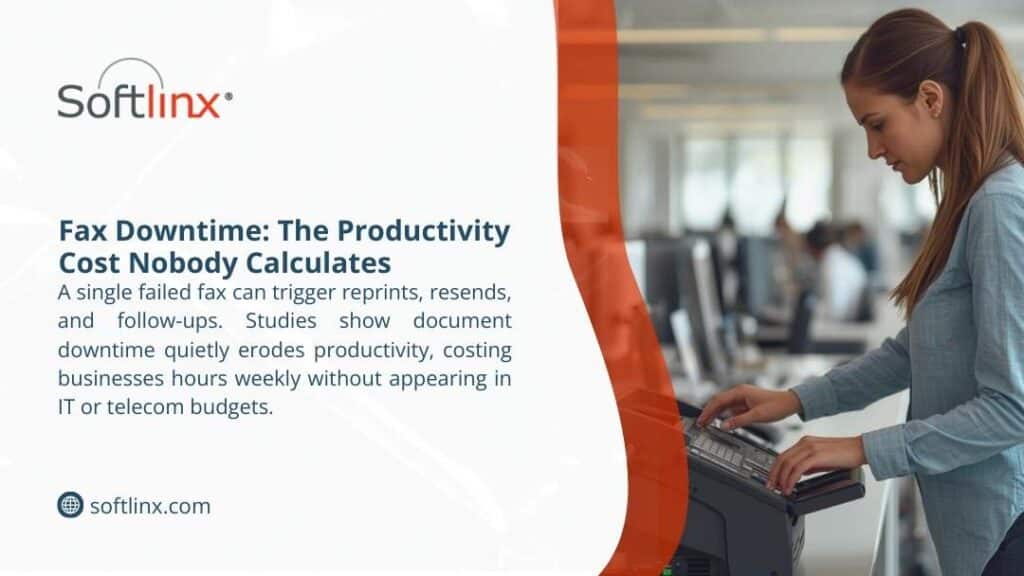
Woman using fax machine in busy office, illustrating fax downtime the productivity cost nobody calculates as failed faxes trigger reprints and follow-ups.

Equipment Costs That Never Really End

A traditional fax machine rarely stays a one-time purchase. Most businesses underestimate how much a fax machine costs once the full lifecycle comes into view. Hardware prices vary, but maintenance never truly stops. Replacement parts, routine service calls, toner, and paper quietly increase the fax machine cost year after year.

Energy use adds another layer. According to the report, office equipment left powered on outside business hours continues to draw electricity, creating unnecessary power consumption that often goes unnoticed. Older fax machines, in particular, lack modern energy controls, which makes idle usage yet another hidden drain tied to outdated systems.

Fax Equipment ExpenseTypical Ongoing Impact
Dedicated fax machineMaintenance and repair cycles
Toner and paperContinuous replenishment
Power usageIdle energy draw

Once these recurring expenses surface in annual reviews, many organizations begin to understand why faxing is so expensive, even when fax volume remains steady.

Dedicated Fax Lines: The Cost That Never Stops

Fax line cost remains one of the most persistent hidden expenses. Unlike internet-based systems, traditional faxing depends on analog connectivity. That means a business pays for a line even if fax volume drops.

Many organizations still ask, How much does a fax line cost? The answer varies, but averages remain stubbornly high. According to pricing data, business analog lines routinely exceed $30 per month before taxes and fees. Over five years, that single fax line quietly exceeds the cost of the fax machine itself.

Paper, Toner, and Storage: The Fax Cost Nobody Tracks

Faxing consumes paper whether recipients want it or not. Toner cartridges for fax machines often cost more per page than modern printers due to lower production volumes. Paper storage becomes another silent drain. Physical filing cabinets occupy office space that carries real rent costs.

A study by Gartner found that organizations spend between 1% and 3% of total annual revenues on document output (including copiers, printers, fax machines, and scanners). Faxing contributes directly to that figure. Those costs rarely appear under fax services in accounting software. They hide inside operational overhead.

Labor Time and Workflow Disruption

Traditional faxing interrupts people. Someone prints a document. Someone walks to the machine. Someone waits. Someone resends when the line fails. Someone files paper afterward. None of that work creates value.

According to the Bureau of Labor Statistics, employer labor compensation costs, including wages and benefits, account for a significant portion of total workplace spending, averaging around $48.05 per hour worked for civilian workers in 2025, with wages alone making up about 702% of that cost. 

This highlights how labor expenses, especially in administrative and office support roles, can quickly outweigh equipment or hardware costs in document-heavy environments. This is where the hidden costs of traditional fax become impossible to ignore.

Compliance Exposure and Error-Driven Costs

Fax machines do not verify recipients. Misdialed numbers remain a leading cause of document exposure. In healthcare, this matters. Paper left on fax trays exposes sensitive information. Staff re-fax documents multiple times without tracking delivery confirmation. Each error creates risk. Risk carries cost.

Organizations exploring whether fax is HIPAA compliant often discover that compliance depends entirely on process controls, not on the machine itself. Understanding HIPAA fax requirements matters more than most businesses realize, especially when sensitive information moves daily.

Comparing Traditional Fax Cost vs Digital Alternatives

The table below shows how traditional fax expenses stack up against modern approaches over time.

Cost CategoryTraditional FaxDigital Fax
Fax machine costHigh upfrontNone
Fax line costMonthly recurringIncluded
Paper and tonerContinuousNone
MaintenanceOngoingMinimal
Compliance riskHighReduced
ScalabilityLimitedFlexible

Digital fax solutions remove hardware dependency entirely. They rely on centralized fax server infrastructure rather than individual machines, which reduces failure points and administrative burden. Businesses that evaluate a fax server approach often find that cost predictability improves almost immediately.

Retail Fax Services: Why Pay-Per-Page Adds Up

Many people ask, How much does it cost to fax at Staples? or How much does UPS charge to send a fax? Retail fax services look convenient but charge per page, often between $1.50 and $3.00 for local transmissions. UPS fax cost per page increases for long-distance or international destinations.

Over time, these ad-hoc charges rival the cost of owning a dedicated fax machine, without offering security, audit trails, or reliability. Staples fax cost and UPS fax service pricing appeal for emergencies, not for ongoing business operations.

Retail Fax ProviderTypical Cost Structure
Staples fax servicePer-page pricing, domestic and international
UPS fax servicePer page plus service fees
Local fax store near meVariable pricing

What starts as a quick errand often turns into a recurring operational expense, particularly for businesses that send forms, contracts, or multi-page documents on a regular basis.

Total Cost of Ownership: The Metric That Matters

Total cost of ownership captures what traditional fax hides. Hardware, phone lines, labor time, consumables, compliance exposure, and opportunity loss belong in the same calculation.

Cost TypeVisibleHidden
HardwareYesNo
Phone lineYesSometimes
Paper and tonerSometimesYes
Labor timeNoYes
Compliance exposureNoYes

When organizations evaluate fax cost honestly, the math changes.

The Opportunity Cost of Standing Still
Alt: Hand pressing buttons on office fax machine with documents, illustrating the opportunity cost of standing still as legacy fax workflows delay decisions and growth.

Why Businesses Move Away from Traditional Fax

Traditional faxing persists because it feels familiar. But familiarity does not equal efficiency. Cloud-based fax delivery allows organizations to send and receive faxes through the internet, removing analog dependencies entirely. Businesses that explore cloud fax infrastructure often discover fewer errors, clearer audit trails, and reduced administrative load.

Healthcare organizations frequently integrate fax directly into EHR systems to eliminate manual routing and scanning. Learning how to connect fax to EHR platforms reduces handling errors while supporting regulatory compliance.

Conclusion

The hidden costs of traditional fax rarely appear in procurement discussions. They surface later, inside support tickets, billing statements, and compliance reviews. Organizations that calculate fax cost beyond hardware begin to question why outdated systems remain in place.

This might work for you if your business sends only a handful of faxes per year. But for regulated industries, high-volume environments, or teams handling sensitive information, traditional fax becomes one of the most expensive legacy habits still in use.

Understanding the full cost picture helps leaders decide whether maintaining analog fax infrastructure still makes sense or whether modern fax solutions align better with operational reality.

If reducing recurring overhead, improving document security, and regaining staff time matter, examining alternatives becomes less about technology and more about accountability. Traditional faxing doesn’t just slow work down; it locks organizations into ongoing risk and inefficiency. Softlinx provides secure, enterprise-grade cloud fax built for regulated environments that still rely on fax to move critical information.

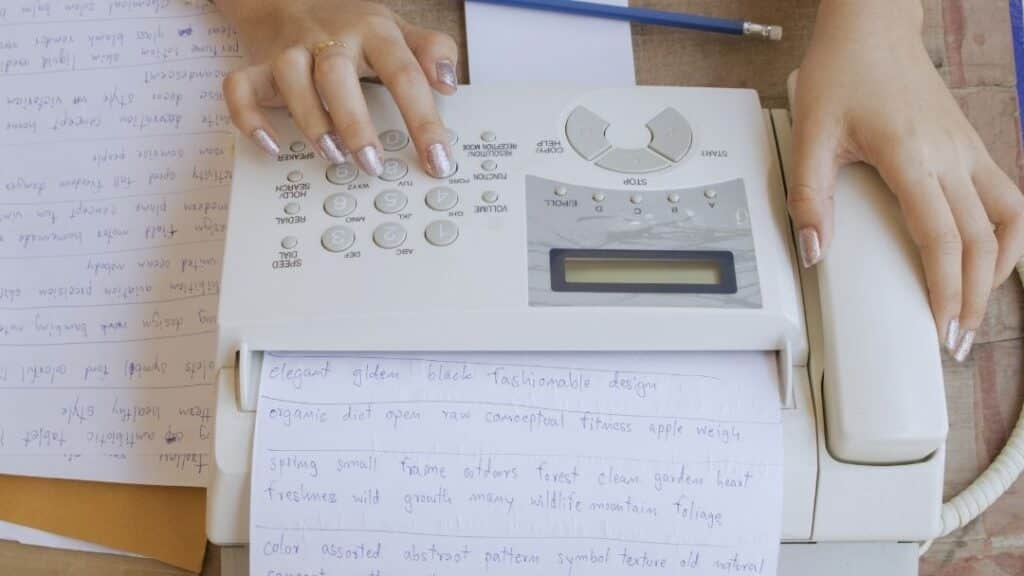
Hands dialing numbers on traditional fax machine surrounded by handwritten documents, revealing hidden costs of traditional fax most businesses still miss.

Hidden Costs of Traditional Fax: Most Businesses Still Overlook

The hidden costs of traditional fax rarely show up on invoices. Hardware looks cheap. Fax services appear simple. But once phone lines, labor time, compliance exposure, and workflow friction enter the picture, fax cost balloons quietly. 

This article breaks down what businesses actually pay to send and receive faxes, and why those costs persist long after the machine is installed.

Hidden Costs of Traditional Fax: What the Invoice Never Shows

The hidden costs of traditional fax begin the moment a business commits to a dedicated fax machine. At first glance, faxing seems inexpensive. A device sits in the corner. A fax number exists. Documents move. But here’s the problem. Traditional faxing spreads its costs across hardware, infrastructure, labor, and risk. None of it looks dramatic on its own. Together, it adds up quickly.

Fax machines require more than electricity and paper. They rely on an analog infrastructure that modern offices no longer use for anything else. A dedicated phone line exists solely for fax transmission, often costing between $25 and $50 per month, depending on the carrier. 

The analog business line pricing has steadily increased as telecom providers shift away from copper networks, making fax line costs a long-term liability rather than a fixed expense. That line does nothing when documents aren’t moving. Yet the bill arrives every month.

The Real Cost of Fax Machines and Hardware Ownership

A fax machine cost looks manageable at checkout. Entry-level units sell for a few hundred dollars. Enterprise models climb much higher. But the purchase price tells only part of the story. Traditional fax machines age fast. Mechanical parts fail. Rollers wear out. Toner dries up. Replacement parts grow scarce. According to Total Cost of Ownership research and IDC’s analysis of IT hardware maintenance costs, the full lifecycle expenses of office hardware, including repairs, service, downtime, and support, often rival or exceed the original purchase price over a typical 5-year period.  This creates a rolling cost cycle that never truly ends.

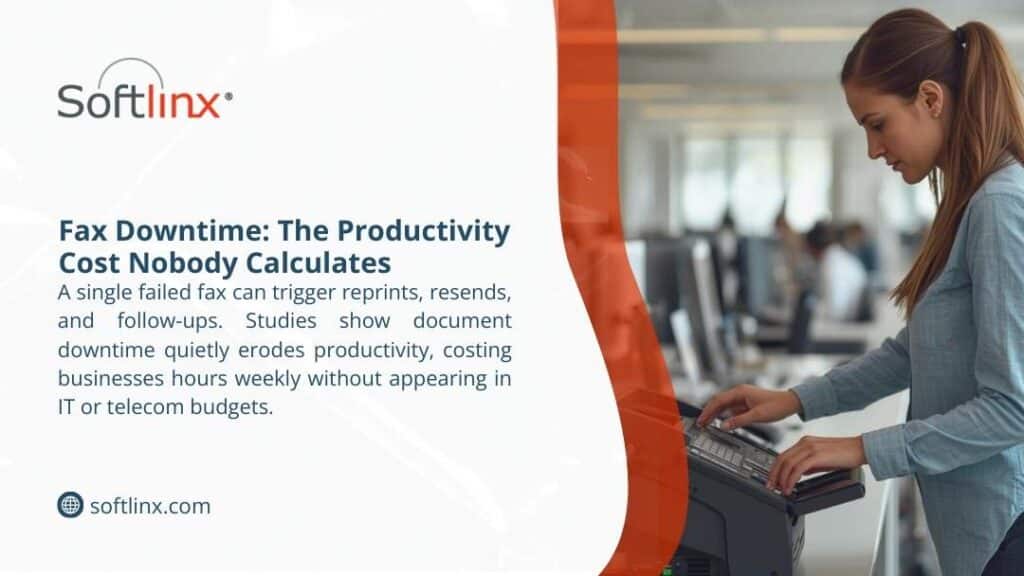
Woman using fax machine in busy office, illustrating fax downtime the productivity cost nobody calculates as failed faxes trigger reprints and follow-ups.

Equipment Costs That Never Really End

A traditional fax machine rarely stays a one-time purchase. Most businesses underestimate how much a fax machine costs once the full lifecycle comes into view. Hardware prices vary, but maintenance never truly stops. Replacement parts, routine service calls, toner, and paper quietly increase the fax machine cost year after year.

Energy use adds another layer. According to the report, office equipment left powered on outside business hours continues to draw electricity, creating unnecessary power consumption that often goes unnoticed. Older fax machines, in particular, lack modern energy controls, which makes idle usage yet another hidden drain tied to outdated systems.

Fax Equipment ExpenseTypical Ongoing Impact
Dedicated fax machineMaintenance and repair cycles
Toner and paperContinuous replenishment
Power usageIdle energy draw

Once these recurring expenses surface in annual reviews, many organizations begin to understand why faxing is so expensive, even when fax volume remains steady.

Dedicated Fax Lines: The Cost That Never Stops

Fax line cost remains one of the most persistent hidden expenses. Unlike internet-based systems, traditional faxing depends on analog connectivity. That means a business pays for a line even if fax volume drops.

Many organizations still ask, How much does a fax line cost? The answer varies, but averages remain stubbornly high. According to pricing data, business analog lines routinely exceed $30 per month before taxes and fees. Over five years, that single fax line quietly exceeds the cost of the fax machine itself.

Paper, Toner, and Storage: The Fax Cost Nobody Tracks

Faxing consumes paper whether recipients want it or not. Toner cartridges for fax machines often cost more per page than modern printers due to lower production volumes. Paper storage becomes another silent drain. Physical filing cabinets occupy office space that carries real rent costs.

A study by Gartner found that organizations spend between 1% and 3% of total annual revenues on document output (including copiers, printers, fax machines, and scanners). Faxing contributes directly to that figure. Those costs rarely appear under fax services in accounting software. They hide inside operational overhead.

Labor Time and Workflow Disruption

Traditional faxing interrupts people. Someone prints a document. Someone walks to the machine. Someone waits. Someone resends when the line fails. Someone files paper afterward. None of that work creates value.

According to the Bureau of Labor Statistics, employer labor compensation costs, including wages and benefits, account for a significant portion of total workplace spending, averaging around $48.05 per hour worked for civilian workers in 2025, with wages alone making up about 702% of that cost. 

This highlights how labor expenses, especially in administrative and office support roles, can quickly outweigh equipment or hardware costs in document-heavy environments. This is where the hidden costs of traditional fax become impossible to ignore.

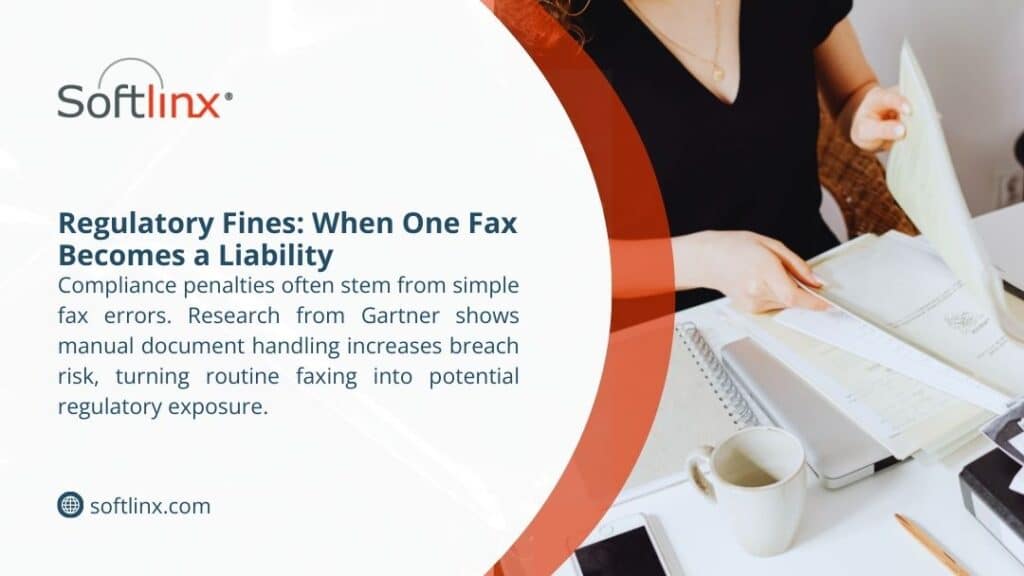
Professional reviewing paper documents at desk with notebooks, showing regulatory fines when one fax becomes a liability through manual handling compliance risks.

Compliance Exposure and Error-Driven Costs

Fax machines do not verify recipients. Misdialed numbers remain a leading cause of document exposure. In healthcare, this matters. Paper left on fax trays exposes sensitive information. Staff re-fax documents multiple times without tracking delivery confirmation. Each error creates risk. Risk carries cost.

Organizations exploring whether fax is HIPAA compliant often discover that compliance depends entirely on process controls, not on the machine itself. Understanding HIPAA fax requirements matters more than most businesses realize, especially when sensitive information moves daily.

Comparing Traditional Fax Cost vs Digital Alternatives

The table below shows how traditional fax expenses stack up against modern approaches over time.

Cost CategoryTraditional FaxDigital Fax
Fax machine costHigh upfrontNone
Fax line costMonthly recurringIncluded
Paper and tonerContinuousNone
MaintenanceOngoingMinimal
Compliance riskHighReduced
ScalabilityLimitedFlexible

Digital fax solutions remove hardware dependency entirely. They rely on centralized fax server infrastructure rather than individual machines, which reduces failure points and administrative burden. Businesses that evaluate a fax server approach often find that cost predictability improves almost immediately.

Retail Fax Services: Why Pay-Per-Page Adds Up

Many people ask, How much does it cost to fax at Staples? or How much does UPS charge to send a fax? Retail fax services look convenient but charge per page, often between $1.50 and $3.00 for local transmissions. UPS fax cost per page increases for long-distance or international destinations.

Over time, these ad-hoc charges rival the cost of owning a dedicated fax machine, without offering security, audit trails, or reliability. Staples fax cost and UPS fax service pricing appeal for emergencies, not for ongoing business operations.

Retail Fax ProviderTypical Cost Structure
Staples fax servicePer-page pricing, domestic and international
UPS fax servicePer page plus service fees
Local fax store near meVariable pricing

What starts as a quick errand often turns into a recurring operational expense, particularly for businesses that send forms, contracts, or multi-page documents on a regular basis.

Total Cost of Ownership: The Metric That Matters

Total cost of ownership captures what traditional fax hides. Hardware, phone lines, labor time, consumables, compliance exposure, and opportunity loss belong in the same calculation.

Cost TypeVisibleHidden
HardwareYesNo
Phone lineYesSometimes
Paper and tonerSometimesYes
Labor timeNoYes
Compliance exposureNoYes

When organizations evaluate fax cost honestly, the math changes.

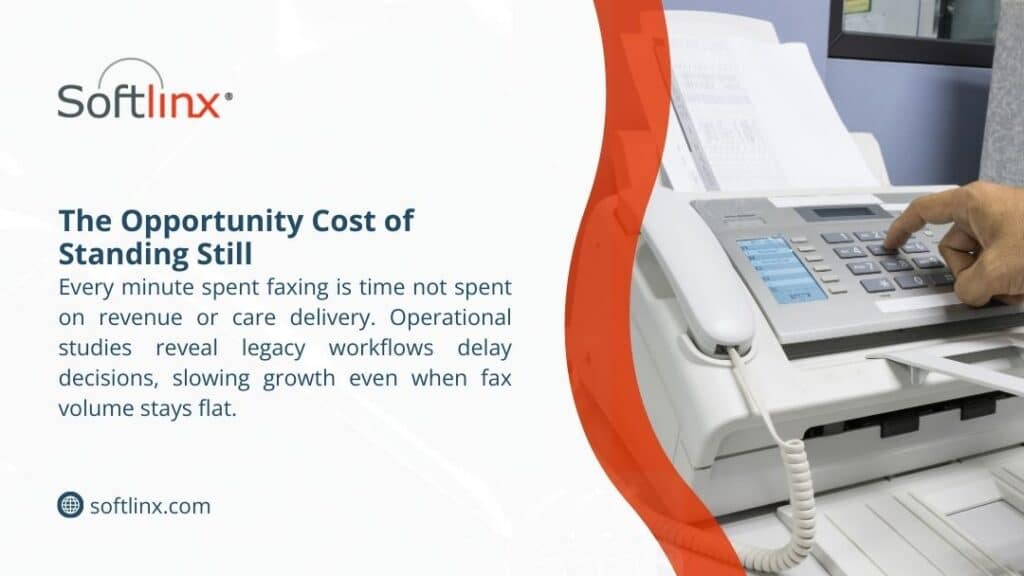
Hand pressing buttons on office fax machine with documents, illustrating the opportunity cost of standing still as legacy fax workflows delay decisions and growth.

Why Businesses Move Away from Traditional Fax

Traditional faxing persists because it feels familiar. But familiarity does not equal efficiency. Cloud-based fax delivery allows organizations to send and receive faxes through the internet, removing analog dependencies entirely. Businesses that explore cloud fax infrastructure often discover fewer errors, clearer audit trails, and reduced administrative load.

Healthcare organizations frequently integrate fax directly into EHR systems to eliminate manual routing and scanning. Learning how to connect fax to EHR platforms reduces handling errors while supporting regulatory compliance.

Conclusion

The hidden costs of traditional fax rarely appear in procurement discussions. They surface later, inside support tickets, billing statements, and compliance reviews. Organizations that calculate fax cost beyond hardware begin to question why outdated systems remain in place.

This might work for you if your business sends only a handful of faxes per year. But for regulated industries, high-volume environments, or teams handling sensitive information, traditional fax becomes one of the most expensive legacy habits still in use.

Understanding the full cost picture helps leaders decide whether maintaining analog fax infrastructure still makes sense or whether modern fax solutions align better with operational reality.

If reducing recurring overhead, improving document security, and regaining staff time matter, examining alternatives becomes less about technology and more about accountability.

Traditional faxing doesn’t just slow work down; it locks organizations into ongoing risk and inefficiency. Softlinx provides secure, enterprise-grade cloud fax built for regulated environments that still rely on fax to move critical information. 

Skip to content